

District Newsletter: Instructional Technology Update Across Our Schools
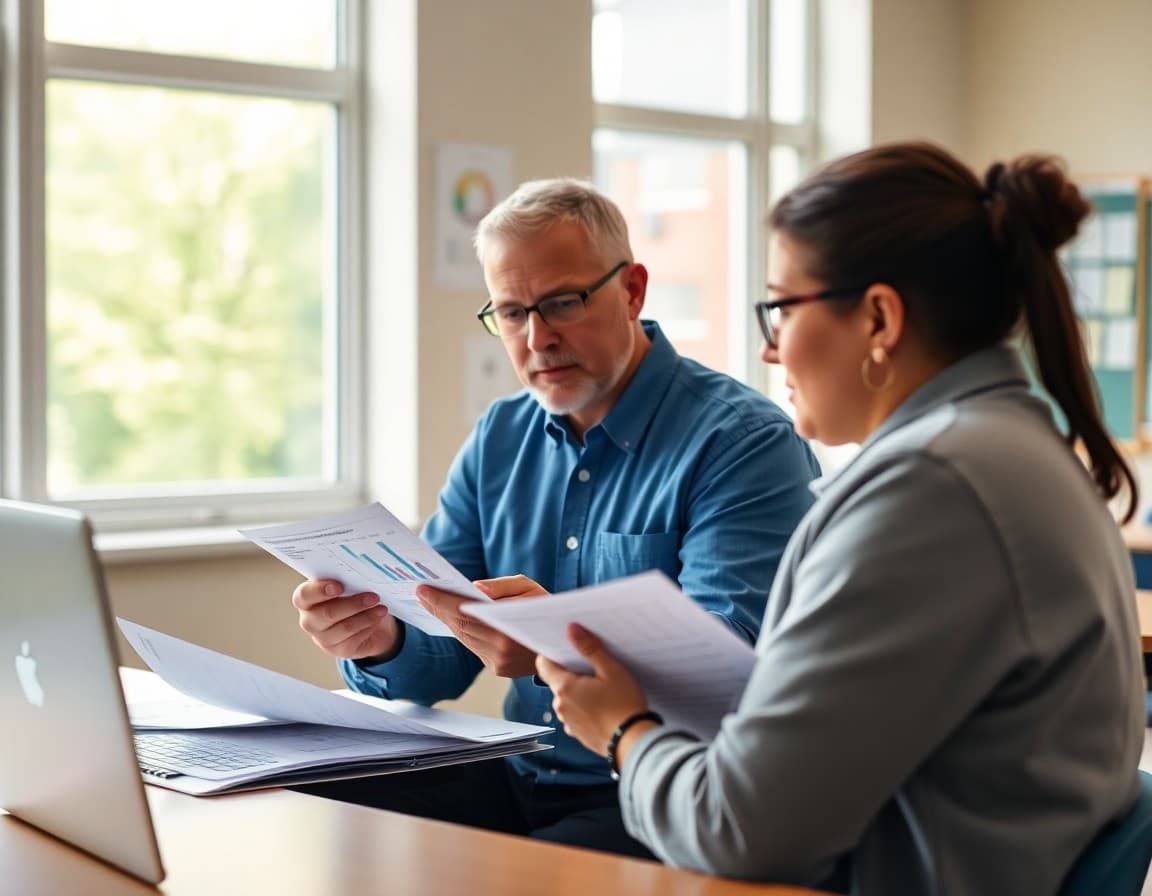
Instructional technology is most effective when families understand what platforms students are using, how they support learning, and what safeguards are in place. A clear newsletter about the district's technology program builds confidence and helps families reinforce digital skills at home.
Platforms Students Use
This year, students across the district use the following instructional platforms: [list platforms by subject or grade level, such as: Google Classroom for assignment management in grades 3-12; Seesaw for digital portfolios in K-2; Khan Academy for math practice in grades 4-8; Newsela for reading in grades 5-8]. A complete list is posted on the district technology page.
What Each Platform Does
Each platform serves a specific instructional purpose. Google Classroom manages assignments and feedback. Seesaw creates digital portfolios of student work. Khan Academy provides adaptive math practice. Newsela adjusts text complexity to match each student's reading level. Teachers select platforms based on instructional fit, not novelty.
Data Privacy and Student Accounts
All platforms used by the district have signed data privacy agreements that limit how student data can be used. No platform is permitted to use student data for advertising. Accounts for students are created by the district. Families do not need to create accounts or provide credit cards for any required educational platform.
Teacher Training
Teachers complete training on each platform they use. Ongoing professional development is available through the district technology team. Teachers are encouraged to use technology purposefully and to select face-to-face instruction when it is more effective than a digital tool.
A Sample Instructional Technology Excerpt
"Your student uses [list] this year to learn and track their progress. Here is what each platform does and how it is used. All platforms are approved by the district for data privacy. No platform requires payment or account creation from families. Here is how to see what your student is working on at home."
Family Access to Student Work
Families can view their student's work in Seesaw, Google Classroom, and other platforms by creating a family account linked to their student's account. Instructions for setting up family access are available at [URL]. If you need help, contact your school's technology coordinator.
Reporting Technology Issues
Students who experience a problem with a school-issued device or a required platform should report it through [process: the school technology help desk, a teacher referral, or the district help desk]. Families can also contact the district technology team at [contact information]. Daystage newsletters link directly to the help desk portal.
Get one newsletter idea every week.
Free. For teachers. No spam.
Frequently asked questions
What should this district newsletter cover?
Key facts families need, what actions are being taken, how it affects students, and where to get more information.
How often should the district send updates on this topic?
Annual or semi-annual for most topics. More frequently for actively changing situations.
How should the district communicate honestly about challenges?
Name the challenge clearly with specific data, then describe what the district is doing to address it.
How do you make a district newsletter accessible to all families?
Plain language, short sentences, no jargon, translations for key languages, links to more detail.
What platform helps districts send professional newsletters to families?
Daystage lets district communications teams send professional newsletters to all families at once, with tracking, targeted sends, and direct links to resources. It is built for school communication.

Adi Ackerman
Author
Adi Ackerman is a former classroom teacher and curriculum writer with 8 years in K-8 schools. She writes about school communication, parent engagement, and what actually works in real classrooms.
More for District
Ready to send your first newsletter?
3 newsletters free. No credit card. First one ready in under 5 minutes.
Get started free