
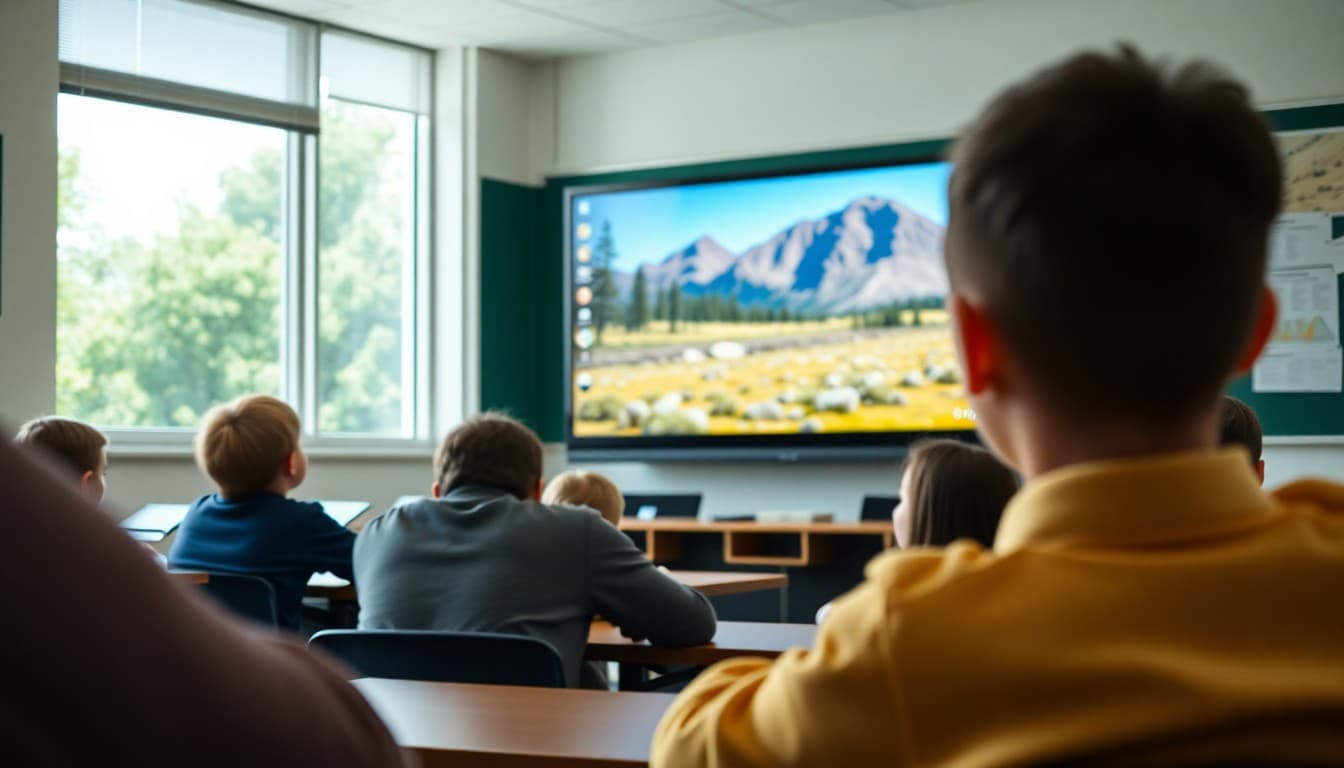
Teacher Newsletter for Virtual Field Trip: Prep Families for Digital Learning

Virtual field trips have become a powerful classroom tool. They take students to places that physical trips cannot reach, including ocean floors, international museums, active volcanoes, and operating facilities. Your newsletter is what transforms that experience from a fun day in front of a screen into a meaningful curricular event that families understand and value.
Describe the Destination with Genuine Excitement
Name where students are going and why it is remarkable. A live tour of the International Space Station with a NASA educator. A virtual walk through the Louvre. An interactive exploration of a coral reef ecosystem. The destination should come first in the newsletter, and the description should make the experience feel like something worth being present for.
Explain the Format and Interactivity Level
Virtual field trips range from pre-recorded videos to fully live, interactive experiences. Families need to know which type this is. If students will be asking questions in real time, submitting responses, or working through a guided activity, say so. The more families understand about the format, the better they can talk with their child about it afterward.
Connect the Trip to the Current Unit
Your newsletter should make the curriculum connection explicit. We are studying ecosystems, and this virtual trip to the Amazon lets students see a real rainforest biome in action. We are reading historical fiction set in ancient Egypt, and this museum tour will show students the artifacts their characters might have seen. One sentence of context gives the trip educational weight that a vague "we are going on a virtual trip" does not.
Note Any Technical Requirements
If students need headphones, a specific device, or a particular platform loaded, mention it. If this is happening during school hours with school equipment, confirm that so families do not worry about anything being needed from home. Any tech-prep that happens at home before the trip day should be described clearly and with enough lead time.
Invite Families to Join If Possible
If your virtual field trip platform allows family observers, include the join link. Parents who watch alongside their child from home or from a separate device during the school day are more engaged with the curriculum topic and more able to extend the conversation at home.
Suggest a Follow-Up Activity at Home
After the trip, share one activity families can do together that connects to what students experienced. Looking up more information about the destination, finding a related book at the library, or watching a short documentary together extends the learning beyond the classroom. Using Daystage, you can include that suggestion as a brief home extension section at the bottom of your recap newsletter.
Get one newsletter idea every week.
Free. For teachers. No spam.
Frequently asked questions
What does a virtual field trip newsletter need to explain?
Describe the destination or experience, how students will participate (live stream, interactive platform, video), the learning goals connected to the curriculum, and what materials or devices students need. If the trip is live and interactive, explain what that means and how students will engage.
How is a virtual field trip different from watching a video?
Many virtual field trips are live, interactive experiences where students can ask questions, respond to prompts, and participate in activities alongside a guide at the remote location. Others are self-paced explorations of a digital environment. Your newsletter should describe which type you are doing so families understand the level of engagement involved.
Should families be able to join the virtual field trip from home?
Some platforms allow family observation. If yours does, include the join link and any instructions in the newsletter. Families who can peek in on a live virtual trip often become more engaged with the curriculum topic and have richer conversations with their child about it afterward.
How do I connect the virtual trip to the curriculum in the newsletter?
Name the unit or topic it supports and explain how the experience deepens the learning. A virtual trip to the Amazon rainforest during a biomes unit is curriculum. A virtual trip to a museum during a history project is assessment preparation. Making that connection explicit shows families the trip is not just entertainment.
What tool helps teachers send newsletters efficiently?
Daystage lets you design a virtual field trip newsletter with the destination preview, a curriculum connection note, and any family join links in one polished message. Families receive it on any device and can save the link for joining if you are allowing that option.

Adi Ackerman
Author
Adi Ackerman is a former classroom teacher and curriculum writer with 8 years in K-8 schools. She writes about school communication, parent engagement, and what actually works in real classrooms.
More for Classroom Teachers
Ready to send your first newsletter?
3 newsletters free. No credit card. First one ready in under 5 minutes.
Get started free