
How to Send a Video Update Newsletter to Families
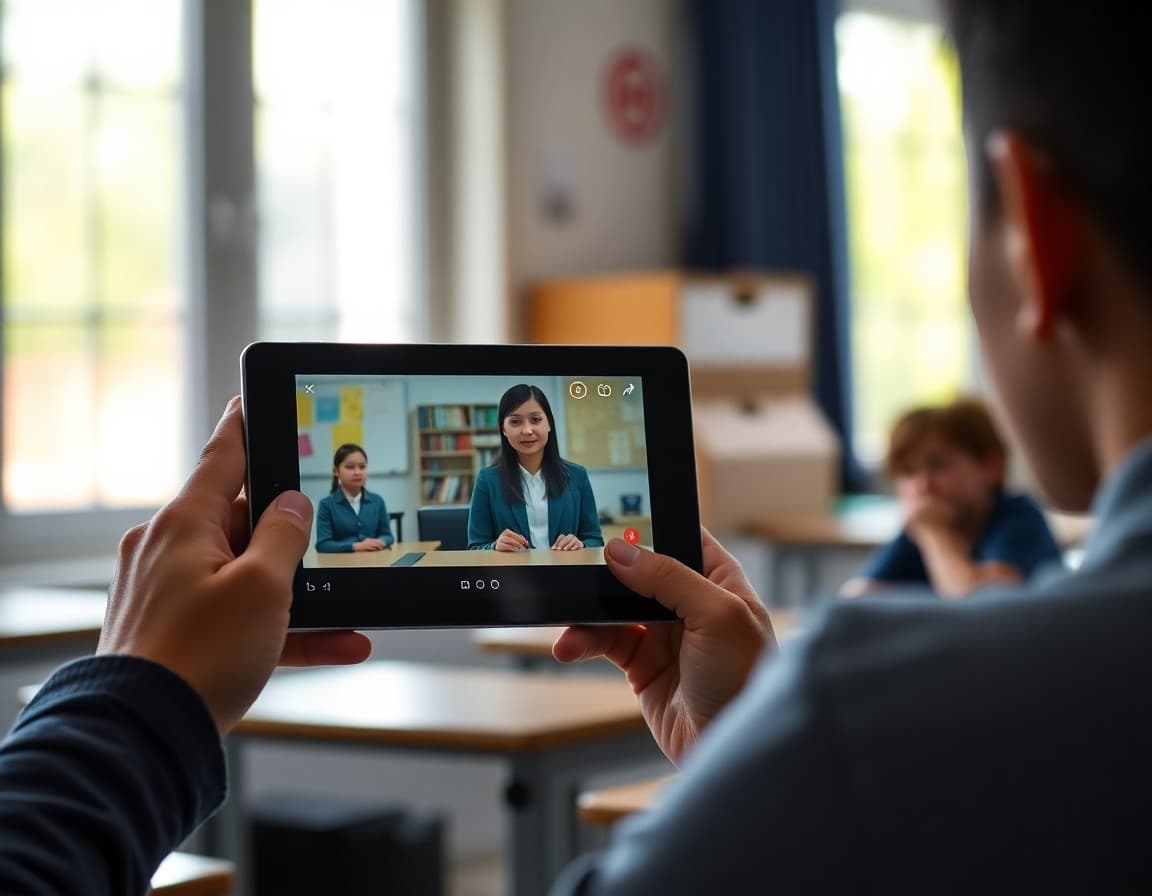
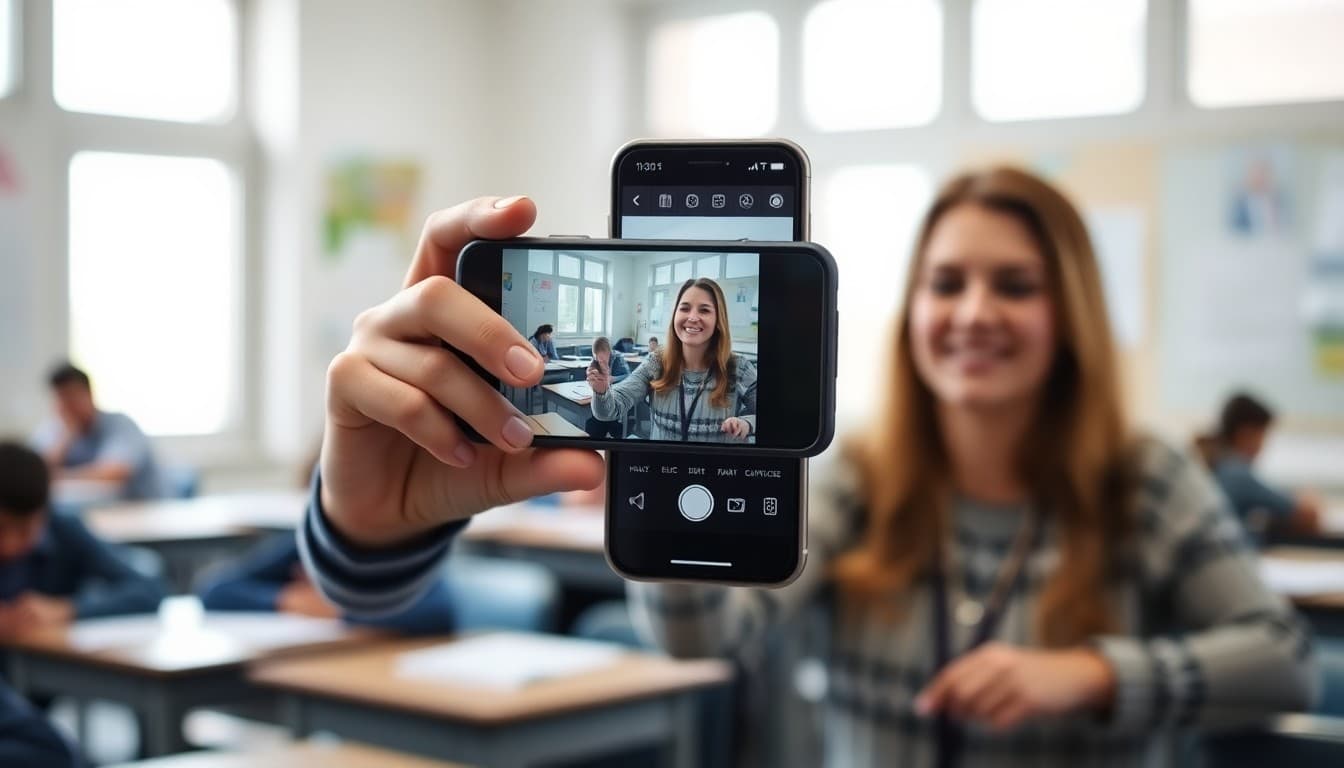
Video updates for families communicate things that text cannot. The sound of a classroom that is genuinely engaged. The look of student work spread across desks during a project week. A teacher speaking directly to the camera with the warmth and personality that a written newsletter can only approximate. Families who watch a short classroom video feel present in a way that reading about the same events does not produce. That feeling of presence is worth the two or three minutes it takes to record.
Keep videos short enough to watch in one sitting
One to three minutes is the ideal length for a classroom video update. Families who would not read a long newsletter will watch a short video. Beyond three minutes, you are competing with the rest of what families have open on their phones and the completion rate drops sharply. The goal is not to show everything. It is to show one or two things families cannot get any other way.
Show rather than tell where possible
The unique value of video is showing. A five-second shot of students working collaboratively on a project tells families more about the classroom dynamic than a paragraph of description. Student work displayed on a classroom wall, a hands-on activity in progress, a student explaining something they just learned, these moments show families the real life of the classroom in a way that text about the same moments does not.
Speak directly to families in your own voice
One of the most valuable components of a classroom video is the teacher speaking directly to families. Not reading a script, but speaking naturally about what happened this week, what is coming up, and what they should know. A teacher whose personality comes through in a video builds a stronger family relationship than one whose communication is always formal text. Families who feel they know their student's teacher trust that teacher more readily when difficult conversations are needed.
Handle student privacy carefully
Before sharing any video, confirm which students have media releases on file. For students without releases, keep the camera on student work, on the teacher, or on the classroom environment rather than on faces. A video that shows student work on the wall communicates the quality and nature of the learning without requiring anyone to be identified. This approach protects all students while still giving families a genuine window into classroom life.
Record in good enough quality, not perfect quality
A smartphone video recorded in a well-lit room with minimal background noise is more than adequate for a classroom update. Families are watching to feel connected to the classroom, not to evaluate production quality. A one-take recording that sounds like a real person speaking is more compelling than a polished video that took three hours to produce. Good enough, delivered consistently, is far more valuable than perfect, delivered rarely.
Pair the video with a short text summary
Some families cannot watch video at work or in a shared environment with no private audio. Including a short two-sentence summary alongside the video link means that families who cannot watch still get the key information. The video adds depth for those who can access it. The text summary ensures no family misses essential content because their device or situation did not support video viewing.
Use video for moments that earn the extra format
Not every week requires a video. A video update is most valuable when something is happening in the classroom that families genuinely cannot picture from a description. A culminating project being presented. A hands-on science investigation in progress. A classroom performance or debate. The end of a unit that students have invested weeks in. These are moments worth capturing, and a thirty-second clip of students in the middle of the real work tells families more than any newsletter paragraph could.
Daystage makes it easy to share video updates alongside written newsletters so families can access the classroom in whatever format brings them closest to the learning their student is experiencing every day.
Get one newsletter idea every week.
Free. For teachers. No spam.
Frequently asked questions
How long should a teacher video update be?
One to three minutes is ideal. Families who would not read a long written newsletter will watch a short video. A video that runs longer than five minutes sees significant drop-off in completion. The goal is to show families something they cannot get from text, not to cover everything in a single recording.
What should a teacher video update include?
A brief classroom tour or a shot of current student work, a few seconds of students engaged in a learning activity, and a one-to-two-minute teacher introduction of the week's highlights, upcoming events, or a specific learning moment worth sharing. The combination of a familiar face, familiar voices, and a familiar classroom makes families feel present in a way no text can.
How do teachers handle student privacy in classroom videos?
Most schools have a media release process at the start of the year. Teachers should know which students have releases on file before sharing any video. For students without releases, faces should not be visible. Video that shows the classroom environment, student work on walls, or the teacher speaking directly to camera can usually be shared without showing individual student faces.
What platforms are best for sharing teacher video updates?
A private link to a platform like YouTube, Vimeo, or a school-approved communication tool works well. Avoid sending large video files as email attachments. A link that plays in a browser or on a mobile device is faster and more universally accessible than a download. Most school communication platforms support embedded video or video links.
What tool helps teachers share video updates with families?
Daystage makes it easy to include video updates alongside written newsletters so families who prefer watching to reading can access class updates in the format that works best for them.

Adi Ackerman
Author
Adi Ackerman is a former classroom teacher and curriculum writer with 8 years in K-8 schools. She writes about school communication, parent engagement, and what actually works in real classrooms.
More for Classroom Teachers
Ready to send your first newsletter?
3 newsletters free. No credit card. First one ready in under 5 minutes.
Get started free