
Teacher Newsletter for Vaccination Reminder: Help Families Stay Current
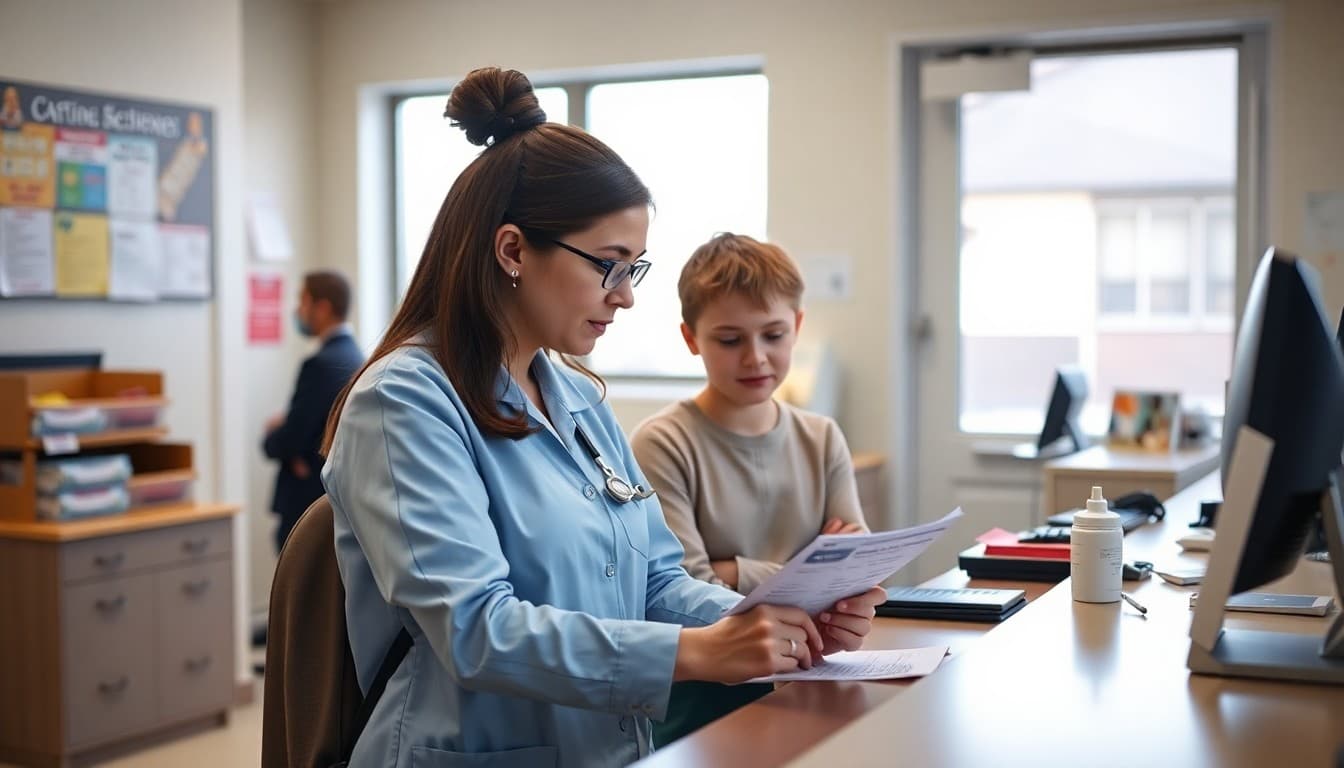
Vaccination record deadlines come around every year, and every year some families miss them because the reminder arrived too late or was not clear enough about what action was needed. A direct, specific newsletter with a firm deadline and a clear next step is what turns this administrative requirement into something families actually complete on time.
Name the Required Vaccines Specifically
Do not assume families know which vaccines are required for the current grade. Name them. Grade-level requirements shift as students age, and a family who was compliant last year may have a new requirement this year. If your school nurse can provide a grade-specific list, include it in the newsletter or reference where families can find it. Vague language like "make sure your child's vaccines are up to date" produces less action than a specific list.
State the Deadline Clearly
Give the exact date by which records must be submitted. Explain what happens if that deadline is not met: some schools require students to stay home until records are current; others place a hold on enrollment for the following year. Families who understand the consequence of missing the deadline are more likely to act before it arrives.
Explain How to Submit Records
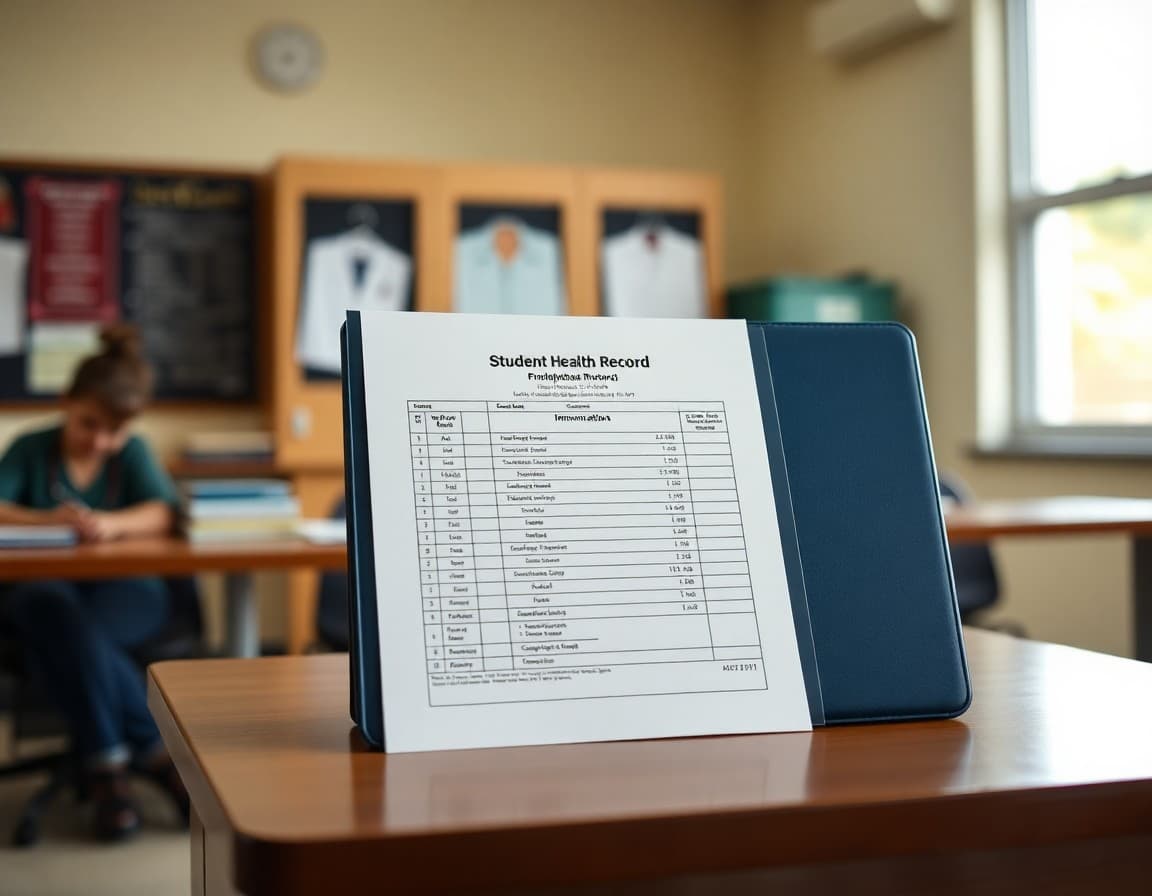
Can families email a photo of the vaccination card? Drop off a copy at the front office? Upload to a parent portal? Use the nurse's fax number? The submission process is often what causes delays, not the vaccination itself. Give families every available submission method and the contact information for the school nurse or front office so they can ask questions quickly.
Address Exemptions Briefly
Medical and religious exemptions require documentation too. Note in the newsletter that exemptions also require paperwork submitted by the same deadline, and direct families to the school office for information about that process. This one sentence prevents the scenario where a family assumes their exemption from a previous year is still on file.
Tell Families What to Do Next
End the newsletter with a single clear action: check your child's vaccination records against the list, schedule any needed appointments, and submit your documentation to the school nurse by the deadline. A call to action that names the specific steps reduces the response time from families who want to comply but are not sure where to start.
Follow Up Before the Deadline
Send a brief follow-up newsletter two weeks before the deadline and again one week before. The follow-up should be shorter than the original: a reminder of the deadline, the required vaccines, and the submission contact. Using Daystage, you can schedule those follow-up messages in advance so the reminders go out on time even when the end of the school year is busy.
Get one newsletter idea every week.
Free. For teachers. No spam.
Frequently asked questions
What should a vaccination reminder newsletter include?
Name the specific vaccines required for the current grade level, give the deadline for submitting updated records, explain what happens if records are not submitted on time, provide the contact information for the school nurse or office, and give families a clear next step.
When should this newsletter go out?
Send the initial reminder four to six weeks before any deadline. Send a follow-up two weeks before the deadline for families who have not yet responded. A final reminder one week out gives families who need last-minute appointments enough time to act.
What if a family has a medical or religious exemption?
Note in the newsletter that exemption documentation must also be submitted by the deadline and direct families to the school office or nurse for information about the exemption process. Do not describe the exemption process in detail in the newsletter itself, since requirements vary by state.
How should teachers handle vaccination status in the classroom?
Vaccination status is private health information. Do not discuss individual students' vaccination status in any classroom or family communication. The newsletter should address the whole class community without identifying any specific students as behind on their records.
What tool helps teachers send newsletters efficiently?
Daystage makes health reminder newsletters easy to send to every family at once. You can include the deadline, required vaccines, and a direct contact link in one clear message that reaches every family the same day.

Adi Ackerman
Author
Adi Ackerman is a former classroom teacher and curriculum writer with 8 years in K-8 schools. She writes about school communication, parent engagement, and what actually works in real classrooms.
More for Classroom Teachers
Ready to send your first newsletter?
3 newsletters free. No credit card. First one ready in under 5 minutes.
Get started free