

How to Use QR Codes in Your Teacher Newsletter
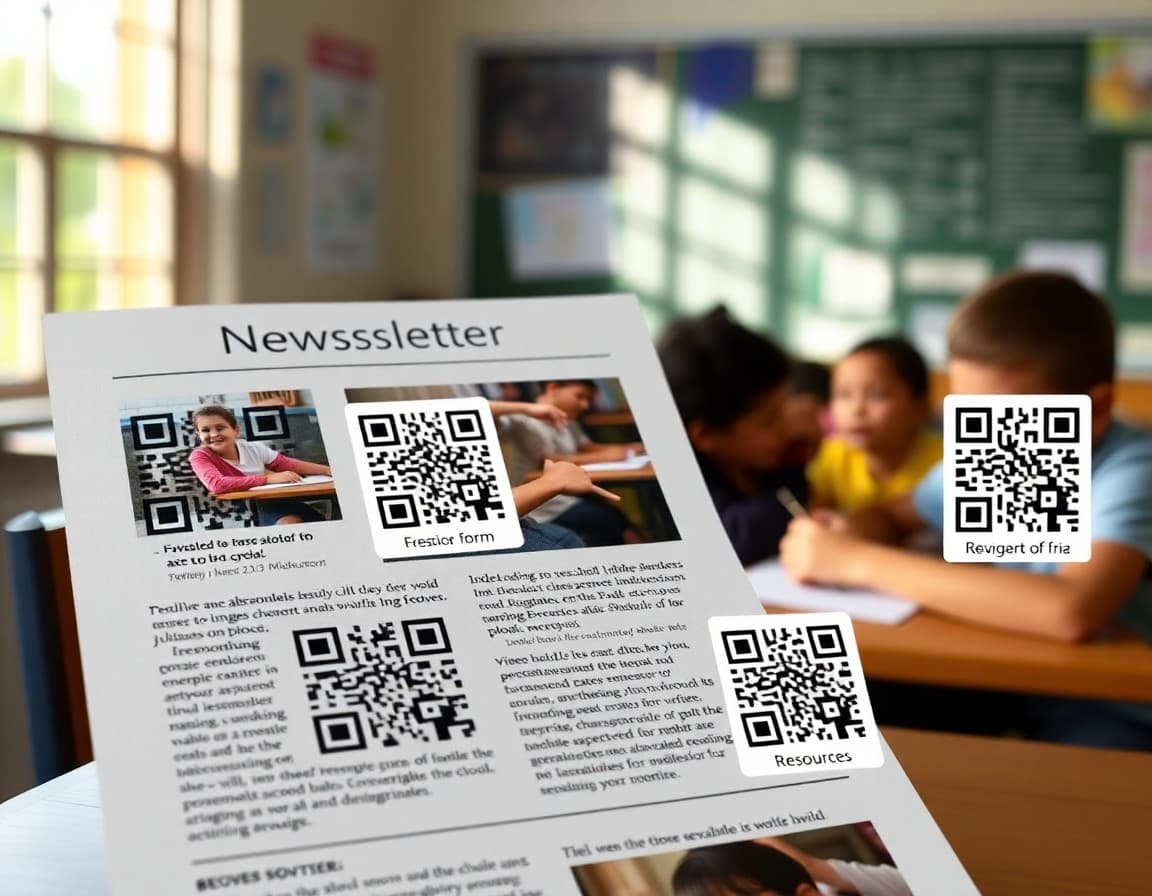
QR codes in teacher newsletters solve one of the oldest problems in printed school communication: how do you get families to a digital resource when they are holding a piece of paper? Typing a long URL from a newsletter is something almost no one does. But scanning a QR code with a phone camera takes three seconds and opens exactly the right page. That small friction reduction means more families actually access the resources you create and share for them.
Understand when QR codes are most useful
QR codes are primarily a tool for printed newsletters. When a newsletter exists on paper and families need to access a digital resource, a QR code is the fastest bridge between the two. In a digital newsletter sent by email or through a school communication platform, a clickable hyperlink is even simpler and does not require a camera. If your newsletter is digital, use links. If it will be printed or posted on a bulletin board, use QR codes.
Choose the right things to link
Not every URL in a newsletter needs a QR code. Prioritize links that families actually need to follow: permission forms with a deadline, volunteer sign-up sheets, video updates they will want to watch, resources for supporting their student at home, or event information with dates and times. A newsletter covered in QR codes is overwhelming. Two or three clearly labeled codes for genuinely useful destinations is more effective.
Label every QR code clearly
A QR code without a label is an obstacle. Families will not scan something that does not tell them where it leads. Label each code specifically: "Scan to watch this week's classroom video update" or "Scan to sign the permission form" or "Scan for the reading list." The label sets the expectation, and families who know where a code leads scan it far more reliably than those who do not.
Create QR codes quickly and for free
Free QR code generators are available online and take under two minutes to use. Copy the URL you want to link to, paste it into the generator, download the code image, and insert it into your newsletter document. Before finalizing the newsletter, test each QR code on your own phone to confirm it opens the correct destination. A QR code that links to the wrong page, or a page that has moved, is worse than no link at all.
Use QR codes for time-sensitive actions
QR codes reduce friction on actions that have deadlines. A permission form that needs to be completed by Friday. An RSVP for an upcoming event. A feedback survey you want responses to by a specific date. The easier it is for families to reach the form, the higher your completion rate. A QR code that takes three seconds to scan produces far more responses than a URL families are supposed to type.
Post QR codes in physical school spaces too
QR codes are not limited to newsletters. A QR code posted on the classroom door linking to this week's update, or on a bulletin board linking to the current project gallery, gives families a quick access point when they are physically at the school. Parents picking up students can scan in thirty seconds what would take five minutes to navigate to on a school website. Physical signage with QR codes is an underused tool for schools with regular family foot traffic.
Keep linked pages mobile-friendly
Families scanning QR codes are always on their phone. Whatever page the QR code links to must load quickly and display cleanly on a small screen. A QR code that leads to a page requiring a computer to navigate properly defeats the purpose of the scan. Test every destination page on a phone before including the QR code in your newsletter, and avoid linking to platforms that require a login families may not have.
Daystage makes it easy to send newsletters where every resource families need is a click or a scan away, so the gap between school communication and family action is as small as possible and more families actually do what you are asking them to do.
Get one newsletter idea every week.
Free. For teachers. No spam.
Frequently asked questions
What can teachers link to using QR codes in newsletters?
QR codes in newsletters can link to video updates, permission forms, volunteer sign-up sheets, classroom resource pages, reading lists, event calendars, audio messages, photo galleries, school websites, homework help videos, and any other online resource families might need. Any URL can become a QR code, so the limitation is only what digital resources you have available.
How do families scan QR codes?
Most modern smartphones can scan QR codes using the built-in camera app without any additional download. Families simply open the camera, point it at the QR code, and tap the link that appears on screen. This works on both iPhone and Android devices. For older phones, a free QR scanner app from the app store takes only a minute to download.
Are QR codes useful in digital newsletters as well as printed ones?
QR codes are most useful in printed newsletters where clicking a link is not possible. In digital newsletters sent by email or through a school platform, hyperlinks are more convenient because families can tap them directly. However, QR codes can still be useful in digital newsletters when the newsletter will be printed and posted, or when you want families to open a link on a different device than the one they are reading on.
How do teachers create QR codes?
Free QR code generators are widely available online. You enter the URL you want to link to, download the QR code image, and insert it into your newsletter. The process takes under two minutes. Most generators also allow you to test the code before downloading to confirm it links to the correct destination.
What tool helps teachers send newsletters with easy digital access?
Daystage makes it easy to send newsletters where families can click directly to any linked resource, making the experience even faster than scanning a QR code and giving families instant access to everything connected to their student's class.

Adi Ackerman
Author
Adi Ackerman is a former classroom teacher and curriculum writer with 8 years in K-8 schools. She writes about school communication, parent engagement, and what actually works in real classrooms.
More for Classroom Teachers
Ready to send your first newsletter?
3 newsletters free. No credit card. First one ready in under 5 minutes.
Get started free