

Newsletter Tips for Getting Families to Actually Use the Parent Portal
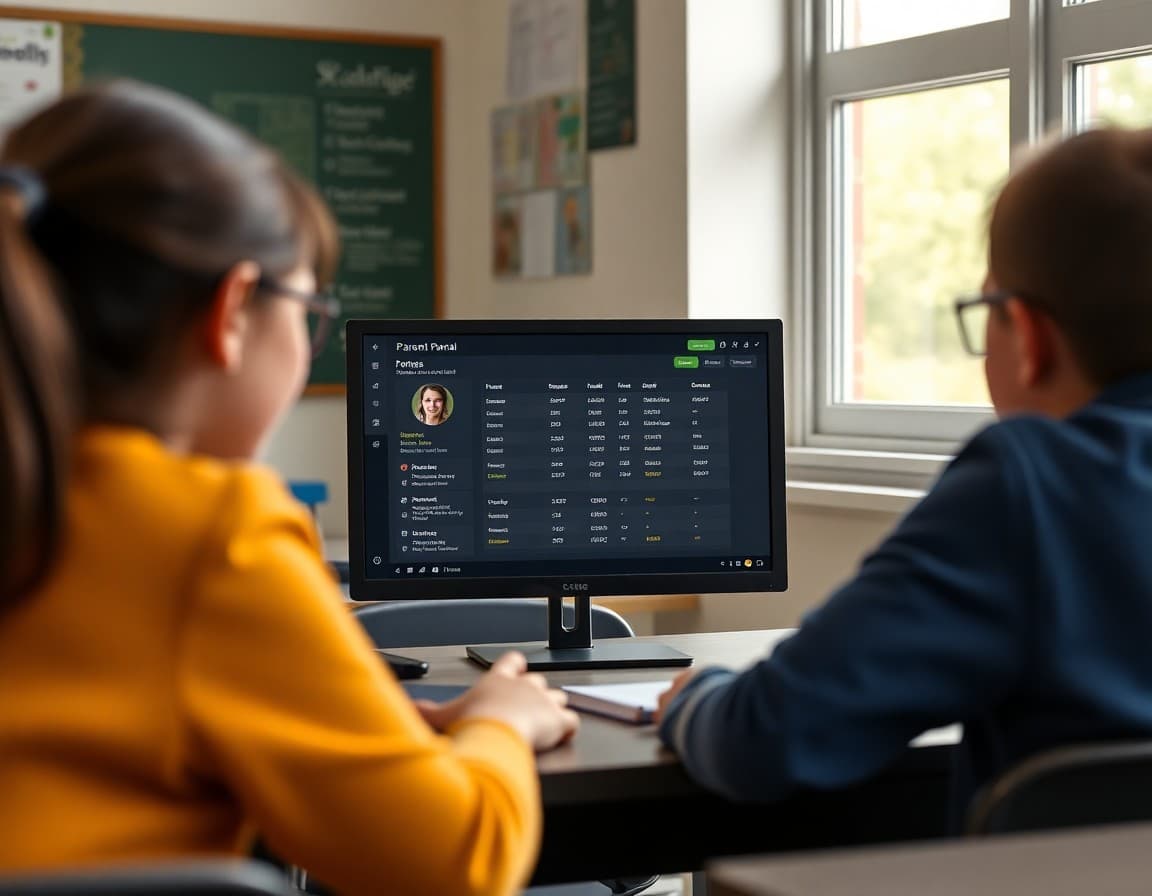
Parent portals are built with good intentions. They give families real-time access to grades, attendance, and teacher communications. In practice, most portals sit unused because the invitation to set them up got buried, the login was complicated, or families never understood what was in there worth seeing. A well-written newsletter can change the adoption rate significantly by giving families a specific reason and a clear path to log in.
Send a portal setup newsletter early in the year
The first portal newsletter should go out in the first two weeks of school, when families are in a high-attention state and expecting setup communications. "The parent portal is live for this school year. Your login link is below. Here is what you will find once you are in." Give families step-by-step setup instructions in the newsletter or a link to a setup guide. Remove every friction point you can identify.
Describe what the portal contains in specific terms
Families who do not know what the portal contains have no motivation to set it up. "The portal shows your student's current grades for every assignment, their attendance record including tardies, any messages I have sent through the school system, and their class schedule. During the last two weeks of a grading period it also shows a projected report card grade." Specific content descriptions turn an abstract tool into a concrete resource.
Give families a specific reason to log in this week
Every portal newsletter should include a time-sensitive reason to log in. "I just updated the portal with grades from last week's writing project. It is a good time to review the feedback together with your student." Or "The fall attendance data is now in the portal. If you see any discrepancies, please contact the attendance office." A specific reason converts readers into users.
Include password reset help in every portal mention
The most common reason families stop using a portal is a forgotten password they do not bother resetting. Include the reset link in every portal newsletter. "If you have trouble logging in, use the forgot password link at [URL] or call the main office." This one addition reduces the number of families who give up at the login screen.
Translate portal data for families who are new to school systems
Not all families are comfortable interpreting grade percentages, attendance codes, or teacher comments in a portal context. A newsletter that briefly explains what the data means reduces the anxiety that portal data can create. "An attendance code of 'E' means excused absence. 'U' means unexcused. If you see a U that should be an E, contact the attendance coordinator with the date and reason."
Remind families before major reporting periods
Before every report card, progress report, or conference season, send a newsletter with a portal reminder. "Report cards come out in two weeks. Before then, log in to the portal to see current grades so nothing surprises you." Families who check grades in advance of formal reports have more productive conference conversations and fewer emotional reactions to grades they were not expecting.
Teachers who use Daystage for their newsletter communication find it pairs well with portal-based grade tracking. The newsletter handles the context and the invitation; the portal handles the data. Both serve different parts of the family communication system.
Get one newsletter idea every week.
Free. For teachers. No spam.
Frequently asked questions
Why do so many families not use the parent portal?
Most families receive a login email at the start of the year, never set it up, and then forget it exists. The portal was introduced as an administrative tool, not a communication tool, so families never understood what value it offered. A newsletter that explains specifically what the portal contains and how to use it addresses this directly.
What should I include in a newsletter about the parent portal?
The portal web address, what families will find there (grades, attendance, assignments, teacher messages), setup instructions or a link to them, and a specific reason to log in this week. Families who have a concrete reason to set up the portal are far more likely to actually do it.
How often should I send portal-related reminders in the newsletter?
At the start of the year, when grades are updated, before report card season, and any time you post something important to the portal. Do not send portal reminders so frequently that they become noise. Send them when there is a specific and valuable reason to log in.
What if families say they cannot log in or have forgotten their password?
Include a password reset link and a contact for the school office in any portal newsletter. Families who run into login barriers and have no clear path forward give up. Removing that barrier at the point of the newsletter invitation significantly increases setup rates.
Can Daystage help teachers communicate about the parent portal?
Yes. You can send a Daystage newsletter with portal login links, screenshots or descriptions of what families will find there, and a clear setup guide. The newsletter reaches all families at once and is trackable, so you know who opened it.

Adi Ackerman
Author
Adi Ackerman is a former classroom teacher and curriculum writer with 8 years in K-8 schools. She writes about school communication, parent engagement, and what actually works in real classrooms.
More for Classroom Teachers
Using a Newsletter to Keep Families Connected to Your Class Website
Classroom Teachers · 6 min read
Explaining the Attendance Policy to Families in Your Teacher Newsletter
Classroom Teachers · 6 min read
How to Explain Progress Monitoring to Families in Your Teacher Newsletter
Classroom Teachers · 6 min read
Ready to send your first newsletter?
3 newsletters free. No credit card. First one ready in under 5 minutes.
Get started free