
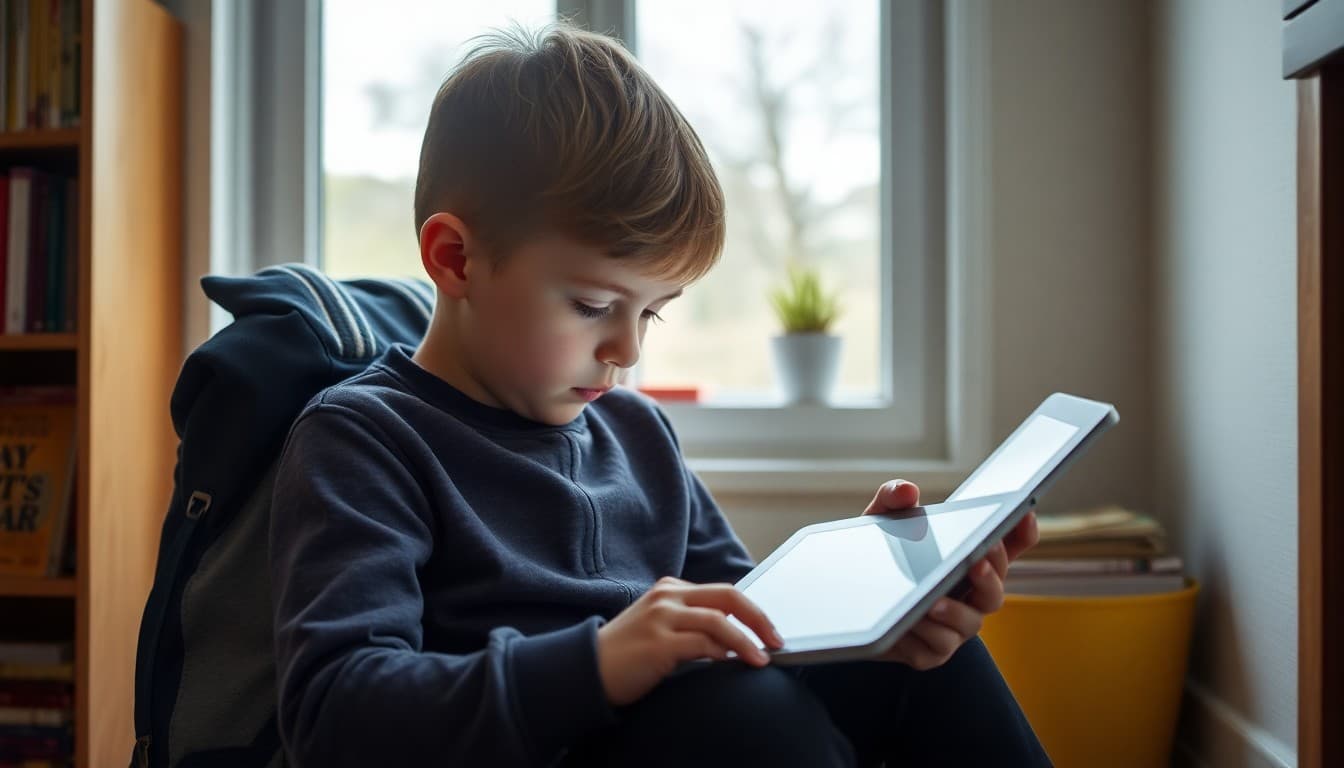
Teacher Newsletter for eBook Resources: Free Digital Reading for Families
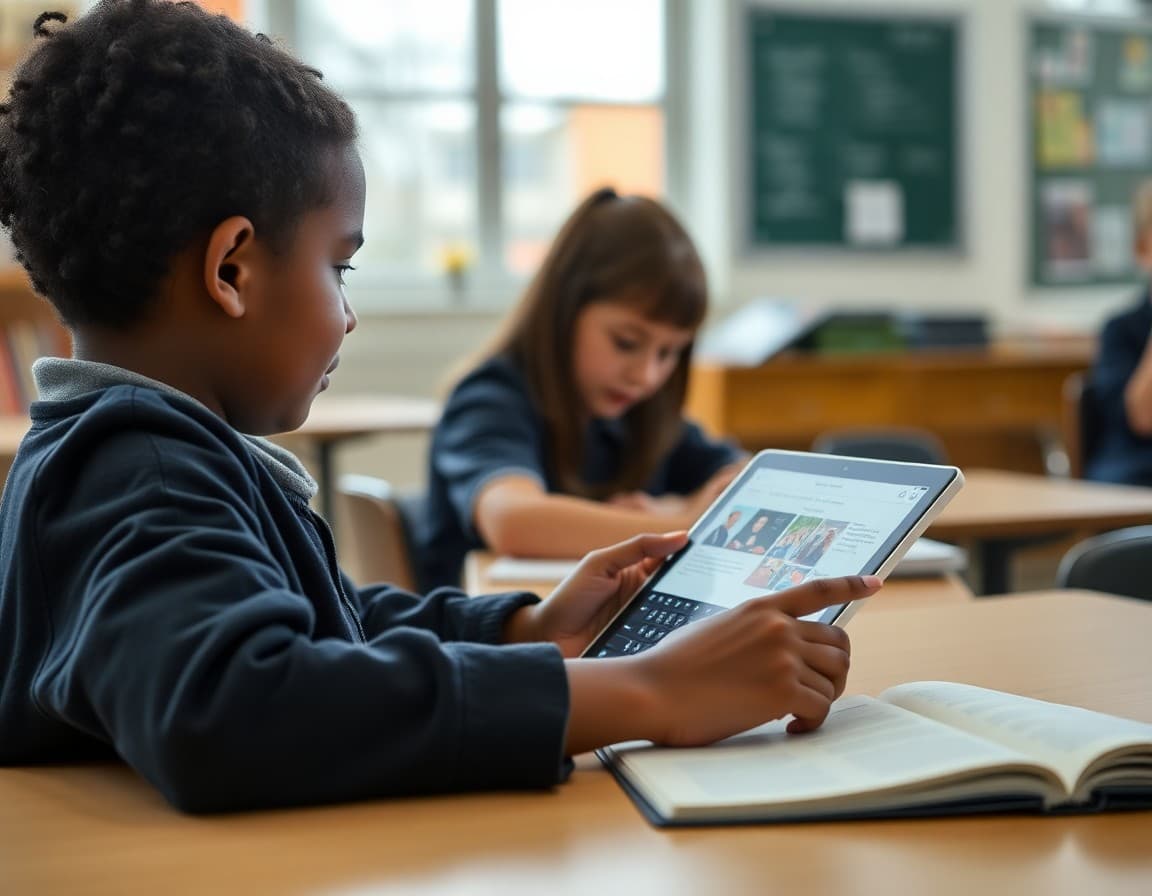
Free digital books have never been more accessible, but families often do not know they exist or how to access them. Your newsletter is the bridge between the eBook resources your school has arranged and the reading that happens at home. A single well-written message can put hundreds of free books in front of every family in your class.
Name the Available Platforms
Start with a clear list. Sora through the school library, Libby with a public library card, Epic for students at home, or specific state digital lending programs. Name each one with a one-sentence description and a direct link or app name. Families who have never heard of these resources discover them because of your newsletter. Families who know they exist but have not set them up have their last obstacle removed.
Walk Through the Access Process
For each platform, include the login method. Sora uses the school Google account. Libby requires a library card number from the public library. Epic requires a class code provided by the teacher. Walk through the steps clearly enough that a non-technical parent can get their child logged in on a Tuesday evening without sending you an email. That level of practical detail is what separates a newsletter families act on from one they appreciate but do not follow through on.
Describe What Is Available
Picture books, early readers, chapter books, graphic novels, nonfiction, poetry, audiobooks. Tell families what the library actually contains so they can match it to their child's reading level and interests. A student who is interested in sports, space, or fantasy needs to know those genres are well-represented before they will be motivated to explore.
Connect to Independent Reading Goals
If your class has a reading goal for the year, or if there is a current read-a-thon or reading challenge underway, connect the eBook resources to that goal. Reading 20 minutes per night is more achievable when a child has access to a library of hundreds of free books on a device they already use. That connection makes the resource feel purposeful rather than supplementary.
Mention the Audiobook Option
Many students, particularly those who are developing fluency or who are English language learners, benefit enormously from audiobooks. If your eBook platforms include audio versions of titles, highlight that feature. A family who discovers their child can listen to a book during a car ride is more likely to build a consistent reading habit than one who thinks reading is only possible at a desk with a paper book.
Remind Families Before Breaks and Summer
Re-send the eBook resource newsletter before every school break and before summer. Access to free books during break periods is most valuable when families are reminded it exists. Using Daystage, you can keep a saved version of the resources newsletter and update it each time with any new platforms or access changes.
Get one newsletter idea every week.
Free. For teachers. No spam.
Frequently asked questions
What should an eBook resource newsletter explain?
Name each platform or library available, explain how students access it with or without a library card, describe what types of books are available (picture books, chapter books, nonfiction, graphic novels), note whether there are wait lists for popular titles, and suggest how families can use the resources alongside independent reading goals.
What free eBook platforms are available for school students?
Common options include Libby (free with a library card), Sora (school-provided digital library), Epic (free for educators, accessible by students at home), Project Gutenberg (public domain classics), and many state library digital programs. Your newsletter should focus on the specific platforms your school has arranged access for.
How does a school-provided platform like Sora work?
Sora is a digital reading platform provided through school library licensing. Students log in with their school account, browse available titles, and check out books digitally with no wait time for most titles. Your newsletter should explain the login process and browse interface so families can get started without needing to figure it out on their own.
Can families use eBook resources on any device?
Most eBook platforms work on tablets, phones, laptops, and computers through a browser or a free app. Your newsletter should note device compatibility and the app name where applicable. Families who know the resources work on their existing devices are more likely to use them.
What tool helps teachers send newsletters efficiently?
Daystage makes eBook resource newsletters easy to produce with direct links to each platform, access instructions, and reading challenge suggestions in one organized message. Families can click to each resource directly from the newsletter.

Adi Ackerman
Author
Adi Ackerman is a former classroom teacher and curriculum writer with 8 years in K-8 schools. She writes about school communication, parent engagement, and what actually works in real classrooms.
More for Classroom Teachers
Teacher Newsletter for Digital Textbook: Transitioning to Online Resources
Classroom Teachers · 6 min read
Library Updates in Your Classroom Newsletter: What to Share with Parents
Classroom Teachers · 5 min read
Teacher Newsletter for Summer Reading List: Keep Students Reading All Summer
Classroom Teachers · 6 min read
Ready to send your first newsletter?
3 newsletters free. No credit card. First one ready in under 5 minutes.
Get started free