
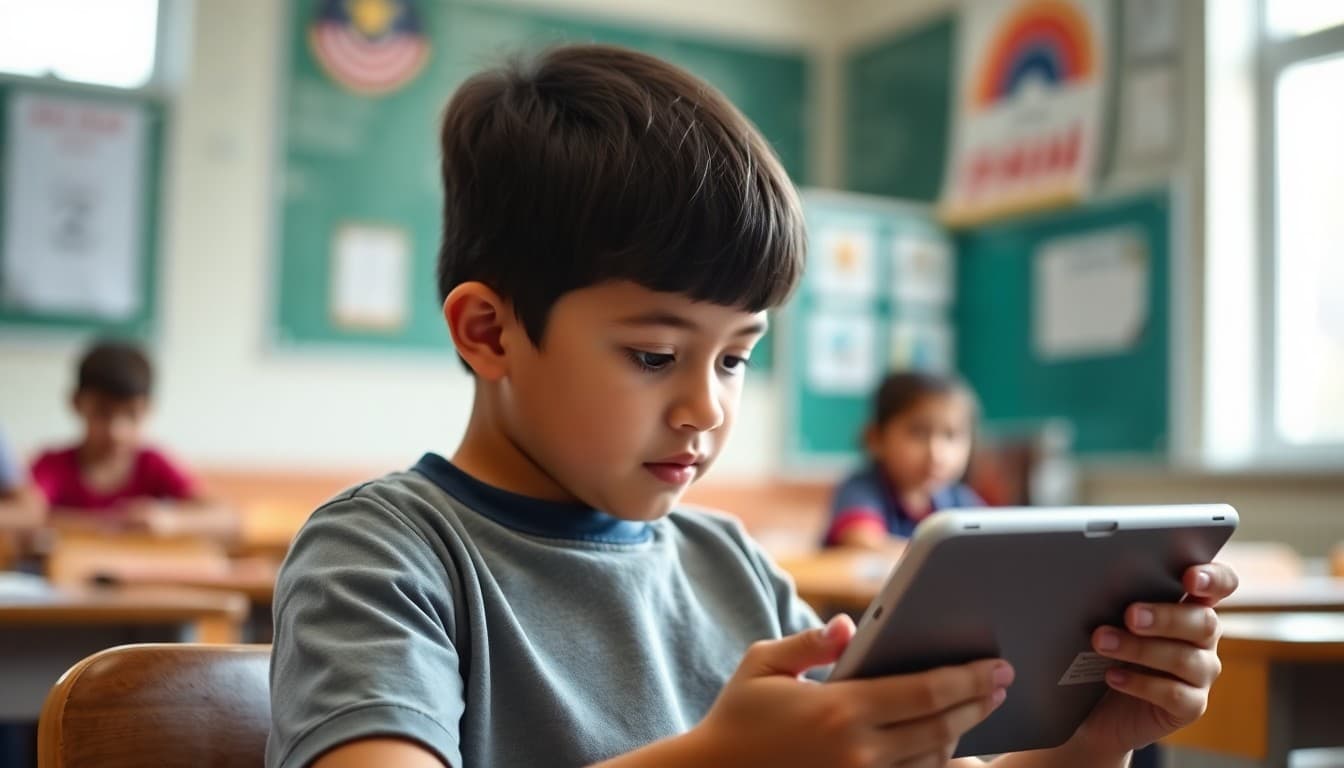
Teacher Newsletter for Digital Textbook: Transitioning to Online Resources

Moving to a digital textbook changes the homework experience at home. Families who are used to a physical book now need to understand a new platform, manage login credentials, and navigate features they have never seen before. Your newsletter is what makes that transition smooth rather than frustrating.
Introduce the Platform and Its Purpose
Name the digital textbook platform and describe what it contains: the full curriculum text, interactive activities, embedded assessments, and any additional resources like videos or audio support. A one-paragraph overview gives families a mental model before they encounter the platform for the first time.
Walk Through How to Log In
Include the website address or app name, how students find their login credentials (typically through the school Google account or a teacher-provided username and password), and what to do if the login does not work. A step-by-step login guide in the newsletter prevents the first night of digital homework from becoming an hour of technical frustration.
Explain the Features Students Should Know
Many digital textbooks include highlighting, annotation, built-in dictionary, audio read-aloud, and bookmarking features. Families who know these features exist can help their child use them, especially the audio support option for students who benefit from hearing text read aloud. Name the two or three most useful features and describe how to access them.
Address Screen Time Directly
Families will raise screen time concerns. Address them briefly and honestly. The digital textbook replaces a physical book, not adds an additional screen-based activity. If there are offline or print options available, mention them. If the platform includes built-in reading timers or session controls, note those too. Families who feel their concern was heard engage with the platform more cooperatively than families who feel it was dismissed.
Solve the Home Access Problem Before It Happens
Some families will not have reliable home internet. Mention offline access if the platform supports it, printed copies available on request, or school library computer access for students who need it. A newsletter that solves the access problem before families have to ask for help demonstrates forethought and equity.
Invite Families to Explore It Too
Families who look through the digital textbook alongside their child have a richer understanding of what their child is learning. If the platform has a family or guest viewing option, include the link and access instructions. Using Daystage to send that rollout newsletter ensures every family receives it before the first assignment using the digital textbook is due.
Get one newsletter idea every week.
Free. For teachers. No spam.
Frequently asked questions
What should a digital textbook newsletter explain?
Cover what the platform is, how students access it from school and home, what the device requirements are, how to retrieve forgotten login credentials, what features students should know about (highlighting, annotation, audio support), and how families can view the material alongside their child.
How do I address screen time concerns in the newsletter?
Acknowledge the concern directly: more screen time is a real consideration. Then explain the context. The digital textbook replaces a physical book, not adds additional screen time. Note any built-in reading timers, audio options, or print-view features that allow offline or paper-based access to the content.
What if a student does not have reliable internet access at home?
Address this in the newsletter with your school's available options: offline access mode if the platform supports it, printed materials available upon request, or school library access hours. No family should feel their child is disadvantaged by a digital resource if there is a path to address the access barrier.
Can families see what their child is reading in the digital textbook?
Most digital curriculum platforms allow family viewing with a linked account or a separate family access login. If yours does, explain how to set it up. Families who can access the same materials their child uses stay more connected to the curriculum content.
What tool helps teachers send newsletters efficiently?
Daystage makes digital textbook rollout newsletters easy to produce with platform login instructions, access links, and family support guidance all in one organized message. Families can click directly to the platform from the newsletter.

Adi Ackerman
Author
Adi Ackerman is a former classroom teacher and curriculum writer with 8 years in K-8 schools. She writes about school communication, parent engagement, and what actually works in real classrooms.
More for Classroom Teachers
Ready to send your first newsletter?
3 newsletters free. No credit card. First one ready in under 5 minutes.
Get started free