
How to Use a Newsletter to Drive Families to Your Class Blog
A class blog is only as useful as the audience that sees it. Teachers who maintain active classroom blogs often find that families visit inconsistently or not at all unless there is a specific invitation. A class blog update newsletter solves this by bringing families to the blog rather than waiting for them to remember it exists. Done right, it turns the blog from a project archive into a living family engagement tool.
Write the newsletter as a personal invitation
The most effective blog update newsletters read like a personal note, not a link blast. "We just posted three student-written poems about their favorite seasons. I am particularly proud of how specific the imagery got. Maya wrote about the smell of wet pavement and James described the exact sound of leaves crunching underfoot. They are worth reading." That kind of invitation gives families a reason to click and something specific to look for when they arrive.
Name specific students or projects when consent allows
Specificity drives clicks. Families who see their child's name in the newsletter will visit the blog immediately. Families who see the names of other students they recognize follow closely. If your consent policy allows naming students, do it. Even first names without last names create a personal connection that "check out what the class has been up to" does not.
Include a direct link to the most recent post
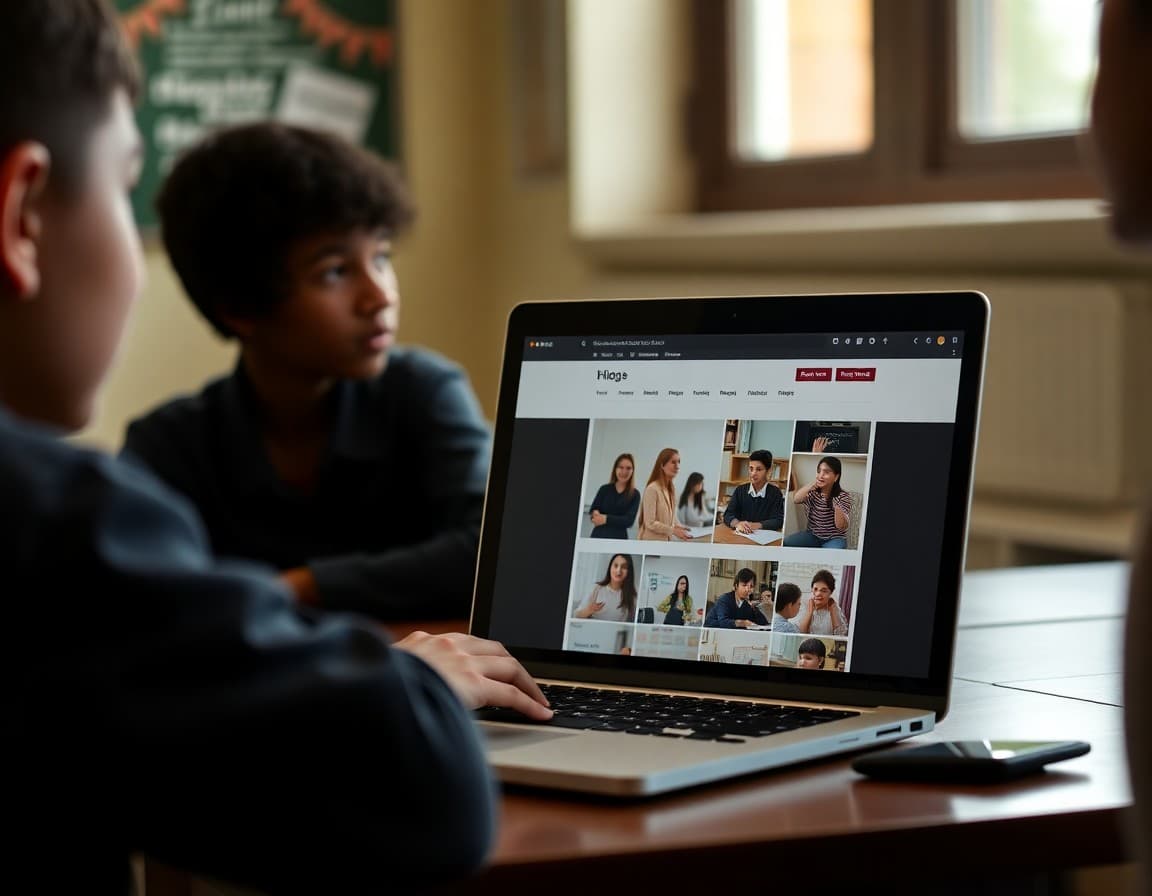
Link to the specific post you are writing about, not the blog homepage. Families who land on a homepage with no context do not know what they are supposed to look at and often click away. A link directly to the content you described in the newsletter delivers exactly what you promised and keeps the experience frictionless.
Suggest how families can use the content at home
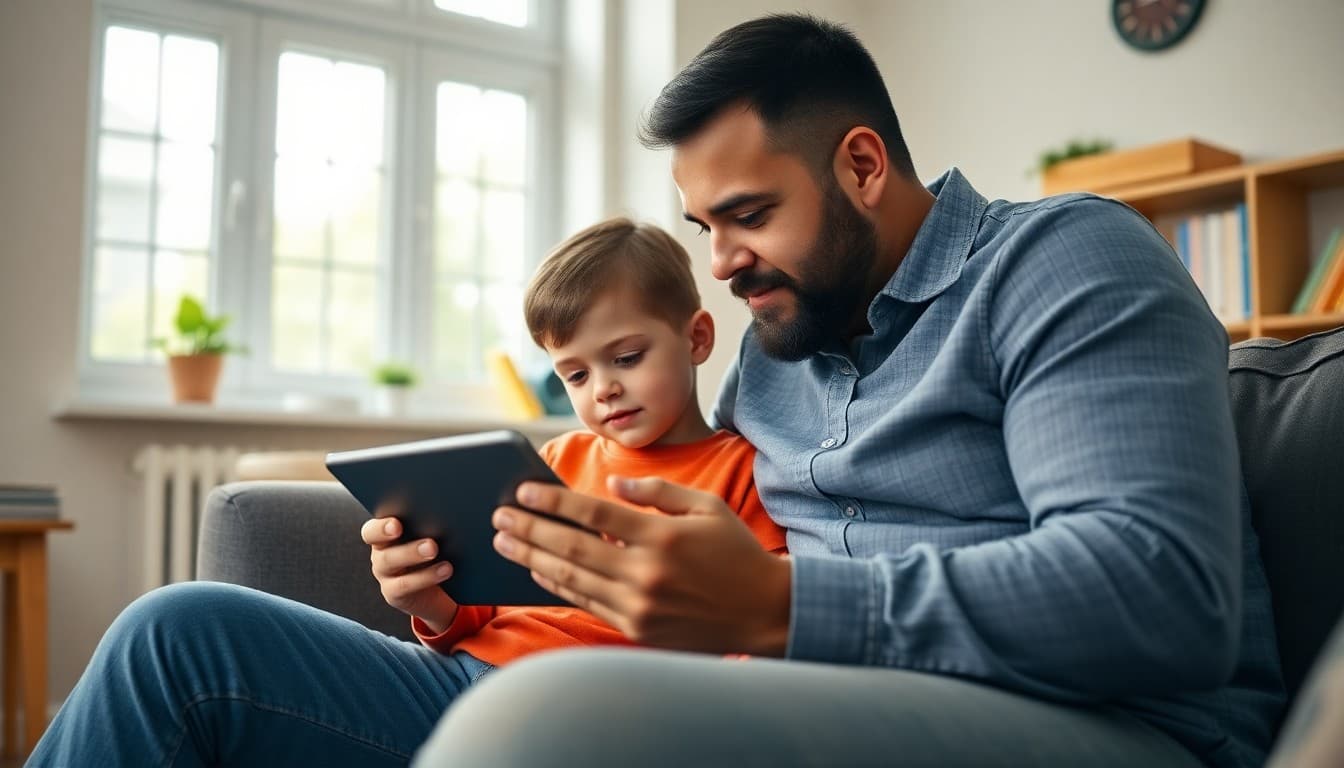
A blog update that includes a suggested conversation is more valuable than one that stops at the link. "After reading the poems, ask your student which one they wrote and what image they were most proud of." Or "Watch the science presentation video together and ask your student what they would do differently if they ran the experiment again." These suggestions turn passive blog viewing into active family conversation.
Invite families to leave a comment or response
If your blog platform allows comments and your school policy permits it, include an invitation in the newsletter. "We turned on comments this week. If your student would like to share their blog with family members who can leave a response, that would mean a lot to them." Student work that receives genuine audience engagement is work students take more seriously next time.
Use the newsletter to build a readership habit
Families who receive three or four compelling blog update newsletters in a row start checking the blog proactively. The newsletter is the gateway. Once families develop the habit of visiting, the updates become a reinforcement rather than the only driver. The first few months of consistent updates are the most important.
Daystage is well-suited to this kind of newsletter because it supports embedded images, links, and rich formatting that makes the preview of blog content compelling before families even click through.
Get one newsletter idea every week.
Free. For teachers. No spam.
Frequently asked questions
How often should I update families about the class blog?
When there is something new worth seeing. That might be every week during an active project unit or every two to three weeks during quieter periods. The goal is not to send updates on a fixed schedule but to send them when the content genuinely warrants a family visit.
What should a class blog update newsletter include?
A brief description of what was just posted, a direct link to the specific post rather than the blog homepage, a suggestion for how families can engage with the content at home, and an invitation for families to leave a comment or question if the blog has that feature.
Should I include a preview of what is on the blog in the newsletter itself?
Yes. A newsletter that simply says 'check out our blog' does not give families a reason to click. A newsletter that says 'we posted three videos of students presenting their science experiments, including a really impressive volcano demo' gives families a specific reason to open the link.
How do I protect student privacy when sharing blog content in newsletters?
Follow your school's media consent policy. If you have consent to share student work and photos publicly, you can include images in the newsletter. If not, describe the work without showing it and link to a password-protected blog. When in doubt, ask your administration before you publish.
Can Daystage help teachers send class blog update newsletters?
Yes. Daystage lets you include photos, links, and rich descriptions in a newsletter that reaches all families consistently. You can embed images from the blog directly in the newsletter to give families a preview before they click through.

Adi Ackerman
Author
Adi Ackerman is a former classroom teacher and curriculum writer with 8 years in K-8 schools. She writes about school communication, parent engagement, and what actually works in real classrooms.
More for Classroom Teachers
Using a Newsletter to Keep Families Connected to Your Class Website
Classroom Teachers · 6 min read
How to Explain Student Digital Portfolios to Families in Your Teacher Newsletter
Classroom Teachers · 6 min read
How to Explain Multimedia Projects to Families in Your Teacher Newsletter
Classroom Teachers · 6 min read
Ready to send your first newsletter?
3 newsletters free. No credit card. First one ready in under 5 minutes.
Get started free