
How to Share Your Amazon Classroom Wishlist in a Teacher Newsletter
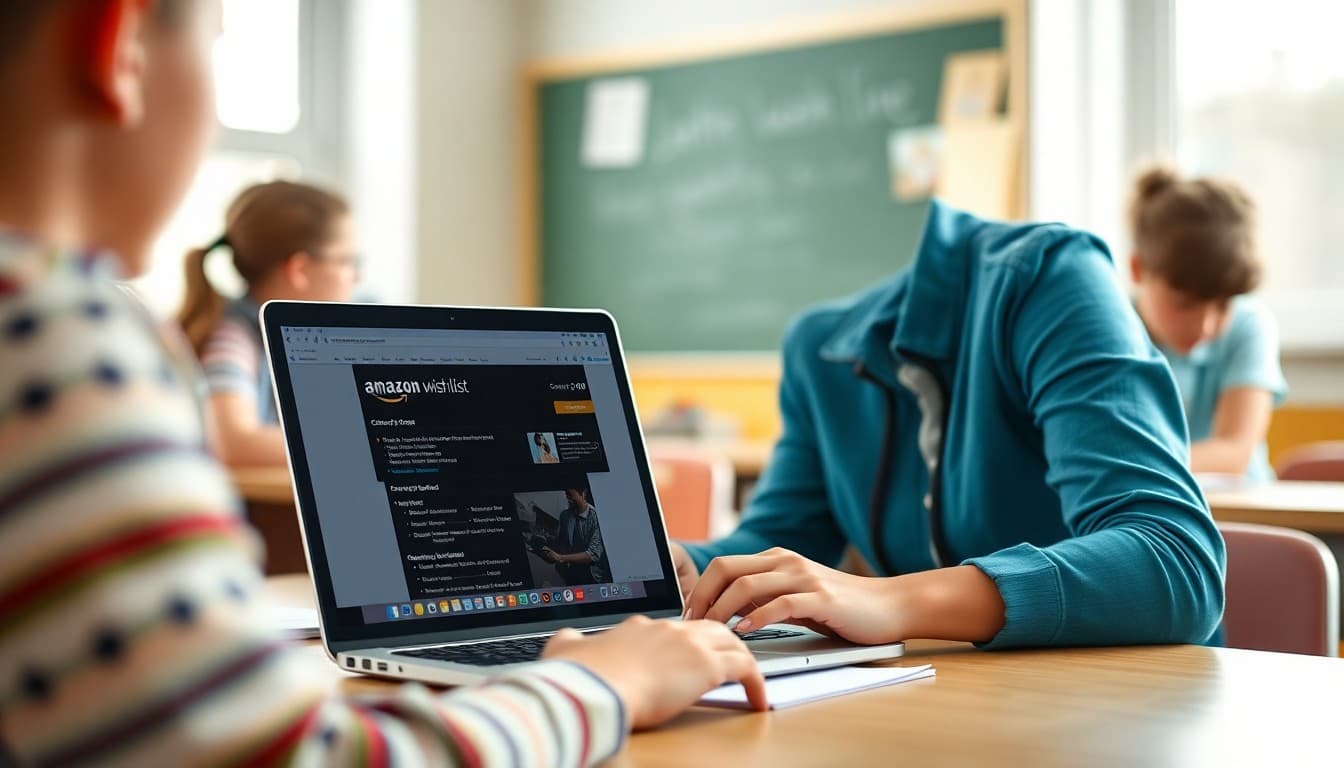
Amazon wishlists have become one of the most practical ways for families to contribute to classroom supply needs. The list is curated, the purchasing process is familiar, and items can ship directly to school without families having to visit a store. Sharing the list through your newsletter is straightforward as long as you frame it correctly and give families the context to decide whether to contribute.
Create a well-curated list, not an exhaustive one
A classroom wishlist that has forty items on it overwhelms families and suggests the classroom is severely underfunded. Keep the Amazon list to fifteen to twenty items, organized by priority. The most important items at the top. Nice-to-have items at the bottom. A shorter, focused list is more likely to generate contributions than a comprehensive catalog.
Explain each item briefly in your newsletter
Rather than just sharing the link, take three to four lines in the newsletter to explain what the list contains and why. "The list has mostly consumable supplies: markers, construction paper, and sticky notes. We go through these quickly and they are not covered in the classroom budget. There are also two or three book titles I would love to add to the classroom library." Families who know what they are buying and why buy more willingly.
Set the delivery address to your school
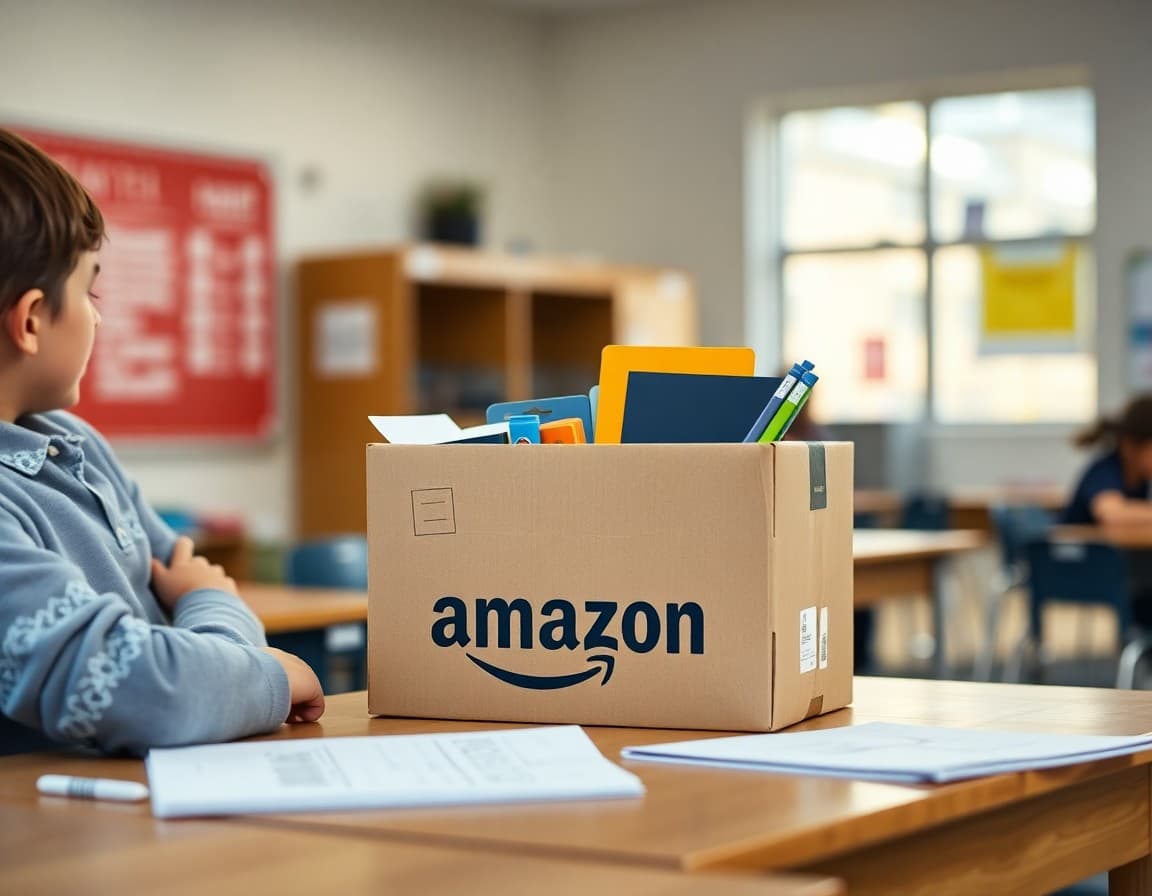
When families purchase from an Amazon classroom wishlist set to a school address, items arrive at school directly. This protects your home address and makes the experience completely hands-off for you until the box shows up in the office. Confirm with your school that packages can be received and that the correct mailing format is in the list settings.
Send a thank-you note for each delivery
When items arrive, acknowledge them in the next newsletter. "The set of rulers and the addition flash cards from the Amazon list arrived this week. Thank you to the families who made those happen." You do not need to identify who purchased what. The acknowledgment serves everyone who contributed and shows families their contribution was received and appreciated.
Remove items from the list as they are received
An Amazon wishlist automatically marks items as purchased when someone buys them, but duplicates can still happen if multiple people purchase simultaneously. Check the list regularly and remove items that have been fully covered. Include a note in your next newsletter if the remaining list is short: "Only three items left on the Amazon list now. Thank you to everyone who contributed so far."
Frame contributions as gifts to students, not to you
The most compelling framing for any classroom wishlist is that the beneficiary is the students. "Every item on this list ends up in a student's hands within a week." Families who understand that their contribution directly impacts student experience are more motivated than families who feel like they are subsidizing a school budget. The framing is not manipulative. It is accurate.
Daystage makes sharing an Amazon wishlist link easy and professional. Include it in a dedicated section of your newsletter and the link displays cleanly on all devices.
Get one newsletter idea every week.
Free. For teachers. No spam.
Frequently asked questions
How do I create an Amazon classroom wishlist?
Log into Amazon, go to Lists, and create a new list. Name it something clear like 'Room 14 Classroom Supplies.' Set the list to public and add items. Amazon will generate a shareable link you can include in any newsletter. You can also set a school shipping address so items arrive directly at school.
Should I set the delivery address to the school or my home?
Set it to the school if possible. Using a school delivery address is more professional and protects your home address privacy. Ask your school office if packages can be received there and confirm the correct mailing address format before adding it to the list.
How often should I share the Amazon wishlist in newsletters?
Two to three times per year is appropriate for most classrooms. Back to school, before the winter break, and before a major project unit are natural moments. Sharing too frequently starts to feel like repeated solicitation.
What should I do if no one purchases from the list?
Nothing. The list was an optional opportunity. Do not follow up with a reminder, do not express disappointment, and do not remove the list link from your newsletter in a way that signals frustration. The families who want to contribute will do so when the timing works for them.
Can Daystage help teachers include Amazon wishlist links in newsletters?
Yes. You can add a clickable Amazon wishlist link directly in a Daystage newsletter. The link formatting is clean and readable on mobile, which matters because most families open newsletters on their phones.

Adi Ackerman
Author
Adi Ackerman is a former classroom teacher and curriculum writer with 8 years in K-8 schools. She writes about school communication, parent engagement, and what actually works in real classrooms.
More for Classroom Teachers
How to Share Your Classroom Wishlist in a Newsletter Without Feeling Awkward
Classroom Teachers · 6 min read
How to Use a Teacher Newsletter to Fund Your DonorsChoose Project
Classroom Teachers · 6 min read
Sharing Free Learning Resources With Families in Your Teacher Newsletter
Classroom Teachers · 6 min read
Ready to send your first newsletter?
3 newsletters free. No credit card. First one ready in under 5 minutes.
Get started free