

Back to School New Student Welcome Newsletter
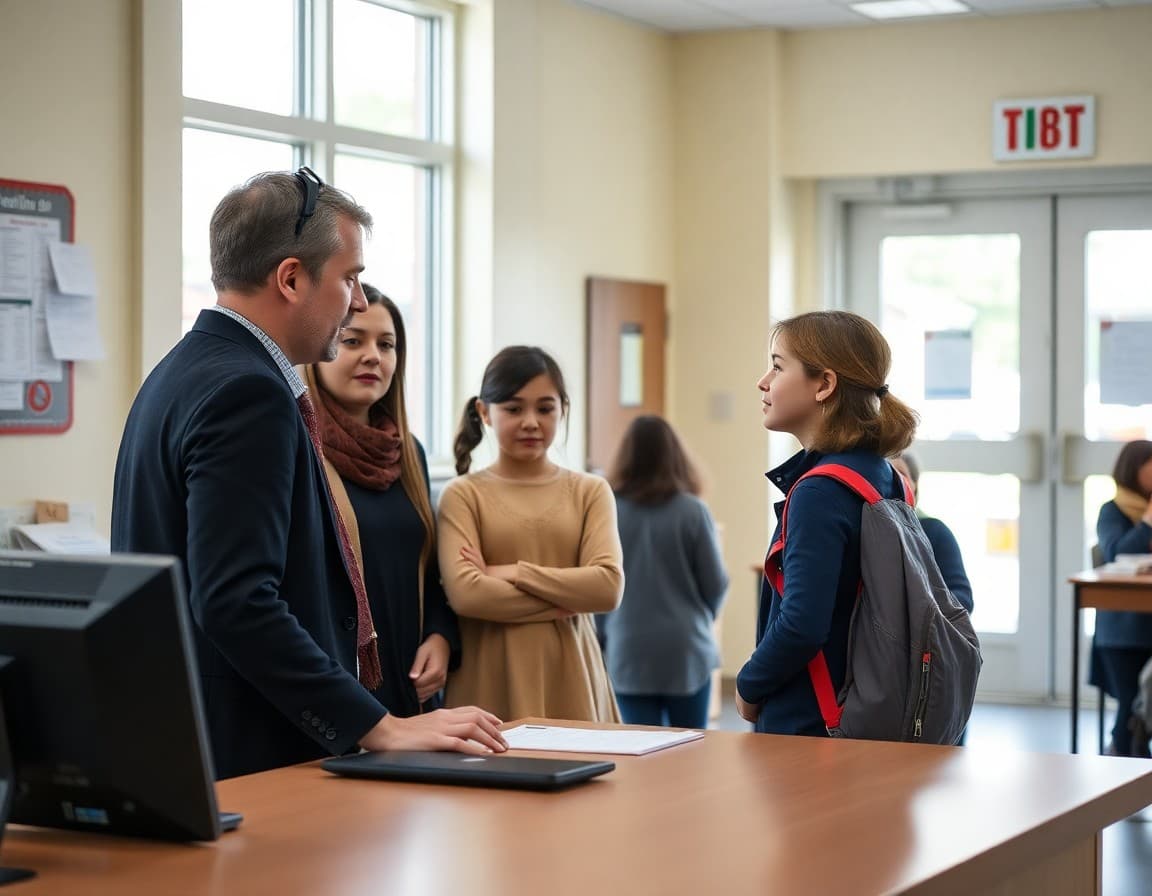
New families arrive at school with a mix of excitement and uncertainty. They do not know where to park, how to reach the nurse, what the lunch procedure looks like, or who to call when something goes wrong. A focused new student welcome newsletter answers all of those questions before the first day and signals from the start that this school communicates well.
Open With a Genuine Welcome From the Principal
Start with three to four sentences from the principal: the school's name, the grade levels served, one sentence about what makes the school distinctive, and a sincere expression of enthusiasm about welcoming the new student and family. Avoid generic language like "we are excited to have you." Instead, try something specific: "Our third graders love the annual science fair in November, and we think your student will too." Specificity shows you mean it.
Describe the Daily Schedule and Arrival Procedures
Give start and end times for each grade level. Specify the earliest arrival time, where students should wait if they arrive before staff are on duty, and which door to use for morning entry. Note whether students are released to parents individually or dismissed to a general area. New families who do not know the arrival routine often show up too early, park in the wrong lot, and walk in through a staff entrance while searching for someone to help them.
Cover the First Week Routine Specifically
The first week often differs from the standard year routine: a staggered start by grade, a modified schedule, or a school-wide orientation activity. Name any special events in the first five days and note what students should bring or wear. Families who know the first week is intentionally different are less likely to panic when their child reports a shorter school day or an unexpected assembly.
Introduce Key Staff Contacts by Name
Include the homeroom teacher or grade-level team lead, the grade-level counselor, the front office contact for daily attendance, and the nurse. Give names, email addresses, and phone extensions. New families often do not know the difference between the counselor and the social worker, or the main office and the attendance line. A labeled list removes that confusion from the first phone call.
Template Excerpt: New Student Welcome Paragraph
Here is a paragraph you can personalize and use:
"Welcome to Riverside Elementary, [Student Name]. Your homeroom teacher is Mrs. Luo in Room 12. School starts at 8:05 AM and doors open at 7:45 AM. Use the front entrance on Oak Street for morning drop-off. If you have any questions before the first day, call the main office at (555) 442-3100 between 8:00 AM and 3:30 PM. We are looking forward to meeting you."
Explain the Parent Communication System
Tell families exactly how school-home communication works: whether the school uses an app, an email list, a parent portal, or all three. Provide the download link or registration URL, explain what information each channel carries, and state the typical response time for teacher emails. If your school uses a separate system for grades versus attendance versus general announcements, explain each one so families are not hunting through multiple platforms.
Address Lunch, Dress Code, and School Supplies
New families often miss three practical details that returning families take for granted: the cafeteria requires a funded account (include the setup link), the dress code applies from day one (link to the policy), and teachers may have a specific supply list different from the grade-level general list posted online. A short paragraph covering all three prevents the classic first-day scramble.
Close With an Invitation to Connect Before Day One
Give families a concrete option to ask questions before the first day: an open-door morning, an email address monitored over the summer, or a welcome phone call from the counselor. Students who have physically seen their classroom and met their teacher once before school starts arrive on day one with significantly less anxiety. Even offering one 15-minute walk-through slot per new family goes a long way.
Get one newsletter idea every week.
Free. For teachers. No spam.
Frequently asked questions
When should the new student welcome newsletter be sent?
Send it within 24 hours of completed enrollment, or at least one week before the first day of school, whichever comes first. New families have more logistical questions than returning families, and the sooner they receive clear information the better. A follow-up welcome email on the first day of school reinforces that the school is paying attention to their child specifically.
What should a new student newsletter include?
Cover the school schedule, arrival and dismissal procedures, dress code, lunch and cafeteria process, key staff contacts, the parent communication system, the online portal or app families should download, and a brief overview of the school's culture and values. Think through the questions a new family would ask on the first phone call and answer them all in one document.
How do I make a new student newsletter feel warm rather than bureaucratic?
Start with a genuine welcome sentence from the principal and include the names of two or three staff members the student will interact with daily. Use direct, second-person language addressed to the student by name where possible. A short paragraph describing what students typically love about the school goes further than a list of rules. Tone matters as much as content when a family is anxious about a new school.
Should new students receive a different newsletter than returning students?
Yes. Returning families already know the routines, staff, and systems. A new student newsletter should explain everything from scratch without assuming any prior knowledge. It can be longer than the standard back to school newsletter and should include school maps, parking instructions, and links to every system the family will need to use.
Can Daystage help schools create personalized new student welcome newsletters?
Yes. Daystage lets you create a new student welcome newsletter template and personalize it with the student's name, grade level, and homeroom teacher. You can send it immediately after enrollment is confirmed and include links to registration forms, the school calendar, and the parent communication app all in one formatted message.

Adi Ackerman
Author
Adi Ackerman is a former classroom teacher and curriculum writer with 8 years in K-8 schools. She writes about school communication, parent engagement, and what actually works in real classrooms.
More for Back to School
Ready to send your first newsletter?
3 newsletters free. No credit card. First one ready in under 5 minutes.
Get started free