
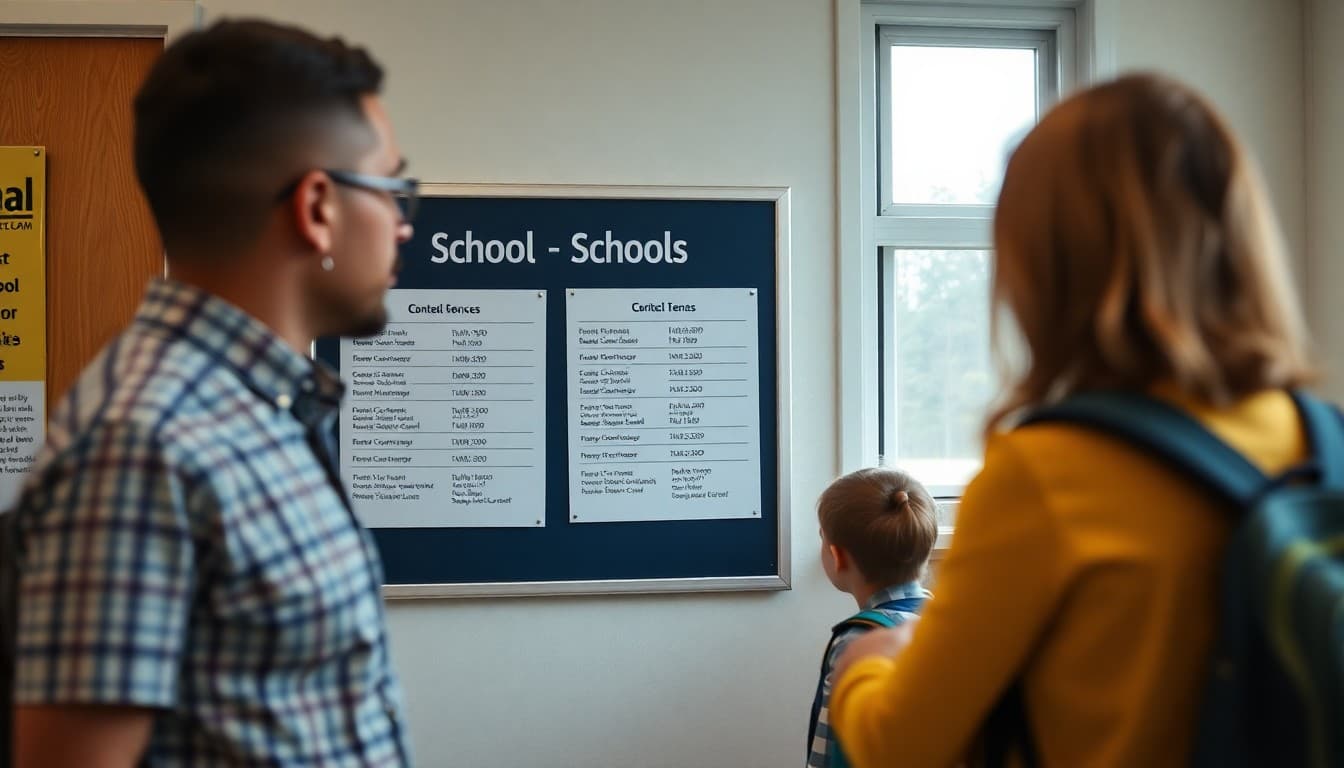
Back to School Contact Information Newsletter: How to Reach Us
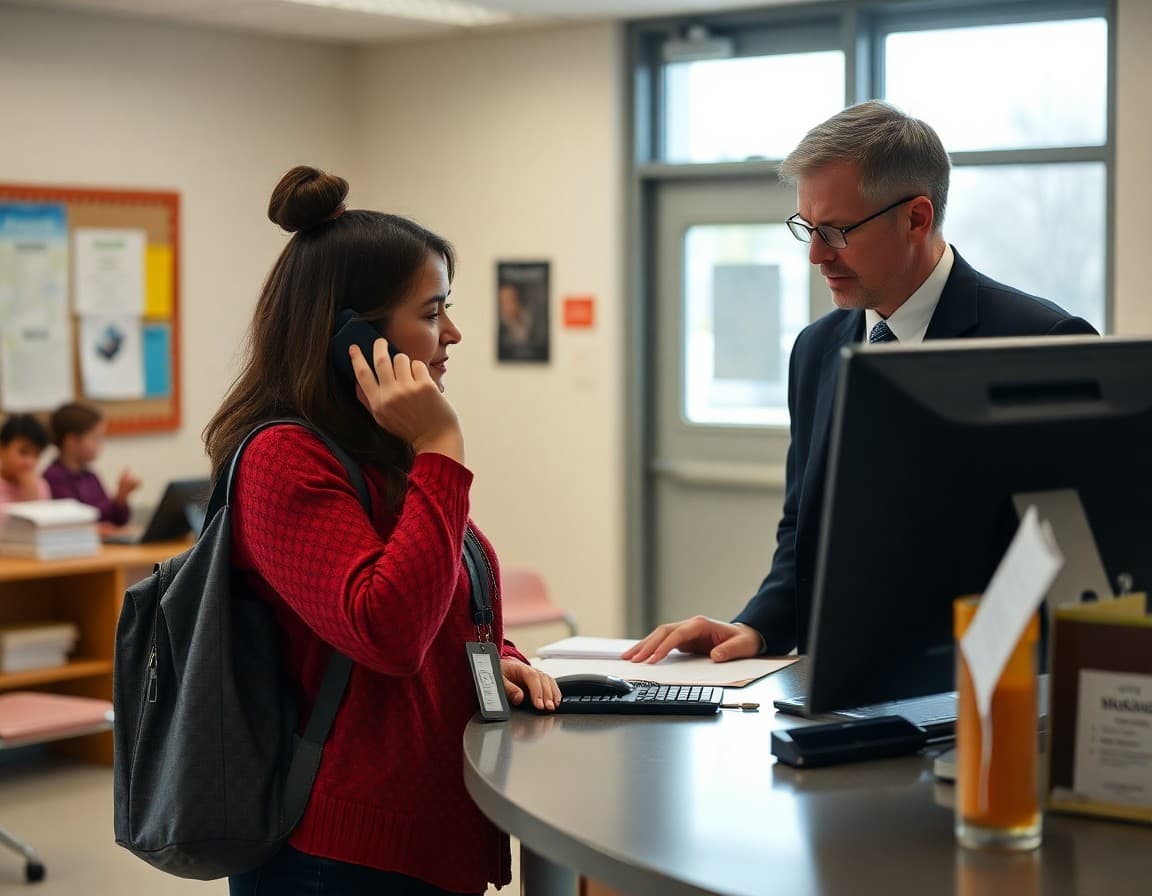
Families who cannot figure out who to call or email end up calling the main office for everything. That creates bottlenecks, delays, and frustrated families. A clear contact information newsletter at the start of the year routes every question to the right person immediately and significantly reduces the administrative burden on front office staff throughout the year.
Start With the Most-Used Numbers and Their Hours
List the main school phone number with office hours, the attendance reporting line with the cutoff time for same-day reporting, and the nurse's direct number. These are the three most commonly needed contacts, and most families should be able to reach the right place for 90 percent of their needs with just these three. Office hours matter: a family calling at 3:45 PM needs to know whether anyone will answer or whether they should email instead.
Explain the Attendance Reporting Process
State the specific method for reporting an absence: a dedicated attendance hotline number, an online absence portal, or an email to the attendance secretary. Include the phone number and portal URL. Note the time by which an absence must be reported to be marked excused rather than unexcused, and explain the verification process for planned absences like a medical appointment or family trip. Families who know the process follow it.
List Key Staff Contacts With Roles
Include a contact table with name, role, email, phone extension, and the best contact method for each key staff member: the principal, vice principal, school counselor, social worker, nurse, special education coordinator, and front office coordinator. If your school uses a grade-level team structure, add the team leader contact. A labeled table is far more scannable than a paragraph with the same information embedded in sentences.
Describe the Parent Portal and What Families Find There
Name the specific parent portal system (PowerSchool, Infinite Campus, Skyward, others), include the login URL, and explain what families can access: grades, attendance records, teacher contact information, school announcements, and bus route updates. Note whether parents need to create a new account each year or whether last year's login still works. Include the IT support contact for portal login issues.
Template Excerpt: Contact Directory Section
Here is a format you can adapt for the newsletter:
"Main Office: (555) 302-4400, Monday-Friday 7:30 AM - 4:00 PM. Attendance Hotline: (555) 302-4411, report absences by 8:30 AM. School Nurse (Ms. Alvarez): (555) 302-4415 or nurse@school.edu. Counselor (Mr. Torres): jt@school.edu or (555) 302-4420 by appointment. Parent Portal: portal.school.edu (use last year's login or contact the office to reset). General Questions: office@school.edu, response within one business day."
Explain Teacher Communication Expectations
Tell families whether teachers use school email or a classroom app like ClassDojo or Remind. Give the standard response time expectation for teacher emails: most teachers respond within 24 hours on school days. Note that teachers may not be available to respond during the school day while instruction is in session, and that urgent matters (an injured student, a pick-up change) should go through the main office, not a teacher's personal email.
Include Emergency Contact Update Instructions
Tell families how to update their emergency contact information if it has changed since last year. Provide the form link or the office email for submitting updates. Note that emergency contacts listed in the school system are the only people authorized to pick up a student who is not their legal guardian, and that updates to custody arrangements require documentation submitted to the main office. This section prevents critical gaps in emergency response.
Close With a Note on After-Hours Emergencies
End with the district's after-hours emergency line if one exists, or the local non-emergency police number for situations that require school property response after hours. Note that for true life-threatening emergencies, families should call 911 first and notify the school second. A brief note about the school's crisis communication system, if you have one, tells families they will be contacted quickly in the event of a school emergency.
Get one newsletter idea every week.
Free. For teachers. No spam.
Frequently asked questions
What contact information should a back to school newsletter include?
Include the main school phone number and hours, the attendance reporting line, the nurse's direct line, the counselor's email and phone, the principal's office number, the front office email for general questions, the parent portal URL for grades and attendance, and any school communication app the school uses. For families with students in multiple programs, add the special education coordinator and transportation contact as well.
How should schools communicate the difference between urgent and non-urgent contact channels?
Label the urgency level next to each contact method. The nurse's direct line and the attendance hotline are for same-day urgent needs. Teacher email is typically answered within 24 hours and is appropriate for non-urgent academic questions. The front office is for general and administrative needs. Families who understand which channel to use for which type of need reduce call volume on the main line significantly.
What is the best way to report a student absence?
State the specific method your school uses: a dedicated attendance hotline, an online absence portal, an email to the attendance secretary, or a message through the school app. Give the specific phone number or URL, note the cutoff time for same-day reporting, and explain what happens if the absence is not reported. Unverified absences often trigger automated calls that confuse families who did call in but used the wrong channel.
Should a contact information newsletter include teacher email addresses?
Yes, if your school policy permits it. Teacher email addresses are the most efficient channel for academic questions and greatly reduce the number of calls to the main office that need to be relayed. If some teachers prefer communication through the parent portal messaging system, note that instead. Families benefit from knowing the specific channel each teacher prefers rather than defaulting to calling the main office for everything.
Can Daystage help schools keep contact information up to date and accessible to families?
Yes. Daystage lets schools send a formatted contact directory newsletter at the start of the year and update it whenever staff changes occur. When a teacher leaves mid-year and a substitute takes over, a quick newsletter update ensures families reach the right person instead of sending emails into an abandoned inbox.

Adi Ackerman
Author
Adi Ackerman is a former classroom teacher and curriculum writer with 8 years in K-8 schools. She writes about school communication, parent engagement, and what actually works in real classrooms.
More for Back to School
Ready to send your first newsletter?
3 newsletters free. No credit card. First one ready in under 5 minutes.
Get started free