

January Athletic Director Newsletter for Winter Sports Season Launch
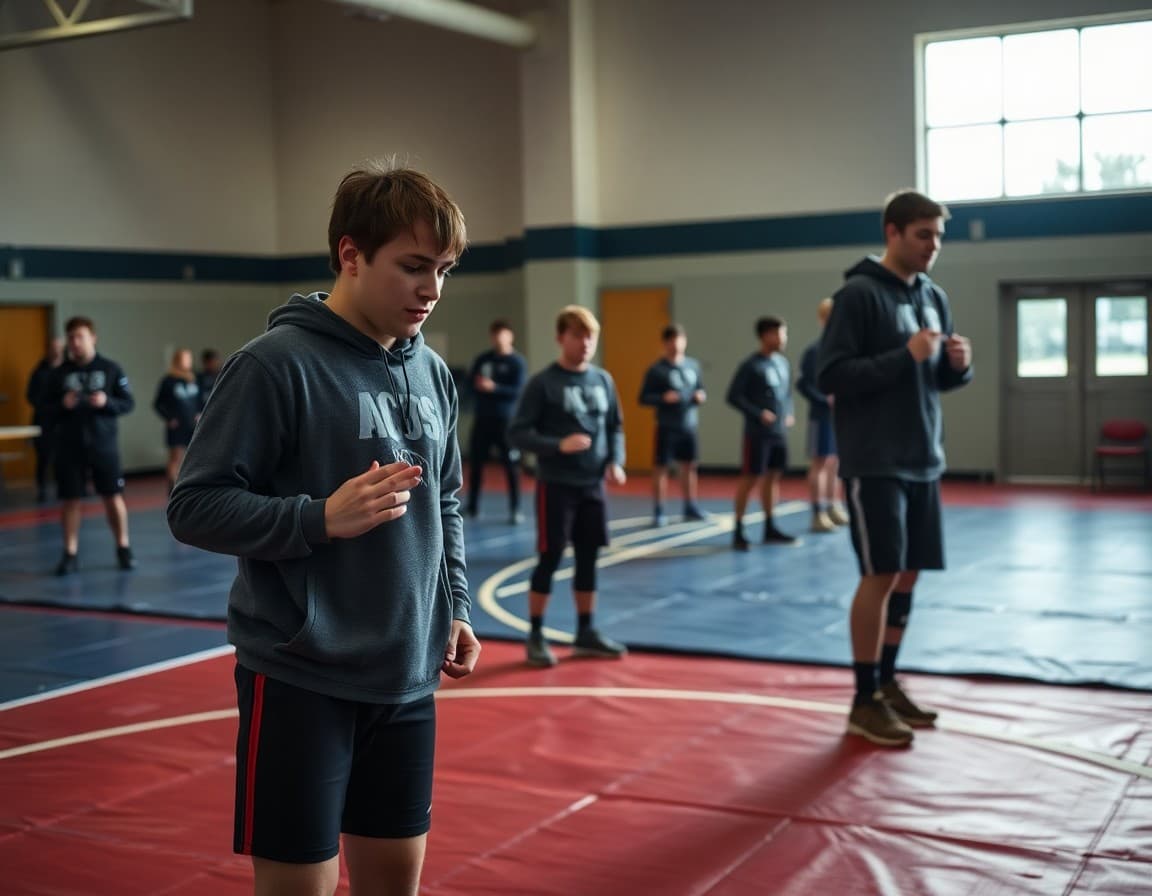
January is when winter sports move into their most intense stretch. Teams are finding their rhythm, eligibility is being sorted after first-semester grades, and families need clear schedules to plan their lives around game nights. Your January newsletter gives them all of it in one place.
Publish the winter sports schedule through February
Give families the complete schedule for the next four to six weeks, not just the next two. Families managing multiple children, work schedules, and winter weather need planning time. List each sport with game dates, times, and locations. If your school has a sports schedule app or website, mention it but still include the key dates in the newsletter itself. Families who have to click a link to find the schedule often do not find it.
Report on first-semester eligibility in general terms
First-semester grades have been pulled and eligibility decisions have been made. Your newsletter should acknowledge this while keeping individual cases private. "First-semester academic eligibility has been reviewed. Students who have been placed on academic probation received individual communication from the athletic office this week. Students who have questions about their eligibility should contact [name] at [email]." That closes the loop without exposing anyone.
Remind athletes and families about the code of conduct
The start of a new semester is the right time for a brief, non-punitive code of conduct reminder. State the core expectations: sportsmanship, academic requirements, practice attendance, and social media behavior if that is part of your code. Include a link to the full document. One paragraph, direct tone, no threats. Setting expectations early reduces enforcement issues later.
Announce spring sports save-the-dates
Families with spring sport athletes need to know tryout dates as early as possible for scheduling and physical appointment planning. A brief section with tentative spring tryout windows and sports offered, with a note that full details will come in February, plants the seed without committing to dates that may change.
Address winter weather and practice/game cancellation policy
Tell families your cancellation notification method and timeline. If games are canceled due to weather, how will families find out and by when? A brief policy statement prevents the phone calls you receive when a game is canceled at 5 p.m. and families are already in the car. "Weather cancellations will be posted by 2:00 p.m. on the athletic website and sent via the school app. If you have not heard by 2:00 p.m., the event is on."
Update families on booster club and January fundraising
If your booster organization has a January fundraiser or event, give families the details. Winter sports fundraisers often include spirit nights at local restaurants, athletic apparel orders, or concession stand volunteer opportunities. One paragraph with a link is sufficient.
Close with recognition for winter sports teams
January is when winter sports are fully underway. A brief statement of enthusiasm for the season, a recognition of early-season results if any are notable, and a thank-you to coaches and families for their commitment builds the program culture that sustains athletics through a long winter.
Daystage makes your January athletic director newsletter easy to send to your full sports community. Embedded schedules, eligibility updates, and code of conduct reminders all in one place.
Get one newsletter idea every week.
Free. For teachers. No spam.
Frequently asked questions
What should an athletic director include in a January newsletter?
Full winter sports schedules, academic eligibility update after first-semester grades, athletic code of conduct reminders, spring sports save-the-dates, booster club fundraiser launch, and any January sports safety or weather policy reminders. January is when winter sports are in full swing and families need complete information.
How do I communicate first-semester eligibility results in a January newsletter?
Keep it general in the newsletter. 'First-semester grades have been reviewed. All eligible athletes have been notified. Students who have been placed on academic probation have received individual communication from the athletic office.' Save individual case details for direct conversations with families.
Should I preview spring sports in a January newsletter?
Yes, briefly. A save-the-date for spring tryouts and a note about what sports are offered is appropriate. Families who are planning spring activities around sports seasons need as much lead time as possible. A formal spring sports announcement can come in February.
How do I remind athletes about the athletic code of conduct in a newsletter?
A brief, non-punitive reminder early in the winter season sets expectations. Reference the code, name the key expectations, and remind families where to find it. 'All athletes and families are expected to review and follow the MVHS Athletic Code of Conduct. A copy is available at [link].' That is sufficient for a newsletter.
What tool helps athletic directors send newsletters to sports families?
Daystage is a school newsletter platform that works well for athletic departments. You can send sport-specific updates, embed game schedules, and track who opens your communications. Open-rate data is particularly useful for eligibility reminders, where documentation that families were notified can matter.

Adi Ackerman
Author
Adi Ackerman is a former classroom teacher and curriculum writer with 8 years in K-8 schools. She writes about school communication, parent engagement, and what actually works in real classrooms.
More for Athletics
Ready to send your first newsletter?
3 newsletters free. No credit card. First one ready in under 5 minutes.
Get started free