

Rural Broadband School Newsletter: Reaching Families Without Reliable Internet
About one in four rural households in the United States does not have broadband internet at home. For schools in rural counties, that number is often higher. Sending a digital-only newsletter to those families is not a communication strategy. It is a communication failure waiting to happen.
Know Your Connectivity Baseline Before You Design
The first step is knowing how many families in your school actually have reliable home internet. A short question on enrollment forms, a show of hands at back-to-school night, or open-rate data from your newsletter platform will give you a working number. If 30% of families are not opening digital communications consistently, designing for digital-only delivery excludes 30% of your community from the start.
Build a Paper Backup Into the System, Not as an Afterthought
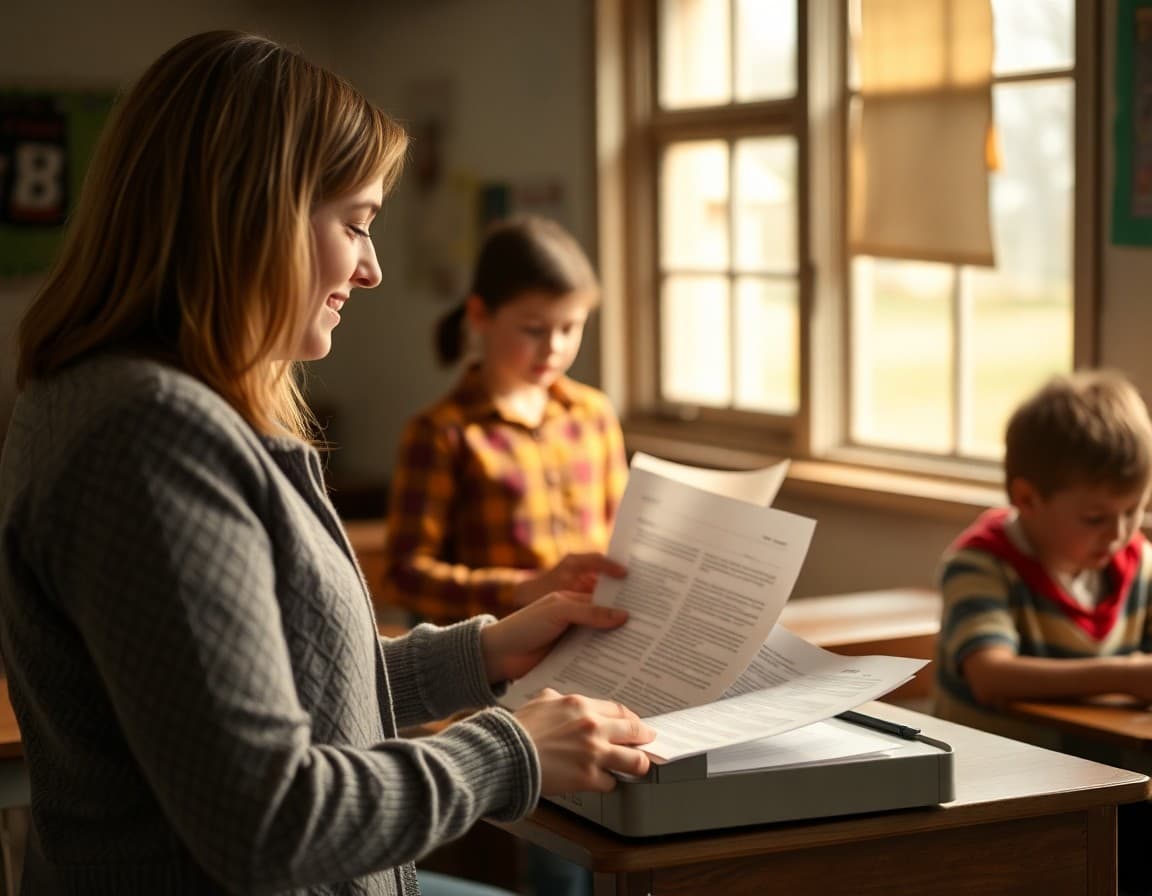
Paper copies should be a standard part of every newsletter distribution cycle, not something teachers scramble to produce when they hear a family missed something. Pick a consistent print day and send copies home with all students, or track which families need them and send only to those. The second approach requires maintaining a list but reduces paper waste. Either works. What does not work is treating paper as an emergency backup.
List Internet Access Resources Families Can Actually Use
Broadband assistance programs exist, but many rural families do not know about them. The newsletter is the right place to list what is available: school parking lot WiFi hours, the library's hours and guest network name, any community hotspot locations in town, and state or federal subsidy programs for low-income households. Keep the information specific. "Free WiFi is available in the school parking lot from 6 AM to 9 PM. The network name is [SchoolName]-Community." is more useful than "we have WiFi available."
Keep Newsletter Files Small
Families who do have internet may be on limited data plans. A newsletter that downloads 4MB on a capped hotspot plan costs money they may not have. Design newsletters to load under 100KB in the email client. Use compressed images. Avoid embedding large attachments. Link to PDFs that families can choose to download rather than sending them inline. A lightweight newsletter shows respect for families' data constraints.
Use Phone Communication as a Parallel Channel
For families without email access, the school phone system is the most direct channel. A short recorded message covering the three most important items from the newsletter, sent on the same day the newsletter goes out, ensures those families receive the same information. It does not replace the newsletter. It complements it for families the newsletter cannot reach.
Track Who Is Not Reading and Follow Up
Open-rate tracking tells you which families have not opened the last two or three newsletters. That list is the starting point for follow-up: a printed copy sent home, a phone call, or a note to the student's teacher to check in. Daystage surfaces this data in the dashboard so teachers can see it without exporting to a spreadsheet. Catching communication gaps early prevents bigger disconnections later.
Be Transparent With Families About the Limitation
A single sentence in every newsletter resolves a lot: "If you are not receiving these emails or prefer a printed copy, call the office at [number]." Families who do not have email or who are using an address that does not work anymore need to know they can still be part of the communication loop. That sentence is an open door.
Include a Template Reminder About Connectivity Resources
Keep a standing section in your newsletter template for internet access resources. It can be two lines: the library hours and the school WiFi access point. Families who need it will find it every time. Families who do not need it will skip past it. The cost of including it is zero. The cost of leaving it out is that a family that could have benefited never knew it existed.
Rural schools that build communication systems around their actual connectivity conditions keep more families engaged through the year. The newsletter is where that system starts.
Get one newsletter idea every week.
Free. For teachers. No spam.
Frequently asked questions
How should a rural school newsletter handle families who have no home internet?
Print copies sent home with students remain the most reliable fallback. Build a system where families who do not open digital newsletters within 48 hours automatically receive a paper copy. Post physical copies at the school entrance, the public library, and any community gathering points. The newsletter that assumes digital delivery reaches everyone will exclude your most disconnected families.
What federal programs can rural schools mention in newsletters to help families get internet access?
The E-Rate program funds school and library broadband. The Affordable Connectivity Program provided discounts for low-income households. USDA ReConnect grants fund rural broadband infrastructure. State-level rural broadband offices often have additional programs. The newsletter is the right place to share what programs exist, who qualifies, and how to apply.
How do you design a school newsletter to load well on slow or limited connections?
Keep the total email size under 100KB. Use compressed images or no images at all in the email version. Avoid embedding video or large PDFs. A short, plain-text option in addition to the formatted version gives families on data caps a readable alternative. Daystage sends lightweight newsletters that load on slow mobile connections without hitting data limits.
What community access points can rural schools point families to for internet access?
Public libraries are the most consistent option. Many rural schools extend their broadband to parking lots during evening hours. Community centers, churches, and tribal chapter houses sometimes offer guest WiFi. Fast-food restaurants and gas stations with WiFi in rural towns serve as informal hotspots. The newsletter should list specific locations and hours, not just a general suggestion to find WiFi.
How does Daystage help rural schools with limited-connectivity families?
Daystage provides open-rate tracking so teachers can identify families who have not opened newsletters and need a printed copy. The platform sends lightweight emails that load quickly on slow connections. Schools use it to run parallel digital and paper communication systems from a single newsletter build.

Adi Ackerman
Author
Adi Ackerman is a former classroom teacher and curriculum writer with 8 years in K-8 schools. She writes about school communication, parent engagement, and what actually works in real classrooms.
More for Rural & Title I
Rural School Internet Access Newsletter: Communicating Connectivity Challenges and Solutions
Rural & Title I · 6 min read
How Rural Schools Can Address the Digital Divide in the School Newsletter
Rural & Title I · 5 min read
Title I Technology Access Newsletter: How Schools Communicate Device and Connectivity Programs
Rural & Title I · 5 min read
Ready to send your first newsletter?
3 newsletters free. No credit card. First one ready in under 5 minutes.
Get started free