

April Elementary School Newsletter Template
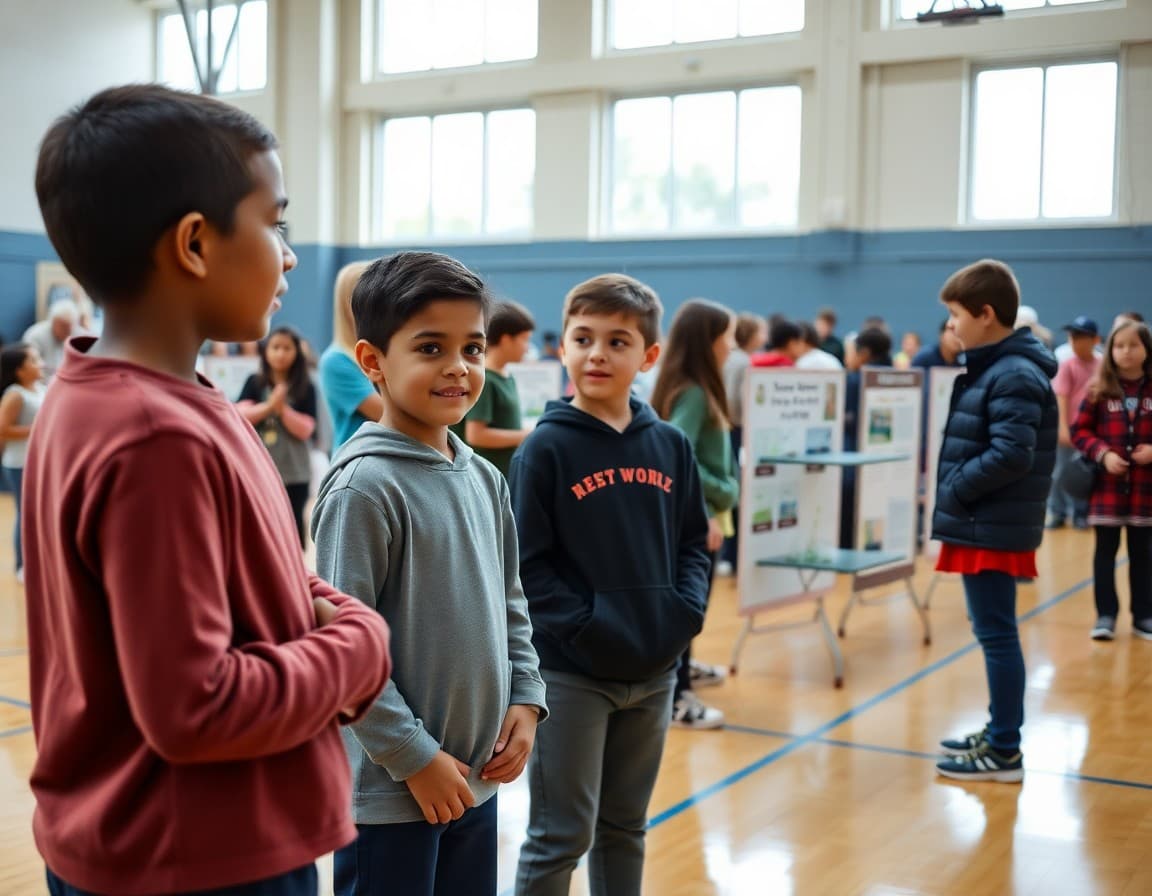
April elementary newsletters need to accomplish three things simultaneously: carry the energy of spring into the classroom, support families through the final stretch of testing, and begin the transition communication toward the end of the year. Families with young children are both excited and a little anxious in April. Your newsletter helps channel both.
Lead With Earth Day and Outdoor Learning
Elementary students are at the peak of their environmental curiosity in spring, and April gives you natural content for the newsletter. Describe what your school is doing for Earth Day: a school garden expansion, a recycling or composting project, outdoor science observations, or a community cleanup. Include one thing families can do at home to connect with the theme. Earth Day coverage is universally popular in elementary newsletters.
Celebrate Spring Science and STEM Programming
If your school has a spring science fair, a STEM showcase, or a maker project exhibition in April or May, announce it in your April newsletter with enough detail for families to plan attendance. Include the date, time, what students will present, and whether the event is family-facing. Elementary spring science events draw some of the highest family attendance of the year if communicated well.
Give a Testing Season Update
By April, spring testing is either underway or recently completed for most elementary schools. A brief, specific update goes a long way. Which grades tested? How did students approach it? When will results be available? If testing is still coming, give the exact dates and your home support recommendations. Keep this section short since families are ready to move on from testing conversation.
Preview End-of-Year Ceremonies
“Mark your calendars: Fifth Grade Promotion Ceremony is [date] at [time] in [location]. Kindergarten End-of-Year Celebration is [date] at [time]. Spring Concert is [date]. Full details on each event will follow in the May newsletter.”
This single paragraph prevents dozens of calls from families who could not make alternate arrangements because they found out at the last minute.
Recognize Spring Student Achievements
April is far enough into the year that you have real, specific things to celebrate. A reading milestone reached by a grade level, an art show that drew a record attendance, a class that completed a service project. One spotlight per newsletter keeps the school's story moving and gives families a sense of collective pride that is hard to build any other way.
Address Attendance for the Final Two Months
April and May are when elementary families start scheduling early summer appointments, weekend getaways, and extended family visits. A paragraph about why consistent attendance through the end of the year matters for student placement, course completion, and end-of-year activities is worth including. Practical framing rather than policy enforcement is the right tone.
Include One Family Engagement Opportunity
An Earth Day family event, a spring planting morning, or a school garden work session gives elementary families a low-barrier way to be part of the school in spring. List it with a specific date, a simple description, and a way to RSVP. Elementary parents who feel invited to participate are more invested in the school community heading into summer.
Use a Template That Grows With the Season
Daystage lets you build an April elementary template with event blocks, photo sections, and a warm layout that reflects the energy of spring. Save it, update it next April, and spend your time on the content that actually changes rather than rebuilding the structure each year.
Get one newsletter idea every week.
Free. For teachers. No spam.
Frequently asked questions
What should an April elementary newsletter cover?
April typically includes Earth Day programming and outdoor learning, spring science fairs or STEM events, testing season updates for affected grades, a preview of end-of-year ceremonies and grade promotions, and spring attendance reminders for the final stretch. It is also a natural month for a student achievement spotlight and a note about summer learning resources.
How do I communicate Earth Day programming to elementary families?
Describe the specific activities students are participating in: a school garden project, a recycling drive, an outdoor classroom day, a guest speaker on environmental science. Give families one way to extend the learning at home, such as a family walk to observe seasonal changes or a simple home recycling challenge. Elementary students are especially engaged by Earth Day activities and families appreciate the home connection.
What is the right way to talk about spring testing in an April elementary newsletter?
If testing is still in progress, give a brief status update. If it is complete, acknowledge that students worked hard and give families a timeline for when results will be available. Avoid extended testing commentary in the April newsletter since most families are ready to move past that conversation by April.
When should I preview end-of-year events in an elementary newsletter?
April is the right time. Fifth grade promotion, kindergarten graduation if you have one, spring concerts, and last-day-of-school schedules should all appear in your April newsletter with preliminary dates. Families need six to eight weeks of notice to coordinate work schedules, travel, and extended family plans.
How does Daystage help elementary principals manage April event communications?
Daystage lets you add separate event blocks for Earth Day activities, a spring science fair, and end-of-year ceremonies all in one newsletter, each with its own date, description, and RSVP option. Families can confirm their attendance for multiple events at once without navigating to separate tools.

Adi Ackerman
Author
Adi Ackerman is a former classroom teacher and curriculum writer with 8 years in K-8 schools. She writes about school communication, parent engagement, and what actually works in real classrooms.
More for Principals
Ready to send your first newsletter?
3 newsletters free. No credit card. First one ready in under 5 minutes.
Get started free