
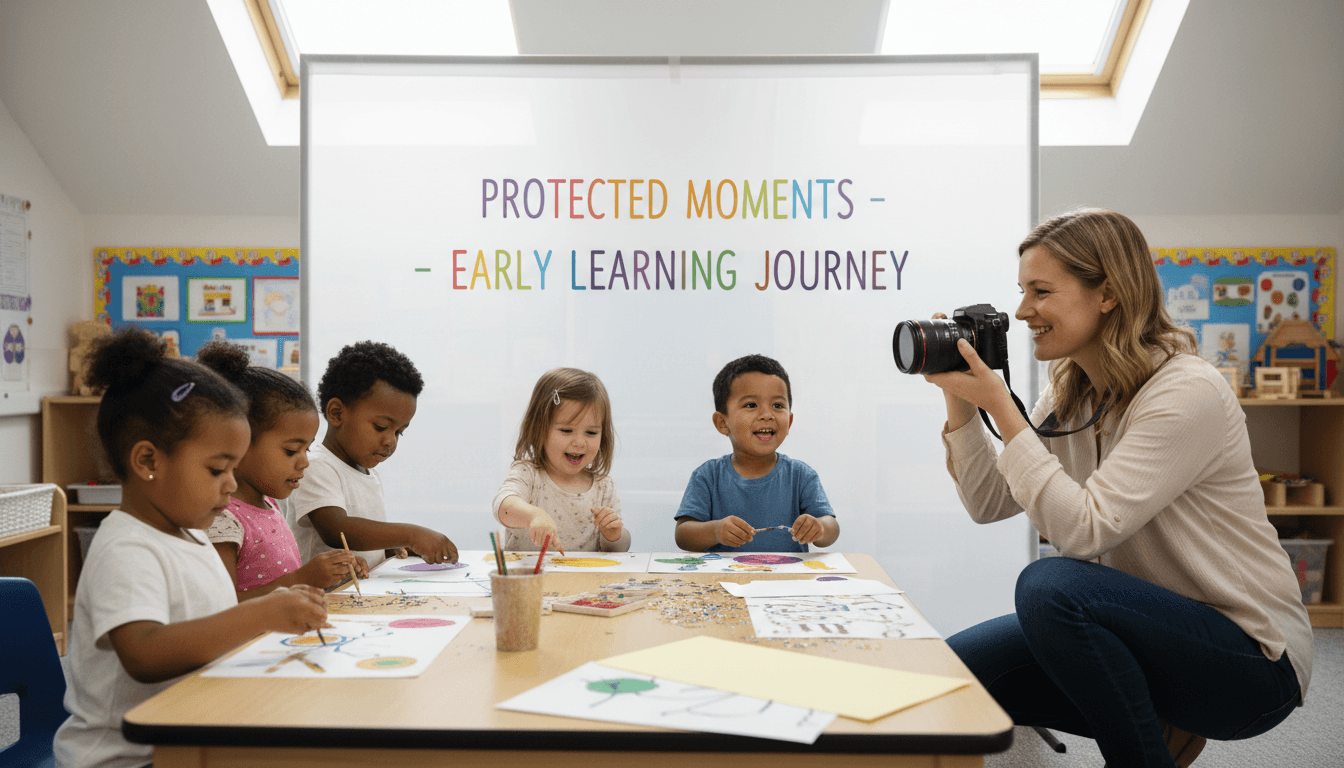
Photos in Your Pre-K Newsletter: Privacy Rules and Best Practices for Early Childhood
Photos are the most powerful part of any preschool newsletter. Parents who would skim past two paragraphs of text will stop cold at a photo of their child. That engagement is real and worth protecting. But so is the privacy of every child in your classroom, including the ones whose families have said no.
The rules around children's photos in educational settings are not complicated, but they are specific. Getting them right at the start of the year means you can share freely throughout the year without second-guessing every image.
How FERPA Applies to Preschool Photos
FERPA, the Family Educational Rights and Privacy Act, covers educational records at schools that receive federal funding. A photo of a child in the classroom can qualify as an educational record if it directly identifies the child and is maintained by the school. For publicly funded pre-k programs attached to school districts, FERPA applies directly. For private preschools and daycares that do not receive federal funding, FERPA does not apply, but the underlying principle still matters: you have a responsibility not to share identifiable images of children without parent consent.
The practical implication: never share a photo that identifies a child in a school context without documented permission from that child's parent or guardian. This applies to newsletters, websites, social media, and any other distribution channel.
COPPA and Why Under-13 Rules Apply to Your Newsletter
COPPA, the Children's Online Privacy Protection Act, restricts the collection of personal information from children under 13 online without parental consent. If your newsletter platform stores or displays photos that identify children, COPPA is relevant. Most reputable newsletter tools are compliant and do not store or sell child data, but it is worth confirming. Sending photos in a group text, an unprotected Facebook group, or a free consumer email service with image scanning is a different matter entirely.
The safest approach is to send newsletter photos through a closed distribution channel that goes only to enrolled families, not a publicly accessible web page or social media post that anyone can view.
What Your Photo Release Needs to Cover
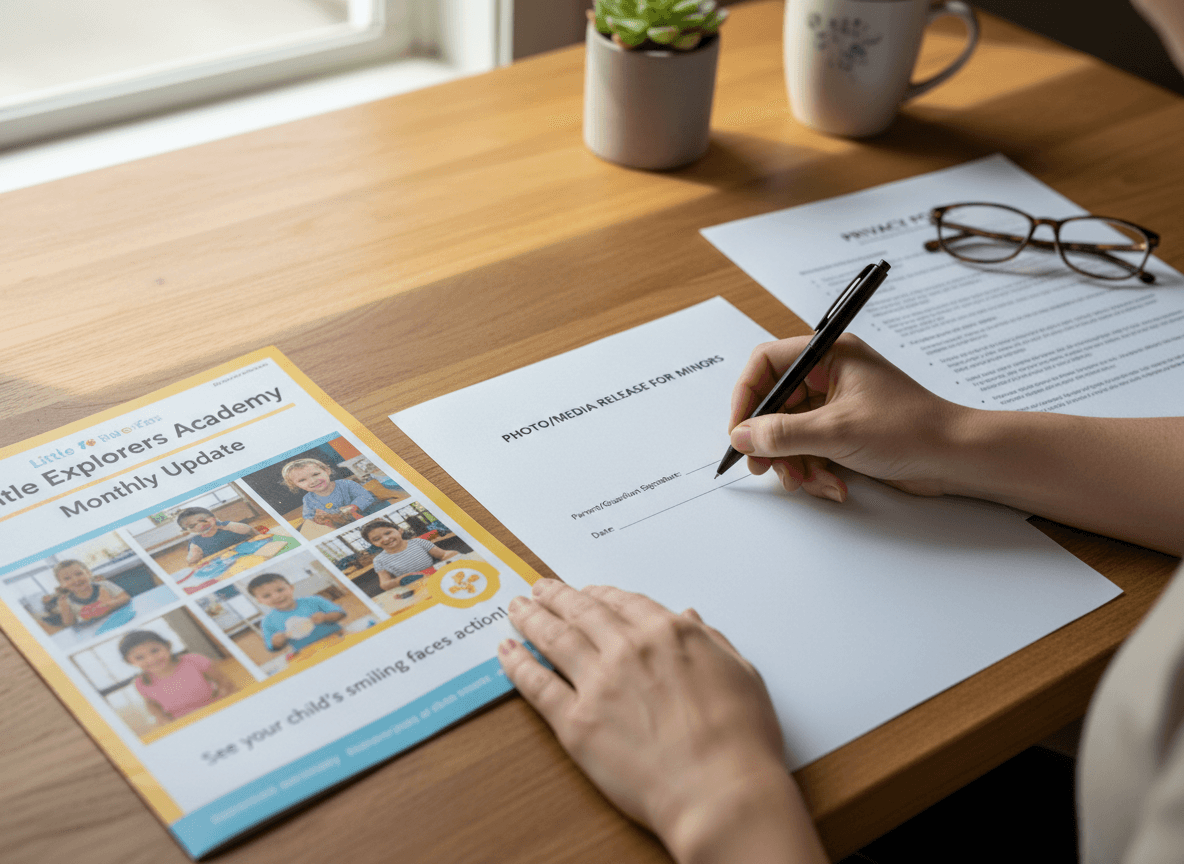
A generic "I consent to photos" signature is not enough. A good photo release for an early childhood program should specify:
- Where photos may be shared. Class newsletter, school website, social media, printed materials, grant applications, local press. These are separate permissions. A parent who consents to newsletter photos may not consent to press photos.
- Whether the child's name may accompany the photo. Showing a face is one level of identification. Attaching a name and school name is a higher level.
- Duration of the consent. Does it cover one school year? Enrollment period? Indefinitely?
- How to revoke consent. Parents should know they can withdraw permission and what that means for photos already distributed.
Send the release at enrollment or at back-to-school night, collect it before the first newsletter goes out, and store the responses somewhere you can actually find them mid-year.
Managing Children Without Photo Permission
Every class has at least one child whose family has declined photo sharing, sometimes for reasons of safety, custody situations, or personal preference. You do not need to know the reason. You need a system.
Practical approaches: photograph activities from behind or at a distance so no child is individually identifiable. Photograph hands, materials, or finished work rather than faces. Crop or blur as needed before sending. If you want to feature a specific activity that naturally shows faces, use only the children who have clear permission and shoot the frame intentionally to exclude others.
The goal is not to make the newsletter photo-free. It is to make sure every child in every photo you share has a parent who said yes.
Photos to Share and Photos to Avoid
Strong newsletter photos show children engaged in an activity, hands deep in a sensory bin, two children building with blocks, a child examining something closely. These images communicate learning and feel personal without being exposing.
Photos to avoid: sleeping or resting children, children in distress, bathroom areas, and any image that could be read as unflattering or embarrassing. Also avoid photos that reveal detailed information about the school's layout or location, particularly if your newsletter is ever visible beyond the direct family list.
How Daystage Handles Photo Privacy
Daystage sends newsletters to your enrolled family list through a closed channel, not a public URL that anyone can browse. Photos you include in a newsletter go to the families on your list and are not indexed or stored in a way that makes them publicly searchable. For programs that want to share photos freely without worrying about accidental public exposure, this is a meaningful difference from emailing images as attachments or posting them to a school Facebook page.
Refreshing Permissions Year Over Year
Photo permissions should be collected fresh at the start of every school year, not carried forward from a previous enrollment form. Family situations change. Custody arrangements shift. A parent who consented last year may have a reason to decline this year that they have not mentioned to you. A brief consent form at back-to-school night takes five minutes and protects both the families and the school.
Get one newsletter idea every week.
Free. For teachers. No spam.
Frequently asked questions
When should preschool teachers collect photo permissions for newsletters?
Collect photo permissions during enrollment or at the start of each school year, before the first newsletter goes out. Do not wait until you are about to publish photos to ask. A blanket permission form signed once per year is standard, but if you send newsletters through a digital platform, verify whether the platform's own terms require additional consent.
What should a pre-k newsletter photo policy cover?
Cover what types of photos will appear in newsletters, where the newsletter will be distributed such as email only, a password-protected app, or a public website, whether children will be named alongside their photos, and what a family needs to do if they do not consent. Make the opt-out process easy and private so families are not embarrassed to use it.
How should preschool teachers handle photos of children whose families have not given consent?
Never include a child in any photo in any communication channel if their family has not given explicit written consent. Crop or use angles that exclude non-consenting children rather than asking their families to make an exception. Keep a current consent list checked against every newsletter before it goes out, not just when you originally collect it.
What are common mistakes in preschool newsletter privacy practices?
The most common mistake is using a blanket consent form that does not specify where photos will be published, which creates ambiguity if the newsletter is later shared more broadly than families expected. A second mistake is not tracking which children have and have not consented, leading to accidental inclusion of non-consenting children when staff turnover happens or substitute teachers contribute content.
Is there a newsletter tool that helps preschool teachers manage photo consent?
Daystage is built for early childhood teachers and includes photo privacy controls as part of how you create and send newsletters, so consent tracking is part of the workflow rather than a separate step.

Adi Ackerman
Author
Adi Ackerman is a former classroom teacher and curriculum writer with 8 years in K-8 schools. She writes about school communication, parent engagement, and what actually works in real classrooms.
More for Pre-K
Ready to send your first newsletter?
3 newsletters free. No credit card. First one ready in under 5 minutes.
Get started free