
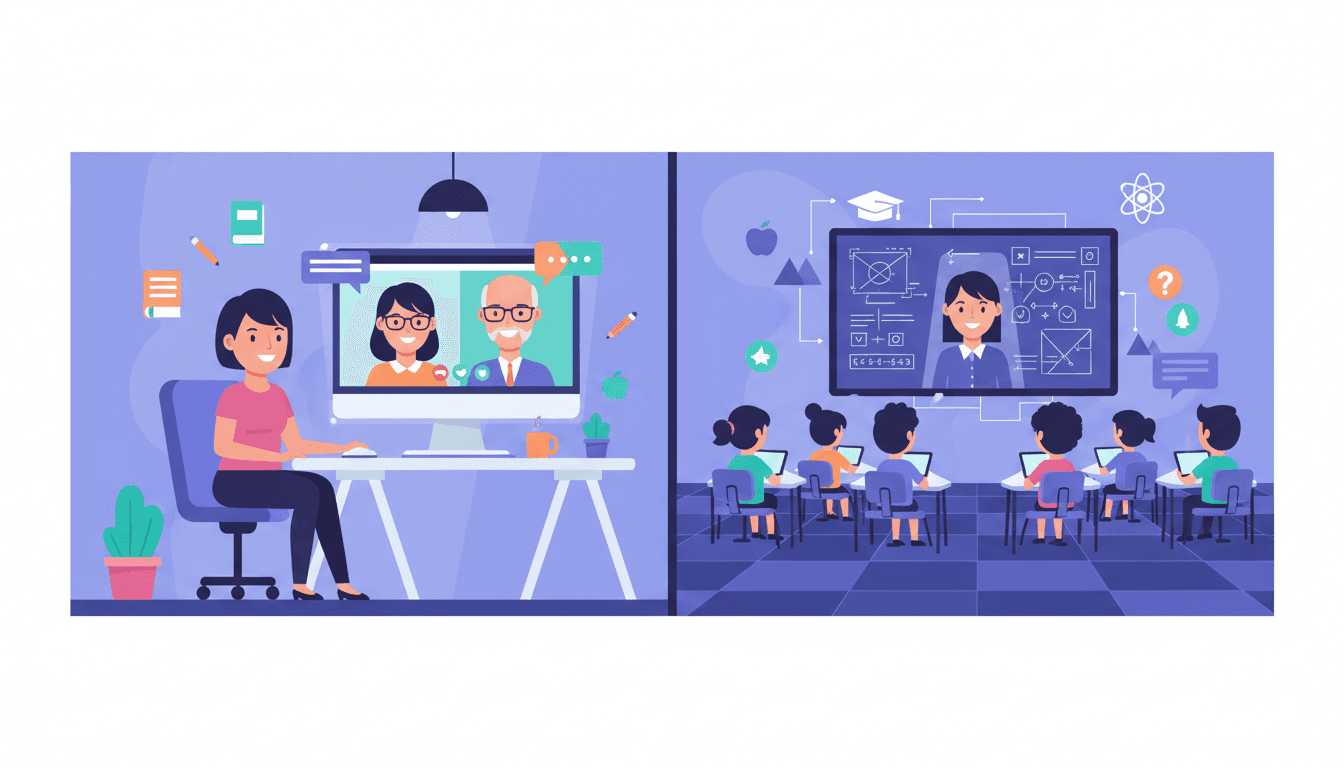
New Teacher Guide to Remote and Virtual Parent Communication

Remote and virtual teaching strips away most of the organic parent touchpoints that in-person teachers take for granted. There is no pickup line, no hallway conversation, no quick word at the classroom door. If you are teaching virtually, your communication with parents has to be intentional, structured, and regular, because it is the only connection they have to what is happening in their child's school day.
This guide covers how to build that system from scratch in your first year of virtual or remote teaching.
Why Remote Parent Communication Is Different
In an in-person classroom, parents get informal signals even without newsletters. A child mentions something at dinner. A note comes home in a folder. The parent waves to the teacher at dropoff and reads body language. These small signals add up to a general sense of "things are going okay."
Virtual parents do not get those signals. What they get is whatever you send them. If you send nothing, they know nothing, and they fill that silence with their own assumptions. Those assumptions are often anxious ones.
This means your newsletter in a virtual classroom carries more weight than it does in a physical one. It is often the primary evidence parents have that class is happening, that their child is engaged, and that you are on top of things.
The Core Communication System for Virtual Teachers
Weekly Email Newsletter
Send a newsletter every week to every parent. Same day, same time. In a virtual setting, Friday afternoon works well because parents can process it over the weekend when they have more time. Sunday evening also works because it prepares families for the Monday routine.
For virtual classrooms specifically, add two sections to the standard newsletter format:
- Tech reminders. Which platform you will use for class this week. Any software updates parents should be aware of. Login links that families sometimes lose track of.
- At-home learning environment notes. Anything that affects how students need to be set up to participate. Especially important if you are assigning something that requires printing, specific materials, or a quiet space.
Short Video Updates
Once a month, record a two to three minute video for parents. Not a live session. A recorded video that parents can watch when they have time. Introduce a topic you are teaching, show what a class session looks like, or explain a strategy parents can use at home to support what you are covering.
Video updates are more engaging than text alone and they help parents put a face to the name. Many virtual teachers find that parent engagement increases after they start doing even occasional video messages.
Keep it short. Two to three minutes. Record it on your phone or laptop camera. Tripod or propped-up phone is fine. This does not need to be produced. It needs to be real.
Office Hours for Parents
Set a regular weekly or biweekly 30-minute window where parents can drop into a video call and ask questions. Not required, not structured, just open. Announce the time in your newsletter each week.
Most weeks, no one shows up. That is fine. When a parent does show up, it is usually because they have a concern they have been sitting on. The availability itself signals that you are accessible, even when no one uses it.
Communicating About Tech Problems
Virtual teaching involves platform issues, internet drops, and devices that stop working at inconvenient times. Parents need to know what to do when this happens. Establish a clear protocol before you need it.
Put the protocol in your first newsletter: "If we have a platform issue during class, I will send an email within 15 minutes with instructions. If your child cannot connect, they should email me directly at [address] so I can mark their attendance correctly." Simple, clear, documented.
Keeping Remote Parents Engaged When Everything Is Digital
Email overload is real. Virtual school families receive more digital communication than in-person families, from multiple teachers, the main office, the district, and various platforms. Your newsletter needs to earn its read.
Three things that help:
- Write a specific subject line. "Ms. Torres: Week 14 Update, Reading Unit Starts Monday" is better than "Weekly Newsletter." Specific subject lines get opened. Generic ones get skipped.
- Put the most important action item at the top. If there is a deadline or something parents need to do, put it first. Parents who are skimming will see it even if they do not read the rest.
- Keep it short. A three-minute read is plenty. Longer newsletters get fewer reads, not more informed parents.
Building a Newsletter Parents Look Forward To
The newsletters that get the best response from virtual classroom parents share one quality: they make parents feel connected to something real. Not just logistics. Not just reminders. An actual glimpse of what their child's school day looks like.
Include one specific classroom moment each week. What a student said in discussion. A funny thing that happened during a group activity. A breakthrough a student had with something they had been struggling with. Without naming students or sharing anything private.
These moments are what parents are actually reading the newsletter for, even if they would not say so. The dates and reminders are useful. The glimpse of classroom life is what builds the relationship.
Tools That Work for Virtual Classroom Newsletters
Tools like Daystage are built for exactly this situation: teachers who need to send professional-looking newsletters directly to parent email inboxes without requiring parents to click through to a separate app or website. For virtual classroom parents who are already managing multiple digital platforms, reducing that friction matters.
Set up your template once with your school's branding and your standard sections. Then each week you fill in the content and send. The routine is what matters.
The Consistency That Builds Trust
Remote parents cannot see your classroom. They cannot see whether their child is engaged or disengaged, challenged or bored, connected to classmates or isolated. What they can see is whether you show up consistently in their inbox with clear, honest, specific communication.
That consistency is the closest thing to trust that virtual teaching allows. Build it early, maintain it through the year, and the rest of your parent communication will be easier for it.
Get one newsletter idea every week.
Free. For teachers. No spam.
Frequently asked questions
When should new teachers in virtual classrooms send parent communications?
Virtual classrooms need communication more frequently, not less. Send your weekly newsletter on the same day every week without exception, and add a brief Monday morning reminder covering the week's schedule and any technical requirements. Families in remote settings rely entirely on written communication to stay oriented.
What should a new teacher include in virtual classroom parent newsletters?
Cover the week's live session schedule, links to any asynchronous assignments, technical requirements families need to prepare for, the week's learning objectives in plain language, and one tip for supporting engagement at home. Practical logistics matter more in virtual newsletters than in in-person ones.
How should new teachers handle tech problem communication with virtual families?
Create one standard message for common tech issues and send it at the beginning of the year so families know exactly what to do before problems happen. When a live technical issue affects the class, send a brief email within 30 minutes with the problem, what you are doing, and an alternate plan.
What mistakes do new virtual teachers make with parent communication?
The most common mistake is sending too many short emails throughout the week rather than one organized weekly newsletter. Families in virtual classrooms already have email overload. Consolidate into one weekly send that covers everything, supplemented by urgent-only messages when something actually breaks.
Does Daystage work well for virtual classroom newsletters?
Yes. Daystage is especially useful for virtual teachers because the newsletter is the primary communication channel, not a supplement to in-person contact. Teachers use it to send a consistent, well-organized weekly update that keeps families informed and reduces the chaos of too many separate messages.

Adi Ackerman
Author
Adi Ackerman is a former classroom teacher and curriculum writer with 8 years in K-8 schools. She writes about school communication, parent engagement, and what actually works in real classrooms.
More for New Teacher
Ready to send your first newsletter?
3 newsletters free. No credit card. First one ready in under 5 minutes.
Get started free