

First Classroom Newsletter Checklist: Everything to Include
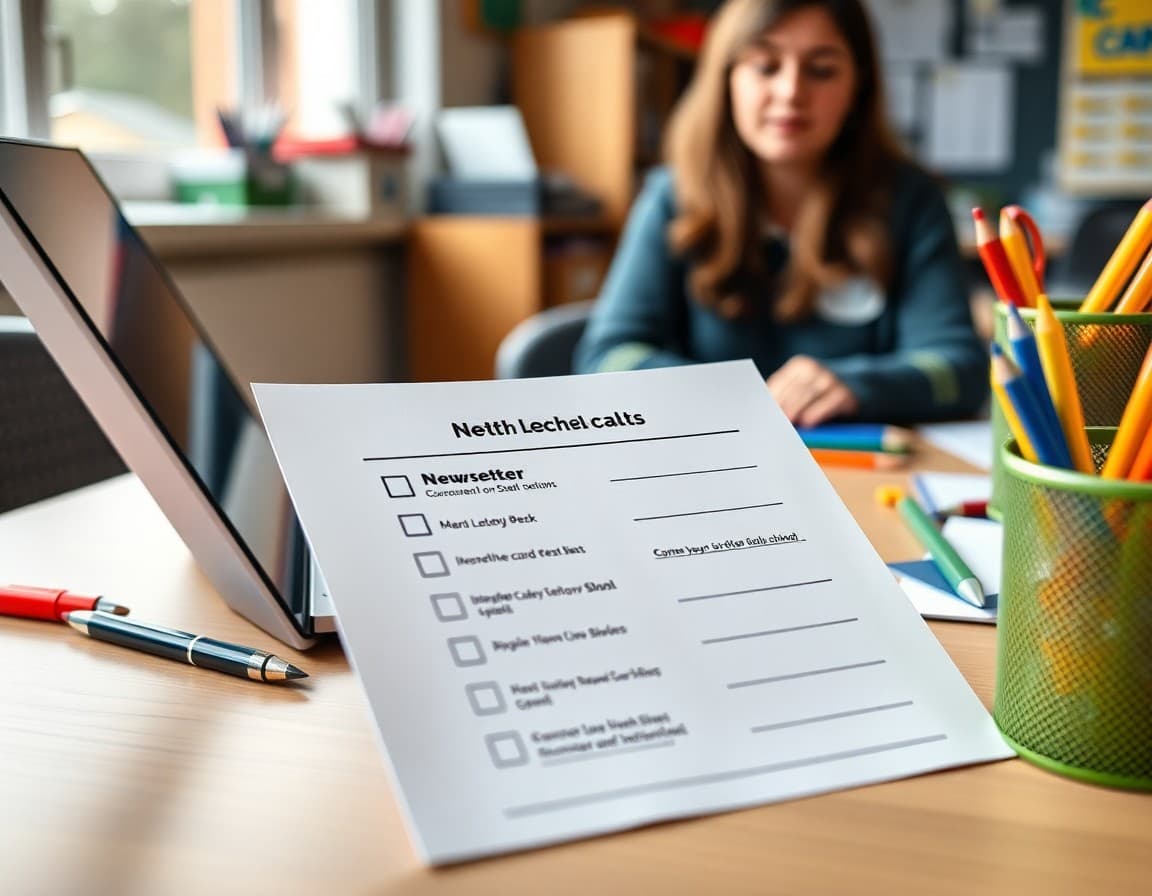
First newsletters fail for one of two reasons: they include too much and overwhelm families, or they skip critical information and leave families with questions. This checklist helps you hit the right balance the first time.
Work through each section before you send. Check off what you have covered. Anything on the "skip for now" list can go in a later newsletter once families are already reading you regularly.
Section 1: Your Introduction (Required)
Every first newsletter needs a brief personal introduction. Include your full name and what families should call you, your educational background in one to two sentences, and one personal detail that makes you human. That last part matters more than most new teachers expect. Families warm up to "I have taught third grade for two years and I collect vintage maps" faster than they do to a formal biography.
Checklist items: Full name and title. Degrees or certifications relevant to the grade or subject. One personal detail. A photo of yourself if you are comfortable.
Section 2: Contact Information and Communication Plan (Required)
This section prevents more headaches than any other. Specify your school email address, your response window (something like "I respond within 24 hours on school days"), and your preferred contact method. If families should NOT call the main office to reach you, say so. If there is a parent portal or app they should use, name it here.
Checklist items: Email address. Response time expectation. Preferred contact method. Any platforms you use for communication. When families should contact the office instead of you.
Section 3: Class Overview (Required)
Give families a one-paragraph picture of the school year. Name the subjects you teach, the grade level, and one thing you are looking forward to. You do not need a full curriculum map. You need enough to help a parent answer "What does your teacher do?" at dinner.
Checklist items: Subjects or disciplines covered. Grade level context. One upcoming highlight or unit you are excited about.
Section 4: Logistics (Required for Most)
Families need to know the practical things. Include your classroom number, drop-off and pickup expectations if they are specific to your room, lunch or recess schedule, and any regular homework expectations. If there is a specific day for library books, permission slips, or folder returns, name it.
Checklist items: Classroom location. Drop-off and pickup specifics. Homework policy in one or two sentences. Any weekly recurring logistics like folder Friday or library Tuesday.
Section 5: Supply List (Include If School Starts Soon)
If your first newsletter goes out within 10 days of the school start date, include the supply list. Put it as a clear, separate section with a header. If you are sending the newsletter earlier, a simple "Supply list attached" or a link works. Never embed the supply list inside a paragraph of text where it disappears.
Checklist items: Complete supply list. Note of which items are shared classroom supplies versus personal items. Any items you already have covered for students who cannot purchase them, phrased discreetly.
Section 6: One Action Item (Strongly Recommended)
Every first newsletter should ask families to do one specific thing. This could be completing a family information form, confirming their email is correct, signing and returning a policies page, or following your classroom communication channel. A first newsletter with a call to action gets replies. A passive newsletter often goes unacknowledged, and you lose the chance to confirm your contact list is accurate.
Checklist items: One clear ask. A link or return date. Brief explanation of why you need the information.
What to Skip in the First Newsletter
You do not need to include grading policies, detailed curriculum maps, field trip schedules, standardized testing dates, or classroom volunteer sign-ups in the first newsletter. All of those are worth communicating eventually, but they overwhelm a first send and bury the essentials.
Save behavioral policies for week two. Save curriculum details for week three. Save volunteer information for week four when families already know and trust you. Spacing this out also gives you easy content for your first four newsletters without starting from scratch each time.
Final Check Before You Send
Read the newsletter aloud. If you stumble over a sentence, rewrite it. Check that your email address is correct. Confirm any links open correctly. Make sure the subject line includes the class name or grade so families do not have to guess what they are opening.
A five-minute final check catches the errors that are hardest to walk back, like a wrong email address or a broken link to the supply list. Send with confidence once you have run through it once.
Get one newsletter idea every week.
Free. For teachers. No spam.
Frequently asked questions
What is the most important thing to include in a first classroom newsletter?
Your contact information and how to use it. Families who know exactly how to reach you and what your response expectations are will trust you faster than families left guessing. Put your email, your preferred contact method, and your typical response window in the first newsletter and repeat it for at least the first few weeks.
Should I include classroom rules in the first newsletter?
A brief mention is useful. You do not need to list every rule, but one sentence explaining your approach to behavior and expectations sets a useful frame. Something like 'We focus on respect, responsibility, and effort in our classroom' is enough. Save the detailed behavior system for its own dedicated newsletter in week two or three.
How do I handle supply lists in the first newsletter?
If school starts in a week or less, include the supply list directly. If you are sending the newsletter two or more weeks before school, a link or brief mention is enough since families may not shop that early. Never bury the supply list in the middle of the newsletter. Either put it at the top as a clear section or link to it separately.
Can I include student photos in the first newsletter?
Only if you have signed photo permission forms. For a first newsletter sent before school begins, you almost certainly do not have those forms yet. Use photos of your classroom, your teaching materials, or a selfie of yourself instead. Once forms are returned, student photos make newsletters feel personal and celebratory.
What platform makes building a checklist-ready newsletter easy?
Daystage lets you build classroom newsletters with structured sections so nothing gets forgotten. The template format prompts you to fill in key fields like contact info, upcoming dates, and a featured section. New teachers find it much faster than starting from a blank document or email.

Adi Ackerman
Author
Adi Ackerman is a former classroom teacher and curriculum writer with 8 years in K-8 schools. She writes about school communication, parent engagement, and what actually works in real classrooms.
More for New Teacher
Ready to send your first newsletter?
3 newsletters free. No credit card. First one ready in under 5 minutes.
Get started free