
Middle School Social Media Newsletter: Communicating School Policy and Parent Guidance to Families
Social media is one of the most consistent sources of friction between middle schools and the families they serve. Students want access. Families are uncertain about how much to allow. Schools have policies that families may not fully understand. And the platforms themselves change faster than most school communication can keep up with.
The newsletter is not a solution to all of that. But it is the right place to start: giving families the school's position, the reasoning behind it, and practical tools they can actually use at home with a student who is already online.
Explaining the School's Phone and Device Policy
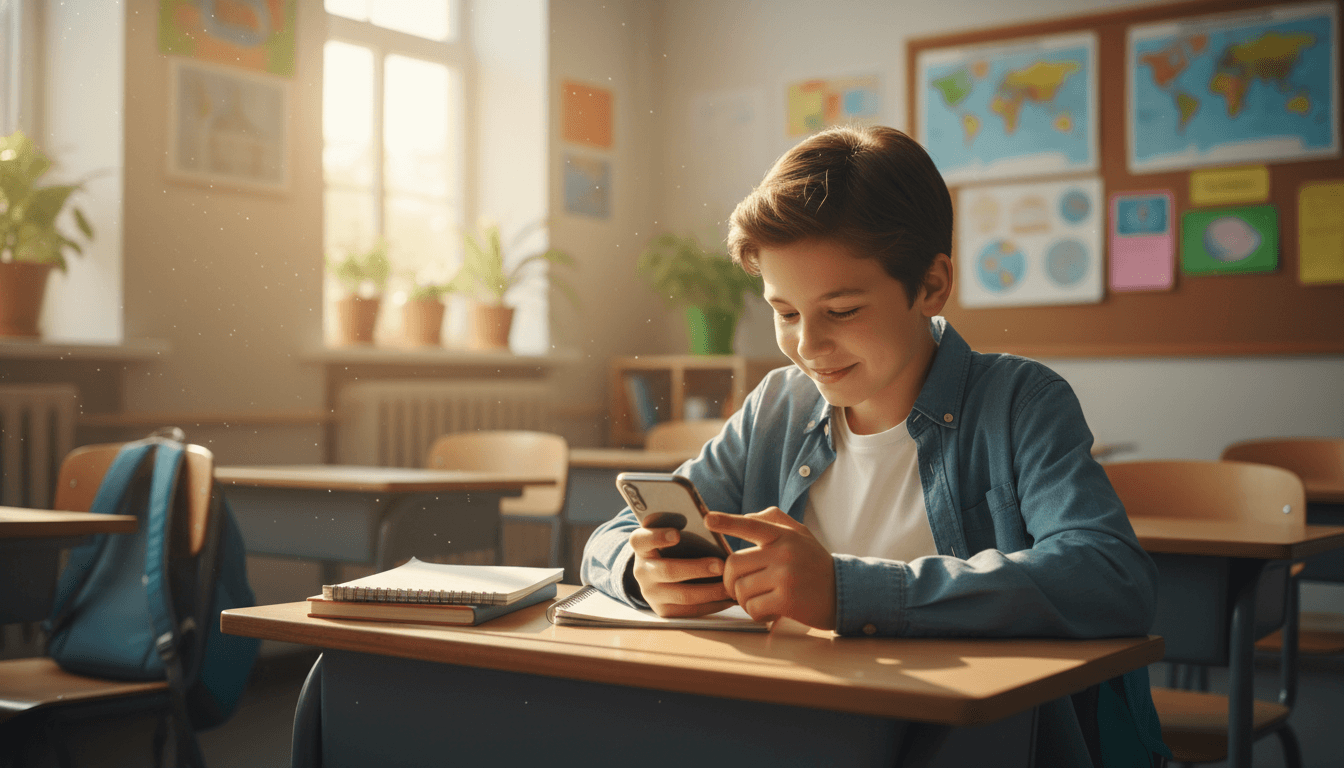
If your school has a phone or device policy, the newsletter should explain it clearly and early in the year. State exactly what is required: are phones stored away during all instructional time, or only during specific classes? Are phones allowed at lunch? What happens when a student violates the policy?
Families need to understand the reasoning, not just the rule. Research consistently shows that phone availability in classrooms reduces attention and academic performance even when phones are not actively being used. Social dynamics in middle school are also significantly different when phones are present during less-structured times like lunch and passing periods. Sharing that context helps families understand why the policy exists and makes them more likely to support it at home.
What Students Are Learning About Digital Citizenship
If your school teaches digital citizenship, describe what that looks like at the middle school level. Topics typically include online privacy, the permanence of digital content, managing digital reputation, cyberbullying, and the difference between online and in-person communication norms. When families know what students are learning in school, they can reinforce the same concepts at home rather than working from a completely different framework.
Even if your school does not have a formal digital citizenship curriculum, you can share the principles your advisory program or health curriculum uses and encourage families to use the same language at home. Consistency between school and home messaging makes the concepts stick.
Age-Specific Guidance for Common Platforms
Middle schoolers are most commonly using video platforms, messaging apps, photo-sharing platforms, and gaming communities. Each of these carries different risks, and families benefit from understanding the basic structure of the platforms their student uses before trying to set limits on them.
Rather than reviewing individual apps, give families a short framework. What is the audience size? Is the content public or private? Can strangers initiate contact? Does the platform have direct messaging? Does content disappear or stay permanently? Walking families through these questions for the platforms their student currently uses is more useful than any list of approved or disapproved apps, because the list will be outdated within months.
Practical Steps Families Can Take
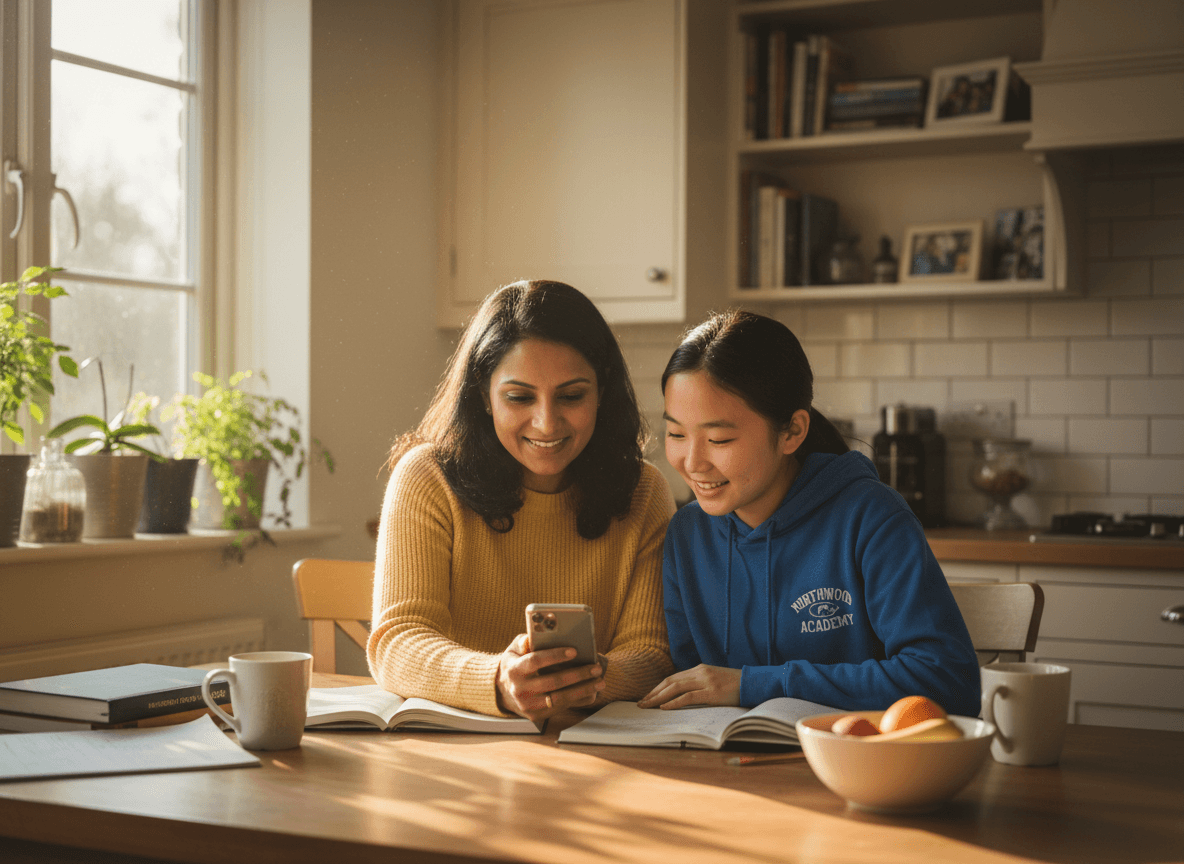
The most effective newsletters give families a short, specific list of actions to take this week. For social media, that might look like: review your student's account privacy settings together, add yourself as a follower or friend on any platform they use, agree on a time after which devices go in a common charging spot (not the bedroom), identify one night per week where dinner happens without phones at the table, and ask your student to show you one post they liked this week and why.
None of these require constant monitoring or an adversarial dynamic. They are low-effort habits that keep the channel of communication open and give parents visibility without feeling like surveillance. The newsletter should make the case that the goal is not control, it is connection.
Cyberbullying and When to Contact the School
Social media conflicts frequently spill into the school day. Students who had an online argument the night before bring it to school the next morning. When families see something concerning on their student's accounts or devices, they should know exactly how to reach the school and what to expect from that conversation.
Include a clear description of what the school can and cannot address. Schools generally have authority over online behavior when it substantially disrupts the school environment or involves students communicating with each other. Provide the counselor's name and contact information, note what information is helpful to share when reaching out, and reassure families that reaching out early is always better than waiting.
Sleep, Screens, and Academic Performance
One of the most concrete connections schools can make for families is between nighttime screen use and academic performance. Students who charge phones in bedrooms and use them late tend to sleep less, which affects attention, emotional regulation, and academic performance in measurable ways. This is not an opinion. It is documented consistently across research on adolescent sleep.
Recommend a simple rule: phones charge somewhere other than the student's bedroom overnight. This single change has more impact on sleep quality than almost any other intervention and requires no monitoring after the initial setup. Families who see the connection between screen time and school performance are more motivated to hold the line on this.
Returning to This Topic as the Year Progresses
A social media newsletter sent in August or September will be read once. A school that returns to the topic briefly throughout the year builds a more durable framework. Use the newsletter to share updates when a new platform becomes popular, when the school adjusts its policy, or when a situation arises that families should be aware of at a general level. Brief, regular reminders reinforce the message far more effectively than a single comprehensive guide that most families read once and forget.
Get one newsletter idea every week.
Free. For teachers. No spam.
Frequently asked questions
What should a middle school social media newsletter include?
It should cover the school's phone and device policy during school hours, the school's digital citizenship curriculum if one exists, age-specific guidance for common platforms, practical steps families can take at home, and how to reach the school if a social media issue affects a student. The goal is to give families both the rules and the reasoning behind them. Rules without context are harder to enforce and easier to dismiss.
How do I talk about specific platforms without the newsletter feeling dated?
Focus on categories of risk and behavior rather than individual apps. Platforms change quickly, but the dynamics do not: anonymous posting, large public audiences, direct messaging from strangers, and content that disappears are consistent risks across platforms. Teach families to ask about the platform structure rather than the platform name. 'Can strangers send you messages?' and 'is your account public or private?' are questions that apply now and will still apply to whatever platform exists in three years.
Our school just updated its phone policy. How do I explain the change in the newsletter?
Start with the educational rationale. Research on attention, learning, and social dynamics in the classroom supports limiting phone access during the school day. State the specific policy change, when it takes effect, and exactly what students will be expected to do. Anticipate the most common family questions and answer them directly. If students will store phones in a pouch or locker, say so. If emergencies are handled through the main office, remind families. The more specific the policy explanation, the less pushback you receive.
What practical steps can I give parents in a social media newsletter?
Give families a short, actionable list: check privacy settings together with your student, follow your student on the platforms they use, establish a device-free hour before bed, agree on a charging location outside the bedroom, and review friend or follower lists periodically. Families are more likely to act on a five-item checklist than on a page of general guidance. Make the actions specific and low-effort so they happen in the first week after reading.
Can Daystage help schools communicate digital citizenship policies to families?
Daystage works well for exactly this kind of communication. A school can use Daystage to send a standalone social media policy newsletter at the start of the year and then reference it in shorter updates throughout the year as issues come up. Having a clear, linked policy newsletter makes it easier to remind families of the rules and the reasoning without rewriting the full explanation every time.

Adi Ackerman
Author
Adi Ackerman is a former classroom teacher and curriculum writer with 8 years in K-8 schools. She writes about school communication, parent engagement, and what actually works in real classrooms.
More for Middle School
Middle School Peer Pressure Newsletter: How Schools Can Support Families Through the Conversation
Middle School · 6 min read
Middle School Advisory Newsletter: Communicating What Homeroom and Advisory Does for Students
Middle School · 5 min read
Middle School Puberty Newsletter: Communicating the Health Curriculum to Parents Clearly and Professionally
Middle School · 6 min read
Ready to send your first newsletter?
3 newsletters free. No credit card. First one ready in under 5 minutes.
Get started free