
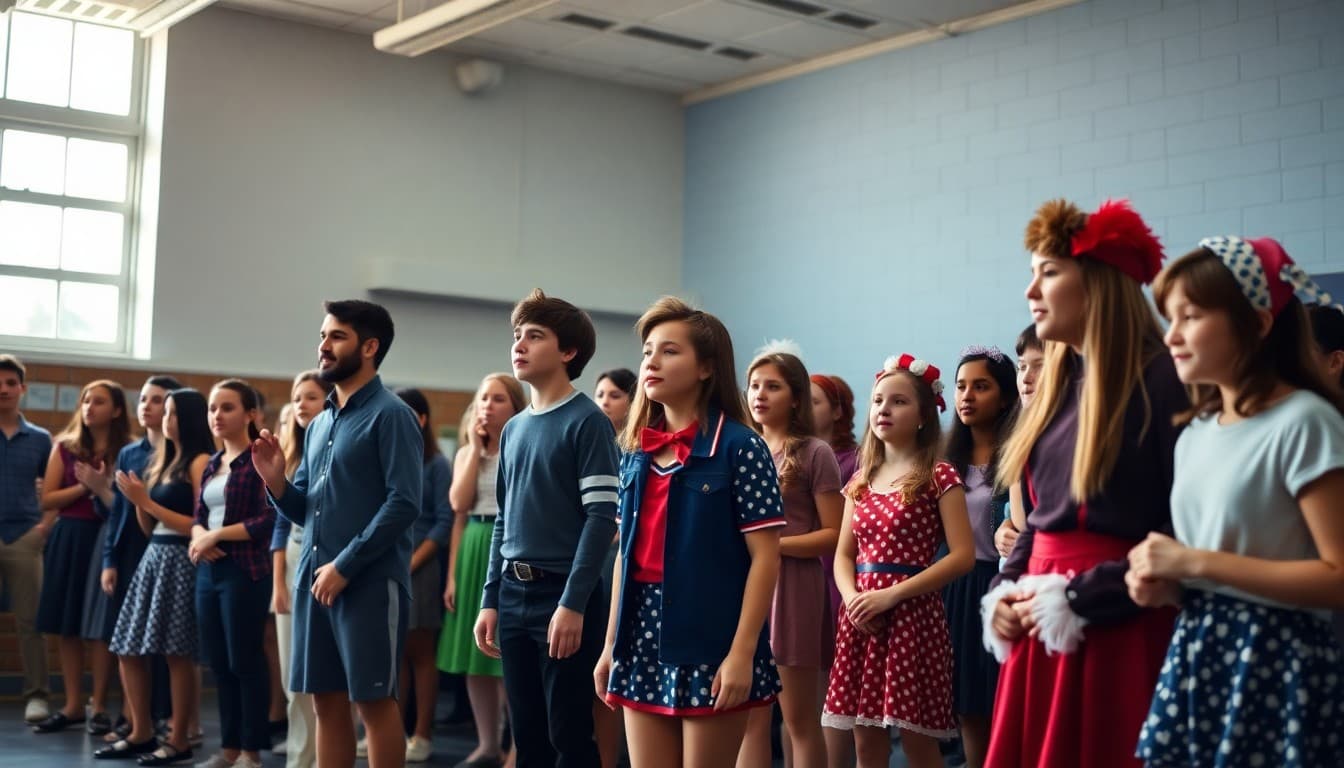
High School Musical Newsletter: Production Season Communication
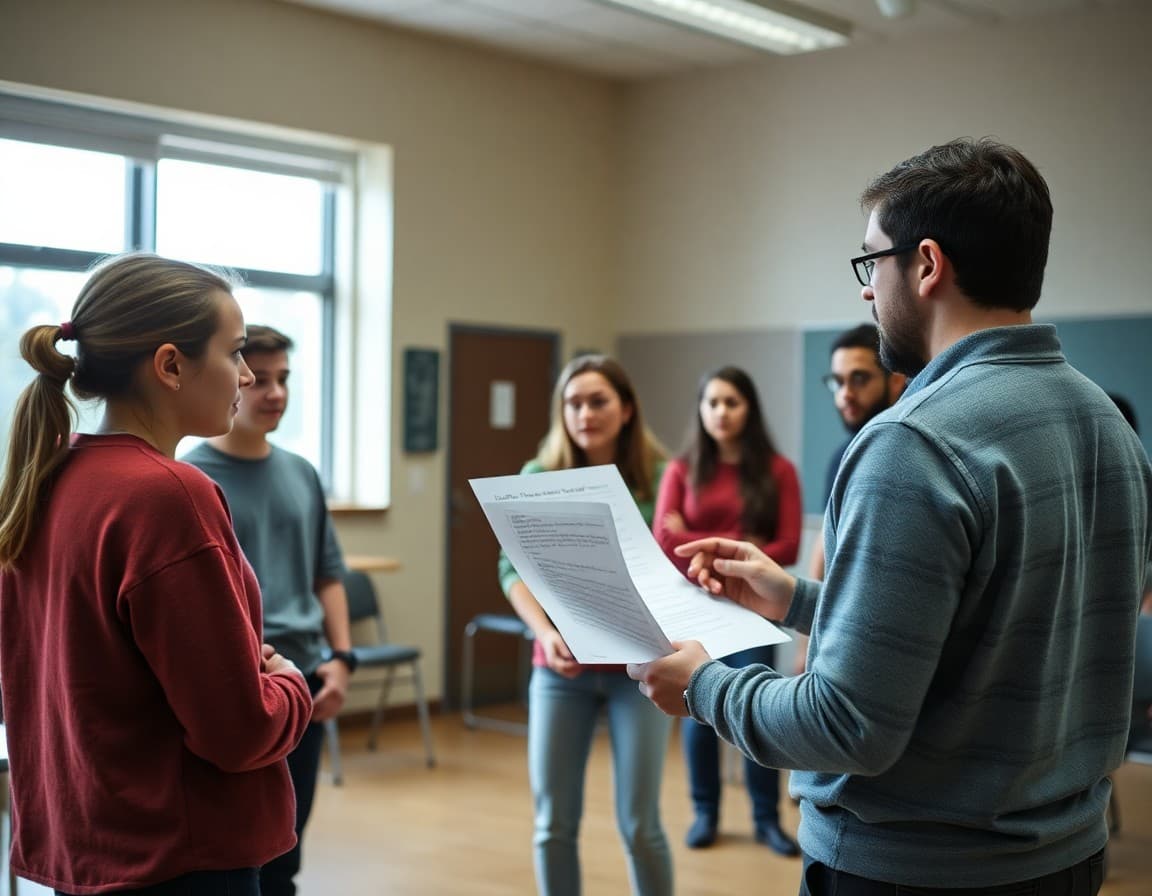
Musical production season runs 10 to 14 weeks and involves more moving pieces than almost any other school program. Costume fittings, pit orchestra scheduling, tech week conflicts, and ticket sales all require parent coordination. A newsletter that arrives on a predictable schedule prevents the frantic group texts that directors dread.
Launch Your Newsletter at Auditions
The moment a student picks up an audition form, their parent starts asking questions. Send your first newsletter the day auditions are announced. Cover the audition format, what students should prepare, callback procedures, and the date the cast list will post. Include a one-paragraph overview of the production timeline so families understand the commitment before their student is cast. Directors who do this report far fewer "my student did not know it would go this late" conversations after tech week begins.
Set the Full Production Calendar in Issue One
After casting, send a calendar newsletter with every key date for the season. List regular rehearsal days and times, any Saturdays or holiday-week sessions, costume measurement appointments, tech rehearsal week (usually the week before opening), and all performance dates including any matinees. Format this as a simple list or table, not buried in paragraphs. Parents save this issue as their planning reference for the entire season.
Weekly Rehearsal Calls Keep Everyone on Track
Most musicals use a partial call system where only certain scenes or cast members rehearse on a given day. Include a weekly call sheet section in each newsletter. A simple format works: Monday -- Leads and ensemble, Act One scenes 3-7. Wednesday -- Principals only, 3:00-5:30. Friday -- Full cast, run-through. Even if this information lives in a separate call sheet document, reproducing it in the newsletter means parents have it in their email inbox without needing to log into a separate system.
Tech Week Deserves Its Own Issue
Tech week is the most demanding stretch of the production schedule and the one that generates the most family friction. Send a dedicated tech week newsletter the Friday before it begins. Cover arrival times, when students will be released each night, meal arrangements for long evening sessions, what to pack, and who to contact with questions. Be direct about the commitment: "We will finish no earlier than 9:00 PM on Tuesday and Wednesday. Please arrange transportation in advance." Families who know this ahead of time manage it far better than families who find out on Monday.
Ticket Sales and Volunteer Sections
Include a ticket section starting four weeks before opening night. State ticket prices for adults and students separately, provide a direct purchase link, and note which performances are matinees. Update the available seats count each week. For volunteers, list specific roles: front-of-house ushers (opening night, 2 hours), concessions team (closing weekend, Friday and Saturday), strike crew (Sunday after closing, 3 hours). Specific roles with time commitments recruit far more effectively than a general "volunteers needed" line.
A Pre-Show Template Excerpt
Here is language that works for the week-of-opening newsletter:
Opening Night: [Show Title] | [Date] at [Time]
Ticket link: [URL] -- 38 seats remaining as of Monday
Cast call time: 5:30 PM (no earlier)
Doors open for audience: 6:45 PM
Flowers and gifts: please wait until after the curtain call to deliver backstage
Parking: Main lot and overflow on the east side of the building
Show length: Approximately 2 hours 20 minutes with one intermission
Spotlight the Production Team, Not Just Performers
Student crew members, pit orchestra players, and technical design students often feel invisible compared to the cast. Dedicate one newsletter section each season to the crew: name your student stage manager, lighting designer, sound operator, and set construction leads. A two-sentence description of what each role involves helps parents understand why their student stays late even when they are not in a scene. This recognition matters to students who chose a production role over performing.
Close the Season with a Wrap Newsletter
Send a closing newsletter within a week of the final performance. Thank families for their support, name students by role or position one more time, share any media coverage the production received, and preview auditions for next year's show. If cast recordings or performance photos will be available, share the link and timeline. This newsletter closes the season cleanly and builds anticipation for the next production before families have a chance to forget how much they enjoyed this one.
Get one newsletter idea every week.
Free. For teachers. No spam.
Frequently asked questions
When should I start sending newsletters for a musical production?
Start at auditions, not at callbacks. Parents of students who audition want to know the timeline, callback process, and when cast lists will post. Getting ahead of that uncertainty with a clear newsletter prevents hundreds of individual texts to the director. Continue weekly or bi-weekly through closing night, then send a wrap-up after the final performance.
What logistics information belongs in a musical newsletter?
Rehearsal dates and times for each week, which cast members are called for each session, costume measurement appointments, tech week schedule, ticket sale links and prices, and volunteer needs for the run crew, concessions, and front of house. Families who receive this information in advance can plan around demanding tech week schedules without last-minute surprises.
How do I handle cast list and role announcements in the newsletter?
Post the cast list on your school communication platform first, then confirm it in the newsletter with a congratulatory note to everyone. Avoid listing individual roles in the newsletter body, which can feel like a ranking. Instead, name all cast members and note that role assignments are posted in the drama room and linked online.
How do I get parents to buy tickets through newsletter links?
Include a direct ticket link in every newsletter starting four weeks before opening night. State clearly how many seats are available and whether any shows are expected to sell out. A specific scarcity note -- 'Opening night has 40 seats remaining as of Tuesday' -- motivates earlier purchases and helps your front-of-house team plan accurately.
Can Daystage support musical production newsletters?
Yes. Daystage lets directors send weekly production updates with embedded rehearsal calendars, photo galleries from rehearsals, and direct ticket purchase links all in one formatted newsletter. Families get everything in one place instead of searching through multiple apps and flyers.

Adi Ackerman
Author
Adi Ackerman is a former classroom teacher and curriculum writer with 8 years in K-8 schools. She writes about school communication, parent engagement, and what actually works in real classrooms.
More for High School
Ready to send your first newsletter?
3 newsletters free. No credit card. First one ready in under 5 minutes.
Get started free