
What to Include in a School Newsletter: A Complete Section-by-Section Guide
One of the most common questions from teachers starting a newsletter: what actually goes in it? The answer depends on whether you are a classroom teacher, a principal, or a district communications team. This guide covers all three, section by section.
Sections for a classroom newsletter
1. Opening message from the teacher
Length: 2-4 sentences. This is not a summary of the newsletter. It is a brief, human note from you. What is something specific and notable that happened this week? What are you excited about? What do you want parents to know about the classroom right now?
Example: "We had a big week. The class started its first science experiments and the results were noisy, messy, and exactly what we hoped for. More on that below."
What to avoid: generic openers that could apply to any classroom any week. "This week was a great week of learning for your wonderful students" says nothing.
2. What we're learning
Length: one to two sentences per subject. Cover each main subject area. Describe what the class is currently working on, not just the unit name. "Fractions" is less useful than "We started fractions this week, focusing on halves and fourths using pattern blocks."
Include: reading/ELA, math, science, social studies. Specialist subjects (art, PE, music) are optional unless something notable is happening.
Why parents care: they can reinforce learning at home if they know what the topic is. "How is the fraction unit going?" is a conversation a parent can have. "How is school going?" is not.
3. Upcoming events and important dates
Length: bullet list, as many dates as are coming up in the next two to three weeks. Format each item the same way: date, event, any parent action required.
Example format:
- Nov 14: Picture Day. No permission slip needed.
- Nov 18: Field Trip to Science Museum. Permission slip due Nov 15. Student should bring a packed lunch.
- Nov 22-24: Thanksgiving Break. No school.
Parents use this section as a calendar reference throughout the week. Make it clear enough to screenshot and save.
4. Action items for parents
Length: bullet list. This section is specifically for things parents need to do, bring, or sign before the next newsletter. Separate this from general reminders so parents can quickly scan for their to-dos.
Examples: "Return signed permission slip by Friday," "Library books due back Monday," "Bring a shoe box for art project by next Thursday," "Log your child's reading in the app this week."
5. Homework and reading reminders
Length: 2-4 bullet points. State the regular homework expectation and any specific assignment due this week. Include the expected reading minutes or book level if applicable.
Keep this section brief. If homework expectations do not change week to week, consider moving them to a single line under the opening message rather than a full section.
6. Classroom spotlight or photo (optional)
Length: one photo and a one-sentence caption. This section is optional but increases parent engagement with the newsletter. A photo from the classroom makes the newsletter feel connected to actual classroom life rather than administrative communication.
Check your school's photo policy before publishing student photos. Many schools require consent forms. If student photos are restricted, photograph classroom materials, student work (without names visible), or the classroom environment.
Sections for a principal's school-wide newsletter
A principal's newsletter covers the whole school rather than one classroom. The sections shift accordingly:
- Message from the principal: 3-5 sentences on a school-wide topic, recognition, or theme. More substantive than a classroom opener.
- School-wide upcoming events: Same format as classroom events, covering dates relevant to all families.
- Grade level or department highlights: Brief updates from different parts of the school. One to two sentences per grade or department, with the most notable thing happening there this week or month.
- Policy and logistics reminders: Parking, drop-off, lunch procedures, safety protocols. Anything that has a recurring parent compliance component.
- Staff recognition: Optional but effective for school culture. One or two sentences recognizing a staff member or team for something specific.
- Community resources or PTA/PTO updates: One section for community-related items that do not fit other categories.
What to cut when the newsletter is too long
If your newsletter regularly exceeds 500-700 words, these are the sections to cut or condense:
- Repetitive homework reminders: If homework expectations are the same every week, cut them after the first few newsletters. Parents know.
- Lengthy "what we're learning" descriptions: One sentence per subject, not a paragraph. The field trip report can go on the classroom social feed, not the newsletter.
- Far-future events: Events more than a month out do not need to be in the weekly newsletter. Mention them in the month-before newsletter.
- Information that has its own communication channel: If the field trip permission slip comes home as a paper flyer, the newsletter needs a one-line reminder, not a full description.
What Daystage's block structure covers
Daystage's newsletter editor has specific block types for the sections above: text blocks for the opening message and subject descriptions, heading blocks for section titles, bullet list blocks for action items and reminders, and event blocks for upcoming dates that display with date formatting automatically. One block type per section, inserted with a slash command.
The structure keeps newsletters consistent and scannable without requiring design decisions from the teacher.
The bottom line
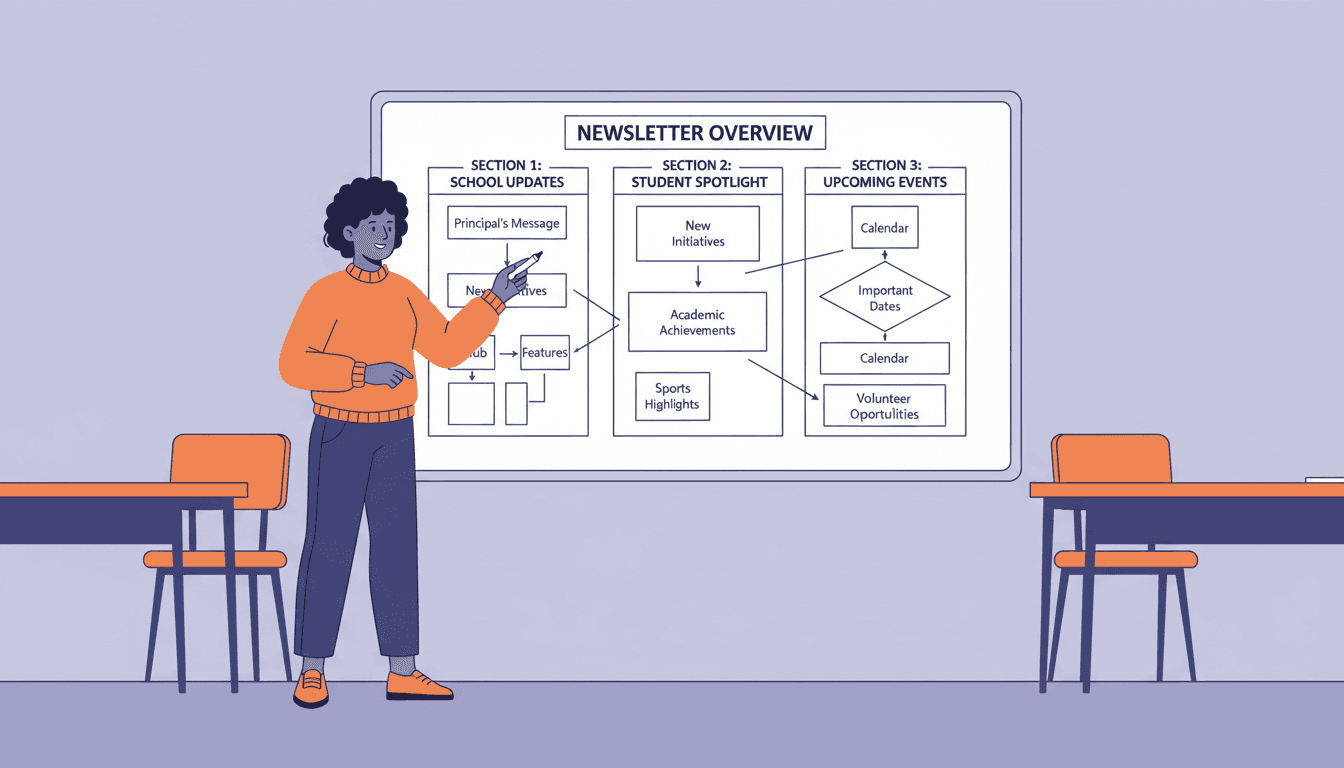
A good classroom newsletter has six sections: opening message, what we're learning, upcoming events, action items, homework reminders, and an optional photo. A good principal's newsletter covers the same categories at the school-wide level. Everything else is optional and can be cut when the newsletter runs long.
Start with these sections, use Daystage to structure them consistently, and send on the same day each week. That is the complete formula for a newsletter parents read.
Get one newsletter idea every week.
Free. For teachers. No spam.
Frequently asked questions
When should a teacher decide on the sections to include in their school newsletter?
Decide before sending the first newsletter of the year, not after. The first newsletter sets parent expectations for structure. Families who know your layout find information faster and engage more consistently. Spend 20 minutes at the start of the year deciding which sections belong in every newsletter versus which appear occasionally.
What should every classroom school newsletter include?
Every classroom newsletter should include an opening message from the teacher, what students are learning this week across subjects, upcoming events with dates and any required parent action, homework and reading reminders, and a closing note or optional photo. These 5 elements cover the information parents consistently look for and cannot reliably get elsewhere.
How should teachers decide which sections to include versus which to remove when the newsletter gets too long?
Remove sections that contain information available elsewhere, like school-wide calendar events already sent by the principal. Remove sections that have no content this week rather than adding filler. Remove sections that have never generated a parent response or question, which signals the content is not relevant. Keep sections where you regularly include deadlines or action items.
What are common mistakes teachers make about what to include in school newsletters?
Including too many sections that have no content this week and filling them with generic filler is the most common mistake. A section that says 'nothing to report this week' erodes the sections parents actually read. Skip empty sections rather than filling them. Another mistake is including information from other classrooms or school-wide events that parents are already getting from a different newsletter.
What is the best tool for teachers who want a structured section-by-section newsletter editor built for school communication?
Daystage uses a block-based editor with sections designed for school newsletters, including what we are learning, upcoming events, reminders, and an optional classroom moment. You set up which sections you use, and the structure duplicates each week so you only fill in the weekly specifics rather than rebuilding from scratch.

Adi Ackerman
Author
Adi Ackerman is a former classroom teacher and curriculum writer with 8 years in K-8 schools. She writes about school communication, parent engagement, and what actually works in real classrooms.
More for Guides
Ready to send your first newsletter?
3 newsletters free. No credit card. First one ready in under 5 minutes.
Get started free