
School Newsletter Welcome Series: The First 3 Emails New Families Should Get

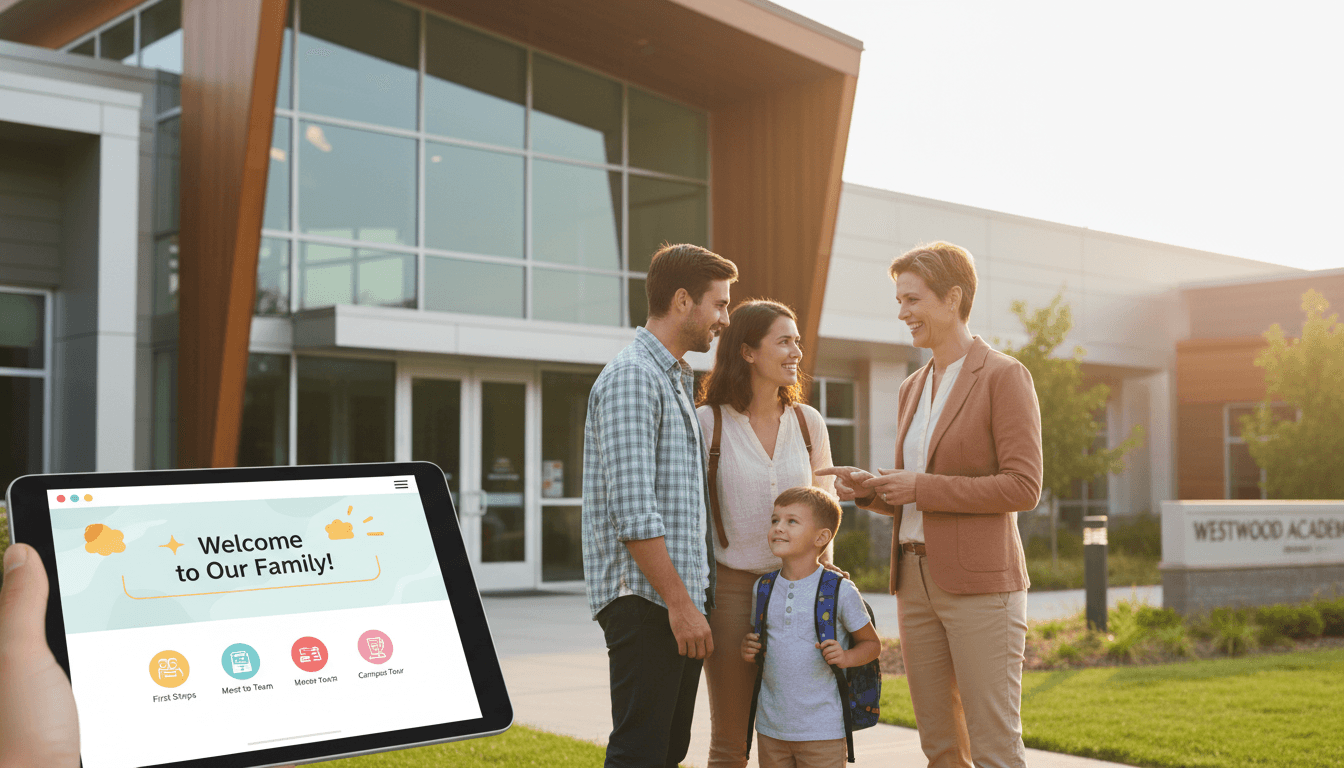
A new family joins the school. They receive the same weekly newsletter every other family gets, starting mid-October when there are already six newsletters of context they missed. They do not know the routines. They do not know the teachers. They do not know what half the abbreviations mean. Within three weeks, they are behind and slightly lost.
A welcome series solves this. Instead of dropping new families into the regular communication stream without context, you send them a short sequence of emails specifically designed to orient them. the systems, the people, the unwritten rules that every experienced school parent already knows.
Three emails is enough to do the job well without overwhelming new families in their first week.
When to send the welcome series
The optimal moment to trigger the welcome series is when a family first appears on your newsletter list. This might be at school registration, when they accept enrollment, or when they sign up via a form on your website.
Space the three emails across the first two weeks. Send the first within 24 hours of their joining the list. Send the second three to five days later. Send the third five to seven days after that. This spacing gives each email time to be read before the next one arrives, without a long enough gap that the family forgets they signed up.
Email 1: What to expect from us
The first email orients the family to your communication. What they will receive, how often, and what each type of communication covers.
Cover:
- Who is sending this (teacher, classroom, school, district. and the person's name)
- How often they will receive newsletters (weekly, monthly, as-needed)
- What will be in each one (classroom updates, logistics, upcoming events)
- What other communication channels the school uses (school app, text alerts, paper backpack mail) and what each one is for
- How to reach the teacher or school office directly
Keep this email short. Under 300 words. The goal is orientation, not information overload. New families are already processing a lot.
Email 2: How the school works
The second email covers the logistics that experienced families take for granted but new families cannot figure out from the newsletter alone.
Common topics that belong here:
- Drop-off and pickup procedures and times
- Lunch arrangements (hot lunch, packed, how the account works)
- What the weekly schedule looks like (specials, PE days, library day)
- How to report absences and the expected protocol
- Key school calendar dates for the current semester
- The parent portal or school app, and what to do there
This email can be slightly longer. 400 to 500 words. because the information density is higher and new families are actively seeking this context. Use a simple list or headers to make it easy to scan and return to later.
Email 3: People and community
The third email shifts from logistics to people. New families are often unsure of who is who and how to connect with other families.
Consider including:
- A brief introduction to the teacher (if not covered in email one)
- Who to contact for different situations (nurse, counselor, front office)
- Information about the parent-teacher organization or school parent group and how to get involved
- How classroom volunteering works and how to sign up
- Any events specifically for new families (new family picnic, open house, curriculum night)
The tone of this email can be warmer than the first two, which are more functional. This is the community-building email. Make it feel like a genuine welcome into a group.
What not to put in a welcome series
Welcome emails are not the place for the full school handbook, the curriculum scope and sequence, the complete event calendar, or anything that requires the family to have existing context to understand.
Link to those resources rather than embedding them. New families do not read the handbook in the first week. They will when they need to. Give them the link and tell them what they will find there.
After the series ends
At the end of the third email, transition clearly into the regular newsletter: "Starting next week, you will receive our regular weekly newsletter every Monday. Here is what is in the current one to get you caught up."
Add them to your main list automatically, or include a clear note that they have been added. The worst outcome is a family that finishes the welcome series and then wonders why they stopped hearing from you.
Building this with your current tools
A welcome series can be built as three separate named lists in Daystage, with families manually added when they join. or automated through a registration form that adds them to the sequence. Even a manual workflow with a simple checklist ("Has this family received email 1? Email 2? Email 3?") is significantly better than no welcome series at all.
Get one newsletter idea every week.
Free. For teachers. No spam.
Frequently asked questions
When should a school send a welcome series to new families?
Send the first welcome email within 24 hours of a family's contact information being added to the newsletter list, ideally triggered automatically. The start of the school year is the natural bulk trigger. New enrollees who join mid-year should receive the welcome series on joining rather than waiting for the next regular newsletter.
What should the first email in a school newsletter welcome series include?
The first email should introduce who you are, explain the newsletter's purpose and what families can expect, state when newsletters arrive and at what frequency, and include one thing to do right now. A simple ask, like 'add this email address to your contacts so newsletters reach your inbox', is the right first action. Keep the email under 300 words.
How many emails should a school newsletter welcome series include?
Three emails over 2 weeks is the right length for most school welcome series. Email 1 introduces the teacher and communication approach. Email 2 explains how the school works, including key contacts and procedures. Email 3 introduces the broader school community and how families can get involved. After 3 emails, transition to the regular newsletter schedule.
What are common mistakes schools make when creating a newsletter welcome series for new families?
Sending too much information in the first email is the most common mistake. New school families are already managing a lot. The welcome series should spread key information over 3 emails rather than front-loading everything. Another mistake is making the welcome series identical to the regular newsletter rather than onboarding content designed specifically for new families.
What is the best tool for schools that want to set up an automated welcome series for new newsletter subscribers?
Daystage supports triggered emails for new subscribers, which lets you build a welcome sequence that sends automatically when a new parent is added to your list. You write the 3 emails once and the tool delivers them on the schedule you set, without manual intervention each time a new family joins.

Adi Ackerman
Author
Adi Ackerman is a former classroom teacher and curriculum writer with 8 years in K-8 schools. She writes about school communication, parent engagement, and what actually works in real classrooms.
More for Guides
Ready to send your first newsletter?
3 newsletters free. No credit card. First one ready in under 5 minutes.
Get started free