
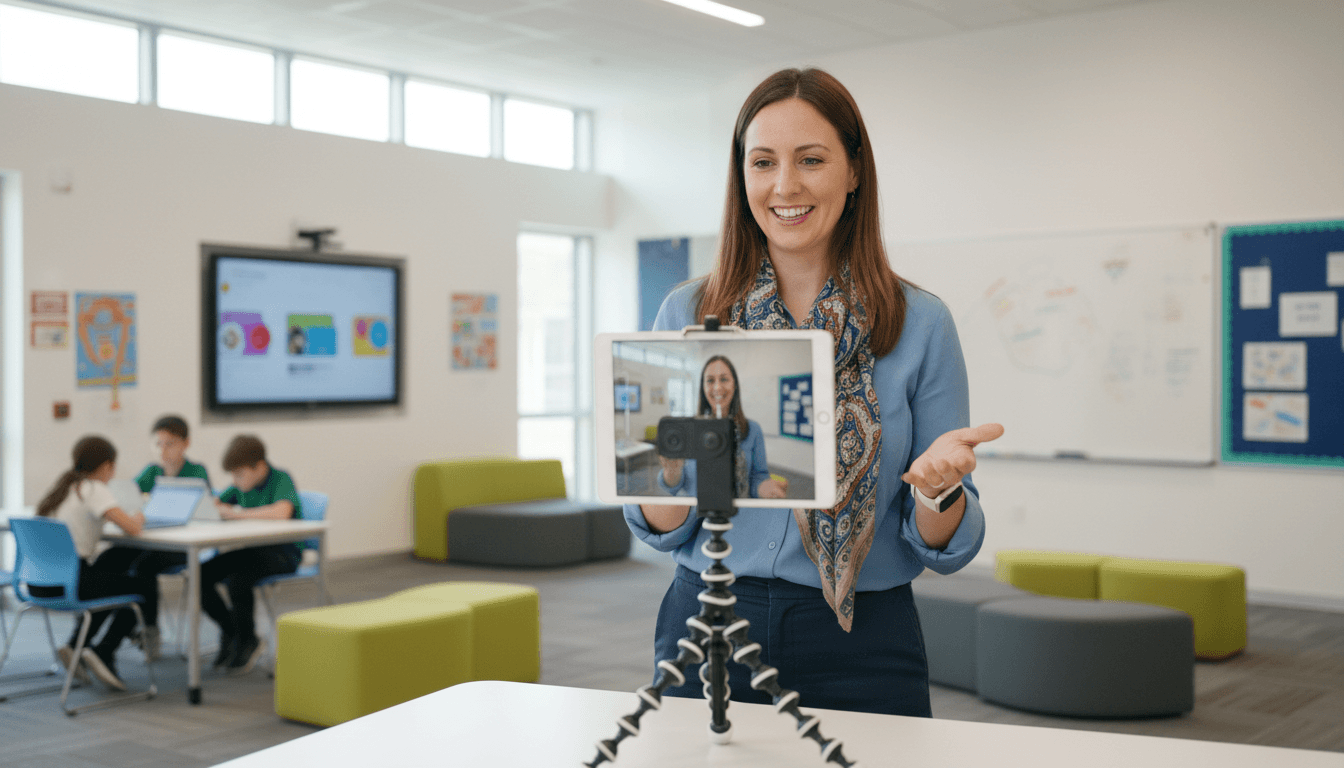
Adding Video to School Newsletters: When It Helps and How to Do It
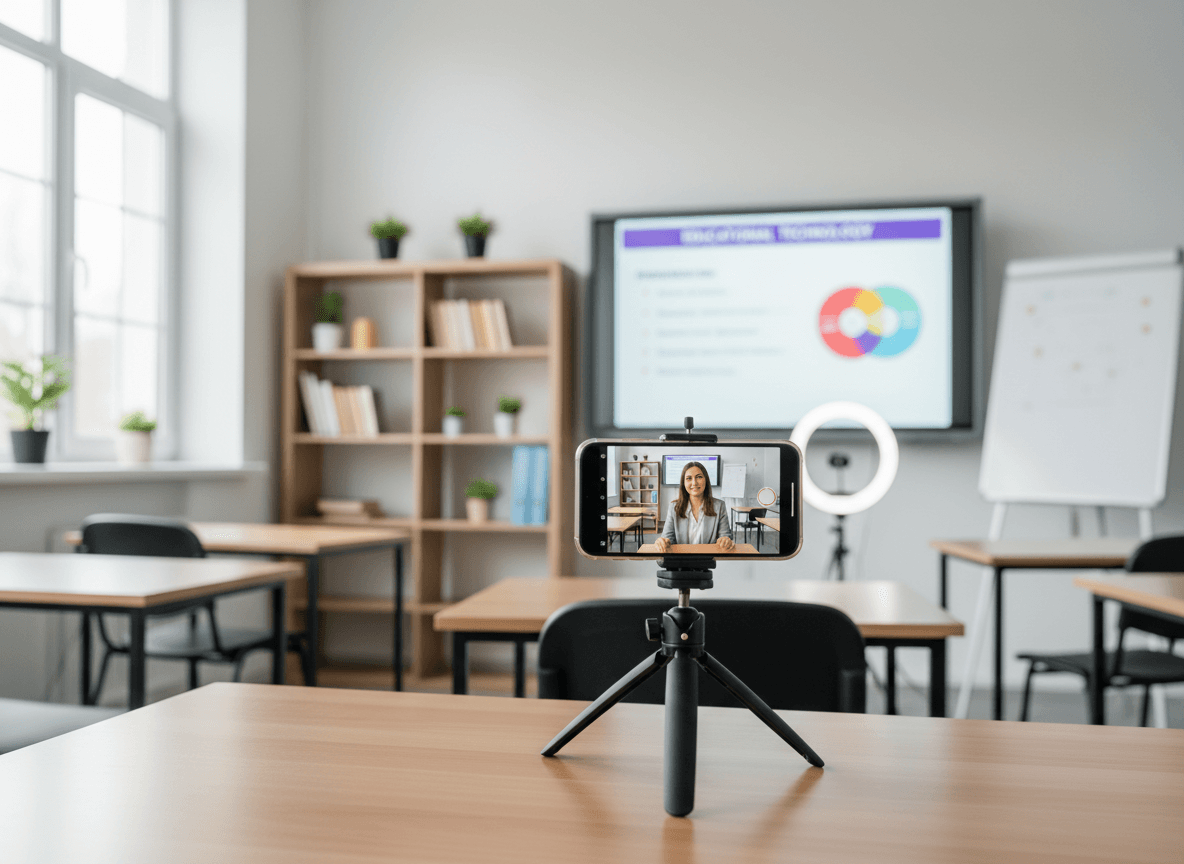
A short video of the classroom science experiment. A two-minute recap of the spring play rehearsal. A principal's message recorded instead of written. Video in school newsletters sounds appealing and in theory should increase engagement. parents can see their children's school rather than just reading about it.
In practice, video in email newsletters is complicated. Most email clients do not play video inline. Parents on mobile have to navigate to another app or site to watch. And if the video is more than two minutes, most parents will not finish it. Here is when video makes sense and how to handle it technically.
The core technical problem
Most email clients. including Gmail, Outlook, and Apple Mail. do not support HTML5 video playback inline within the email itself. An embedded video will either not display at all, show a broken placeholder, or prompt the parent to click through to a browser.
The practical workaround is to include a thumbnail image of the video with a play button overlay, linked to the actual video hosted somewhere (YouTube, Vimeo, a school's Google Drive, or your newsletter platform if it supports hosted video). The parent sees the thumbnail, clicks it, and the video opens in their browser.
This works. but it adds a click step that reduces the percentage of parents who actually watch. Plan your video content accordingly.
When video adds real value
Video earns the extra click when it shows something parents genuinely want to see that text cannot replicate:
- Students in action. A 60-second clip of the class performing their reader's theater, demonstrating a science concept, or sharing a finished project gives parents something text simply cannot. This is the highest-value video use case.
- Personal messages from the teacher or principal. A 90-second recorded message from the teacher at the start of the year, or a principal update on something significant, lands differently than the same content in writing. It is human in a way email is not.
- Event recaps. If many parents could not attend a performance or school event, a short clip lets them see what they missed. Keep it under two minutes.
- How-to demonstrations. Showing parents how to use the school's learning portal, how to practice a math strategy at home, or how to navigate the school drop-off. these benefit from being shown rather than described.
When video is not worth the effort
Video adds complexity. Before producing one, ask: could a photo and two sentences achieve the same thing? If yes, skip the video.
- A weekly newsletter does not need a video recapping what happened this week. That is a lot of production effort for content parents would have found adequate in text.
- Long videos (over three minutes) have poor completion rates in newsletter contexts. Most parents start them and abandon partway through. The effort-to-impact ratio is poor.
- Videos that require context or explanation to understand. If you have to write three paragraphs explaining what the video shows, the video is not adding clarity.
Technical setup that minimizes friction
The goal is to get parents from "email in inbox" to "watching video" in as few steps as possible.
- Host on YouTube (unlisted) or Vimeo. These are the most reliable options. The video loads fast, works on all devices, and does not require a login. Unlisted YouTube videos are not searchable. they only reach people who have the link.
- Use a clear thumbnail. Take a screenshot from the video that shows something interesting. ideally students doing something engaging. Add a play button overlay. This is what convinces a parent to click.
- Write a caption that tells parents what they will see. "30-second clip: the class experimenting with magnets on Wednesday" gives parents a reason to click and tells them how long it is. Both increase the click-through rate.
- Keep videos under 90 seconds for newsletters. For events where parents genuinely want more (the spring play, graduation ceremonies), longer is acceptable. but label the length clearly.
Photo release and student privacy in video
Before including any video with identifiable students, verify that all families in the video have signed a photo and video release form. A video sent to all school families showing a student whose parents have not signed a release is a privacy violation and a legal issue.
If you are unsure, use photos of the classroom from angles where individual faces are not identifiable, or record video of projects, demonstrations, and classroom spaces rather than children directly. Work with your school's guidelines on media consent. these vary by district.
How often to use video
Video in every newsletter is too much. The novelty wears off quickly, and the production overhead is not sustainable for most teachers. Monthly video. a classroom update, a teacher message, or an event recap. hits a frequency that stays special without becoming a burden.
Reserve video for moments worth the extra effort. The science fair. The play. The end-of-year message. The new teacher introduction. These are the moments where seeing is genuinely better than reading.
Get one newsletter idea every week.
Free. For teachers. No spam.
Frequently asked questions
When should teachers add video to school newsletters?
Add video when you have content that is meaningfully better in video than in text, like a classroom performance, a visual demonstration of a science experiment, or a personal message that benefits from tone and expression. Do not add video to fill space or because it seems engaging in theory. Video adds production time and requires student consent, so it needs to justify that investment.
What does adding video to a school newsletter actually involve technically?
Email clients do not support embedded video playback in the email itself. Video must be hosted on a platform like YouTube, Vimeo, or Google Drive and linked from a thumbnail image in the newsletter. Clicking the thumbnail opens the video in a browser. This means every video in a school newsletter requires at least 2 clicks from the parent before they see it play.
How often should teachers include video content in school newsletters?
Once per month is a practical maximum for most teachers given the production overhead. For special events like performances, science fairs, or end-of-year celebrations, video adds genuine value. For routine weekly updates, text with an occasional photo communicates the same information faster for both the teacher and the parent.
What are common mistakes teachers make when adding video to school newsletters?
Embedding full-resolution video files directly into the newsletter email is the most common technical mistake. Email clients do not play embedded videos and the large file size triggers spam filters. Always link to a hosted video rather than embedding the file. A second mistake is including video without verifying photo and video consent for all identifiable students.
What is the best tool for teachers who want to link to classroom videos from school newsletters?
Daystage supports button and image elements that link to external video hosting platforms. You upload or host your classroom video on YouTube or Google Drive, copy the link, and add it as a linked thumbnail in the newsletter editor. The newsletter sends the thumbnail image with the link, and parents click to watch in their browser.

Adi Ackerman
Author
Adi Ackerman is a former classroom teacher and curriculum writer with 8 years in K-8 schools. She writes about school communication, parent engagement, and what actually works in real classrooms.
More for Guides
Ready to send your first newsletter?
3 newsletters free. No credit card. First one ready in under 5 minutes.
Get started free