
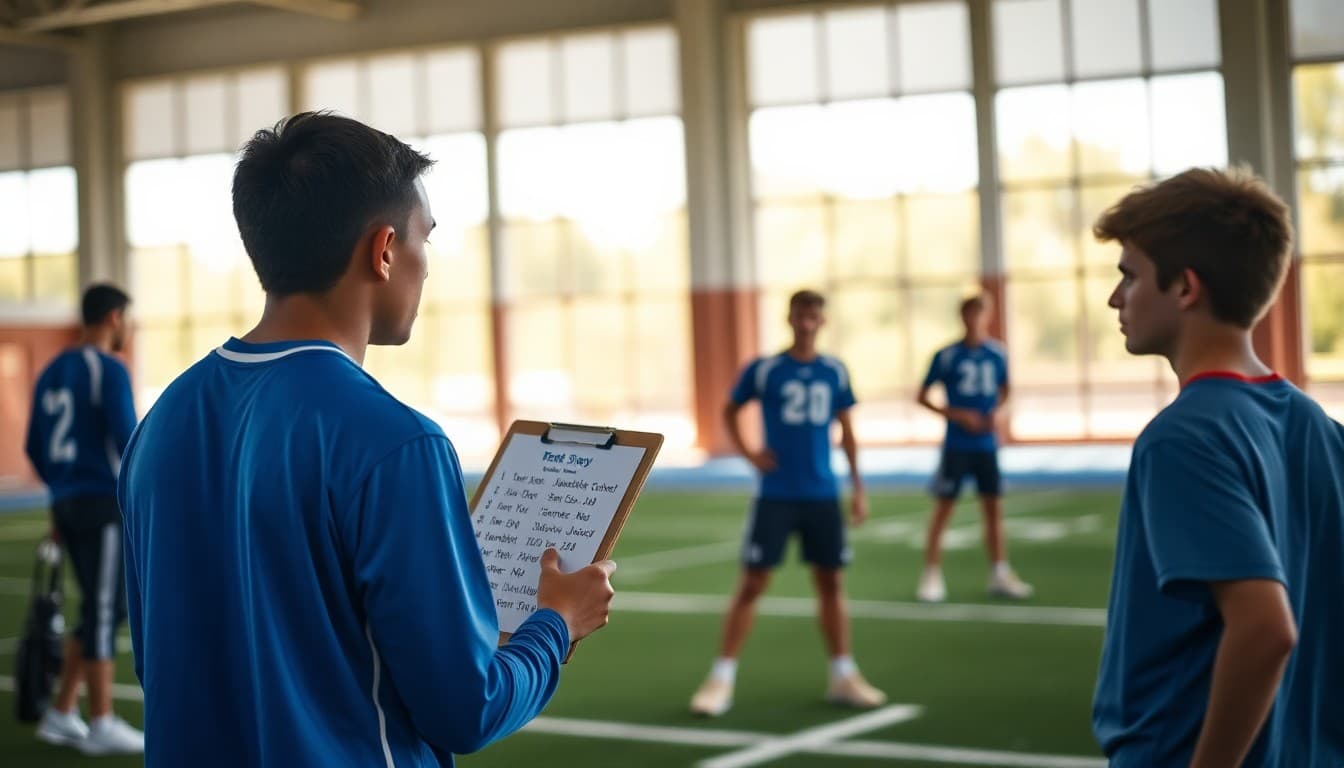
School Newsletter: Sports Season Preview and Schedule Guide
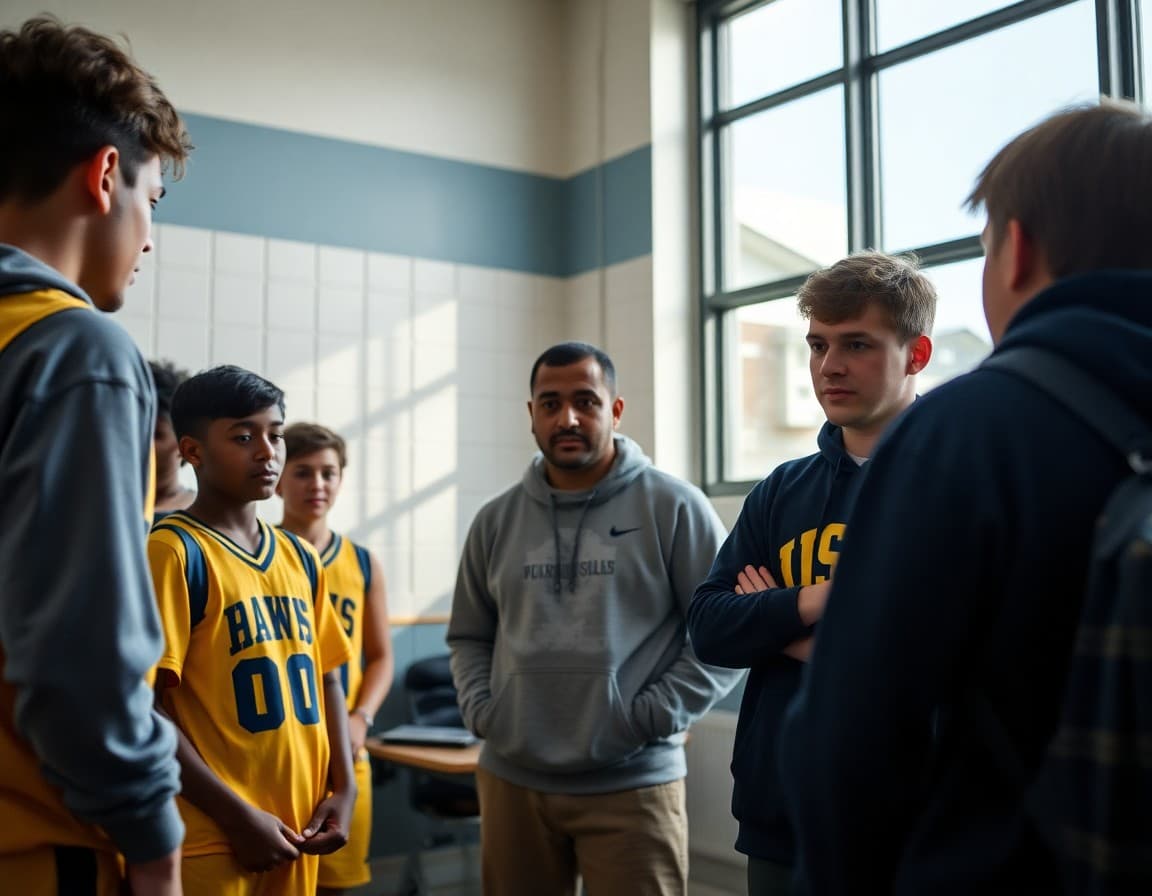
A sports season preview newsletter does two jobs: it gets families excited about the upcoming season and it gives them everything they need to actually participate. The best previews read less like announcements and more like a welcome letter from someone who genuinely wants families at every game. Here is how to build one.
Lead With the Season Dates and Key Information
Parents are scanning for specifics. Open with the season start date, first game date, and any immediate deadlines like physical submission or registration fees. A family who has to scroll through two paragraphs of enthusiasm to find out when tryouts are will skip the enthusiasm entirely next time.
Example opening: "The fall soccer season kicks off September 9th. First practice is September 3rd at 3:30 PM on the lower field. All athletes must have a current physical on file with the nurse's office before attending. The registration fee of $45 is due by August 30th."
Introduce the Coaching Staff
Even families who attended games last year appreciate a reminder of who is leading the program. Include each coach's name, role, and email. If there are any changes from last season, highlight them clearly. Families should never show up to a game and be surprised that there is a new head coach.
Publish the Full Schedule
Include the complete schedule in the newsletter itself, not just a link to find it elsewhere. A table format works well: date in column one, opponent in column two, home or away in column three, start time in column four. For long schedules, consider grouping by month.
Always note where updated schedules will live in case of changes. A URL to your school athletic calendar, a team app, or a parent group where postponements are announced saves a lot of confusion when weather disrupts the schedule in October.
Cover What Families Need to Do
List every required step before an athlete can participate. This typically includes a current sports physical (dated within the school year or within 13 months, depending on your district), signed participation forms, paid registration fees, and sometimes an athletic clearance number from your district's system.
Be specific about deadlines. "Please complete forms soon" produces far fewer completed forms than "Completed physicals are due to Ms. Chen in the main office by Friday, August 29th."
Template Excerpt for Season Preview
Here is a section you can adapt for any sport:
"The [Sport] season runs from [Start Date] through [End Date]. Coach [Name] will lead practices Monday, Wednesday, and Thursday from 3:15 to 5:00 PM at [Location]. Home games are played at [Field/Gym Name]. Families are welcome at all home games; there is no admission charge. Away game transportation departs from [Location] at [Time]. Please pack student athletes a snack for away game days."
Include a Note From the Coach
A short message from the head coach, even two or three sentences, makes the preview feel personal. It also sets expectations for the team culture. Ask coaches to share what they are looking forward to this season and one specific goal for the program. Keep it brief and genuine.
Highlight Fan and Family Opportunities
Families are more likely to attend games when they feel welcome and know what to expect. Mention parking, concessions, admission costs, and any fan gear available. Note if there are specific games with special events like senior night, homecoming, or alumni recognition that draw larger crowds. If the booster club is active, share how families can get involved.
Set Up for Ongoing Communication
Close the preview with clear guidance on how families will receive updates throughout the season. Whether that is a weekly newsletter, a team app, or a parent group, make sure everyone knows where to look when they have questions. Tell them what to do if their athlete cannot attend practice or a game. A season with clear communication channels runs more smoothly than one where families are guessing where to go for information.
Get one newsletter idea every week.
Free. For teachers. No spam.
Frequently asked questions
What should a school sports season preview newsletter include?
Include the full game and practice schedule, coaching staff names and contact information, what families need to do before the season starts (physicals, fees, forms), and any key dates like picture day or senior night. A brief note about team goals for the season from the coach adds a personal touch.
How far in advance should schools send the sports preview newsletter?
Send it at least two weeks before the first practice or tryout. Families need time to schedule physicals, gather equipment, and arrange transportation. If the schedule includes conflicts with other school events, earlier notice reduces friction significantly.
Should the sports preview go to all families or just athletes?
Send a brief mention in your general school newsletter and a detailed preview to families with students in the program. For popular sports like football or basketball, a school-wide preview may be appropriate since many families attend games as community events even if their child is not on the team.
How do you format a game schedule in a newsletter?
A simple table with date, time, opponent, and home or away works best. Group home games and away games clearly. Include a note about where to find schedule updates in case of rain delays or postponements, such as a school website URL or text alert system.
What tool helps schools send sports season newsletters efficiently?
Daystage is built for exactly this kind of structured school communication. You can embed schedules as formatted tables, include photos from practice, and target just the families connected to a particular sport. The RSVP feature is useful for collecting responses to parent information nights before the season starts.

Adi Ackerman
Author
Adi Ackerman is a former classroom teacher and curriculum writer with 8 years in K-8 schools. She writes about school communication, parent engagement, and what actually works in real classrooms.
More for Guides
Ready to send your first newsletter?
3 newsletters free. No credit card. First one ready in under 5 minutes.
Get started free