

Why School Newsletters End Up in Spam and How to Fix It
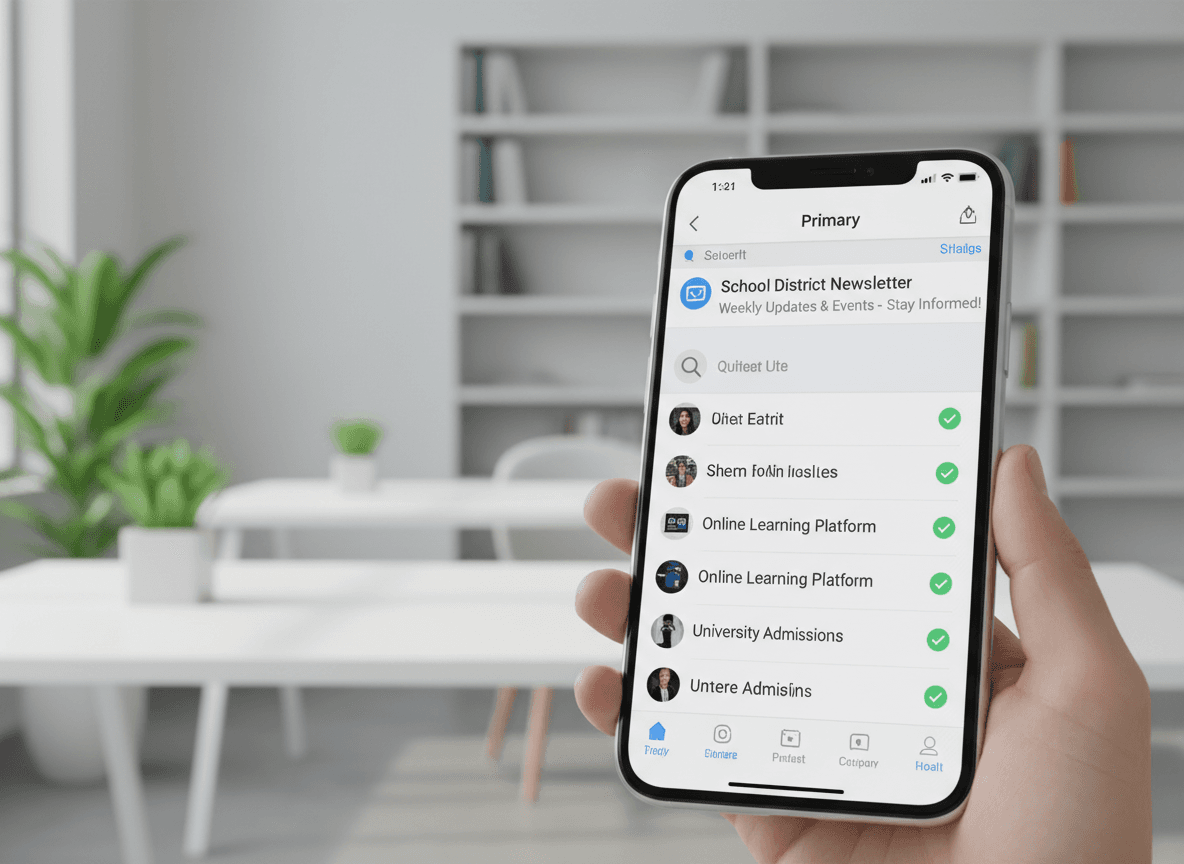
You sent the newsletter. Parents say they never received it. You check your sending tool and it shows 98% delivered. What happened? In most cases, the email arrived at the parent's email server, passed the delivery check, and then got routed to spam or the promotions tab. where it sat unread for days or got deleted without being seen.
Spam filters have gotten more aggressive in recent years, and school newsletters accidentally trigger many of the same patterns as commercial marketing email. Here is what is causing it and what you can do.
The core problem: spam filters cannot tell you apart from marketers
Modern spam filters use machine learning trained on billions of emails. They look for patterns: word choices, sender behavior, technical authentication signals, and engagement history. School newsletters, particularly those sent through third-party tools or from personal email addresses, share too many surface-level features with the bulk commercial email that filters are designed to catch.
The filters are not trying to block school communication. They simply cannot distinguish a weekly classroom update from a promotional blast based on the signals they have access to.
Technical causes. what IT needs to fix
Some spam filtering happens at the technical layer before any content is evaluated.
- Missing SPF records. SPF (Sender Policy Framework) is a DNS record that tells receiving servers which services are authorized to send email on behalf of your domain. If your newsletter tool is not listed in the school's SPF record, some servers will reject or filter the message outright.
- Missing DKIM signature. DKIM (DomainKeys Identified Mail) adds a cryptographic signature to outgoing emails that proves they have not been tampered with. Without it, receivers treat the email with more suspicion.
- No DMARC policy. DMARC builds on SPF and DKIM. Without it, even email that passes SPF and DKIM checks may be treated inconsistently by different providers.
- Sending from a free email domain. Sending from a gmail.com, yahoo.com, or hotmail.com address through a newsletter tool causes authentication conflicts. The sending domain and the claimed "from" address do not match, and filters notice.
All three DNS records (SPF, DKIM, DMARC) are set up by IT, not by individual teachers. Bring your newsletter tool's setup documentation to IT and ask them to add the records. This is a one-time fix that benefits every email sent from the school domain.
Content causes. what teachers can fix
Even with perfect technical setup, content choices can trigger spam filters.
- Image-only newsletters. If your newsletter is a single JPEG or a Canva graphic embedded as an image, spam filters see very little text to analyze. They treat heavily image-based emails as promotional by default.
- Trigger words in subject lines. Words like "Free," "Urgent," "Important," "Don't miss," and excessive exclamation points are classic spam signals. School newsletters often use these unintentionally.
- All-caps text. Any significant use of ALL CAPS in subject lines or body text is a spam signal.
- Too many links. A newsletter with eight different links to external websites looks like a phishing attempt to some filters. Keep links to what is essential.
- No text version. HTML-only emails without a plain text alternative can trigger filtering. Most newsletter tools handle this automatically, but check that yours does.
Behavioral causes. harder to see but important
Gmail, Outlook, and other providers factor in how recipients have engaged with previous emails from your address.
If a significant portion of your list has consistently not opened your newsletters over several months, those providers start routing new sends to spam proactively. They infer that the recipient does not want the email, even if they never explicitly marked it as spam.
This is why keeping your list current matters. Remove addresses that have not opened in six months. Those inactive contacts are dragging down your sender reputation and affecting delivery to the engaged parents who do read your newsletters.
What parents can do to help
The most reliable fix is getting parents to mark your email as "Not Spam" or move it from their spam folder to their inbox the first time it gets misrouted. When a recipient does this, their email provider learns that future emails from you are wanted.
Send a note early in the year. through a school app, a text, or a paper handout. asking parents to add your email address to their contacts. A sender who is in a recipient's contacts almost never ends up in spam. This single action prevents most of the problem before it starts.
Testing your current situation
Send a test newsletter to yourself at a Gmail account, a Yahoo account, and an Outlook account before sending to your parent list. Check which inbox tab or folder it lands in. This takes five minutes and tells you immediately whether you have a spam problem.
If it lands in spam across multiple providers, start with the technical fixes. If it lands in the promotions tab in Gmail but nowhere else, the issue is content and engagement signals rather than authentication. Promotions tab placement is not ideal, but it is significantly better than spam.
Setting realistic expectations
Getting every parent's inbox right every time is not fully within your control. Different parents use different email providers with different filter settings. Some corporate email systems have aggressive filtering that treats anything from a newsletter tool as promotional.
The goal is to reduce misdelivery to the minority of parents who have unusual setups, not to eliminate it entirely. Fixing the technical layer, cleaning your content, and asking parents to add you to contacts will handle the large majority of cases.
Get one newsletter idea every week.
Free. For teachers. No spam.
Frequently asked questions
When should a teacher investigate whether their school newsletters are going to spam?
Investigate when open rates drop below 25 percent for 3 consecutive sends or when multiple parents report not finding the newsletter in their inbox. Also investigate after any change to your sending domain, email platform, or school's IT email filter settings. These are the three most common triggers for a deliverability problem that was not present before.
What technical causes most commonly send school newsletters to spam?
Missing SPF and DKIM authentication records are the most impactful technical causes. Without these, receiving mail servers treat your newsletter like an unverified sender. Sending from a shared IP with poor reputation and using a personal Gmail or Yahoo address as the sender rather than a domain-based address are two more common causes. All three require IT involvement to fix.
How can teachers reduce the risk of school newsletters being filtered as spam?
Write specific subject lines without all-caps or excessive punctuation. Keep the image-to-text ratio below 40 percent images. Use actual HTML text rather than images of text. Ask parents to add your sending address to their contacts at the start of the year, which is the single fastest signal to spam filters that your mail is wanted.
What are common newsletter content choices that trigger spam filters?
Subject lines with all-caps words, multiple exclamation points, or phrases like 'free', 'urgent', or 'act now' are common spam triggers. Newsletters with more image area than text area, large image files over 500KB, and broken or shortened links also trigger filters. These are patterns the filters associate with bulk commercial email.
What is the best tool for teachers who want school newsletter spam filter protection handled at the platform level?
Daystage manages email authentication infrastructure including SPF and DKIM on the sending domain. Teachers do not need to configure these with IT. The platform also generates clean HTML email that avoids the structural patterns spam filters flag, which reduces deliverability issues that have nothing to do with the newsletter's content.

Adi Ackerman
Author
Adi Ackerman is a former classroom teacher and curriculum writer with 8 years in K-8 schools. She writes about school communication, parent engagement, and what actually works in real classrooms.
More for Guides
Ready to send your first newsletter?
3 newsletters free. No credit card. First one ready in under 5 minutes.
Get started free