
School Newsletter Software: The 8 Features That Actually Matter for Teachers
School newsletter software comes with feature lists that seem to grow every year. Analytics dashboards, custom domains, advanced segmentation, social sharing, video embeds, multi-language support, and a dozen more. Some of these matter. Most do not affect whether teachers actually use the tool or whether parents read the newsletter.
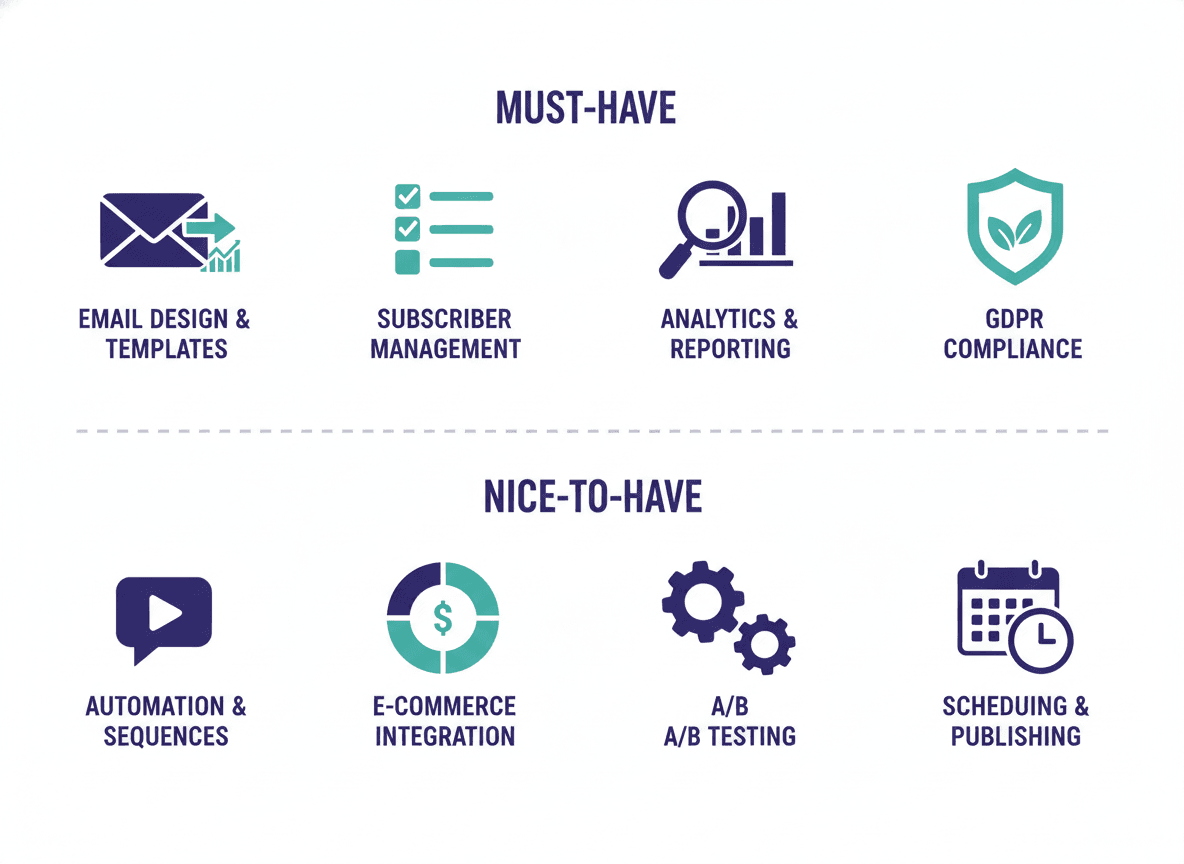
Here are the 8 features that have a measurable impact on newsletter effectiveness and teacher workflow. Everything else is secondary.
1. Inline HTML email delivery
The most important technical feature in school newsletter software is how the newsletter reaches parents. There are two models: link-based delivery sends parents an email with a link to a newsletter hosted on a webpage. Inline HTML delivery puts the formatted newsletter directly in the email body.
With link-based delivery, a meaningful percentage of parents who open the email do not follow the link. The actual newsletter content reaches fewer families than the email open rate suggests. With inline delivery, every parent who opens the email reads the newsletter.
This is the single feature that most directly affects how many parents read your newsletter. Evaluate it first, before anything else.
2. One-click newsletter duplication
School newsletters are a recurring format. The weekly classroom update has the same sections every week. The monthly principal newsletter has the same structure every month. Teachers should be able to duplicate last week's newsletter, update the content, and send without rebuilding from scratch.
If a tool makes duplication easy and prominent, teachers use it consistently. If duplication is buried in a menu or requires extra steps, teachers skip it and either rebuild from scratch (slow) or skip the newsletter entirely. This feature directly affects how consistently teachers actually send newsletters.
3. School branding in the profile
The school's name, logo, and color should be set once and applied automatically to every newsletter. Teachers should not have to think about branding. They should not be able to accidentally send a newsletter with wrong colors or a missing logo.
Tools that lock branding into a school profile remove a category of decision-making from the newsletter creation process. Tools that require manual branding setup on each newsletter introduce both friction and error risk.
Daystage handles this through a school profile: set it once, and every newsletter inherits the branding automatically.
4. Block-native editor with keyboard shortcuts
The editor is where teachers spend the most time. A good editor for school newsletters does not require mouse-heavy drag-and-drop interaction for every content addition. It should support keyboard-driven content insertion: type "/" to open a block picker, select the block type, and keep typing.
This matters specifically because teachers who send newsletters weekly are experienced users. An editor designed for first-time users with heavy guided interaction slows down experienced users. Slash commands and keyboard shortcuts let teachers build newsletters at the speed they think.
5. Basic open rate analytics
Teachers need to know whether parents are opening their newsletters. Not because they need sophisticated analytics, but because a sudden drop in open rates signals something changed: a deliverability problem, a formatting issue, or a subscriber list that has gone stale.
Basic analytics: open rate, click rate, unsubscribe count. These three numbers tell teachers whether the newsletter is reaching families. Anything more complex than this is useful for district communications teams, not individual classroom teachers.
6. Subscriber management that handles a class-sized list
Most classroom newsletter subscriber lists are 20-40 parent email addresses. The software should make it easy to add parents at the start of the year, handle email address changes, manage unsubscribes automatically (so you comply with CAN-SPAM without thinking about it), and bulk import from a spreadsheet.
Newsletter tools built for marketing handle lists of tens of thousands of contacts with complex segmentation. Most of that is overkill for classroom use. The basic requirement is a clean, simple subscriber management system that handles class-sized lists without complexity.
7. Public newsletter page and embed widget
Parents who miss the email should be able to find the newsletter. Tools should provide a public URL for each newsletter, plus an embed widget that can be placed on a school or classroom website. Parents who check the class website should find the same newsletter they would have received in email.
This feature is often paywalled. Check before you commit to a tool that the free plan includes both the public page and the embed widget. These are basic accessibility features, not premium upgrades.
8. A genuine free plan
Many school newsletter tools offer free plans that are effectively unusable in practice. They cap sends at 5-10 per month (useless for weekly newsletters), put the tool's branding prominently on every newsletter, or lock the public page and embed widget behind a paywall.
A genuine free plan removes the tool's own branding from newsletters, includes the embed widget, keeps past newsletters editable, and gives enough newsletters to properly trial the product. Daystage's free plan covers all four.
What does not matter as much as advertised
Template libraries: Having 50 templates is less useful than having 5 excellent ones. Teachers use one or two templates for the entire school year.
Social sharing: Sharing newsletters to social media sounds useful. In practice, most teachers do not use this feature.
Video embedding: Embedding video in newsletters is technically complex and reduces email deliverability. Most email clients do not play embedded video. A link to a YouTube video accomplishes the same thing with less risk.
Advanced design customization: Teachers who spend significant time on newsletter design are spending time that could go to content. A tool that constrains design sensibly and produces a consistently professional result serves most teachers better than one that offers unlimited design freedom.
The bottom line
When you evaluate school newsletter software, run through these 8 features as a checklist. The tool that covers all 8 without adding unnecessary complexity is the right tool for most teachers.
Daystage was built around exactly these 8 features. Inline HTML delivery, one-click duplication, school profile branding, slash command editor, basic analytics, simple subscriber management, public pages with embed widget, and a free plan that covers a full school year. Try the free plan to verify that each of these works the way it is described.
Get one newsletter idea every week.
Free. For teachers. No spam.
Frequently asked questions
When should teachers prioritize deliverability features over design features in a newsletter tool?
Always prioritize deliverability. A visually polished newsletter that goes to spam or requires parents to click a link reaches fewer families than a plain text email with good subject lines. Deliverability is the foundation. Design has no value if the newsletter is not arriving in the inbox.
What are the most important features in school newsletter software?
Inline HTML email delivery, one-click newsletter duplication from the previous week, school branding stored in a profile rather than rebuilt each time, basic open rate analytics, and a genuine free plan that covers class-sized subscriber lists. These eight features cover everything a teacher needs. Anything beyond them is optional.
How should teachers evaluate whether a newsletter tool's free plan is genuinely useful?
Test the free plan by setting up branding, creating a full newsletter, adding 30 test subscriber addresses, and sending. If the newsletter arrives as a properly formatted email in the inbox rather than a link to a web page, the free plan is genuinely useful. If branding or analytics require a paid upgrade, the free plan is a trial with restrictions, not a real free tier.
What are features that sound important but rarely matter for school newsletters?
Social media sharing buttons, animated GIFs, countdown timers, and advanced email automation sequences are features marketed to schools but rarely used. A school newsletter is a weekly informational email. It does not need countdown timers or automated drip sequences. These features add complexity without improving the core communication job.
What is the best school newsletter software for teachers who want the 8 essential features without paying for extras?
Daystage is built around the features teachers actually use for weekly school newsletters. The free plan includes inline email delivery, school branding, newsletter duplication, and open rate analytics. Features that belong in marketing platforms are not included, which keeps the interface focused on the communication job teachers need to do.

Adi Ackerman
Author
Adi Ackerman is a former classroom teacher and curriculum writer with 8 years in K-8 schools. She writes about school communication, parent engagement, and what actually works in real classrooms.
More for Guides
Ready to send your first newsletter?
3 newsletters free. No credit card. First one ready in under 5 minutes.
Get started free