
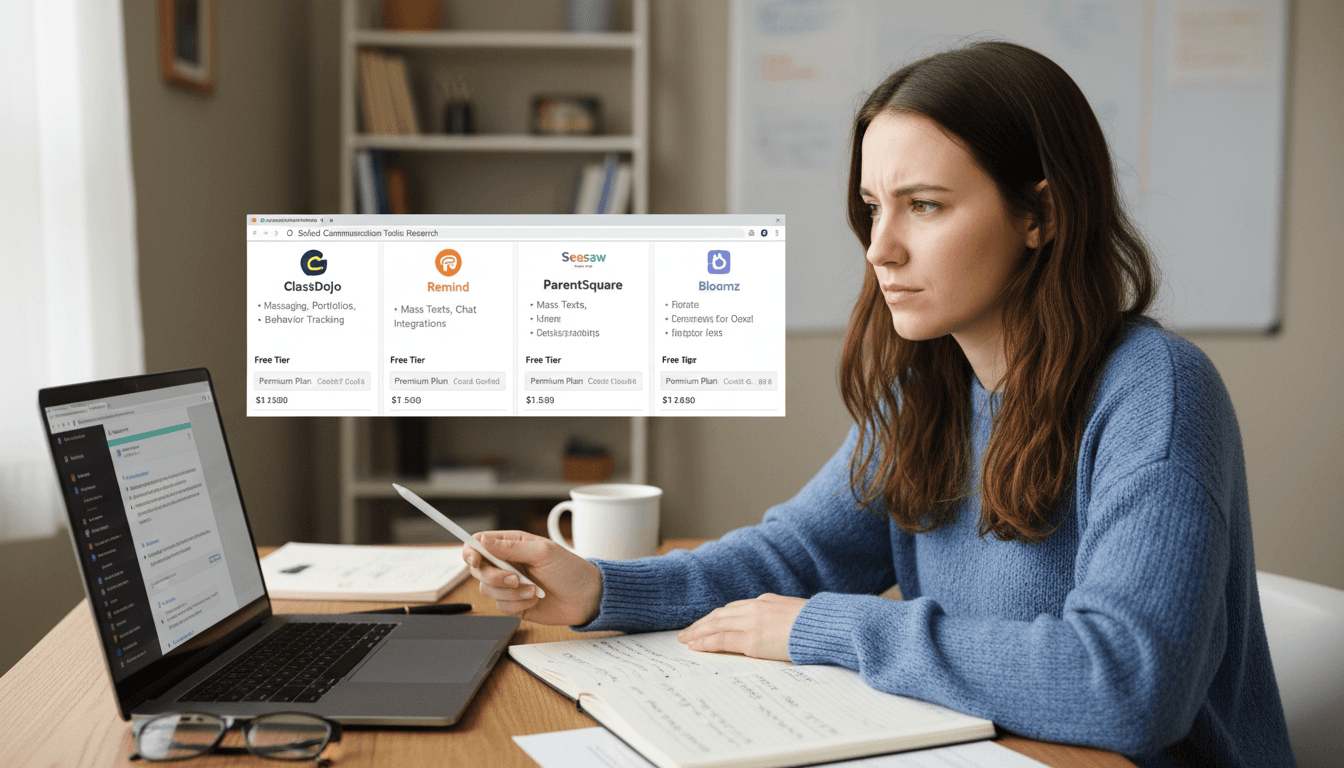
School Newsletter Software Comparison 2026: Daystage, Smore, Remind, ClassDojo, and Mailchimp
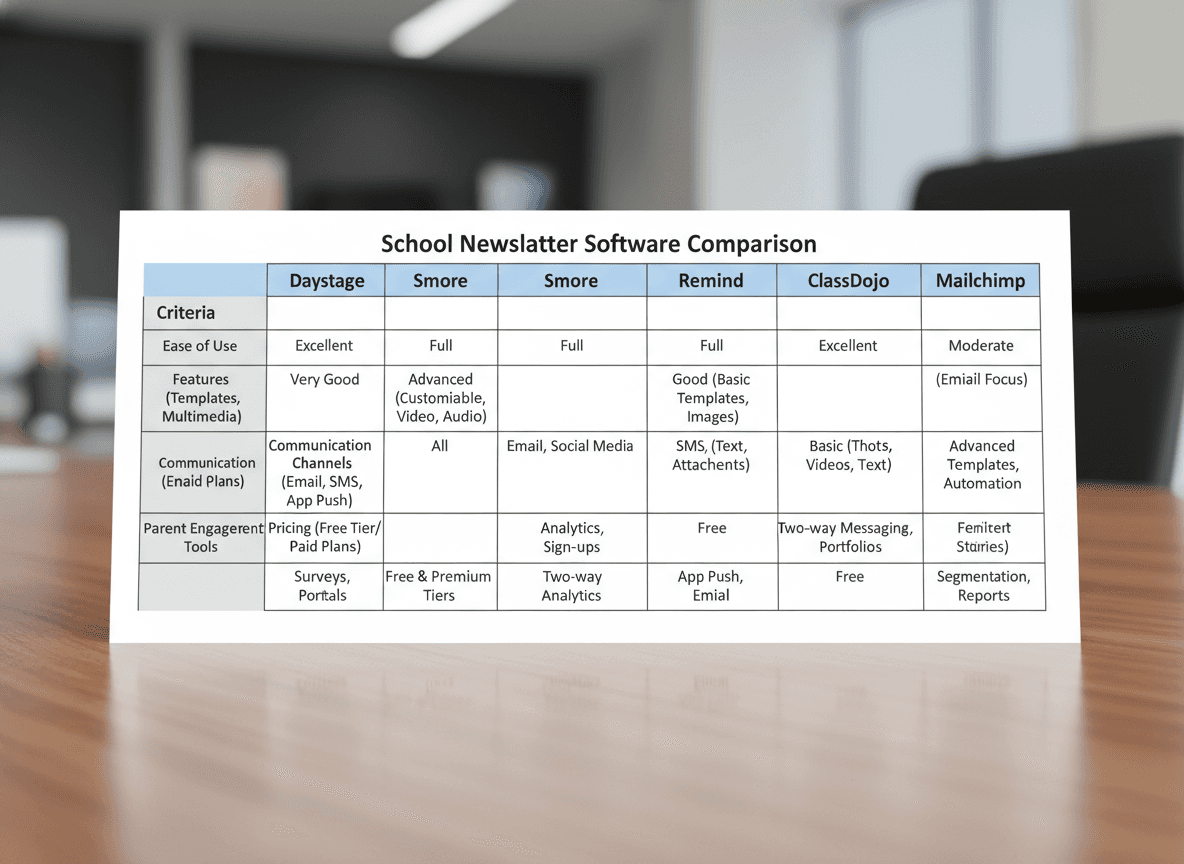
The five most compared school newsletter tools in 2026 are Daystage, Smore, Remind, ClassDojo, and Mailchimp , Daystage and Smore are built specifically for school communication, while Remind and ClassDojo route through apps rather than email inboxes, and Mailchimp is a general marketing platform adapted for schools. This comparison covers these five tools evaluated against the criteria that actually matter for school communication.
The six criteria that matter
Before comparing tools, it is worth naming what a school newsletter tool actually needs to do well:
- Email delivery: Does it send to parent inboxes reliably, with real email addresses, or does it route through apps?
- Ease of use: Can a non-technical teacher set up and send a newsletter in under 20 minutes?
- Mobile experience: Does the final newsletter render well on phones?
- Pricing: What does it actually cost at classroom, school, and district scale?
- FERPA compliance: How does the tool handle student data, and does it offer a BAA if needed?
- Templates: Are the templates professional enough that parents will take the newsletter seriously?
Daystage
Daystage is a dedicated school newsletter platform built for K-12 educators. It sends real emails (not in-app notifications), uses MJML for reliable inbox rendering across Gmail, Outlook, and Apple Mail, and is designed around how teachers actually work.
- Email delivery: Strong. MJML-compiled inline HTML means newsletters render correctly across email clients without workarounds.
- Ease of use: Block-based editor with 13 content block types and an AI draft feature. Click a button, describe the newsletter in plain English, and get a structured draft in seconds. Most teachers send their first newsletter without reading any documentation.
- Mobile: Responsive design built in. Output renders as a single-column layout on phones automatically.
- Pricing: Free plan includes 3 newsletters and 250 email sends per month. Paid plans start at $79 per year. No per-district pricing complexity.
- FERPA: Designed specifically for school use with student data considerations built in. Data stored in the US.
- Templates: 85 newsletter templates across classroom, seasonal, specialist, and school-wide categories. Block system supports headings, events, polls, RSVP, bullet lists, and more.
Best for: Individual classroom teachers and school teams who want real email delivery, AI-assisted drafting, and clean analytics without the complexity of general email marketing tools.
Honest weakness: Newer platform. No student information system (SIS) integration yet.
Smore
Smore is the most established dedicated school newsletter tool. It has a large template library and strong name recognition in K-12, particularly among elementary teachers.
- Email delivery: Mixed. Smore sends newsletters via its own platform, and some versions of the newsletter are web-hosted flyers rather than native emails. Deliverability varies by how the newsletter is shared.
- Ease of use: Drag-and-drop editor that most teachers can learn quickly. Template selection is extensive.
- Mobile: Flyer-style output can be difficult to read on small screens. Email version is better but not as polished as MJML-compiled tools.
- Pricing: Individual plans start around $120-150 per year. District licensing is available but requires a quote.
- FERPA: Has a FERPA compliance statement and offers data processing agreements for districts.
- Templates: A large template library with strong seasonal and event-specific designs, though Daystage now has more templates built specifically for schools (85 vs. Smore's library).
Best for: Districts that want a well-established vendor with account support and are comfortable with the web-flyer format.
Honest weakness: The web-flyer delivery model means some parents receive a link to view the newsletter rather than an email newsletter. This creates an extra click that reduces engagement and adds a deliverability dependency on Smore's hosting.
Remind
Remind is primarily a messaging platform, not a newsletter tool. Teachers use it for quick text-style messages, two-way communication with parents, and push notifications.
- Email delivery: Limited. Remind is built for in-app messaging and push notifications, not email newsletter delivery.
- Ease of use: Very simple for short messages. Not designed for formatted newsletter content.
- Mobile: Excellent for the messaging use case. Not applicable for newsletters.
- Pricing: Free for basic use. School and district plans available.
- FERPA: Solid FERPA compliance record. Well-established in schools.
- Templates: Not applicable. Remind does not support newsletter-style layouts.
Best for: Quick announcements, two-way parent messaging, and urgent communications. Not appropriate as a primary newsletter tool.
Honest weakness: Using Remind as a newsletter tool means sending text-heavy messages with no layout, no images, and no analytics. It is the wrong tool for the job.
ClassDojo
ClassDojo is a classroom management platform that includes a messaging and communication feature. It is popular in elementary schools and has a strong in-app ecosystem.
- Email delivery: ClassDojo communications happen primarily inside the ClassDojo app. Families must have the app installed and notifications enabled to receive content.
- Ease of use: Simple for teachers already using ClassDojo for classroom management. Separate learning curve for teachers adopting it only for communication.
- Mobile: Strong mobile app experience for in-app content.
- Pricing: Free for teachers. ClassDojo Plus available for individual upgrade.
- FERPA: Compliant. ClassDojo has a long track record in K-12 and well-documented data practices.
- Templates: Limited newsletter-style templates. Content is more social-feed style than structured newsletter.
Best for: Teachers already using ClassDojo for classroom management who want communication built into the same platform. Not suitable as the primary newsletter delivery tool for families not on the app.
Honest weakness: Any parent who does not use the ClassDojo app misses every communication. This is a critical gap if even a fraction of your parent community is not on the platform.
Mailchimp
Mailchimp is a general-purpose email marketing platform that some teachers and schools use for newsletters because it is free at small list sizes.
- Email delivery: Excellent. Mailchimp has strong sender infrastructure and high deliverability rates.
- Ease of use: Steeper learning curve than education-specific tools. Built for marketers, not teachers.
- Mobile: Good responsive design options, but requires setup knowledge to implement correctly.
- Pricing: Free up to 500 contacts. Above 500 contacts, paid plans start at $13-20 per month, which adds up quickly at district scale.
- FERPA: Mailchimp is not designed for educational use. No BAA (Business Associate Agreement) for FERPA purposes in standard plans. Using Mailchimp to store student-related parent contact information may create compliance gaps.
- Templates: Large library of general templates. None are school-specific.
Best for: Booster clubs, PTAs, and school foundations that are not handling student data and need professional email marketing at low cost.
Honest weakness: FERPA compliance gaps make Mailchimp problematic for classroom and school-level use where parent contact information is tied to student enrollment records.
What to ask before choosing a tool
Three questions worth answering before committing to any newsletter tool:
- Does it send to email addresses, or does it require parents to use an app? Any tool that requires app installation to receive content will miss parents who do not install it. Email reaches everyone with an inbox.
- Who owns the contact data? Some platforms retain rights to contact lists. Check whether you can export your subscriber list if you switch tools.
- What happens to the newsletter archive if I stop paying? Some tools delete hosted content when subscriptions lapse. Know where your newsletter history lives before you sign up.
Get one newsletter idea every week.
Free. For teachers. No spam.
Frequently asked questions
When should a school choose Daystage over other newsletter tools in 2026?
Choose Daystage when email deliverability, school-specific branding, and a clean repeatable workflow matter more than design flexibility. Daystage is the strongest choice for teachers and principals who send weekly newsletters and need a tool built around school communication rather than adapted from a marketing platform.
What should schools compare when evaluating newsletter software in 2026?
Compare email delivery method (inline vs. link), ease of repeating last week's newsletter, what the free plan actually includes, compliance posture on FERPA and student data, and how the tool handles school branding. These five criteria separate school-appropriate tools from marketing tools that have been partially adapted for education.
How do Daystage, Smore, Remind, ClassDojo, and Mailchimp differ in how they deliver newsletters to parents?
Daystage sends newsletters as formatted inline HTML email to the parent's inbox. Smore sends a link to a web page. Remind delivers push notifications through a mobile app. ClassDojo delivers content inside the app. Mailchimp sends inline HTML email but is designed for marketing, not school communication. Delivery method is the most consequential difference for parent engagement.
What are common mistakes schools make when choosing newsletter software?
Choosing based on which tool has the most features rather than which tool teachers will actually use weekly is the most common mistake. Complex tools with many options reduce adoption. The best school newsletter tool is the one that makes sending a consistent newsletter as fast as possible, which usually means fewer features, not more.
What is the best school newsletter software for a classroom teacher who wants to get started in under an hour?
Daystage is designed for quick setup. You create an account, enter your school profile with branding, build your first newsletter using the block editor, import your subscriber list, and send. The setup to first send takes under an hour for most teachers, and the free plan includes everything needed to start.

Adi Ackerman
Author
Adi Ackerman is a former classroom teacher and curriculum writer with 8 years in K-8 schools. She writes about school communication, parent engagement, and what actually works in real classrooms.
More for Guides
Ready to send your first newsletter?
3 newsletters free. No credit card. First one ready in under 5 minutes.
Get started free