
How to Share Your School Newsletter on Social Media
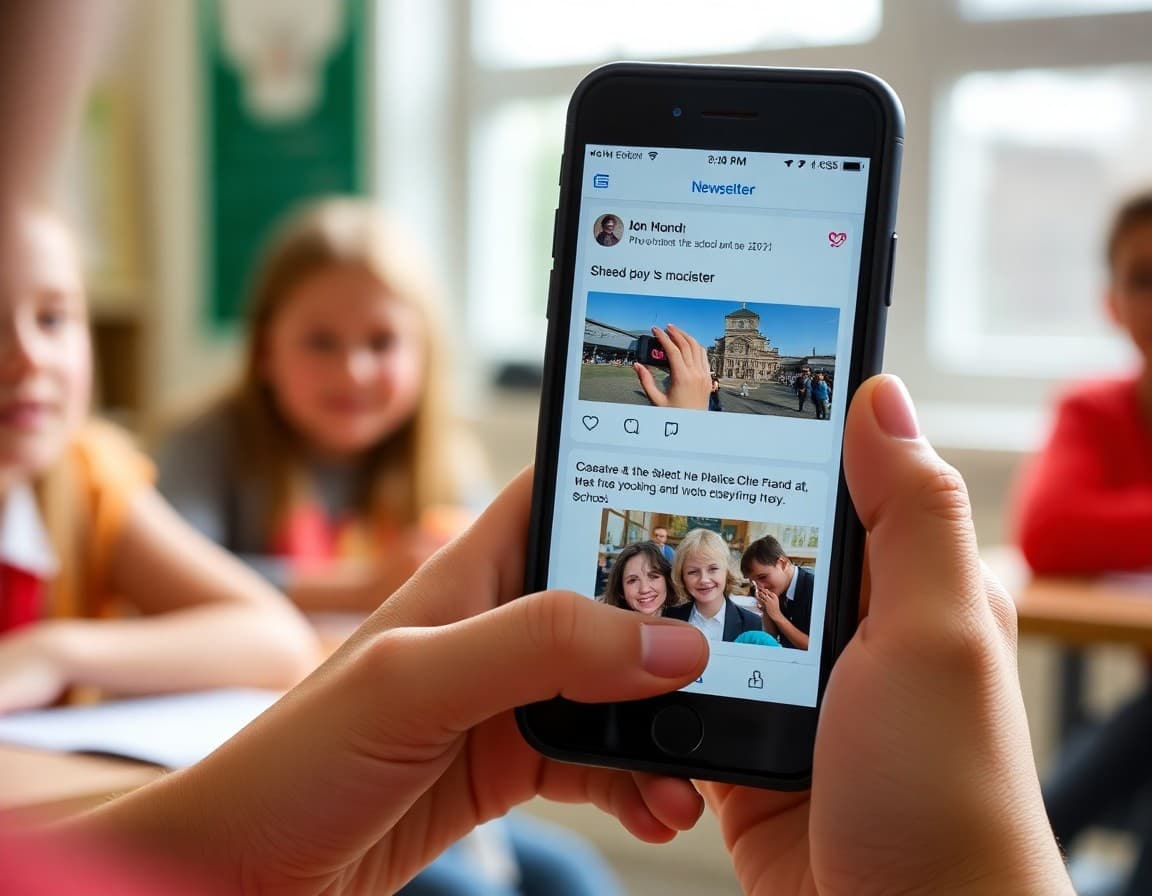
You spent time writing a good newsletter. Social media is the fastest way to double its reach without writing anything new. The parents who check Instagram before checking email will see your updates. The ones who live in the school's Facebook group will share it with neighbors whose kids are not enrolled yet. Here is how to make that work without creating extra work for yourself.
Create a Public Web Version First
Before you can share on social media, your newsletter needs a shareable URL. Most newsletter platforms generate a public web version automatically when you publish. Copy that URL and keep it handy. If your platform does not create a web version, you will need to host a PDF on your school website before sharing. A direct PDF link is workable but performs worse than a responsive web page on mobile devices.
Writing the Social Media Teaser Post
The teaser is not the newsletter. It is a one to three sentence hook that makes parents want to read the full issue. Lead with the most time-sensitive or interesting item in that edition. "This week's newsletter has details on the new arrival time change starting Monday and photos from Friday's science fair" outperforms "Our weekly newsletter is out!" by a wide margin. Add an emoji or two if your school's social voice allows it, and always end with the link.
Choosing the Right Visual for the Post
Social posts with images get three to five times more engagement than text-only posts. Pull a compelling image from the newsletter, a smiling group of students at an event, a graphic of the upcoming calendar, or the school mascot. If your newsletter has no photos this week, use a school-branded graphic with the newsletter headline overlaid. Keep student faces out of public posts unless you have media release forms on file for those specific students.
Facebook Groups vs. Facebook Pages
School Facebook pages have declining organic reach because Facebook limits how many followers see page posts without paid promotion. School parent groups, especially closed ones where members opted in, have far better organic reach because group posts appear in members' notification feeds. If your school has an active parent group, post the newsletter teaser there every week. You may need a parent volunteer moderator to manage the group if the office does not have capacity.
A Simple Posting Template
Here is a repeatable format that takes under two minutes to write:
Line 1: The biggest news item from this issue.
Line 2: One other notable item.
Line 3: [Link] Read the full newsletter here: [URL]
Hashtags (optional): #[SchoolName] #[MascotName] #[DistrictName]
Example: "Reminder: minimum day this Friday, dismissal at 12:30 PM. Also in this week's newsletter, photos from the 4th grade science fair. Read the full issue here: [URL] #LincolnElementary #LionsNews"
Timing Your Social Posts
Post within one hour of sending the email newsletter. Parents who open emails in the morning will see the social post in their afternoon scroll, creating a second touchpoint on the same day. For schools that send newsletters on Friday afternoons, post to social around noon so the content hits before parents check out for the weekend. Scheduled posts using Meta Business Suite or Buffer let you time this precisely without staying at your desk.
Instagram and Other Platforms
Instagram does not allow clickable links in post captions. Use the bio link slot for your newsletter URL and tell parents in the caption to "tap the link in bio to read the full newsletter." Instagram Stories with a link sticker work better because they allow direct clicks. If your school has a strong Instagram following, post a newsletter Story on the day you send the email, with one or two images from the issue and a link sticker to the full web version.
Measuring Whether Social Sharing Is Working
Check your newsletter platform analytics for referral traffic. If social media is driving clicks to your newsletter web version, it will show in the referrer data. On the social side, look at link clicks per post rather than likes or reactions. A post that gets 80 link clicks and 10 likes is more valuable for parent communication than one that gets 50 likes and 5 clicks. Monthly, compare newsletter open rates against social traffic to see which channel is doing more work for you.
Get one newsletter idea every week.
Free. For teachers. No spam.
Frequently asked questions
Should schools post the full newsletter on social media or just a link?
Post a teaser and a link, not the full newsletter. Social media algorithms favor short posts with strong engagement signals. A wall of text from a full newsletter kills reach. Write two to three sentences highlighting the most important story in that issue, add a visual from the newsletter, and link to the full version online. This approach drives traffic to your newsletter platform and keeps your social posts readable.
Which social platform reaches the most school parents?
Facebook remains the dominant platform for parent communication in most US school communities, particularly for elementary and middle schools. Private Facebook groups for school parents are especially effective because members get notifications by default. Instagram works well for visual-heavy schools with strong athletics or arts programs. X is useful for real-time updates but has a smaller parent audience than Facebook for most districts.
Do I need parental consent before posting student content from the newsletter on social media?
Yes, if the content identifies a specific student by name or face. Most districts have a photo and media consent form in the enrollment packet. Only share publicly identifiable student content from families that have signed a media release. When in doubt, use group shots from a distance, crop faces, or use illustrations instead of photos. This rule applies to both the newsletter itself and any social media posts sharing newsletter content.
How often should a school post newsletter content on social media?
Post on the same day you send the newsletter, typically once or twice per week. Do not repeat the same newsletter post across multiple days; instead, pull different stories from the same issue across the week if you want to maintain a daily posting cadence. Consistency matters more than frequency. A school that posts every Tuesday and Thursday is easier for parents to follow than one that posts sporadically seven times one week and once the next.
Can Daystage generate a shareable link for social media?
Yes. Every newsletter sent through Daystage has a public web version with a shareable URL. You can copy that link and paste it directly into your Facebook post, Instagram bio link, or any other platform. The web version is mobile-friendly, so parents who click through from a phone see a properly formatted newsletter without needing an app download.

Adi Ackerman
Author
Adi Ackerman is a former classroom teacher and curriculum writer with 8 years in K-8 schools. She writes about school communication, parent engagement, and what actually works in real classrooms.
Ready to send your first newsletter?
3 newsletters free. No credit card. First one ready in under 5 minutes.
Get started free