

Re-Engaging Parents Who Stopped Opening Your School Newsletter
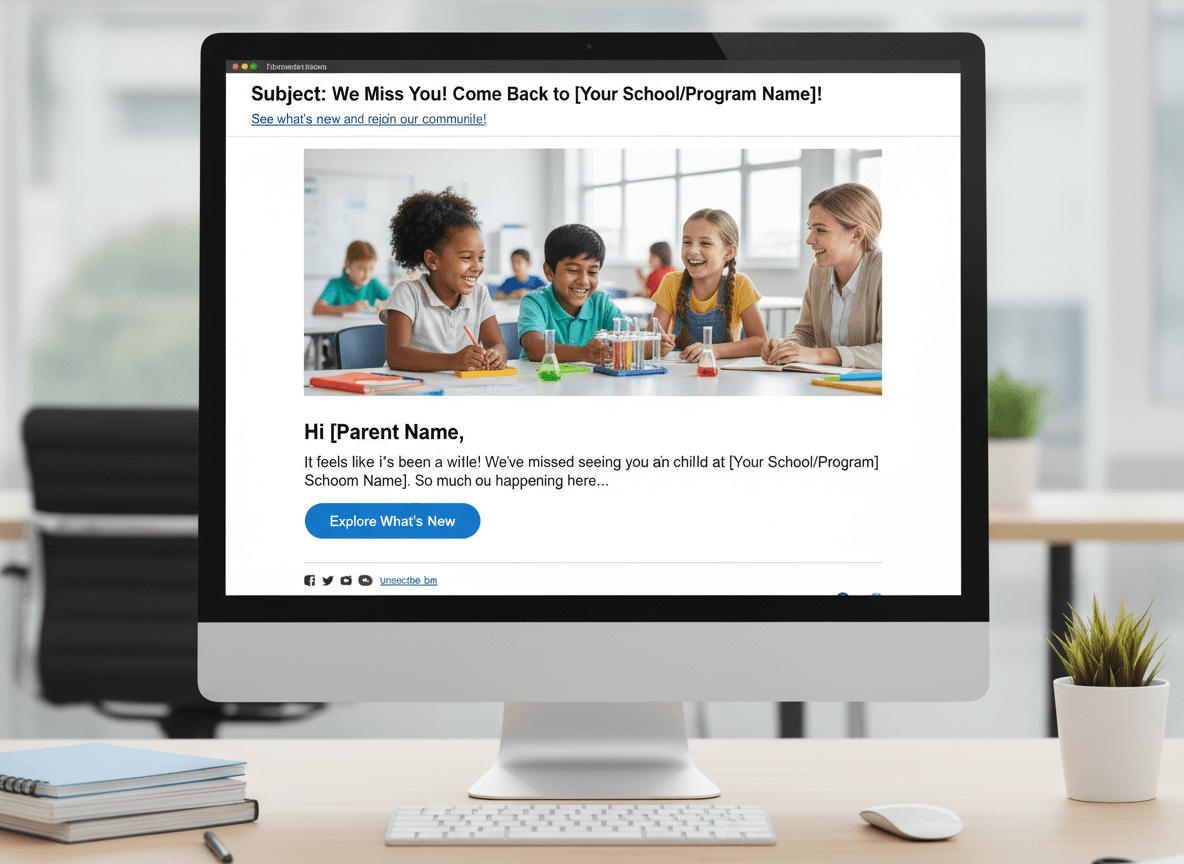
A parent who was opening your newsletter in September stops opening it by November. They did not unsubscribe. They are still on the list. They are just not reading it anymore.
This is the most common form of school newsletter disengagement. It happens quietly, and if you do not address it, the pattern compounds: inactive subscribers hurt your deliverability, which eventually affects whether active subscribers receive your newsletter at all.
What causes parent disengagement
Parent newsletter disengagement usually has one of four causes.
Newsletter fatigue from over-sending. A teacher who sends multiple newsletters per week, or whose school also sends biweekly school-wide newsletters, may be contributing to inbox overload. When the overall volume of school email is high, parents start making sorting decisions. The newsletter may be the one that gets consistently moved to a folder or skipped.
Wrong send time for their schedule. A newsletter that arrives at 8am on a Monday when a parent is driving to work and is never read during that commute window builds a habit of not reading. Shift to Sunday evening or Tuesday morning and some of those parents re-engage simply because the newsletter arrives when they have time to read it.
Irrelevant or predictable content. A newsletter that says the same thing every week ("We are working on addition. Read with your child every night. Field trip forms due eventually.") trains parents to not open it because they expect nothing new. Parents tune out newsletters that do not regularly contain something they did not know.
Email address has changed. Many parents change email addresses over a school year. The old address remains on the list, receives newsletters that bounce or sit unread in an account they no longer check, and the engagement metrics look like disengagement.
How to identify inactive subscribers
An inactive subscriber for school newsletter purposes is a parent who has not opened any of the last four to six sends. For a weekly newsletter, that is about a month of no engagement. For a biweekly newsletter, that is about two to three months.
Most newsletter platforms (including Daystage) show per-subscriber open history or can filter by last open date. Use this to identify who has gone quiet and when they stopped engaging.
Before running a re-engagement campaign, look for patterns in the inactive group:
- Did they stop opening after a specific issue? (Content or frequency change around that date?)
- Are they clustered in certain class sections or grade levels? (Possibly a list quality issue on import)
- Are the disengaged addresses from specific email providers? (Possibly a deliverability issue with that provider's spam filters)
The three-step re-engagement sequence
Step 1: The high-value send (no announcement, just substance). Before sending any re-engagement message, send your best newsletter. Not one that says "are you still there?" Just a newsletter with a genuinely useful or interesting subject line and content worth reading. Some inactive subscribers will simply re-engage when they see a subject line that finally compels them to open.
Example subject line: "What's happening in Room 12 this month: 3 things you probably don't know yet." Not a re-engagement prompt. Just a newsletter worth opening.
Wait one week. Check who re-engaged. Remove them from the re-engagement flow. Proceed to Step 2 with the remaining inactive subscribers.
Step 2: The direct re-engagement email. Send a short, honest email directly addressing the inactivity. This is separate from a regular newsletter. It should be brief (under 200 words) and have a clear action.
Subject line options that work for school re-engagement:
- "Still interested in updates from Room 8?"
- "Quick question about your newsletter"
- "Are we still reaching you?"
Body: Acknowledge that you noticed they may not be seeing the newsletter. Ask whether the email address is current. Provide a one-click button to confirm they want to stay subscribed, and make the unsubscribe option equally visible and easy. No shame, no pressure.
Wait one week. Anyone who clicked to confirm re-engagement is re-activated. Anyone who clicked unsubscribe is removed. The remaining non-responders move to Step 3.
Step 3: The final notice and removal. Send a single final email. Subject: "We're removing you from Room 8 updates." Body: brief notice that you are removing them from the list, with a re-subscribe link if they want to stay. Remove all non-responders from the active list within 48 hours.
This is not punitive. It is hygiene. A clean list of engaged subscribers outperforms a large list of mixed engaged and inactive addresses on every metric that matters for deliverability and communication effectiveness.
Subject lines for win-back emails
Win-back subject lines for school newsletters should be specific and honest. Avoid vague "we miss you" language. Avoid urgency that does not exist.
Subject lines that work for school re-engagement:
- "A question about your Room 12 newsletter"
- "Checking in: are you getting our class updates?"
- "Still want weekly updates from Ms. Rivera?"
- "Quick question: should we keep you on our list?"
- "We noticed you haven't opened our newsletter. Is everything okay?"
When to remove non-openers permanently
After the three-step sequence, remove non-responders from the active newsletter list. This is not an aggressive timeline. You have sent at least six regular newsletters plus three re-engagement emails over 60-90 days before making this call. A parent who has not opened anything in that period is not engaged with this communication channel.
Do not delete their contact record from your school's information system. Removing from the newsletter list means stopping newsletter sends. It does not mean removing from emergency contact, parent portal access, or any other school record.
Make sure the school office has an alternate contact method (phone number or in-person confirmation) for any family removed from the email newsletter list. They still need to receive time-sensitive and legally required communications.
Preventing disengagement proactively
The most effective re-engagement campaign is the one you never need to run. Disengagement prevention is simpler than recovery.
At the start of each school year: send a "what to expect from this newsletter" first issue that sets expectations on frequency, content, and how parents can get in touch. Parents who know what they signed up for are less likely to disengage when they know a newsletter is coming every Monday with specific content.
Every six to eight weeks: vary the content slightly. Add a classroom story. Run a parent survey question (single question, one click response). Include something you have not shared before. Predictability builds habit. Predictability without variety builds tuning-out.
Daystage shows open history per subscriber so you can see disengagement patterns before they become problems. Checking the analytics after every four to five sends gives you enough data to catch the early decline and adjust content or frequency before running a formal re-engagement campaign.
Get one newsletter idea every week.
Free. For teachers. No spam.
Frequently asked questions
When should a teacher run a re-engagement campaign for inactive school newsletter subscribers?
Run a re-engagement campaign after 60 days of non-engagement, meaning parents who have not opened any of the last 4 to 5 newsletters. Do not wait longer, because the list continues to damage deliverability and the gap in communication is harder to bridge after an extended period of inactivity.
What should a school newsletter re-engagement campaign include?
A 3-email sequence works for most schools. The first email acknowledges you have not heard from them and offers value by mentioning something useful in the newsletter they missed. The second provides a specific reason to reengage, like an upcoming event or important deadline. The third asks directly whether they still want to receive updates and offers a clear unsubscribe option.
How do teachers identify inactive subscribers on their school newsletter list?
Use your newsletter tool's analytics to filter parents who have not opened any email in the past 60 days. Export this group as a separate segment. Most newsletter tools show open history per subscriber, though the exact filtering feature varies by tool. If your tool does not support this, look for an unusual gap between your send count and your open count.
What are common mistakes teachers make with school newsletter re-engagement campaigns?
Sending re-engagement emails to everyone on the list rather than just inactive subscribers dilutes the message and confuses engaged parents. Another mistake is framing re-engagement as a guilt message rather than a value offer. 'We miss you' performs worse than 'Here is what you have missed and what is coming up next'.
What is the best tool for teachers who want to identify inactive subscribers and run a re-engagement campaign?
Daystage tracks open history per subscriber, which lets you identify who has not opened recent newsletters. You can export inactive subscribers as a separate list and create a re-engagement sequence targeting only that group. This precision prevents re-engagement content from going to already-engaged parents.

Adi Ackerman
Author
Adi Ackerman is a former classroom teacher and curriculum writer with 8 years in K-8 schools. She writes about school communication, parent engagement, and what actually works in real classrooms.
More for Guides
Ready to send your first newsletter?
3 newsletters free. No credit card. First one ready in under 5 minutes.
Get started free