
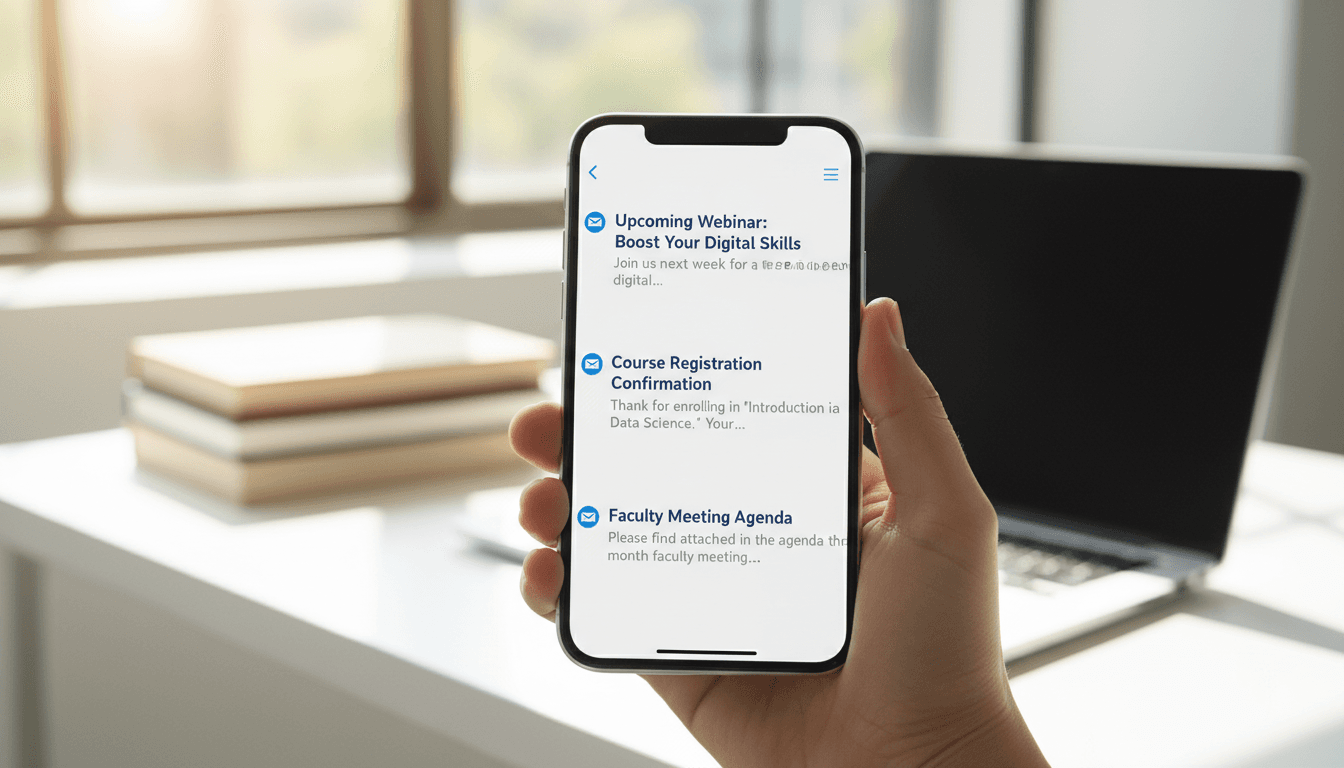
School Newsletter Preview Text: The 90 Characters That Determine If It Gets Opened
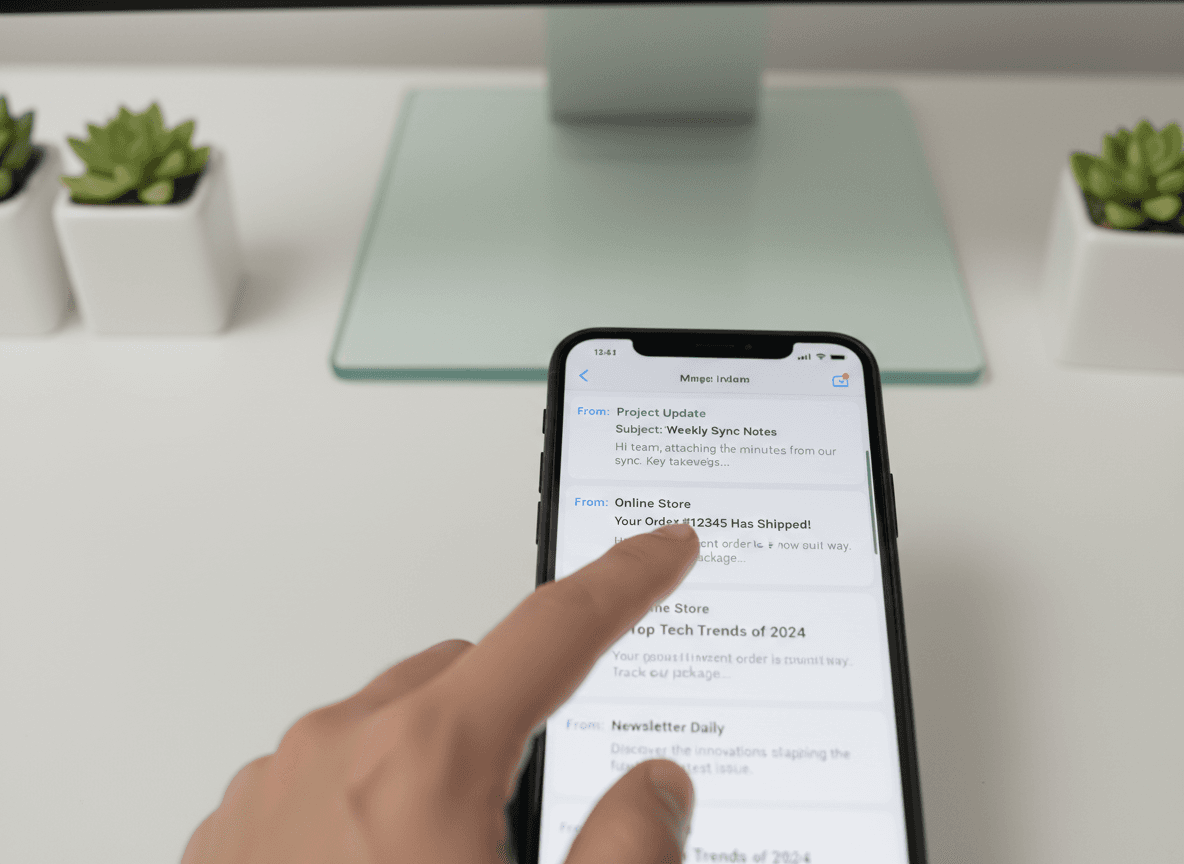
When a parent looks at their inbox, they see three things before deciding whether to open an email: the sender name, the subject line, and the preview text. Most school newsletters put all their effort into the subject line and leave the preview text as an afterthought. or worse, let it default to the first line of the email body, which is often "View this email in your browser."
Preview text is the line of text that appears after the subject line in most email clients. On desktop Gmail, it shows around 100 characters. On mobile, it shows anywhere from 40 to 90. It is prime real estate that most school communications completely ignore.
What preview text actually is
Preview text. also called preheader text. is a piece of text that email clients pull from your message to display next to the subject line. If you do not set it explicitly, the email client grabs whatever text it finds first in your email body.
That usually means:
- "If you're having trouble viewing this email, click here."
- "View in browser | Unsubscribe"
- The first few words of a navigation menu
- Alt text from a header image like "school-logo.png"
None of those give parents a reason to open the email. Setting preview text explicitly costs about 30 seconds and immediately improves the inbox experience.
How subject line and preview text work together
Think of the subject line and preview text as a two-part message. The subject line leads with the most important thing. The preview text adds a second detail or completes the thought.
Good examples:
- Subject: "Week of May 5: Field Trip Friday" | Preview: "Permission slips due Wednesday. forms attached"
- Subject: "Spring Concert This Thursday" | Preview: "Doors open at 6:30. Parking details and program inside."
- Subject: "Reading Test Next Week" | Preview: "Practice list, schedule, and what to bring. everything you need"
- Subject: "3rd Grade Newsletter" | Preview: "Science fair projects due, spirit week schedule, and a note on homework"
Notice how each preview text adds information rather than repeating what is in the subject line. The goal is for a parent to read both lines together and immediately understand what is in the email and why it matters to them.
What not to do
These preview text patterns reduce open rates and should be avoided:
- Repeating the subject line. "Week of May 5 Newsletter. Week of May 5 Newsletter" wastes both lines. The parent learns nothing new.
- Generic filler. "Read our latest school newsletter for important information" is meaningless. Every newsletter claims to have important information.
- Incomplete sentences that get cut off. Write the most important information in the first 50 characters. Anything after that may not display on mobile.
- Letting the default pull in navigation text. If your newsletter template has nav links at the top ("Home | Calendar | Contact"), those will appear as the preview text unless you set it explicitly.
How to set preview text in your newsletter tool
Most newsletter tools have a dedicated "preview text" or "preheader text" field separate from the email body. Fill it in before every send. If you cannot find it, check the sending settings or email setup screen. it is usually near the subject line field.
If your tool does not support preview text as a separate field, you can add it manually as the first line of your email in white text (same color as the background). This is a workaround, not ideal, but it works. Email clients will show the hidden text as preview while it remains invisible in the body.
Length and what to prioritize
Write preview text between 80 and 110 characters. Shorter than 80 and the email client may pull in random body content to fill the space. Longer than 110 and it will be cut off on most mobile screens.
Put the most specific and actionable information at the front. "Permission slips due Wednesday" is a better opener than "This week we have a few important items, including permission slips due Wednesday." Get to the point in the first 50 characters.
The simplest system that works
Before every send, ask yourself: "If a parent reads only the subject line and the preview text, do they know what action they need to take this week?" If yes, your preview text is doing its job. If no, rewrite it until the answer is yes.
School newsletters that treat preview text seriously typically see open rate improvements of 5 to 15 percentage points compared to newsletters that leave it unset. That is a meaningful difference for the time investment involved.
Get one newsletter idea every week.
Free. For teachers. No spam.
Frequently asked questions
When should teachers write preview text for school newsletters, and do they need to?
Write preview text for every newsletter you send. Most email clients, including Gmail and Apple Mail, display 40 to 90 characters of preview text alongside the subject line before the email is opened. If you do not set preview text, the email client pulls in the first text it finds in the email body, often resulting in 'View this email in your browser' or similar filler text.
What should school newsletter preview text say to increase open rates?
Preview text should complement the subject line rather than repeat it. If the subject line says 'Field trip Friday + permission slip due', the preview text might say 'Drop the form in the classroom folder by Thursday morning'. The preview text answers 'what do I need to do?' to the subject line's 'what is this about?'
How long should school newsletter preview text be?
Write 80 to 100 characters of preview text and ensure the most important information is in the first 40 characters, which are reliably visible on all devices. Gmail desktop shows about 90 characters. Apple Mail on iPhone shows 40 to 50. Write for the shorter display first so the key message survives all device contexts.
What are common preview text mistakes in school newsletters?
Not setting preview text at all is the most common mistake, which results in technical filler text appearing in its place. Repeating the subject line word-for-word in the preview text wastes the only additional sentence you get to communicate before the parent decides whether to open. Both hurt open rates unnecessarily.
What is the best tool for teachers who want to set preview text easily in their school newsletters?
Daystage includes a dedicated preview text field in the newsletter editor. Teachers enter it as part of the normal newsletter creation flow alongside the subject line. The field is clearly labeled so you are not relying on knowing which line of your template text will be pulled in as preview.

Adi Ackerman
Author
Adi Ackerman is a former classroom teacher and curriculum writer with 8 years in K-8 schools. She writes about school communication, parent engagement, and what actually works in real classrooms.
More for Guides
Ready to send your first newsletter?
3 newsletters free. No credit card. First one ready in under 5 minutes.
Get started free