
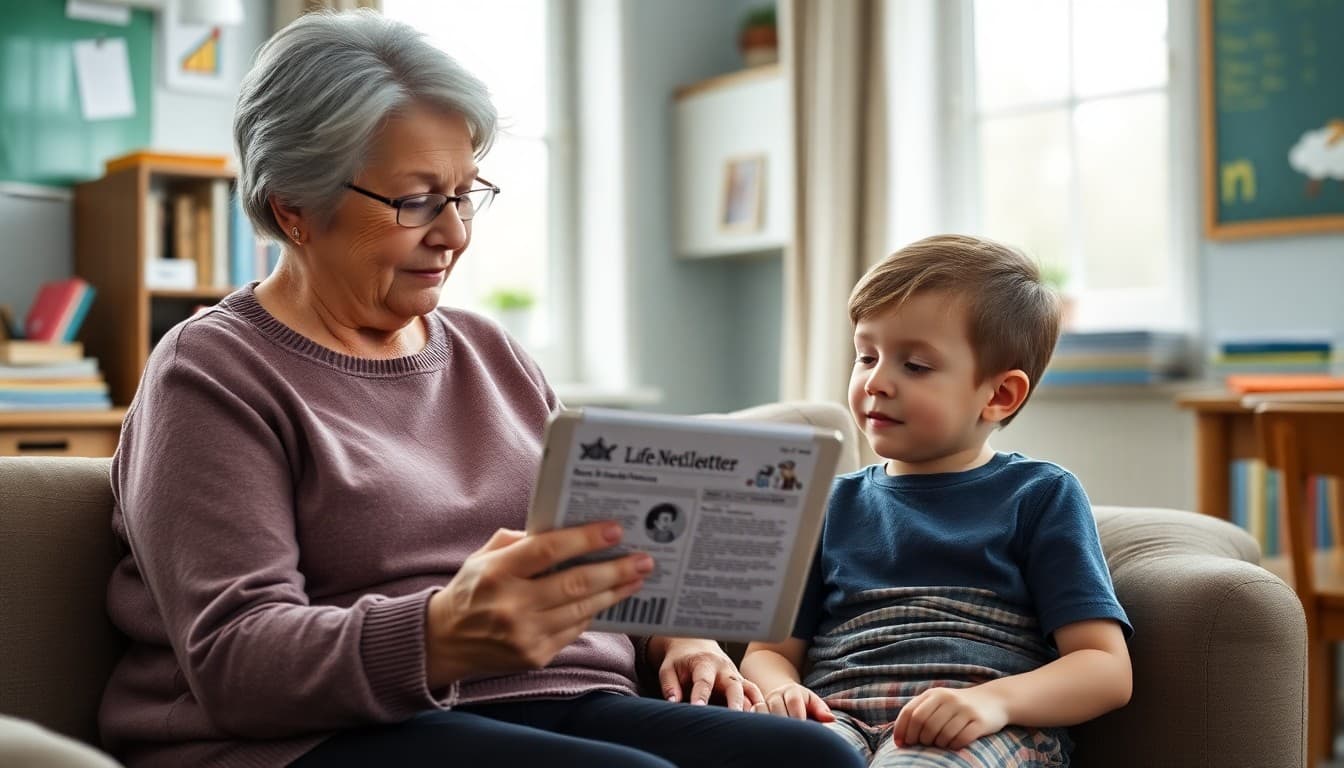
School Newsletter: Reaching Grandparent and Non-Parent Caregivers
When a grandparent or aunt or family friend becomes a child's primary caregiver, they often navigate the school system without the context that years of parent engagement provide. They may not know the school's communication patterns, may not be set up in the parent portal, and may find the newsletter full of abbreviations and references they have not been introduced to. Schools that design their newsletters with non-parent caregivers in mind serve these families better and get better engagement in return.
Who These Caregivers Are
Grandparent and kinship caregivers are a heterogeneous group. Some are retired educators who navigate school systems with ease. Others are grandparents in their seventies who have not had a child in school in 30 years and find the digital infrastructure overwhelming. Some became primary caregivers weeks ago due to a family crisis; others have been raising grandchildren for years and are fully integrated into the school community. What they share is that the school's systems were generally designed assuming a biological parent of typical age as the primary contact, and many of those assumptions do not hold for these families.
Language Choices That Include Rather Than Exclude
The simplest change you can make to your newsletter is replacing "parents" with "families" or "caregivers" throughout the text. This is not a cosmetic change. A grandmother who reads "parents should attend the conference" wonders whether she qualifies. A grandmother who reads "families are invited to the conference" knows the invitation includes her. Review your newsletter template and every recurring section for any language that implies only biological parents are in the intended audience. This includes event invitations, volunteer requests, signature lines ("signed, [student]'s parents"), and calls-to-action.
Explaining Acronyms and Jargon
School newsletters routinely use acronyms without defining them: IEP, 504, ELL, MTSS, AVID, PBIS, PLC, CAASPP. Experienced school parents have absorbed these terms over years. A grandparent who became a caregiver this school year has not. The fix is simple: write out the full name the first time any acronym appears in a newsletter, and link to a brief explanation for acronyms that refer to programs affecting how a student is served. "Your child's Individualized Education Program (IEP) meeting is scheduled for..." takes three extra words and transforms an opaque abbreviation into something actionable.
Providing a Phone Option for Every Digital Action
Every online action in your newsletter, such as a permission slip form, an event RSVP link, a survey, or a schedule update, should be accompanied by a phone number that families can call to complete the same action without going online. This is not just for grandparent caregivers; it serves families without reliable internet access, families with accessibility needs, and anyone who encounters a technical problem with the online form. The phone option does not need to be the primary call-to-action. It just needs to be present so no family is excluded from the process because they cannot complete a digital form.
Template: Caregiver-Inclusive Newsletter Opening
Here is a newsletter opening section written to welcome all caregivers:
"Dear [School Name] Families,
Whether you are a parent, grandparent, aunt or uncle, guardian, or family friend caring for a student at [School Name], this newsletter is for you. We send it at the start of each month with upcoming dates, what students are learning, and ways to get involved.
If someone else in your household should also receive this newsletter, forward it to them or ask the main office to add their email to our list. Everyone caring for a student at our school is welcome to every event and communication we send."
This opening takes 30 seconds to read and explicitly signals that the school recognizes and welcomes non-parent caregivers as full members of the school community.
Making Print Available Without Making It Feel Like a Downgrade
Offering a printed version of the newsletter is not a concession to technology reluctance; it is a genuine accommodation for families who function better with physical documents. Note at the bottom of every email newsletter that a printed version is available by contacting the main office or that it will be sent home with students on a specific day if a family prefers that format. Some schools send home the first newsletter of the school year in print for all students to ensure that new caregivers receive it regardless of whether they have registered for email communications.
Building Relationships With Grandparent Caregivers Over Time
Grandparent caregivers who feel welcomed by the school community become engaged, dependable school partners. They show up for conferences, they volunteer, and they share school communications with the child's other family members who might otherwise be out of the loop. The newsletter is one touchpoint in that relationship-building process. When the newsletter consistently uses inclusive language, explains rather than assumes, and offers multiple ways to engage, it signals that the school sees every family configuration as equally legitimate. That signal matters more than any single newsletter section.
Get one newsletter idea every week.
Free. For teachers. No spam.
Frequently asked questions
How many students are primarily raised by grandparents or non-parent caregivers?
Approximately 2.5 million grandparents in the United States are the primary caregivers for grandchildren, and millions more children live with other non-parent relatives or family friends as their primary caregiver. These caregivers often took on their role during a family crisis and may have incomplete information about the school's communication systems. Many schools do not have an accurate count of how many of their students live in these arrangements because the enrollment forms still default to 'mother' and 'father' without capturing alternative family structures.
What are the biggest newsletter accessibility challenges for grandparent caregivers?
Three challenges come up most consistently. First, email: many older grandparents prefer print or phone communication and may not regularly check email, meaning email newsletters miss them entirely. Second, terminology: school communications use abbreviations (IEP, ELL, AVID, PBIS) that parents who have been engaged with the school system for years understand but that a new grandparent caregiver encounters without context. Third, digital accounts: parent portals, online form submissions, and app-based communications require account credentials that grandparent caregivers may not have been set up with during enrollment.
Should the newsletter address grandparent caregivers specifically?
Not in a way that singles them out or implies their family structure requires special explanation. Use inclusive language throughout the newsletter (families, caregivers, household adults) rather than defaulting to 'parents' in every sentence. Providing a brief explainer for any abbreviation the first time it appears, including a phone option for any action that also offers an online option, and making contact information visible and prominent helps all caregivers, not just grandparents. Universal accessibility improvements serve every reader.
How do you ensure grandparent caregivers are actually subscribed to the newsletter?
At enrollment, ask 'who should receive school communications' rather than asking specifically for a mother's and father's email. This open question captures grandparents, aunts, uncles, and other caregivers who are the actual household decision-makers. Schools that have switched to this framing on enrollment forms report capturing 15-20% more caregiver email addresses than they previously had. Also ensure that updating contact information mid-year is easy and does not require explaining why the primary contact changed.
Can Daystage help schools provide both digital and print options for newsletters?
Yes. Daystage generates print-ready PDF versions of every newsletter, which schools can send home in backpacks for families without reliable email access or who prefer print. This is particularly useful for grandparent caregivers who may be comfortable with paper but uncertain about digital communications. Offering both formats without making print feel like a lesser option ensures every caregiver, regardless of technology comfort, has full access to school information.

Adi Ackerman
Author
Adi Ackerman is a former classroom teacher and curriculum writer with 8 years in K-8 schools. She writes about school communication, parent engagement, and what actually works in real classrooms.
More for Guides
Ready to send your first newsletter?
3 newsletters free. No credit card. First one ready in under 5 minutes.
Get started free