

School Newsletter Metrics: What Open Rates, Click Rates, and Bounce Rates Actually Mean
Most teachers who send school newsletters either check open rates obsessively or ignore analytics entirely. Neither approach is useful. Metrics are only valuable when you know what they mean, what benchmarks apply to your context, and which numbers actually connect to whether parents are getting the information they need.
This guide covers the four metrics that matter for school newsletters and what to do with each.
Open rate: what counts as good for schools
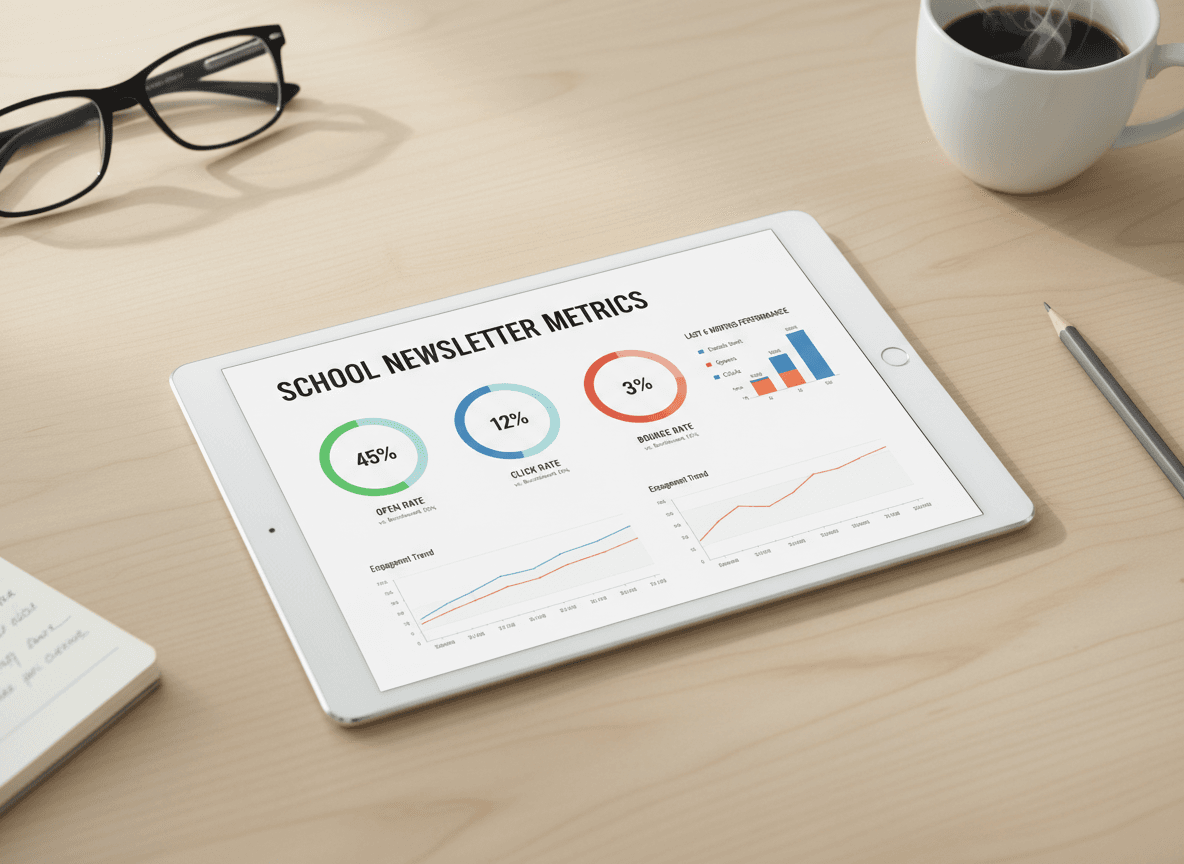
Open rate is the percentage of delivered emails where the recipient opened the message. For general commercial email, industry averages hover around 20-25%. School newsletters operate in a fundamentally different context: recipients opted in (or were opted in by enrollment), the content is directly relevant to their child, and the sender is someone they know.
Realistic benchmarks for school newsletters:
- Above 50%: Excellent. This level is achievable for classroom newsletters with strong parent relationships and consistent sending.
- 35-50%: Good. This is a healthy range for most classroom and school-wide newsletters.
- 20-35%: Below expectations for a school context. Investigate subject lines, send timing, deliverability, and list quality.
- Below 20%: Significant problem. Either deliverability is broken (emails landing in spam), the list has many outdated addresses, or the newsletter is not reaching the right people.
One important caveat: Apple's Mail Privacy Protection (introduced in iOS 15) pre-loads email content, which inflates open rates for recipients using Apple Mail. If your parent community has high iPhone adoption, your reported open rates may be overstated by 10-15 percentage points. Use open rate as a directional signal, not an absolute number.
Click rate vs. open rate: the important distinction
Open rate tells you the email was opened. Click rate tells you the email prompted action. These are measuring different things.
For school newsletters that include links (permission slip PDFs, event registration forms, school calendar links, classroom blog posts), click rate is often more meaningful than open rate. A parent who opens the newsletter and clicks the permission slip link has done something. A parent who opens and scrolls without clicking may have read the text-based information without needing to click anything.
Benchmark click rates for school newsletters: 5-15% is typical for newsletters with one to three links. If you have a single high-priority action item (a deadline-driven permission slip or event registration), click rates of 20-30% on that specific link are achievable.
Low click rates on an important link are a signal to improve the link placement, the surrounding context, or the call to action text. A link buried in the third paragraph with vague text ("click here for more information") will underperform a link placed early in the newsletter with specific text ("Download the Thursday field trip permission slip").
Bounce rates: soft vs. hard
A bounce is an email that could not be delivered. There are two types, and they require different responses.
Soft bounces are temporary delivery failures: the recipient's inbox is full, their server is temporarily unavailable, or the email was too large. Most newsletter tools retry soft bounces automatically. If a soft bounce persists across multiple sends, it will eventually be reclassified as a hard bounce.
Hard bounces are permanent delivery failures: the email address does not exist, the domain does not exist, or the receiving server has permanently blocked your address. Hard bounced addresses must be removed from your list immediately. Sending repeatedly to hard bounced addresses damages your sender reputation and will eventually cause your emails to land in spam for active recipients.
For school newsletters, hard bounces usually mean a family has changed email addresses and the school directory has not been updated. The practical solution: at the start of each school year, ask families to confirm their preferred email address via a form or paper check-in.
Acceptable bounce rate for school newsletters: under 2%. Above 5% indicates a list quality problem that needs attention.
Unsubscribe rate: what it tells you
Unsubscribe rate is the percentage of recipients who actively opt out after receiving a newsletter. For school newsletters, this metric is more complex than for commercial email.
Some families unsubscribe from email newsletters because they prefer the school's parent portal, a text message system, or a different communication channel. This is not always a negative signal about newsletter quality. It may simply reflect channel preference.
A concerning unsubscribe rate for school newsletters is above 0.5% per send. If you are consistently losing more than 1 in 200 subscribers per issue, something in the newsletter content, frequency, or relevance is misaligned with what your parent community wants.
Important: CAN-SPAM law requires honoring unsubscribe requests within 10 business days. Most newsletter tools handle this automatically. For families who unsubscribe from routine newsletters but still need to receive legally required communications (IEP meeting notices, emergency alerts), maintain a separate communication method that does not depend on newsletter subscription status.
Metrics to ignore (or deprioritize)
Some metrics look impressive but do not connect meaningfully to whether your newsletter is working.
- Total opens. A newsletter sent to 200 people with a 50% open rate has 100 opens. A newsletter sent to 500 people with a 30% open rate has 150 opens. The second looks bigger but is performing worse. Always look at rate, not raw count.
- Forward rate. Most email forwarding happens outside the tracking system (copy-paste or the email client's native forward function). What your tool reports is a floor, not the actual number.
- Read time. Average read time data in email tools is highly variable and affected by the same Mail Privacy Protection issues that affect open rates. Treat it as directional at best.
How to actually use this data to improve
The most useful data practice for school newsletter senders is simple: track the four metrics above for every send in a spreadsheet, note what was different about each issue (subject line format, send time, content type, season), and look for patterns after 8-10 sends.
You will start to see which subject line formats outperform others for your specific parent community. You will see whether Monday morning or Sunday evening sends get higher opens. You will see whether newsletters with photos outperform text-only ones.
Daystage records open rate, click rate, and delivery data for every newsletter you send. The analytics are per-send, so you can compare directly across issues without exporting to a separate spreadsheet. That context is more actionable than any general benchmark, because it reflects your actual parents on your actual list.
The bottom line on school newsletter analytics
Open rates above 35%, click rates above 5% on links, bounce rates below 2%, and unsubscribe rates below 0.5% per send indicate a healthy newsletter. Below any of those thresholds, work through the specific cause before assuming the content is the problem. Deliverability issues (emails in spam) and list quality issues (outdated addresses) will tank your numbers regardless of how good the newsletter content is.
Get one newsletter idea every week.
Free. For teachers. No spam.
Frequently asked questions
When should teachers start worrying about declining school newsletter engagement metrics?
Investigate if open rates drop more than 10 percentage points from your baseline over 3 consecutive sends. A single low-open newsletter is normal and often caused by the send day, time, or a competing school event. A sustained decline across 3 or more sends indicates a structural problem worth diagnosing.
What do open rate, click rate, and bounce rate mean for school newsletters?
Open rate is the percentage of delivered emails that were opened, with 40 to 60 percent considered strong for school newsletters. Click rate measures how many recipients clicked at least one link, which signals active engagement rather than passive viewing. Bounce rate measures delivery failures, with hard bounces indicating invalid addresses that need to be removed and soft bounces indicating temporary delivery problems.
How often should teachers review their school newsletter metrics?
Review metrics monthly across 4 to 5 newsletters rather than after every individual send. Single-send data fluctuates due to day-of-week effects, competing events, and random variation. Monthly review reveals patterns like which subject line types get better open rates, whether a format change improved click rates, or whether your list has grown significantly stale.
What are common mistakes teachers make when interpreting school newsletter engagement metrics?
Comparing school newsletter metrics to general email marketing benchmarks is the most common mistake. Marketing emails average 20 to 25 percent open rates. School newsletters with an engaged parent audience should see 40 to 60 percent. Using marketing benchmarks makes a healthy school newsletter look like it is underperforming when it is not.
What is the best tool for teachers who want clear engagement metrics for their school newsletters?
Daystage provides open rate and click rate data for each newsletter in a simple dashboard. The metrics are available immediately after sending without any additional setup, and they are displayed in context with your school newsletter history rather than requiring export to a separate analytics tool.

Adi Ackerman
Author
Adi Ackerman is a former classroom teacher and curriculum writer with 8 years in K-8 schools. She writes about school communication, parent engagement, and what actually works in real classrooms.
More for Guides
Ready to send your first newsletter?
3 newsletters free. No credit card. First one ready in under 5 minutes.
Get started free