
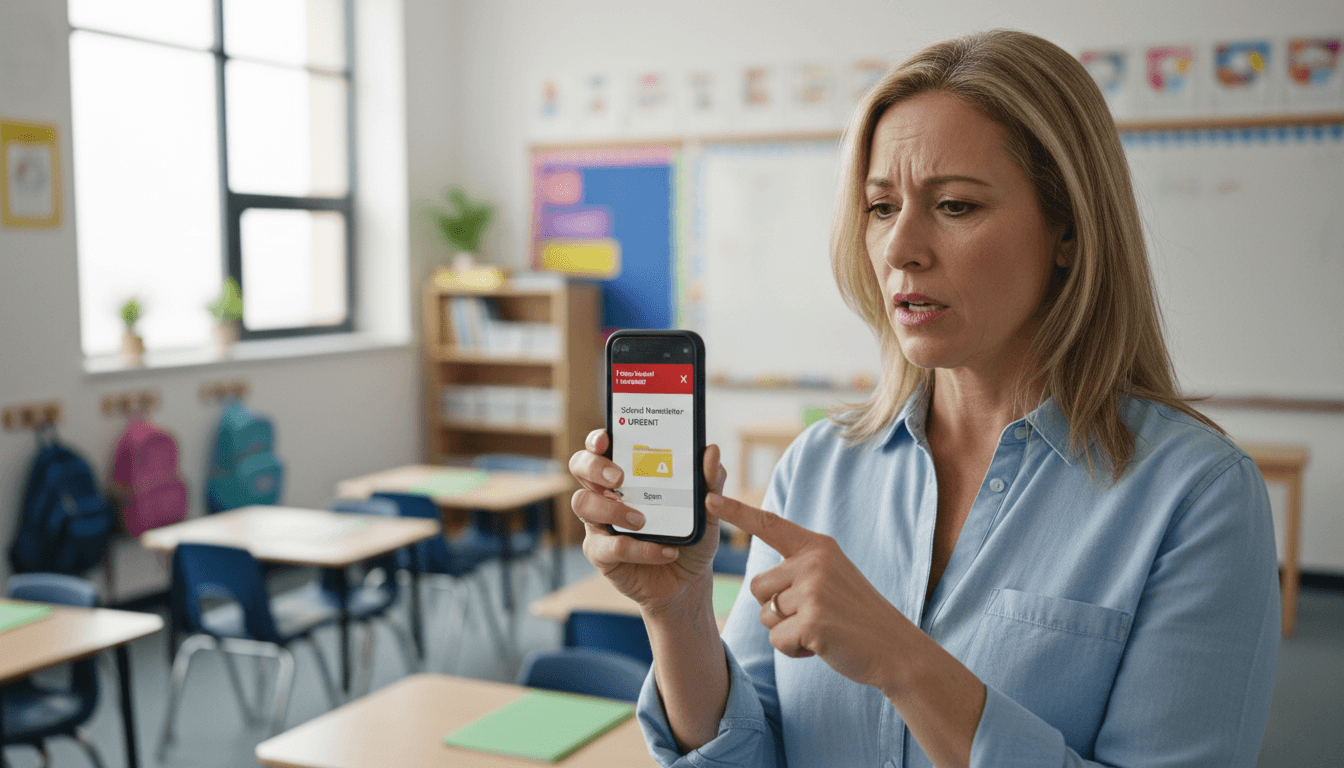
School Newsletter Deliverability: Why Emails Go to Spam and How to Fix It

A parent tells you they never received the newsletter. You check your sending tool and see it was delivered. What actually happened is that it landed in their spam folder, or their promotions tab, and they never saw it. This is a deliverability problem, and it is more common in school email than most teachers realize.
Deliverability is the measure of how often your emails reach the intended inbox rather than getting filtered out. Here is what causes the problem and how to fix it.
Why school newsletters end up in spam
Email spam filters are looking for patterns that match unwanted commercial email. School newsletters accidentally trigger many of those same patterns.
The most common causes:
- Generic subject lines. Subject lines like "September Newsletter" or "Class Update" match patterns that spam filters see constantly. They contain no personalizing signals and look like mass marketing.
- High image-to-text ratio. If the newsletter is mostly one large image with little text, spam filters treat it the same way they treat promotional flyers. They cannot read the image, so they flag the message.
- Sending from a free email address. A newsletter sent from a gmail.com or yahoo.com address has weaker authentication than one sent from a school or district domain. Some filters flag this automatically.
- Low engagement over time. If parents consistently do not open previous newsletters, email providers like Gmail start pre-sorting new ones into spam. Engagement history matters.
- Missing or broken authentication records. SPF and DKIM records (explained below) are technical signals that prove you are who you say you are. Missing records cause filters to distrust the sender.
SPF and DKIM explained without the jargon
SPF (Sender Policy Framework) and DKIM (DomainKeys Identified Mail) are DNS records that your school's IT team sets up on the domain. They tell receiving email servers: "Yes, this newsletter tool is authorized to send on behalf of our school domain."
Without these records, an email that says it comes from "teacher@school.edu" but is sent through a third-party newsletter tool looks suspicious. The receiving server has no way to verify the claim.
You cannot set these up yourself as a teacher. You need IT to add the records. The newsletter tool you use should provide the specific record values. Setting them up is a one-time task that benefits every newsletter sent from the school domain.
What teachers can control directly
Even without IT involvement, there are several things that meaningfully affect deliverability.
- Write specific subject lines. Include the teacher's name, a date, or a specific event. "Ms. Rivera: Nov 4 Week, Science Fair Thursday" is much less likely to trigger spam filters than "Weekly Update."
- Balance images and text. For every image you include, write at least three to four sentences of real text. Never send a newsletter that is a single image with a short caption.
- Ask parents to add your address to contacts. Do this in the first newsletter of the year. When parents mark a sender as a contact or move a message from spam to inbox, it teaches email providers that future messages are welcome.
- Send consistently. Sporadic sending patterns look like spam bursts. A predictable weekly or biweekly schedule looks like legitimate correspondence.
- Keep your list current. Sending to email addresses that bounce repeatedly damages your sender reputation. Remove hard bounces from your list promptly.
What only IT can fix
Some deliverability issues are infrastructure problems that teachers cannot solve alone.
- SPF and DKIM records for the school domain (as described above)
- DMARC policy. This record tells receiving servers what to do when a message fails SPF or DKIM checks. It also gives the school visibility into unauthorized uses of the domain.
- Sender reputation for the school domain. If other staff are sending spam from the same domain, the whole domain's reputation suffers. IT needs to monitor this.
- Newsletter tool whitelisting. Some school IT filters block outbound email from third-party tools. IT may need to whitelist the sending tool's IP ranges.
When approaching IT about this, the most useful thing to say is: "Our newsletter tool needs its SPF and DKIM records added to our domain's DNS. Can you help me set that up?" Most IT staff know what this means immediately.
Subject line patterns that avoid spam triggers
Subject lines do real work on deliverability in addition to open rates. A few patterns that consistently land well:
- Teacher name plus a specific item: "Mr. Park: Permission Slips Due Friday"
- Date anchor: "Week of May 5: Reading Tests, Supply Reminder"
- Direct question: "Ready for the Spring Concert? Details Inside."
- Grade-level identifier: "3rd Grade Families: What's Happening This Week"
Avoid all-caps words, excessive exclamation points, and phrases like "Important Update" or "Don't Miss This." Those are patterns that spam filters have seen millions of times.
The best send times for school newsletters
Send time affects both engagement and deliverability indirectly. Newsletters that get opened promptly signal to email providers that they are wanted.
For classroom weekly newsletters: Sunday between 6pm and 8pm and Monday between 7am and 9am both perform well. Parents are checking email either to prepare for the week or to review Monday morning priorities.
For school-wide and principal newsletters: Tuesday and Wednesday mornings outperform Monday (when inboxes are flooded) and Friday (when parents are already in weekend mode).
Daystage lets teachers schedule newsletters to send at any time, so you can write the newsletter when it is convenient and have it land in inboxes at the optimal time.
How to test your deliverability
The simplest test: send your newsletter to a personal Gmail account, a personal Yahoo account, and a Hotmail account before sending to your full list. Check whether it lands in the primary inbox, promotions tab, or spam folder in each.
If it lands in spam consistently, work through the checklist above. Start with subject line specificity and image-to-text ratio, since those are in your control immediately. Then escalate to IT for SPF and DKIM if the problem persists.
What good deliverability actually looks like
A school newsletter with solid deliverability will land in the primary inbox for most major email providers, show open rates between 35% and 55%, and generate occasional parent replies (which are strong engagement signals). If you are seeing open rates below 20%, start with the list above before assuming the content is the problem. The email may not be reaching parents at all.
Get one newsletter idea every week.
Free. For teachers. No spam.
Frequently asked questions
When should a teacher investigate if their school newsletters are going to spam?
Investigate if open rates drop below 25 percent or if multiple parents report not receiving newsletters they expected. These are the two clearest signals of a deliverability problem. Do not wait for parents to complain. Check deliverability proactively at the start of each school year by sending a test to accounts at Gmail, Yahoo, and your district's email domain.
What are the main technical reasons school newsletters end up in spam?
The most common technical causes are missing SPF and DKIM records on the sending domain, sending from a shared IP with a poor reputation, using a free email address like Gmail as the sender rather than a domain-based address, and including too many image-to-text ratio imbalances. SPF and DKIM are the two most impactful fixes and require IT department access.
How often should a school review its newsletter deliverability?
Review deliverability at the start of each school year and after any domain or platform change. Spam filter rules update regularly, and what passed last year may not pass this year. A simple test is to send your current newsletter to accounts at major providers and check whether it lands in the inbox or spam folder.
What are common content mistakes teachers make that trigger spam filters?
Using all-caps subject lines, including the word 'free' in subject lines, adding multiple exclamation points, embedding large image files with minimal text, and using shortened URLs from link-shortener services are the most common content-level triggers. Each one looks like a pattern spam filters associate with bulk commercial email.
What is the best tool for teachers who want reliable school newsletter deliverability without managing technical email settings?
Daystage handles SPF, DKIM, and sending domain authentication on the infrastructure side. Teachers do not need to configure email authentication with their IT department. The platform manages deliverability infrastructure so newsletters reach inboxes rather than requiring teachers to troubleshoot why emails are disappearing.

Adi Ackerman
Author
Adi Ackerman is a former classroom teacher and curriculum writer with 8 years in K-8 schools. She writes about school communication, parent engagement, and what actually works in real classrooms.
More for Guides
Ready to send your first newsletter?
3 newsletters free. No credit card. First one ready in under 5 minutes.
Get started free