
School Newsletter Content Calendar: How to Plan a Full Year in One Sitting
The hardest part of sending a newsletter every week is not the writing. It is deciding what to write about. Teachers who sit down on Sunday evening without a plan spend more time staring at a blank page than actually writing. A content calendar solves this. And building it takes less time than most people expect.
The 12-month school calendar already gives you half your content
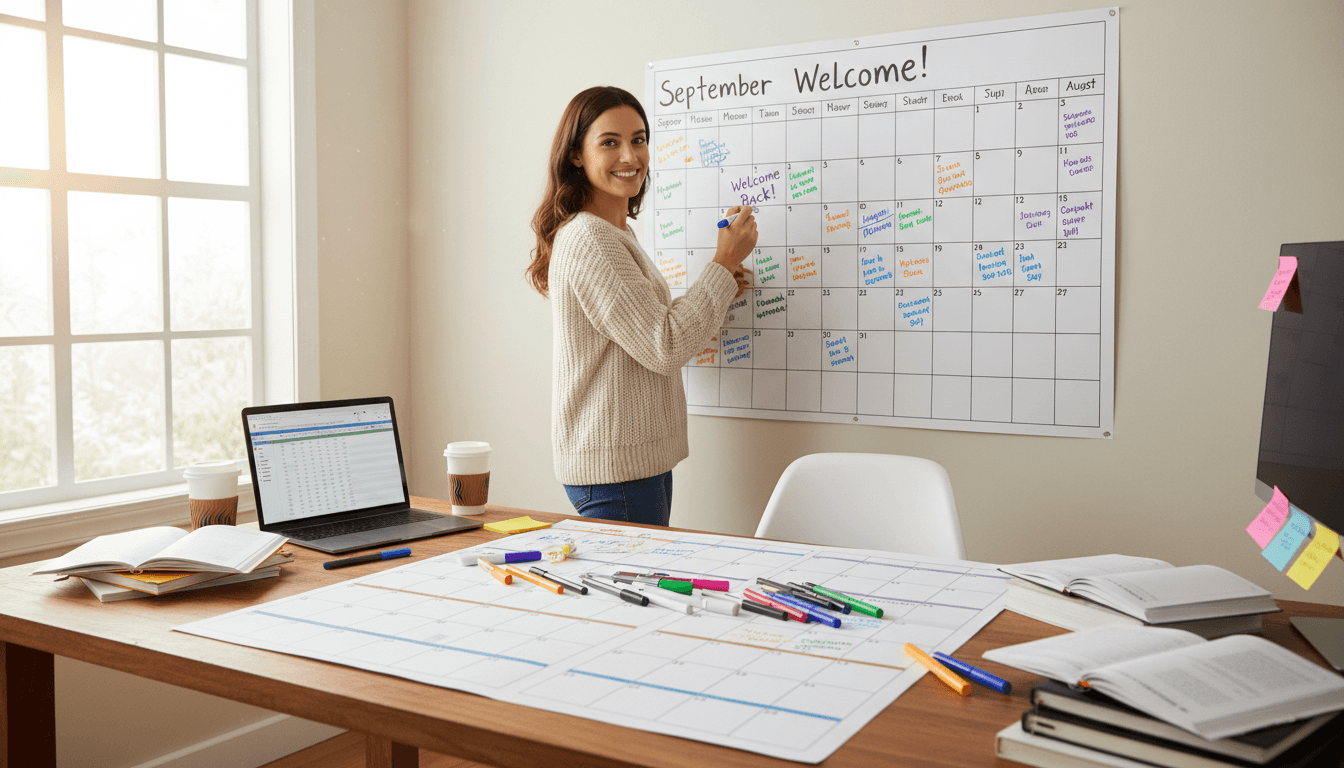
Start by opening your school calendar and marking every event, deadline, and milestone for the year. You will find: back-to-school night, picture day, conference weeks, holiday breaks, standardized testing periods, field trips, science fairs, spring performances, end-of-year celebrations, and report card dates.
Every one of these is newsletter content. An upcoming event needs at least two newsletter mentions: an announcement two to three weeks out and a reminder the week before. A deadline needs a mention when it is set and a reminder close to the due date. Map these to your newsletter schedule and you will find that roughly half your issues for the year already have a primary topic.
Recurring sections fill the rest
Recurring sections are the backbone of a consistent newsletter. They appear in the same place every week, cover predictable content, and require minimal planning because the format does the thinking for you.
Sections that work well as recurring columns:
- What We're Learning: one sentence per subject area summarizing the current unit
- Upcoming Dates: the next three to five dates worth marking
- Parent Action Items: anything parents need to do, sign, return, or bring
- Reading and Homework Reminders: current expectations and any changes
- Classroom Spotlight: optional, one paragraph about something notable from the week
With these sections in your template, writing a newsletter becomes a fill-in task rather than a creation task. You update the content, not the structure.
Event-triggered content vs. scheduled content
Not everything in your newsletter will be planned in advance. Some content is event-triggered: a snow day policy reminder after the first storm, a classroom update after an unexpected week, a note about a change in procedure. Leave room for this.
A good rule: keep 30 percent of each newsletter open for what happened this week. The other 70 percent can come from your calendar and recurring sections. This balance gives the newsletter both predictability and freshness.
The mistake many teachers make is planning everything in advance and then ignoring what actually happened in the classroom. Parents want to hear about real moments. A content calendar should guide your newsletter, not script it entirely.
Monthly themes that write themselves
Assigning a loose theme to each month gives each newsletter a coherent feel without requiring you to invent something new every week. Use the school year rhythm as a guide:
- August/September: welcome, expectations, community building
- October: first unit recaps, fall events, assessment reminders
- November: gratitude, family projects, conference preparation
- December: end-of-semester reflections, winter events, break reminders
- January: fresh start, new units, second-semester preview
- February: reading month, project highlights, parent involvement
- March: testing season preparation, spring preview, attendance reminders
- April: spring events, end-of-year countdown begins
- May/June: celebration, transitions, end-of-year logistics
Themes give you a starting point when you sit down to write the opening paragraph and the classroom spotlight section. They also make the year feel intentional rather than reactive.
How to batch-write newsletter intros
The opening paragraph is often what takes the most time to write. It requires the most personal voice and the most thought. Batch-writing lets you write several at once while you are already in the right frame of mind.
At the start of each month, write four opening paragraphs: one for each newsletter you plan to send. Keep them short (two to three sentences). Use the month's theme as a prompt. This investment of 15 minutes at the start of the month saves you from starting from scratch every Sunday.
Daystage's duplicate-previous-newsletter workflow makes this even faster. The structure from last week is already in place. You update dates, change the learning summary, and paste in the opening you pre-wrote. Most newsletters take under 20 minutes to produce once the system is running.
The 3 questions that fill any blank month
When you look at a month and cannot think of a newsletter theme or extra content beyond the recurring sections, answer these three questions:
- What is the most important thing happening in the classroom this month?
- What do parents most need to know or do this month?
- What would I want to know as a parent of a child in this classroom right now?
The answers to those three questions will fill an entire newsletter. Most of the time, teachers think they have nothing to say when in fact they have too much and need to prioritize. These questions force that prioritization.
One sitting, not one afternoon
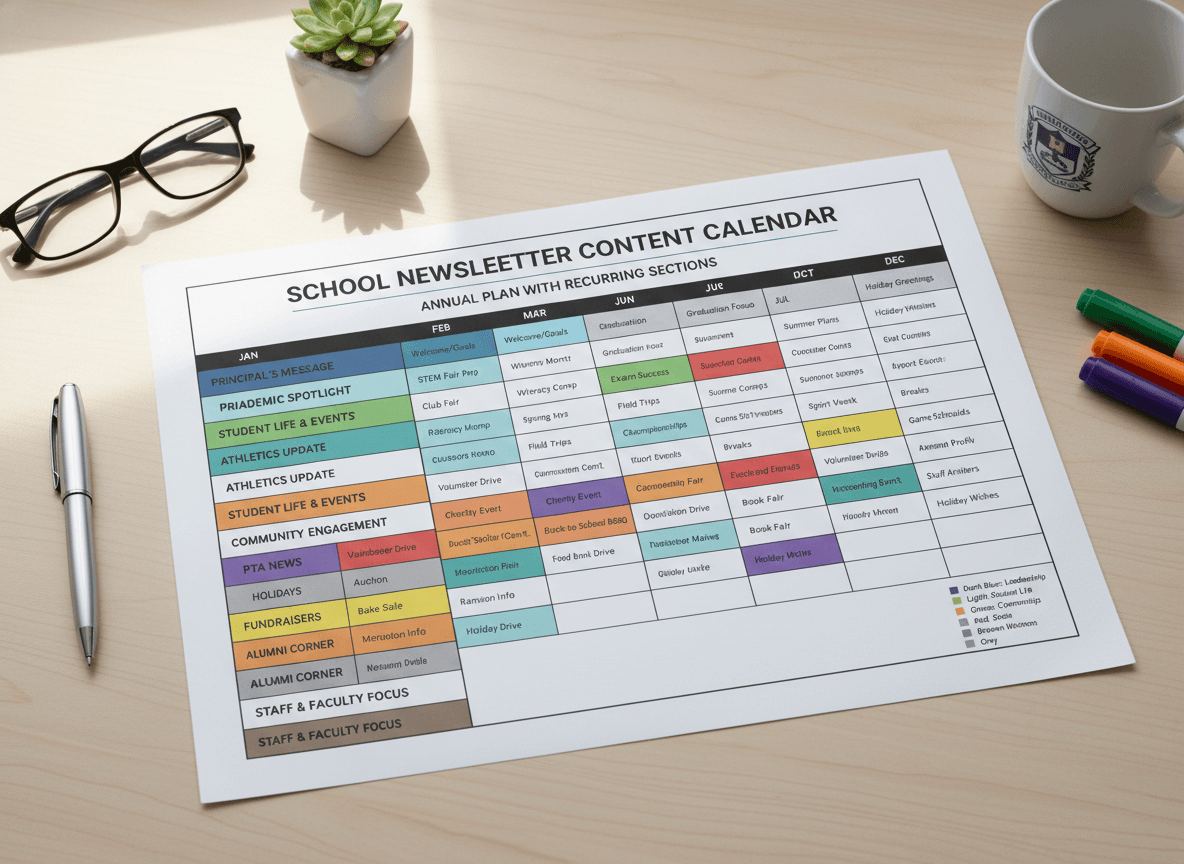
A full-year newsletter content calendar does not need to be detailed to be useful. You need: school calendar events mapped to newsletter dates, your recurring section list, monthly themes, and a note for any newsletter where you plan something unusual.
That can be done in 45 minutes at the start of the school year. Put it in a shared document, a simple spreadsheet, or a notes app. The format does not matter. What matters is that you start each week knowing what the newsletter's primary focus will be, rather than deciding in the moment.
Teachers who plan this way consistently send more newsletters, on time, with better content than teachers who figure it out week by week. The calendar is what makes consistency possible.
Get one newsletter idea every week.
Free. For teachers. No spam.
Frequently asked questions
When should teachers plan their school newsletter content calendar for the year?
Plan the calendar during the last 2 weeks of summer before school starts, when the academic calendar is finalized. Spending 90 minutes mapping newsletter topics to the school year's major events and recurring sections gives you a framework that makes each weekly newsletter easier to write. You will not be starting from blank for the big issues.
What should a school newsletter content calendar include?
Map each month to its major school events, state testing windows, holidays, and seasonal learning themes. Then note recurring weekly sections like homework reminders and what we are learning. The calendar does not need to include exact content, just the topics and events each newsletter should address. This takes one sitting to build.
How far in advance should teachers plan school newsletter content?
Plan themes and major content 4 to 6 weeks in advance. Plan specific content, like exact events and this week's lessons, 1 to 3 days before sending. Planning too far ahead in detail creates newsletters that no longer match the classroom reality when they go out. Use the calendar for topics and events, not for specific sentences.
What are common mistakes teachers make when trying to plan newsletter content in advance?
Trying to write full newsletters weeks ahead is the most common mistake. Newsletters written too far in advance lose relevance quickly because classroom life changes. Use the calendar to plan what each newsletter will cover, not what it will say. The writing should happen close to the send date.
What is the best tool for teachers who want to plan and execute a school newsletter content calendar efficiently?
Daystage supports newsletter duplication, which means you can set up a recurring structure at the start of the year and update only the variable content each week. This works well with a content calendar approach where the structure is stable and only the specifics change.

Adi Ackerman
Author
Adi Ackerman is a former classroom teacher and curriculum writer with 8 years in K-8 schools. She writes about school communication, parent engagement, and what actually works in real classrooms.
More for Guides
School Newsletter vs. Social Media: Which Channel Reaches Parents Better?
Guides · 8 min read
School Newsletter: Attachment vs. Embedded Email - Which Format Gets Read More?
Guides · 5 min read
School Newsletter Guide for Athletic Directors: Schedules, Results, and Family Communication
Guides · 6 min read
Ready to send your first newsletter?
3 newsletters free. No credit card. First one ready in under 5 minutes.
Get started free