

School Newsletter Click Rate Benchmarks for Schools
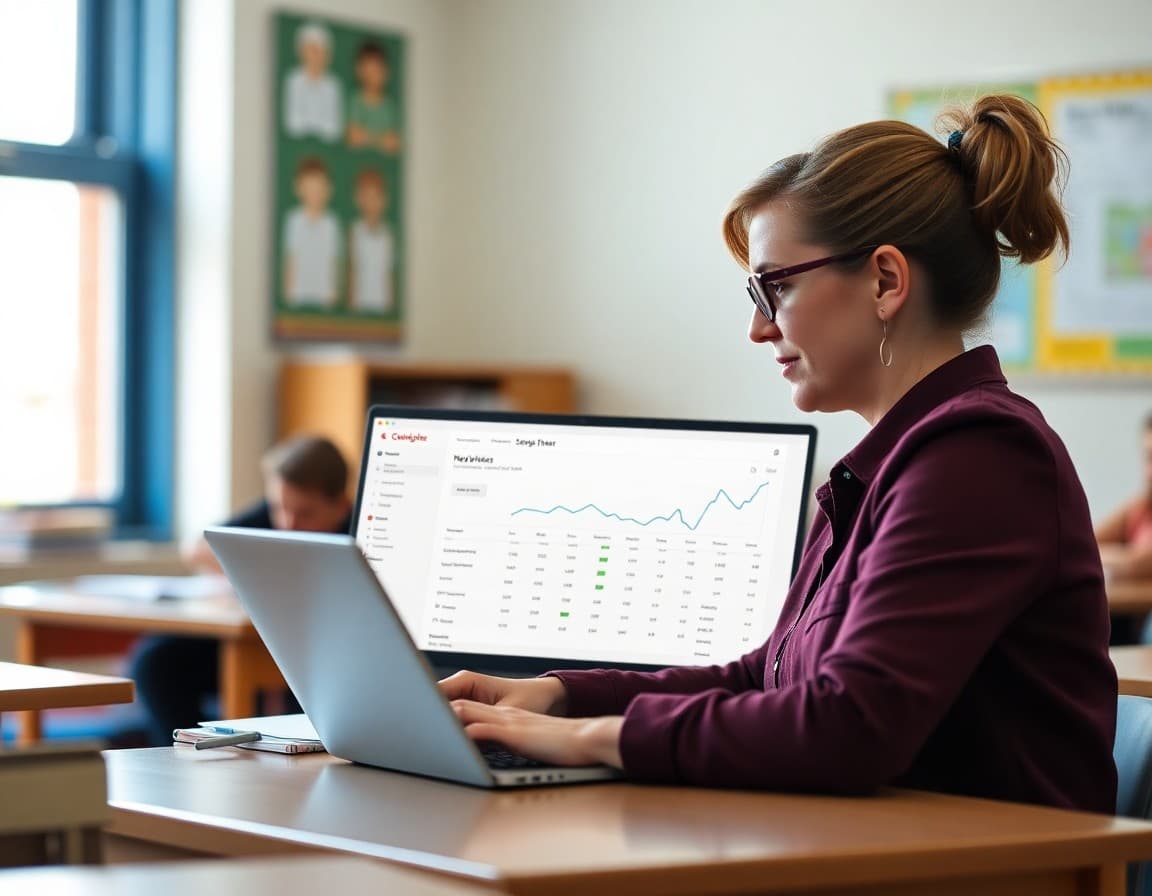
Most school administrators sending newsletters have no idea whether their links are being clicked or ignored. Without that information, it is hard to improve. Here is what the data actually shows about school email click rates, what the numbers mean, and what you can do to move them in the right direction.
What Click Rates Actually Look Like for Schools
According to data from email platforms serving education organizations, school newsletters typically see overall click rates between 3 and 10 percent, meaning 3 to 10 of every 100 recipients clicked at least one link. Click-to-open rates (clicks from openers only) range from 10 to 25 percent for well-performing school newsletters.
For context, the education sector average click rate across all email types is around 2.5 to 3.5 percent. Schools that build strong parent communication habits and use clear calls to action regularly exceed this average. Schools sending infrequent, long newsletters with minimal links tend to fall below it.
Why the Audience Makes a Difference
School newsletter audiences are uniquely motivated. A parent reading the Friday newsletter is not browsing casually; they are looking for information that affects their child's week. That context drives higher engagement across every metric. An open rate of 40 to 60 percent is common for school newsletters, compared to 20 to 25 percent for most commercial emails.
This means that if your click rates are still low despite good open rates, the problem is in the links themselves, not the audience. People are reading; they are just not finding clear reasons to click.
What Types of Links Perform Best
Not all links in a school newsletter perform equally. Links that give families something immediately useful or actionable get clicked most often. RSVP forms for upcoming events, links to photo galleries from a recent school event, permission slip forms, and lunch account links where parents can add funds all perform well.
Links to general informational pages, like "visit our website for more information," perform the worst. If you include a link, make sure it goes to something specific that a parent needs to access right now.
Where You Place Links Matters
Links placed in the first 25 percent of the newsletter get significantly more clicks than links at the bottom. Most email readers do not scroll to the end of a newsletter, especially on mobile where a newsletter that looks short on desktop can feel very long. If your most important link is at the bottom, consider moving it earlier or repeating it both in the relevant section and at the end.
A standalone call to action, visually separated from the body text, outperforms a link buried in a paragraph. "Register for the fall carnival here" as a standalone line in a slightly larger font gets more clicks than the same link embedded in the third sentence of a paragraph about the carnival.
How Frequency Affects Click Rate
Schools that send newsletters weekly tend to see slightly lower per-email click rates but higher total clicks across the month than schools sending monthly. The inverse is also true: monthly newsletters often see higher per-email click rates because each email contains more accumulated content and more links.
For click rate specifically, aim for newsletters that contain two to five meaningful links rather than zero or twelve. Too few links give parents nothing to act on. Too many links create decision paralysis and reduce the click rate for each individual link.
Mobile Click Rate Considerations
Approximately 60 to 70 percent of school newsletter opens happen on mobile devices. Links that are too small, too close together, or wrapped in text that does not read clearly on a small screen see significantly lower click rates. Buttons or standalone link lines perform better on mobile than hyperlinked text embedded in paragraphs.
Before sending a newsletter with important links, preview it on a phone and test whether the links are easy to tap without hitting adjacent text by accident.
Tracking and Improving Over Time
The best way to improve click rates is to track which links perform and which do not. Over three to four newsletters, patterns emerge: families in your school click on event registration links more than informational links, or photo links outperform everything else, or lunch account reminders drive high consistent clicks. Use that data to prioritize what you include and where you place it.
What to Do When Click Rates Drop
A sudden drop in click rates is a signal worth investigating. Check whether the drop correlates with a change in newsletter format, a period with fewer action items for families, or a specific season where families are less engaged. Consistent click rate decline over two to three months suggests the content is becoming less actionable or the links are less relevant to what families currently need.
Get one newsletter idea every week.
Free. For teachers. No spam.
Frequently asked questions
What is a good click rate for a school newsletter?
School newsletters typically see click-to-open rates between 10 and 25 percent, and overall click rates (clicks divided by total emails sent) between 3 and 10 percent. These numbers are significantly higher than most commercial email because parents have a direct stake in the content. If you are consistently seeing under 2 percent click rate, the links in your newsletter may not be compelling or clear enough to act on.
Why do school newsletters have higher click rates than most marketing emails?
The audience is self-selected and highly motivated. Parents opted in because they need this information for their child's schooling. Unlike a retail newsletter where the reader has a vague connection to a brand, a school newsletter is directly relevant to the reader's daily life. That intrinsic relevance drives higher engagement across all metrics including opens, clicks, and replies.
What is the difference between click rate and click-to-open rate?
Click rate is clicks divided by total emails sent. Click-to-open rate is clicks divided by emails opened. Click-to-open rate is more useful for measuring whether your content is compelling, because it isolates the question of whether people who actually read your newsletter were motivated to click. A high open rate but low click-to-open rate means readers are engaged but not finding clear reasons to take action.
What types of links get the highest click rates in school newsletters?
Event registration links, permission slips, calendar downloads, and links to photos or videos consistently outperform generic informational links. Families click when there is a clear action to take or something immediately valuable to access. Links to school websites for general information perform significantly worse than links to specific resources families need right now.
What platform gives schools useful click analytics for their newsletters?
Daystage provides per-link click tracking so you can see exactly which links in your newsletter families are clicking and which ones they are skipping. That data tells you which content is actually driving action, which helps you prioritize what to include in future newsletters and where to place your most important calls to action.

Adi Ackerman
Author
Adi Ackerman is a former classroom teacher and curriculum writer with 8 years in K-8 schools. She writes about school communication, parent engagement, and what actually works in real classrooms.
More for Guides
Ready to send your first newsletter?
3 newsletters free. No credit card. First one ready in under 5 minutes.
Get started free