

School Newsletter Checklist for Teachers: Everything to Review Before You Send
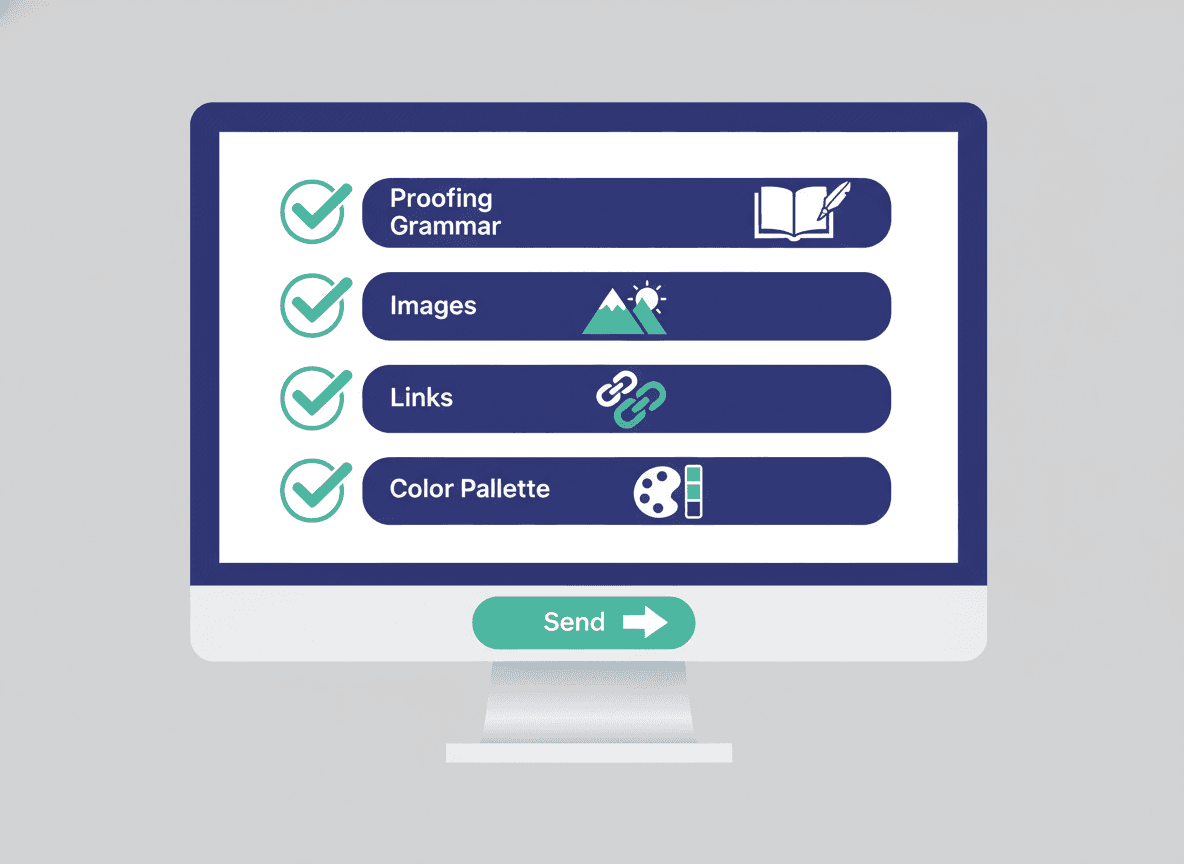
The newsletter that goes out wrong is the one everyone remembers. A wrong date on a permission slip, a photo that violates the school's privacy policy, a broken link to the classroom supply list. Most of these errors are catchable with a 5-minute review before sending.
This checklist covers 12 things to check before you hit send on any school newsletter.
Content checks
1. Are all dates correct? This is the most common and most impactful error in school newsletters. A wrong field trip date means parents show up on the wrong day. A wrong permission slip deadline means late submissions. Check every date against your school calendar, not from memory.
2. Is the week/date in the subject line accurate? Subject lines like "Week of November 4" need to match the actual send date. If you duplicated last week's newsletter, update the subject line and the date in the opening section. This is easy to miss on the fifth repeat of a newsletter.
3. Are the "upcoming events" still upcoming? Events from last week that you forgot to remove, or dates that have already passed, make the newsletter look careless. Scan the events section and remove anything that has already happened.
4. Are all action items actionable? Check that every "parent needs to do" item includes all the information parents need to act: what they need to do, when, and how. "Permission slip due Friday" is missing how to submit it. "Library books due back" is missing how they know which books are library books.
5. Does the homework section match this week's actual assignments? If you duplicated last week, the homework section may reflect last week's assignments. Update it to current.
Format and presentation checks
6. Is the subject line specific enough to get opened? "November Newsletter" does not give parents a reason to open it. At minimum, include the date. Ideally include one specific item parents will care about: "Nov 4: Science Museum Trip + Permission Due."
7. Does the preview text make sense? The preview text is the snippet of text that appears next to the subject line in most email clients. In Daystage, this is populated automatically from the opening section. Check that it reads as a sentence, not as a fragment or heading.
8. Are all headings correct? If you duplicated last week's newsletter, check that no section headings accidentally reference the wrong week or topic. "What We Learned Last Week" should read "What We're Learning This Week."
9. Do all links work? Click every link in the newsletter before sending. A link to the permission slip that goes to a 404 page, or a link to a Google Form that has been taken down, wastes parent time and creates support requests. Daystage's live preview pane makes it easy to click through links before sending.
Privacy and compliance checks
10. Are all photos school-compliant? If your newsletter includes photos, verify that student faces are not visible unless you have photo consent on file for those students. Check your school's specific photo policy. When in doubt, photograph student work or classroom materials rather than students.
11. Does the newsletter include any student-specific private information? Newsletter content should be class-wide, not about individual students. A newsletter that mentions "Marcus is still struggling with his multiplication tables" is a FERPA concern and an embarrassment risk. If your newsletter is being sent to a full class list, keep all content general.
Technical checks
12. Send a test to yourself first. Before sending to the parent list, send a test email to your own inbox. Open it in your email client (Gmail, Outlook, Apple Mail) and check: does the formatted newsletter appear in the email, or do you get a link? Is the school logo visible and correctly sized? Do all sections format correctly on mobile?
In Daystage, the "Send Test" button is available while editing. This test takes 60 seconds and catches formatting problems that are invisible in the editor preview.
Quick reference checklist
Copy and save this for your weekly use:
- All dates verified against school calendar
- Subject line date updated from last week
- Past events removed from upcoming events section
- Action items include all necessary details
- Homework section reflects current week
- Subject line is specific enough to get opened
- Preview text reads as a coherent sentence
- All headings are correct for current week
- All links tested and working
- Photos checked for school compliance
- No individual student private information included
- Test email sent and reviewed in actual email client
How to make the checklist faster
The first time you run this checklist takes about 5 minutes. After a few weeks, the pattern becomes automatic. You stop making the most common errors (wrong dates, stale events, broken links) because you are in the habit of checking.
The items that save the most time over a school year: #1 (date verification prevents the re-send), #12 (test email catches formatting problems before parents see them), and #9 (checking links prevents a wave of "the link doesn't work" emails from parents).
The bottom line
A 5-minute pre-send review catches most newsletter errors. The cost of fixing an error after sending (re-send, correction email, parent confusion) is much higher than the cost of checking. Build the checklist into your send process and it becomes automatic.
Daystage's live preview pane and built-in test email feature make running through this checklist faster than doing it in a tool that requires exporting or switching between views. The preview updates in real time as you edit, so you can catch structural issues before even running the checklist.
Get one newsletter idea every week.
Free. For teachers. No spam.
Frequently asked questions
When should teachers run through the newsletter checklist before sending?
Run the checklist immediately before clicking send, not the night before. Event dates, deadlines, and action items need to be verified against the current week's actual schedule. A checklist run the morning of your send day catches last-minute changes that would make the newsletter incorrect.
What should a pre-send school newsletter checklist include?
Check that all event dates and deadlines are correct, parent action items are specific with deadlines, no student names are used without permission, the subject line includes something specific, images have alt text, and the newsletter renders correctly on mobile. These 6 checks cover the most common errors that damage trust or reduce effectiveness.
How long should a pre-send newsletter checklist take to complete?
A thorough checklist review takes 3 to 5 minutes. If it is taking longer, the checklist is too long or the newsletter has too many items to verify. A useful checklist is a fast pass, not a second editing session. If you are rewriting during the checklist, the review came too late.
What are common newsletter errors that a pre-send checklist would catch?
Incorrect event dates copied from a previous newsletter, permission slips with a deadline that already passed, student last names used in a public newsletter, and broken links are the four most frequently caught errors. Each one is embarrassing or creates a parent follow-up that takes more time to handle than the checklist would have.
What is the best tool for teachers who want a newsletter workflow that reduces pre-send errors?
Daystage's structured block editor makes errors easier to spot because each section has a clear label and purpose. The preview function shows exactly how the newsletter will appear in the parent's inbox before you send. Duplicating from the previous week also reduces errors caused by rebuilding from scratch.

Adi Ackerman
Author
Adi Ackerman is a former classroom teacher and curriculum writer with 8 years in K-8 schools. She writes about school communication, parent engagement, and what actually works in real classrooms.
More for Guides
Ready to send your first newsletter?
3 newsletters free. No credit card. First one ready in under 5 minutes.
Get started free