
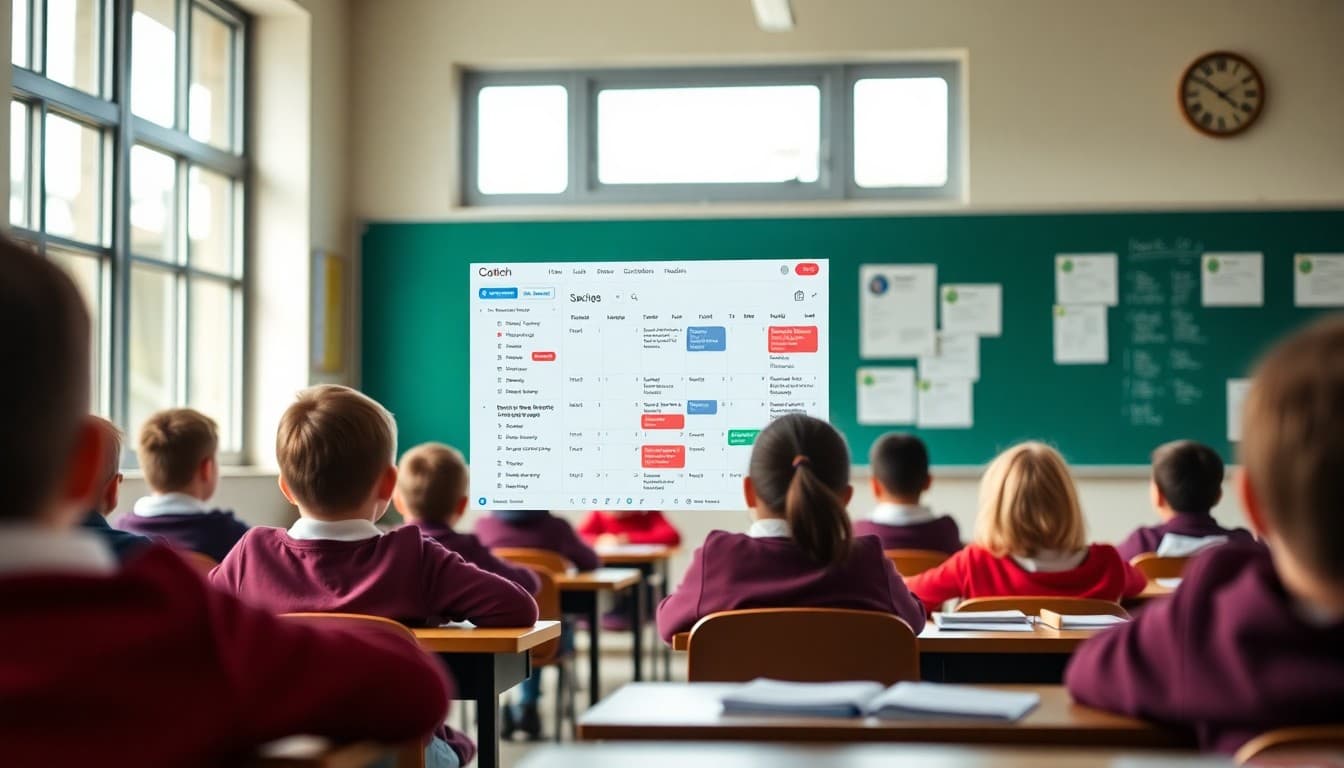
School Newsletter Automation: Set It and Let It Send
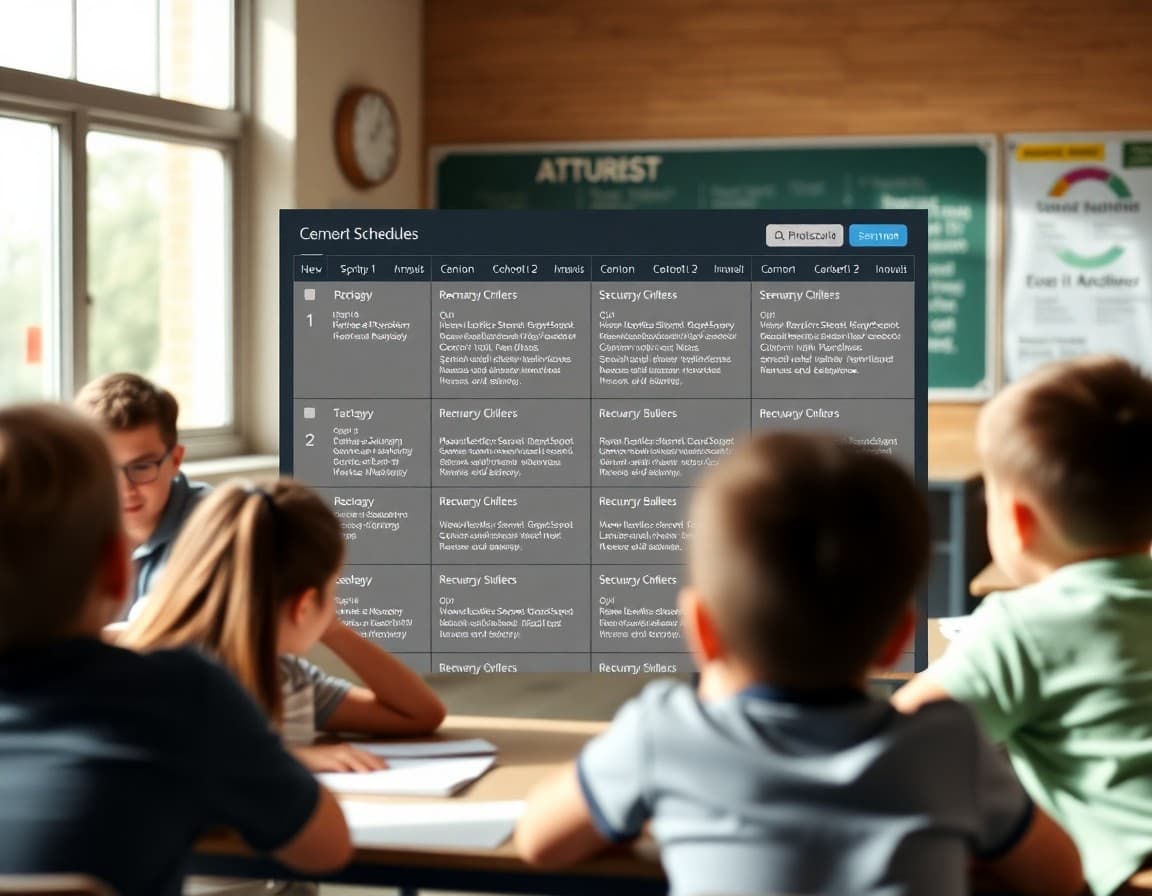
Most school newsletter workflows involve a significant amount of repetitive work: setting up the same reminder email before picture day every year, manually sending a follow-up to families who did not RSVP, writing a welcome email to each new family who joins the list. Automation handles the predictable, repeating tasks and frees up the time you would otherwise spend on them for the work that actually requires human judgment.
What Makes a Good Automation Candidate
A task is worth automating when it is: triggered by a predictable event (a new subscriber joins, a deadline approaches, a form is submitted), repeats on a schedule or at a specific interval, has a consistent message that does not require situational customization, and is currently consuming meaningful staff time. If the task takes 30 seconds and happens once a year, automation is not worth the setup time. If it takes 20 minutes and happens 15 times per year, that is 300 minutes of recoverable time.
The Welcome Email Automation
A welcome email to new newsletter subscribers is the highest-value, easiest-to-implement automation for most schools. When a new family is added to the newsletter list, whether manually, through a school enrollment system, or through a signup form, an automated welcome email goes out immediately.
The welcome email should cover: what the newsletter contains, how frequently it is sent, where to find the newsletter archive, how to contact the school, and one practical tip like "save this email address to your contacts so our newsletters do not land in spam." This message, written once and sent automatically to every new subscriber, is the single most effective automation a school can implement because it sets expectations from the first interaction.
Scheduled Sending
Scheduled sending is not technically automation in the same way as triggered emails, but it is the most commonly used time-saving feature in newsletter platforms. Write your newsletter on Tuesday, schedule it to send Friday at 3:00 PM, and the platform handles delivery without any further action. For schools with a predictable send schedule, scheduling newsletters in advance ensures consistency even when Fridays are busy.
Scheduled sending also gives you a built-in review window. Writing Tuesday and scheduling for Friday means you have three days to catch errors, add a last-minute update, or confirm information before delivery.
Automated Deadline Reminders
For schools managing frequent deadlines, form submissions, and permission slips, automated reminders are high-value. The basic pattern: a deadline is created (field trip permission due October 15), an automated email goes to all families who have not responded two days before the deadline, another goes the morning of the deadline. This requires the newsletter platform to support audience segmentation by response status, which most modern platforms do.
The manual work without automation: check the response list on October 13, export non-responders, write a reminder email, send it to that list. With automation: configure once, runs automatically for every deadline you create. For schools managing five to ten deadlines per month, this automation alone saves one to two hours of staff time per month.
Template for an Automated Welcome Email
Here is a structure ready to configure:
"Welcome to the [School Name] Newsletter: You are now subscribed to our weekly family newsletter. Here is what to expect: Every Friday afternoon, you will receive an email with updates from the week, upcoming dates and deadlines, and any action items for your family. Past newsletters are available at [newsletter archive URL]. To reach us directly, contact [school email or phone]. Add [sending email address] to your contacts so our newsletter does not miss your inbox. See you Friday. [School Name] Team"
What Should Stay Manual
Automation works for the predictable. Keep the following manual: emergency and urgent communications where speed and human judgment are both required, responses to specific family inquiries that appear to come from an automated system but need a real person, updates triggered by events that could not be anticipated when the automation was configured, and communications where the tone needs to reflect something specific that happened in the school community recently. Templates and automation serve the routine; personal judgment serves everything else.
Building an Automation Inventory
Take stock of every recurring communication task in your school newsletter workflow. List each task, how often it happens, how long it takes, and whether the content is consistent each time. Prioritize the tasks that happen most frequently and take the most time. Implement automations in that priority order, starting with the welcome email and scheduled sending, which are available in most platforms without complex setup, before moving to more complex trigger-based automations.
Get one newsletter idea every week.
Free. For teachers. No spam.
Frequently asked questions
What school newsletter tasks can be automated?
Several newsletter-related tasks are well-suited to automation: welcome emails to new subscribers, deadline reminder emails that go out a set number of days before key dates, newsletter send scheduling (write once, schedule to send at a specific time), non-opener resend workflows, and confirmation emails for RSVP submissions. Content that is genuinely recurring, like a lunch menu reminder or a weekly schedule update, can be templated and scheduled in advance.
What should not be automated in school newsletter communication?
Anything that requires situational judgment should remain manual. Emergency communications, responses to individual family concerns, updates about a specific student situation, and communications that need to reflect recent events that were not anticipated should all be written and sent manually. Automation is for predictable, recurring tasks, not for communications that need to feel personal and responsive.
How do you set up a new subscriber welcome email automation for a school newsletter?
Most newsletter platforms allow you to configure an automated welcome email that triggers when a new contact is added to your list. Write a welcome message that explains what families can expect from the newsletter, how frequently it arrives, where to find past newsletters, and how to contact the school if they have questions. This email sends automatically when any new family is added to the list, ensuring every subscriber gets a proper introduction.
Can schools automate deadline reminders in their newsletter workflow?
Yes. If your newsletter platform or a connected tool like Zapier or an email platform's automation features allows date-triggered emails, you can set up an automated reminder that sends a specific number of days before a deadline. For example: a permission slip is created with a deadline of October 15. An automation sends a reminder to all families who have not yet responded on October 12. This requires some setup per deadline but saves the manual work of creating individual reminder emails.
What school newsletter platform offers good automation features?
Daystage includes scheduled sending and automated reminders designed for school communication workflows. You can draft a newsletter, schedule it to send at a specific time, and set up automated follow-up reminders for specific action items like RSVP deadlines. The automation features are calibrated for how schools actually communicate, without the complexity of general marketing automation tools that require significant technical setup.

Adi Ackerman
Author
Adi Ackerman is a former classroom teacher and curriculum writer with 8 years in K-8 schools. She writes about school communication, parent engagement, and what actually works in real classrooms.
More for Guides
Ready to send your first newsletter?
3 newsletters free. No credit card. First one ready in under 5 minutes.
Get started free