

AI Tools for School Newsletters: A Teacher's Comparison
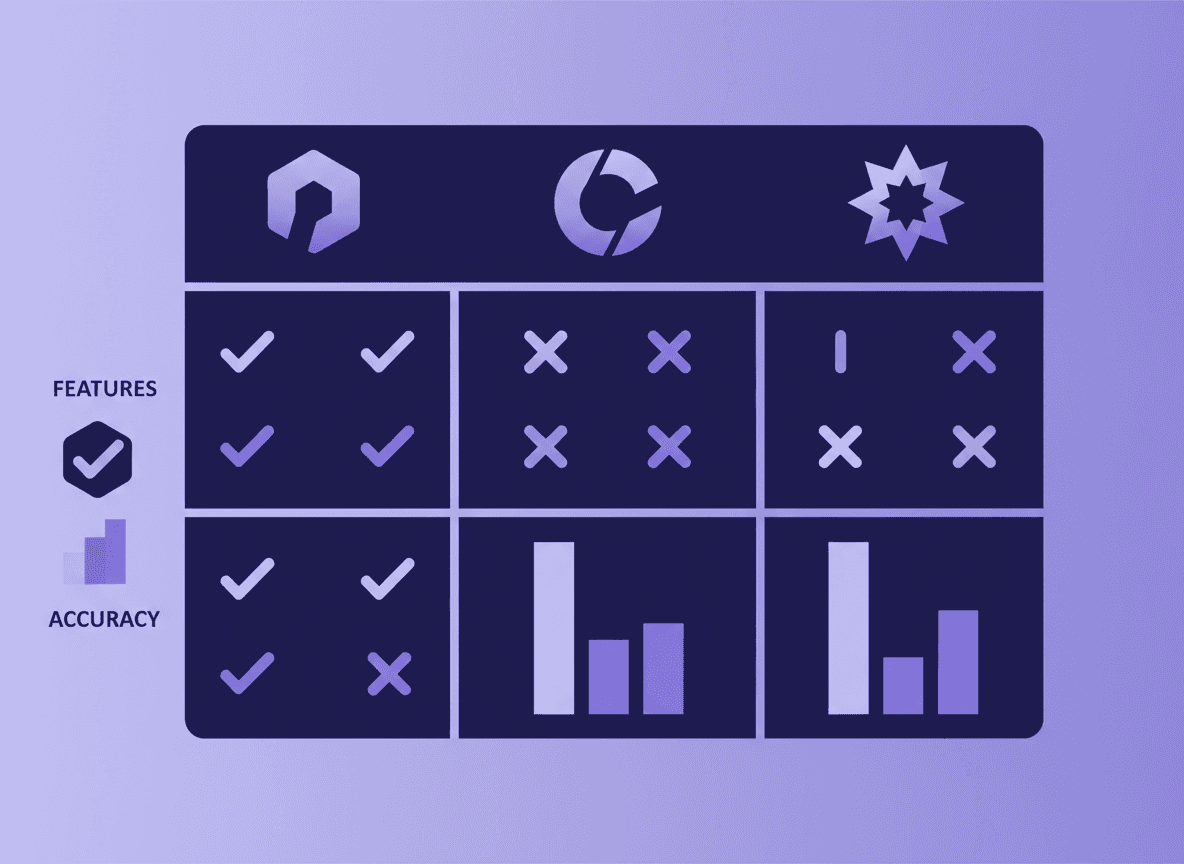
Teachers are using AI tools to write newsletters faster. ChatGPT, Claude, Google Gemini, and specialized tools like Daystage's built-in AI draft feature all claim to help. The differences are practical, and the right tool depends on how you want to work.
This comparison covers the main options honestly, including what each does well and where it creates friction for school newsletter workflows.
General AI chat tools: ChatGPT, Claude, Gemini
What they do well: General AI chat tools are excellent at taking bullet points and turning them into readable prose. "Write a 3rd grade classroom newsletter opener about starting fractions this week and having a fire drill" produces a solid first draft in seconds. They are flexible, handle any tone you describe, and are already familiar to most teachers who have used AI before.
What they do not do: They do not format the output as a newsletter layout. They do not send the newsletter. They do not manage your subscriber list. They do not apply your school branding. They do not track whether parents opened the email. The output is text that you then have to paste into a separate newsletter tool or email client.
The workflow friction: The copy-paste workflow between an AI chat tool and a newsletter tool adds steps. You write a prompt, get output, copy the text, open your newsletter tool, paste, format, add the remaining sections, and then finally send. For teachers who already have an established newsletter workflow, adding AI in the middle works. For teachers trying to simplify their newsletter process, the extra step is counterproductive.
Recommendation: Use general AI chat tools if you are already comfortable with them and want help drafting specific sections. Not the primary workflow for most teachers.
Canva's AI writing features
Canva has added AI writing tools to its design platform, including suggestions for newsletter content. If you are already using Canva for newsletter design, these features reduce the need to switch to a separate AI tool for text.
The limitation is that Canva is a design tool, not a newsletter delivery tool. Newsletters created in Canva are typically distributed as PDFs or images, which most email clients display as attachments. This is a significant deliverability step backward from a dedicated newsletter tool that sends inline HTML email.
AI writing features inside a tool with poor email delivery do not solve the core newsletter problem.
Newsletter tools with built-in AI
The most practical AI integration for school newsletters is AI built directly into the newsletter tool, so you do not switch applications during the writing process.
Daystage's AI draft feature works inside the editor. Describe what you want to include in plain language, and the AI drafts the newsletter in the correct block structure: headings, bullet lists, event blocks, text sections. You edit inline, update specific details, and send. The AI output goes directly into the newsletter format rather than requiring a copy-paste step.
This is the workflow that makes a meaningful difference in total time per newsletter. Instead of writing a prompt in ChatGPT, copying text, pasting into Daystage, and reformatting, you stay in one tool throughout.
Comparing outputs: what good AI newsletter draft looks like
The best AI output for school newsletters is one that:
- Incorporates the specific details you provided (dates, events, topics)
- Matches the tone you specified (warm, direct, professional)
- Requires editing but does not require rewriting
- Organizes content logically into newsletter sections
- Does not invent details you did not provide
Current AI tools (GPT-4, Claude 3, Gemini) all produce output that meets these criteria when given sufficient context. The difference is in workflow: how many steps does it take to get from AI output to sent newsletter?
Where AI tools consistently fall short for school newsletters
Date and fact accuracy: AI tools do not know the current date, your school calendar, or the specific events in your classroom. If you do not provide dates, the AI either omits them or invents plausible-sounding ones. Always provide all dates and verify them yourself before sending.
Voice consistency: AI writes in your voice if you describe it, but it defaults to generic professional when given no guidance. "Write like a friendly, direct teacher who avoids corporate jargon" produces better output than "write a school newsletter." The more specific your prompt, the more the output sounds like you.
Student privacy: General AI tools should not receive personally identifiable student information. Do not paste class rosters, student names, or behavioral data into ChatGPT or other tools with unclear data policies. School-specific tools with FERPA-aware data handling are preferable for anything involving student information.
The practical recommendation
For most teachers who want AI to help with newsletters, the fastest path is a newsletter tool with built-in AI drafting rather than a separate AI chat tool. Fewer steps, consistent formatting, no copy-paste workflow.
If you prefer using general AI tools for drafting, use ChatGPT or Claude for the prose sections, then paste and format in a dedicated newsletter tool that handles delivery, subscriber management, and analytics.
Daystage combines both: built-in AI drafting inside the newsletter editor, plus inline HTML email delivery to parents' inboxes. The free plan includes AI draft access. Try it on this week's newsletter and compare the time against your current workflow.
The bottom line
All major AI tools can help draft school newsletter text. The difference is whether the AI is inside your newsletter tool (fast, no switching) or outside it (requires copy-paste, formatting work, and tool-switching). Built-in AI wins on workflow. For teachers willing to manage the copy-paste step, general AI chat tools work fine for drafting assistance.
Get one newsletter idea every week.
Free. For teachers. No spam.
Frequently asked questions
When should a teacher use a general AI chat tool versus a newsletter tool with built-in AI?
Use a general AI chat tool like ChatGPT for brainstorming subject lines, rewriting a section that feels flat, or generating a first draft from notes when you are away from your newsletter editor. Use a newsletter tool with built-in AI when you want the draft to appear directly in your layout without copying and pasting between two interfaces.
What should teachers include in an AI prompt when generating school newsletter content?
Include the grade level, the week's lesson topics in each subject, any events with exact dates and what parents need to do, one or two specific classroom details, and your preferred tone. The more specific you are, the less editing the draft will need. Vague prompts produce generic output regardless of which AI tool you use.
How do different AI tools compare for generating school newsletter drafts?
ChatGPT and Claude produce longer and more flexible drafts but require copying content into your newsletter editor. Canva's AI features are tied to visual layouts but do not produce structured text sections well. Newsletter tools with built-in AI generate drafts within your existing layout, saving the transfer step. For teachers who send weekly, integrated AI saves 5 to 10 minutes per newsletter.
What are common mistakes teachers make when using AI tools for school newsletters?
Sending unedited AI output is the most common mistake. AI generates plausible, grammatically correct text that often sounds generic and misses the specific classroom details parents find valuable. Always read the draft before sending and replace any sentence that could apply to any classroom with a sentence that could only apply to yours.
What is the best AI tool for teachers who want a newsletter generator built into their sending workflow?
Daystage has AI drafting built into the newsletter editor. You describe your week and the AI produces a draft in the correct block structure. This removes the copy-paste step and lets you edit directly in the same interface where you preview and send.

Adi Ackerman
Author
Adi Ackerman is a former classroom teacher and curriculum writer with 8 years in K-8 schools. She writes about school communication, parent engagement, and what actually works in real classrooms.
More for Guides
Ready to send your first newsletter?
3 newsletters free. No credit card. First one ready in under 5 minutes.
Get started free