
Accessible School Newsletters: Making Your Emails Work for All Families
A school newsletter that a parent cannot read is not a communication tool. It is a document that assumes everyone in your community reads the same way, on the same devices, with the same level of English fluency and visual ability. Most school newsletters are built on exactly that assumption, and it fails a significant portion of every school's parent community.
Accessibility is not a nice-to-have feature. For schools with students receiving services under IDEA (Individuals with Disabilities Education Act), it may be a legal obligation. Even where it is not legally required, it is the baseline of functional communication.
Who accessibility rules actually protect
The families who struggle with inaccessible school newsletters include:
- Parents with visual impairments who use screen readers to navigate email. A newsletter built as a single image cannot be read by any screen reader.
- Parents of students with disabilities who may themselves have a disability that affects how they process written information. Under IDEA, schools have obligations to communicate effectively with these families about their child's services.
- Non-native English readers who need lower reading levels and clear sentence structure to understand content accurately. High reading levels combined with education jargon exclude this group entirely.
- Aging parents and grandparents who may have reduced visual acuity or difficulty with small text and low contrast.
- Parents on low-end devices where images do not load and only text renders. An image-heavy newsletter is blank to this audience.
Rule 1: Font size and line spacing
Minimum readable body font size for email is 14px. Anything smaller forces users to zoom in, and many email clients on mobile do not support pinch-zoom correctly.
Line height should be at least 1.5x the font size. Tight line spacing reduces reading speed and comprehension for all readers, but especially for readers with dyslexia or low vision. In practical terms: 16px font with 24px line height is a good baseline for school newsletter body text.
Never use justified text alignment in email newsletters. Justified text creates uneven spacing between words (called "rivers") that is particularly difficult for readers with dyslexia.
Rule 2: Color contrast
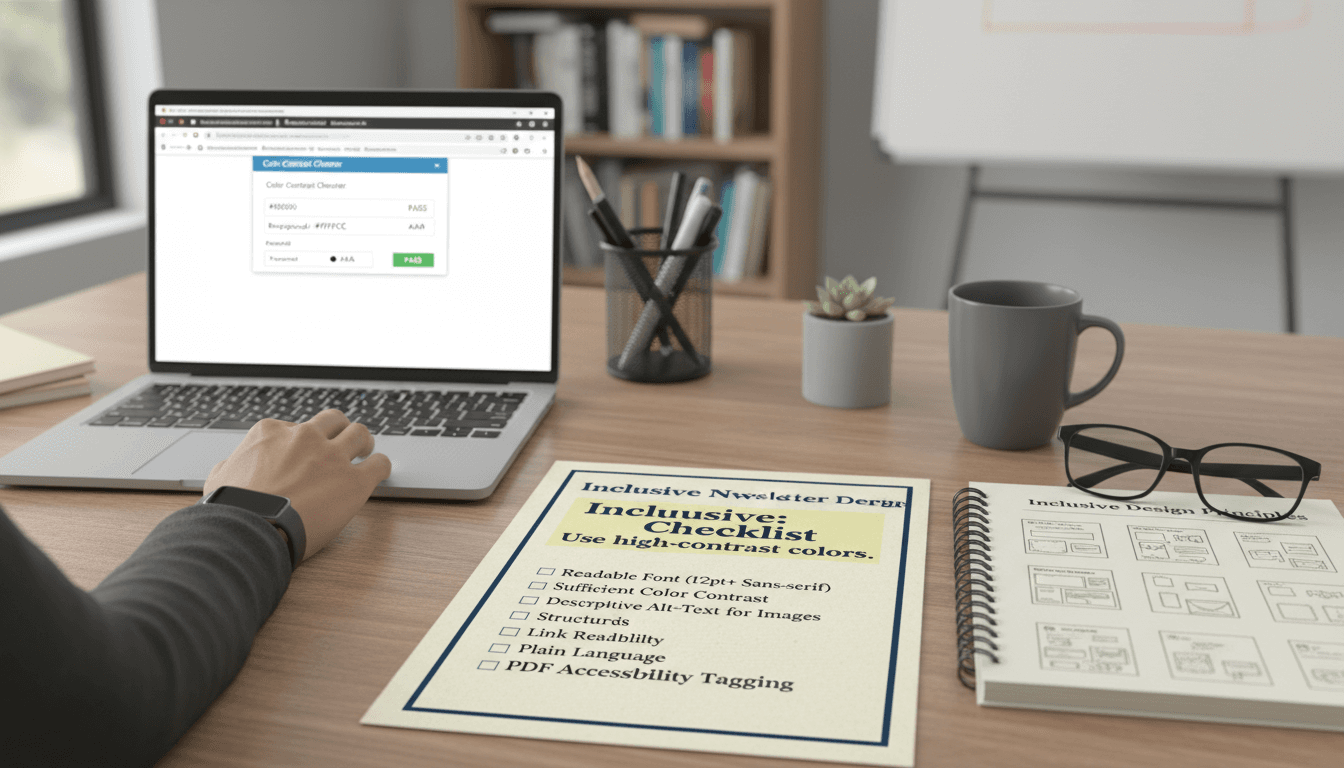
WCAG 2.1 AA standard requires a contrast ratio of at least 4.5:1 between text and its background. This means dark gray or black text on a white or light background. It also means avoiding colored text on colored backgrounds.
Common failures in school newsletters: light gray text on white (popular in many template designs, fails contrast), white text on medium-blue backgrounds (often fails for users with color blindness), and green text on red backgrounds (invisible to readers with red-green color deficiency, which affects 8% of men).
Test contrast with the WebAIM Contrast Checker (free, browser-based). Enter your text color and background color and it tells you whether you pass.
Rule 3: Alt text for every image
Every image in a school newsletter needs alt text: a text description that screen readers read aloud and that displays when images are blocked. Alt text should describe what the image shows and why it is relevant.
Good: "Ms. Parker's 2nd graders working on their volcano science project, Oct 15" Bad: "image1.jpg" or leaving the alt text field blank.
Decorative images that carry no information (dividers, background shapes) should have empty alt text (alt="") so screen readers skip them. Every content image needs a real description.
Rule 4: Meaningful link text
Links that say "click here" or "read more" are useless to screen reader users, who often navigate a page by jumping from link to link without reading surrounding text. The link text itself needs to describe where the link goes.
Bad: "Click here to see the field trip permission slip." Good: "Download the field trip permission slip (PDF)." Bad: "Read more." Good: "Read the full Science Fair schedule."
This takes about ten extra seconds per link and makes a significant difference for the families who need it.
Rule 5: Reading level
The average reading level for adult Americans is around 8th grade. School newsletters frequently read at a 10th or 12th grade level because educators write in the register of their professional training.
For families who are non-native English speakers, the gap between a newsletter written at 12th grade level and one written at 6th grade level is the difference between understanding it and not. Aim for a 6th to 8th grade reading level for any newsletter going to a diverse parent community.
Practical rules: use short sentences (under 20 words when possible), avoid passive voice, spell out acronyms the first time they appear, and avoid education jargon without explanation. "Your child will participate in formative assessments this week" should be "Your child will take short quizzes this week to help me see what they understand."
Rule 6: Language access
Schools with significant non-English-speaking parent populations have obligations under Title VI of the Civil Rights Act to provide meaningful access to school communications. For newsletters, this means providing translations for families who need them.
Machine translation (Google Translate, DeepL) is acceptable for routine newsletters when professional translation is not available, with a note in the original language that a translation is available. For critical communications (IEP meeting notices, discipline notices, enrollment information), professional human translation is expected.
Even without translation, writing at a lower reading level benefits non-native speakers. Shorter sentences and common vocabulary translate more accurately through machine translation than complex academic prose.
MJML vs. image-heavy newsletters
Tools that generate newsletters as images (where the entire email is one exported graphic, sometimes used with platforms like Canva or Smore) fail all six rules above. Screen readers cannot read image-based text. Alt text on a full-image newsletter can describe it but cannot replicate the content. Font sizes are fixed and cannot be scaled by the reader's accessibility settings.
Daystage generates newsletters using MJML, which compiles to inline HTML. This means text is real text that screen readers can read, font sizes respect user preferences, alt text is attached to actual images, and the reading level can be checked and adjusted before sending. The technical format of the newsletter is an accessibility decision, not just a design one.
Tools to check accessibility before sending
- WebAIM Contrast Checker: webaim.org/resources/contrastchecker. Free, instant contrast ratio check.
- Hemingway App: hemingwayapp.com. Paste your newsletter text to see reading grade level and highlighted problem sentences.
- Screen reader test: On Mac, enable VoiceOver (Cmd+F5) and navigate your newsletter preview. On Windows, use Narrator. This is the most direct way to understand what a screen reader user experiences.
- Litmus or Email on Acid: Paid tools that show how your newsletter renders across email clients, including with images blocked, which simulates screen reader context.
Get one newsletter idea every week.
Free. For teachers. No spam.
Frequently asked questions
When does accessibility compliance become mandatory for school email newsletters?
Several states have added accessibility requirements for school digital communications, including email. WCAG 2.1 AA is the current standard referenced in most state guidance. If your district serves students or families protected under the ADA or Section 508, email newsletters fall within scope. Check with your district's compliance officer for your specific state requirements.
What accessibility rules should teachers follow when formatting school newsletters?
Use a minimum 16px font size for body text, maintain a color contrast ratio of at least 4.5 to 1 between text and background, write alt text for every image, use meaningful link text rather than 'click here', and keep sentences short enough for a sixth-grade reading level. These six rules cover the most common accessibility failures in school email.
How often should teachers review their newsletter for accessibility compliance?
Review accessibility when you create or update your template, not on every individual send. The structural accessibility rules are built into the template. If you are using a newsletter tool that generates MJML-based email, the underlying code handles most technical requirements automatically as long as you follow the content rules for alt text and link text.
What are common accessibility failures in school newsletters?
Light gray text on a white background is the most common failure and fails the 4.5 to 1 contrast requirement. Unlinked images with no alt text are the second most common. Third is using 'click here' as link text, which tells screen readers nothing about where the link goes. All three are easy to fix with a template-level review.
What is the best tool for teachers who want accessible school newsletters without learning technical accessibility standards?
Daystage is WCAG 2.1 AA compliant, which means the emails it generates meet accessibility standards at the code level. Teachers focus on content while the tool handles contrast, semantic structure, and screen reader compatibility through the MJML framework it uses to generate email HTML.

Adi Ackerman
Author
Adi Ackerman is a former classroom teacher and curriculum writer with 8 years in K-8 schools. She writes about school communication, parent engagement, and what actually works in real classrooms.
More for Guides
Ready to send your first newsletter?
3 newsletters free. No credit card. First one ready in under 5 minutes.
Get started free