
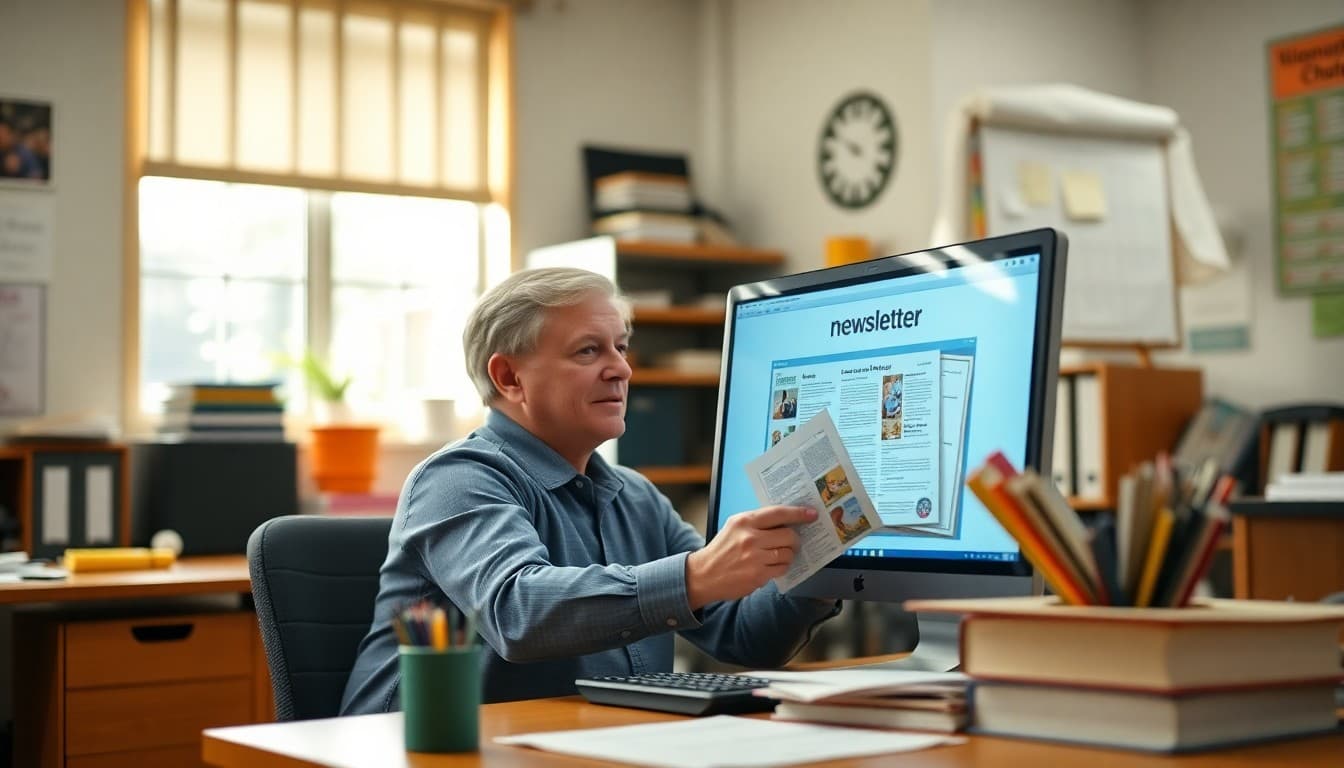
How to Archive School Newsletters for Future Reference

School newsletter archives are one of those things that matter most when something goes wrong: a parent disputes what was communicated, a staff member needs to verify a date that was announced, or a new administrator wants to understand what happened in a previous school year. Building a real archive before you need it is far easier than reconstructing one after.
Decide on Your Archiving Method Before You Need It
The easiest time to set up an archive is before you send your first newsletter of the year. Decide where newsletters will live, in what format, and who is responsible for maintaining the archive. A decision made in September is easy. A retroactive decision in February, after 20 newsletters have already been sent, is a project.
Options for where to archive: a dedicated section on the school website, a shared Google Drive or SharePoint folder, a folder in a shared administrative email account, or a newsletter platform that maintains archives automatically. Each has tradeoffs for accessibility, maintenance effort, and longevity.
Use a Consistent Naming Convention
Consistent file naming is the single most important factor in a useful archive. Use dates in ISO format (YYYY-MM-DD) at the start of every file name so newsletters sort chronologically in any file browser. Add a brief descriptor after the date: "2026-09-05_back-to-school-newsletter.pdf" is far more useful than "newsletter.pdf" or "sept newsletter final FINAL.pdf".
Apply this naming convention immediately and enforce it with anyone else who contributes to the archive. An archive with inconsistent naming quickly becomes an archive that no one actually searches.
Publish Accessible Archives for Families
An archive that only staff can access misses its main use case. Families frequently need to check a past newsletter for a date, a contact name, or a policy that was communicated previously. Make the archive accessible from the school's main website under a clearly labeled section.
Organize the public archive by school year, then by month within each year. A page that lists "2025-2026 Newsletters" with monthly sections and newsletter dates is easy to navigate. Families looking for the September newsletter from two years ago can find it in under a minute.
Know Your Records Retention Requirements
School districts are subject to state records retention schedules. In many states, official school communications are classified as administrative records with a retention period of three to seven years. Some states, like New York and California, have specific requirements that apply to all official school communications regardless of format.
This matters for two reasons: you may be legally required to keep archives longer than you planned to, and families or oversight bodies have the right to request old records under public records laws. Check with your district's records compliance officer to understand the specific requirements in your state.
Template for a Newsletter Archive Index Page
Here is a structure for a simple public newsletter archive page:
"[School Name] Newsletter Archive: Current Year (2025-2026): [Month] [Year] Newsletter, [Month] [Year] Newsletter [etc.]. Previous Year (2024-2025): [same structure]. For newsletters older than two years, contact the main office at [email]. To subscribe to receive future newsletters, visit [signup link]."
Export and Archive After Each Send
The easiest archiving habit: immediately after sending a newsletter, export it as a PDF and save it to your archive folder with the correct naming convention. This takes less than two minutes and ensures the archive stays current. If you wait to do batches of newsletters, it becomes a task that keeps getting postponed.
If your email platform has an automatic archive or "view in browser" URL for each newsletter, bookmark that URL in your archive index rather than maintaining a separate PDF library. Just make sure the URL is permanent and will not break if you change platforms.
Handle Staff Transitions With Written Handoff Documentation
One of the most common ways newsletter archives break down is staff transitions. A teacher or administrator who managed the newsletter for three years leaves, and the archive lives entirely in their account. Document archive access as part of your school's communication procedures: where newsletters are stored, under what credentials, and who is responsible for maintaining continuity.
Build a Quick Reference for Staff
Keep a simple internal log of what each newsletter covered, one or two keywords per issue. Not a full index, just enough that a staff member can search "field trip" and find which newsletters mentioned it without reading every issue from the year. A spreadsheet with date, newsletter file name, and two to three topic tags serves this purpose adequately.
Get one newsletter idea every week.
Free. For teachers. No spam.
Frequently asked questions
How long should schools keep past newsletter archives?
Most school districts keep official communications for three to seven years depending on their state records retention schedule. Some districts treat newsletters as public records subject to their full records retention policy. Check with your district's records officer for the specific requirement in your state and district. For practical access, families most often need newsletters from the current and previous school year.
Where is the best place to publish a school newsletter archive?
The school website is the most accessible option. Newsletters organized under a 'Newsletters' or 'Communications' section, sorted by school year, are easy for families to navigate. Google Drive or a similar cloud storage platform is a low-maintenance option for internal access. Avoid keeping the only archive in a staff member's personal email folder, which creates obvious continuity problems when that person leaves.
What file format is best for archiving school newsletters?
PDF is the most durable format for archiving. It preserves the original formatting, is readable on all devices without special software, and is not editable. If your newsletters are sent via an email platform, export each newsletter as a PDF after sending. If they are already digital-only HTML emails, most platforms have a 'view in browser' link that can be saved as a PDF.
How do you build a searchable archive when newsletters span many years?
The most accessible approach is to name files consistently: YYYY-MM-DD_newsletter.pdf. This naming convention sorts chronologically automatically in any file browser. Adding a table of contents or index page on the school website with brief descriptors of each newsletter, such as the date and one or two main topics covered, makes it much easier for someone looking for a specific topic to find the right issue.
What newsletter platform makes archiving easy for schools?
Daystage automatically keeps a full archive of every newsletter sent, accessible from your account dashboard. Families can access a read-only newsletter history directly from a school-specific URL, which means you do not have to separately manage exports or maintain your own archive folder. The archive is searchable and organized chronologically.

Adi Ackerman
Author
Adi Ackerman is a former classroom teacher and curriculum writer with 8 years in K-8 schools. She writes about school communication, parent engagement, and what actually works in real classrooms.
More for Guides
Ready to send your first newsletter?
3 newsletters free. No credit card. First one ready in under 5 minutes.
Get started free