

Daystage vs. Smore: Which School Newsletter Tool Is Right for Your Classroom?
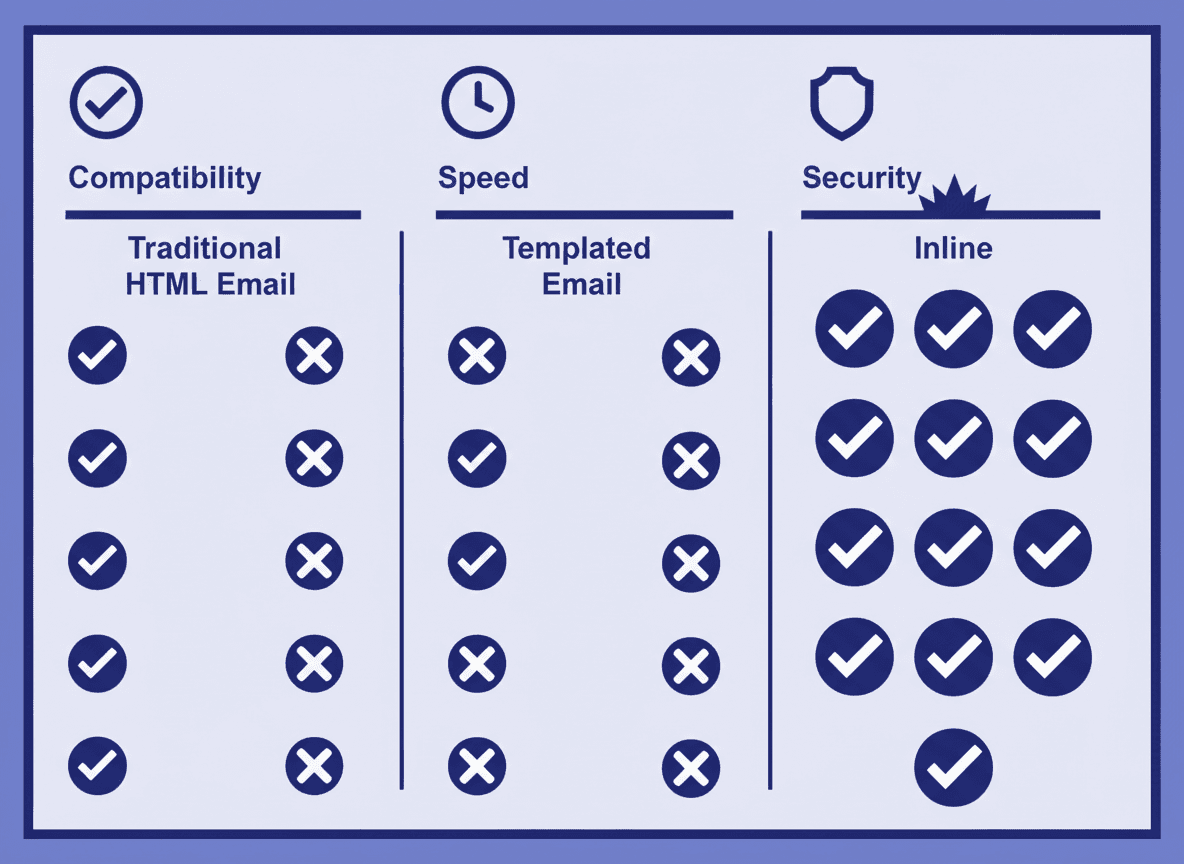
Smore has been around since 2012 and is one of the most widely recognized school newsletter tools. Daystage launched in 2026 with a specific focus on fixing the things teachers found frustrating about existing tools. This comparison covers both honestly.
Neither tool is objectively better for every school. But the differences are meaningful, and the right choice depends on what you actually need from a newsletter tool.
How each tool delivers newsletters to parents
This is the biggest practical difference between the two tools, and most comparison articles skip it entirely.
Smore sends parents a link. When a parent opens the email from Smore, they see a short message and a button that says something like "View your newsletter." They have to tap that button to open a web page where the actual newsletter lives. Smore calls this a "flyer" format, and the newsletter is hosted on their platform.
Daystage sends parents the newsletter itself. The formatted newsletter is compiled into inline HTML using MJML and delivered as the email body. Parents open their inbox, and the newsletter is right there. No link, no second step, no browser required.
Why does this matter? Because a meaningful percentage of parents who open the initial Smore email do not click through to the actual newsletter. The open rate on the initial email looks fine. The actual readership of the newsletter content is lower. With inline delivery, every parent who opens the email reads the newsletter.
Editor experience
Smore uses a visual drag-and-drop editor with pre-built blocks. It is relatively straightforward for first-time users. The templates are polished and the design output looks professional. The tradeoff is that the editor is slower for experienced users because everything requires mouse interaction.
Daystage uses a block-native editor with slash commands. Type "/" and a picker appears. Choose "heading," "bullet list," "event," or any other block type. The keyboard stays central to the workflow. For teachers who send a newsletter every week, this cuts the time per newsletter significantly.
Daystage also prioritizes the "duplicate last week and update the content" workflow. Most school newsletters reuse the same structure every week. Daystage is built around that reality. Smore supports duplication but it is not the primary workflow.
School branding
Both tools let you set a school name and upload a logo. Smore applies branding to the newsletter header. Daystage applies it to every newsletter automatically through the school profile, which locks the header and footer so you cannot accidentally send a newsletter with wrong colors or a missing logo.
One practical difference: Smore's flyer format means the newsletter is viewed in a browser, which gives them more design flexibility. Daystage's inline email format requires the design to work across different email clients, which is a technical constraint that Daystage handles automatically through MJML compilation.
Pricing
Smore's pricing starts with a free plan that includes basic features and Smore branding on all newsletters. Paid plans start around $8/month for individual teachers and go up for school and district licenses. The free plan is functional but the Smore watermark on every newsletter is noticeable.
Daystage offers a free plan that covers 3 newsletters free with school branding, the embed widget, and a public newsletter page. Paid plans start at $79/year, lower than Smore's individual tier, and include branding removal and open rate analytics. For most classroom teachers, the Daystage free plan is a genuine trial before committing.
Voice recording and AI drafting
This is where the two tools diverge most clearly. Daystage lets you record your voice for 30 seconds and transcribes it into a formatted newsletter draft. You can also describe what you want to say in a few notes and the AI drafting feature generates a complete newsletter. For teachers who send every week, this cuts the time per newsletter significantly.
Smore has no voice recording and no built-in AI drafting as of 2026. Every newsletter starts from a blank template or a past issue. The design is polished, but the content still comes entirely from the teacher.
Analytics and tracking
Smore provides view counts for each newsletter (how many people visited the flyer page) and some basic engagement data. Because the newsletter is a hosted web page, they can track detailed scroll behavior and time on page.
Daystage tracks email open rates and link click rates through standard email analytics. Because the newsletter is delivered as an email rather than a web page, the analytics model is different. Open rates are the primary engagement signal, plus click rates on any links or buttons in the newsletter.
Which one is right for you
Smore makes sense if you want a polished visual design tool and do not mind the link-based delivery model. It is well-established, has good templates, and works well for schools that prioritize the visual presentation of the newsletter over email deliverability.
Daystage makes sense if you want parents to receive the actual newsletter in their inbox without a second click, if you send newsletters weekly and want a faster repeat workflow, or if you want a free plan that does not put someone else's branding on your classroom communication.
The fastest way to decide: sign up for both free plans, send a test newsletter to yourself on each, and see which one lands in your inbox the way you want parents to receive it.
Public newsletter page
Daystage publishes each newsletter to a public web page that families can view or share anytime. The page updates automatically when you publish. This gives schools a permanent record of their communications that parents can reference throughout the year.
Smore's primary output is already a hosted web page, so families can view past newsletters via a link. The difference is that in Daystage, the email that families receive contains the full newsletter inline, with the public page as an additional access point rather than the only one.
The bottom line
Smore is a solid tool with a long track record. Daystage is newer and built around inline email delivery and a faster weekly workflow. The choice comes down to whether link-based or inline delivery matters to you, and how much time you spend on your newsletter each week.
If you want to try Daystage, the free plan requires no credit card and the first newsletter takes under 5 minutes. You can compare the result directly against a Smore newsletter sent to the same inbox.
Get one newsletter idea every week.
Free. For teachers. No spam.
Frequently asked questions
When should a teacher switch from Smore to a tool with direct email delivery?
Switch when you want parents to read the newsletter directly in their inbox without clicking a link. Smore sends an email that contains a link or button to the hosted newsletter page. Daystage sends the formatted newsletter as the email body, so parents read it inline. Teachers who send every week and want faster production (voice recording, AI drafting) will also find Daystage built for that workflow in a way Smore is not.
What does Smore include that Daystage does not, and where does Daystage differ?
Smore focuses on visually designed flyer-style newsletters with drag-and-drop layout tools. Daystage focuses on structured email newsletters with direct inbox delivery, branding controls, and open rate analytics. Smore is oriented toward design flexibility. Daystage is oriented toward deliverability and repeatability.
How do Smore and Daystage compare on pricing for classroom use?
Smore's free plan is limited and most teachers end up on a paid plan within the first year. Daystage offers a free plan that includes full email delivery, branding, and analytics at class scale. District pricing differs between the two and should be compared directly based on your school's subscriber count.
What are common complaints teachers have about using Smore for weekly newsletters?
The most common complaint is that parents do not click the link to view the newsletter, so the actual readership is lower than the send count suggests. A second complaint is that rebuilding the layout each week takes more time than it should. Smore's design-first approach requires more effort per send than a tool with repeatable templates.
What is the best alternative to Smore for teachers who want newsletters delivered directly to the parent's inbox?
Daystage sends newsletters as properly formatted HTML email that arrives inline in the parent's inbox. You set up your branding and structure once, duplicate the newsletter each week, and update the content. No link required on the parent's side.
Can I import my existing Smore newsletter into Daystage?
Yes. Paste the link to a published Smore newsletter from the New Newsletter screen and Daystage rebuilds it as an editable draft, carrying over your text, images, and layout. No manual copy-paste required.

Adi Ackerman
Author
Adi Ackerman is a former classroom teacher and curriculum writer with 8 years in K-8 schools. She writes about school communication, parent engagement, and what actually works in real classrooms.
More for Guides
Ready to send your first newsletter?
3 newsletters free. No credit card. First one ready in under 5 minutes.
Get started free