
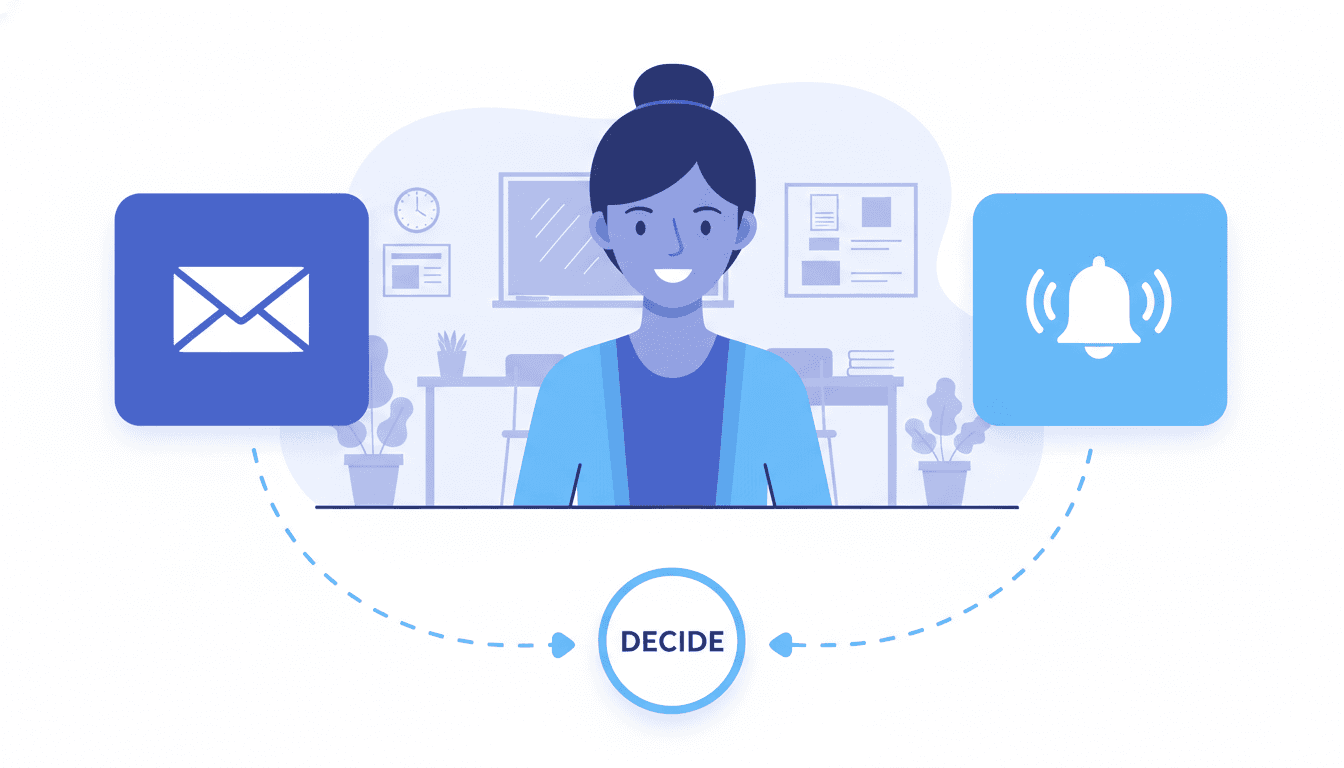
Daystage vs. Remind: Newsletter Email vs. Push Notifications for School Communication

Remind and Daystage are not really competing for the same job. This comparison will make that clear quickly. But the question "should I use Remind or a newsletter tool?" comes up often enough that it is worth answering directly.
The short version: Remind handles real-time, short-form messages. Daystage handles structured, longer-form newsletters. Most teachers who rely heavily on one will find the other fills a gap.
What Remind is actually for
Remind started as an SMS broadcast tool and has grown into a broader school communication platform. Its core strength is instant, short messages: "No school Friday," "Reminder: permission slips due tomorrow," "Game starts at 4pm not 5pm." Parents get a push notification or text and see the message in seconds.
Remind is excellent for urgent or time-sensitive communication. It is also good for ongoing two-way conversation if you want parents to be able to reply directly to messages. Many schools and districts use Remind as the default communication channel because of its widespread parent adoption and the reliability of push delivery.
Where Remind falls short: it is not built for longer, structured communication. A "newsletter" in Remind is essentially a long message with no formatting, no images in a layout, no organized sections for upcoming events, homework reminders, and classroom updates. The format is a chat interface, not a newsletter.
What a school newsletter tool is actually for
A newsletter tool like Daystage handles communication that has structure and substance. The weekly classroom update with sections for upcoming events, what we're learning, homework reminders, and a photo from the week. The monthly school newsletter with articles from different departments. The beginning-of-year welcome letter with all the important details in one organized place.
This kind of communication does not fit in a Remind message. The format matters. Parents can scan a newsletter in a way they cannot scan a long block of text in a messaging app.
Daystage delivers these newsletters as inline HTML emails, meaning the formatted newsletter arrives directly in the parent's inbox. Parents open Gmail or Apple Mail and see the structured newsletter with headings, bullet lists, event dates, and images laid out as intended. No app required on the parent's side.
The app requirement difference
Remind requires parents to download an app and create an account (or at minimum opt in via SMS). This is a non-trivial adoption barrier. Some schools achieve near-universal Remind adoption. Others find that 20-30% of families never complete setup and miss messages as a result.
Daystage newsletters arrive in email, which every parent already has. There is no app to download, no account to create, no opt-in process beyond sharing an email address. The barrier to receiving a newsletter is much lower than the barrier to adopting a new communication app.
This does not make Daystage better than Remind across the board. It makes them different tools with different friction profiles for different parents.
When to use each tool
Use Remind when:
- You need to reach parents in the next few hours about a time-sensitive change
- You want two-way messaging capability (parents reply to messages)
- Your school already has strong Remind adoption and infrastructure
- The message is short enough to read in under 30 seconds
Use Daystage when:
- You are sending the weekly classroom update with multiple sections
- The newsletter includes upcoming event dates, homework, and photos
- You want parents to have a formatted reference they can come back to
- You want the newsletter in their email inbox without requiring an app install
- You want to track open rates and see who actually read the newsletter
What most teachers actually do
Most teachers who use Remind also send some form of weekly newsletter. The two tools are not in conflict. Remind handles the "right now" communication. The newsletter handles the "this week and what's coming" communication.
If you currently use Remind for everything, including weekly updates, you may find that parents engage more with the same content formatted as a proper newsletter. The structure helps parents find what they are looking for without reading an entire message thread.
The bottom line
Do not choose between Remind and a newsletter tool. Use Remind for urgent, short messages and Daystage for structured weekly newsletters. The combination covers the full range of parent communication better than either tool alone.
Daystage's free plan covers 3 newsletters free with no credit card required. Set up the school profile once and the first newsletter is ready to send in under 5 minutes.
Get one newsletter idea every week.
Free. For teachers. No spam.
Frequently asked questions
When should teachers use Remind versus a newsletter tool like Daystage?
Use Remind for time-sensitive, short messages that need immediate parent attention, like a schedule change or a same-day reminder. Use a newsletter tool for structured weekly updates that parents need to reference later. The two tools solve different communication problems.
What does Remind include that a school newsletter tool does not?
Remind includes push notifications, direct two-way messaging between teachers and parents, and SMS delivery. Newsletter tools like Daystage focus on structured email newsletters with formatted layouts, open rate analytics, and subscriber management. Remind is for real-time messaging, not formatted recurring communication.
How do Remind and Daystage compare when it comes to reaching parents who have not downloaded an app?
Remind requires parents to download and maintain the app to receive push notifications. Daystage sends newsletters as email, so any parent with an email address can receive them without installing anything. For schools where app adoption is inconsistent, email delivery reaches more families reliably.
What are common mistakes teachers make when choosing between Remind and a newsletter tool?
Trying to use Remind as a newsletter tool is the main mistake. Remind is not designed for long-form formatted content. Short messages inside an app interface do not work for event calendars, weekly learning summaries, or structured updates that parents need to save. The format itself makes reference use difficult.
What is the best tool for teachers who need a structured weekly email newsletter that reaches all parents without requiring app downloads?
Daystage is built for exactly this use case. Newsletters are sent as direct emails with a clean block layout, and parents do not need to download anything to read them. It complements Remind rather than replacing it.

Adi Ackerman
Author
Adi Ackerman is a former classroom teacher and curriculum writer with 8 years in K-8 schools. She writes about school communication, parent engagement, and what actually works in real classrooms.
More for Guides
Ready to send your first newsletter?
3 newsletters free. No credit card. First one ready in under 5 minutes.
Get started free