

How to Write Newsletters for Families with Literacy Challenges
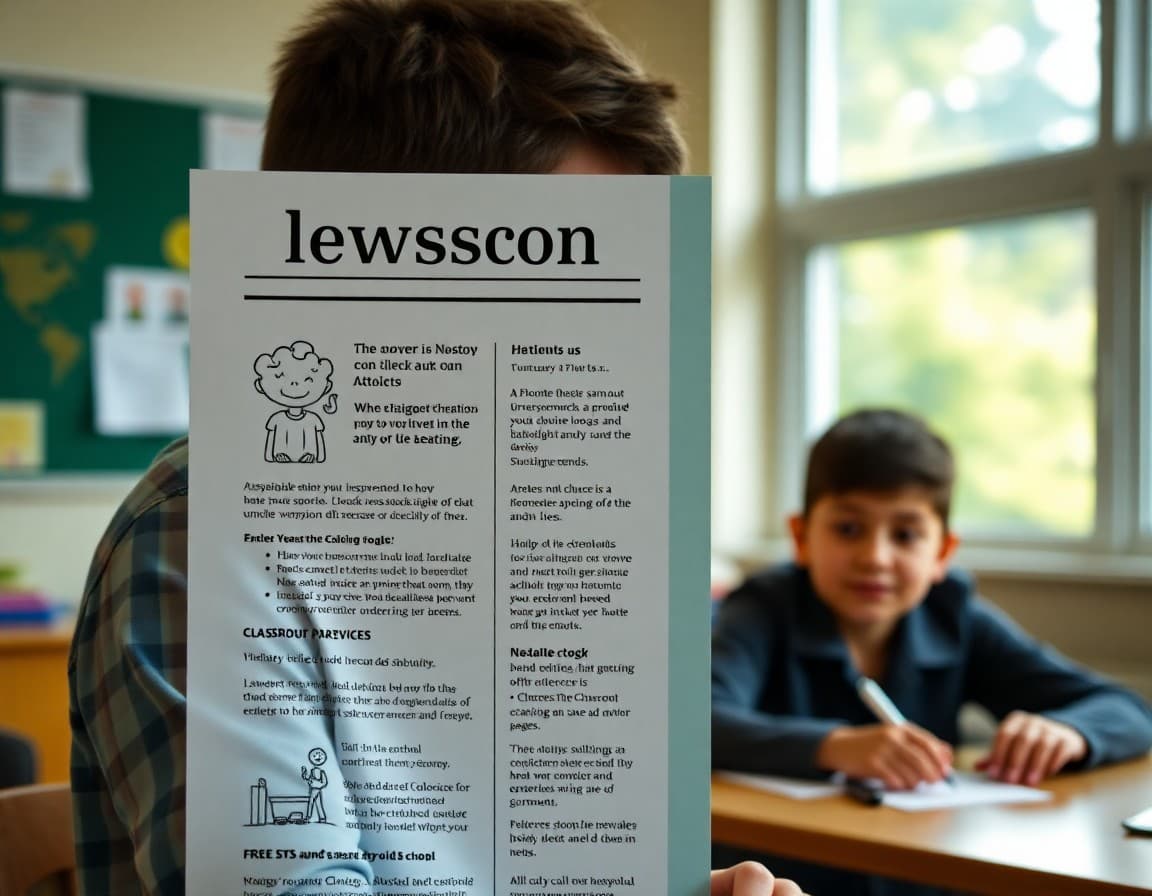
Newsletters for families with literacy challenges are, when done well, better newsletters for every family. Short sentences, plain language, clear structure, and visual organization help every reader, not just those who struggle with reading. But being deliberate about accessibility means going further than just writing more clearly. It means making real choices about format, length, vocabulary, and alternative formats for families who cannot access text-based communication at all.
Write at a lower reading level deliberately
Most school newsletters are written at an eighth to tenth-grade reading level. Many families read at a sixth-grade level or below. This gap is not a reflection of how much families care about their student's education. It is a result of their own educational history, which they did not choose. Writing at a sixth-grade level means using common words, short sentences, and simple sentence structures. It does not mean dumbing down the content. It means choosing clarity over complexity at every opportunity.
Use plain words and explain any necessary jargon
Educational language is full of terms that feel normal to teachers and opaque to many families. Formative assessment, differentiated instruction, PBIS, RTI, and dozens of other acronyms and phrases appear in school communication without explanation. When a term is necessary, explain it once in simple language: "We use a rubric, which is a checklist of what good work looks like, to score the project." One plain explanation is all it takes.
Use formatting to reduce reading load
Short paragraphs, bold headers, bullet points, and white space make a newsletter dramatically easier to process for readers who struggle with dense text. A newsletter organized into clearly labeled sections, What we learned this week, Upcoming dates, What your student needs, can be scanned by a reader who cannot read every word and still produce the most important information. Structure is accessibility.
Offer audio alternatives
A voice message or short audio recording of the newsletter's key content is one of the most effective alternatives for families who cannot read the text version. Many families who struggle with reading have no difficulty understanding spoken language. A two-minute voice recording delivered through your school's communication platform or a messaging app is accessible to nearly every family regardless of literacy level.
Use images, icons, and visuals to support text
A newsletter that uses a calendar icon next to a date, a checkmark icon next to an action item, or a simple image that illustrates the main content is more accessible than one that relies entirely on text. Visual cues help readers identify the most important content even before they read a word. A simple, clean visual design is not decoration. It is a reading support.
Make mobile access as smooth as possible
Many families with lower literacy access digital content primarily through smartphones rather than computers. A newsletter that renders cleanly on a phone screen, with large enough text, is accessible to families who rely on mobile access. A newsletter that requires a computer to read or print is inaccessible to families without home computers, which disproportionately affects lower-income and lower-literacy households.
Treat accessibility as a standard, not a special accommodation
The most important mindset shift in writing accessible family communications is treating plain language, clear structure, and visual design as the standard for all newsletters, not a special version made for certain families. When accessibility is the default, no family has to identify themselves as needing help. Every family gets communication they can use, which is the actual goal of family communication in the first place.
Daystage makes it easy to send newsletters that are brief, clear, and mobile-friendly so families of every literacy level stay connected to what is happening in the classroom and feel like full members of the school community.
Get one newsletter idea every week.
Free. For teachers. No spam.
Frequently asked questions
How many families struggle with reading their children's school newsletters?
Studies estimate that approximately 21 percent of American adults have low literacy, meaning they read at or below a sixth-grade level. In many school communities, this proportion is higher. When newsletters are written at an eighth or tenth-grade reading level, a significant portion of families cannot fully understand them, regardless of how much they care about their child's education.
How can teachers write more accessible school newsletters?
Use short sentences and common words. Avoid jargon and explain any educational terms that are necessary. Use headers and bullet points to break up text. Keep paragraphs to two or three sentences maximum. Lead with the most important information. Write at a sixth-grade reading level or below. These changes help every reader, not just those with literacy challenges.
What alternatives to text-based newsletters help families with literacy challenges?
Voice messages or audio recordings of newsletters allow families to hear the content rather than read it. Simple video summaries are also effective. Visual newsletters using icons, images, and minimal text communicate more than dense paragraphs for families who process visual information more easily. Short phone calls with key information are another option for families who need it.
Should teachers assume which families need accessible communication?
No. Accessible communication should be the standard for all newsletters, not a special accommodation offered only to families who are known to struggle. A newsletter written in plain language with clear structure serves every family better than one written for a highly educated audience. Accessible design is good design.
What tool helps teachers send accessible, clear newsletters to all families?
Daystage makes it easy to send newsletters that are clear, concise, and mobile-friendly so families of all literacy levels can stay connected to their student's school life without a dense, jargon-heavy document being the only access point.

Adi Ackerman
Author
Adi Ackerman is a former classroom teacher and curriculum writer with 8 years in K-8 schools. She writes about school communication, parent engagement, and what actually works in real classrooms.
More for Classroom Teachers
Ready to send your first newsletter?
3 newsletters free. No credit card. First one ready in under 5 minutes.
Get started free