

How to Include Lunch Menu Reminders in Your Teacher Newsletter
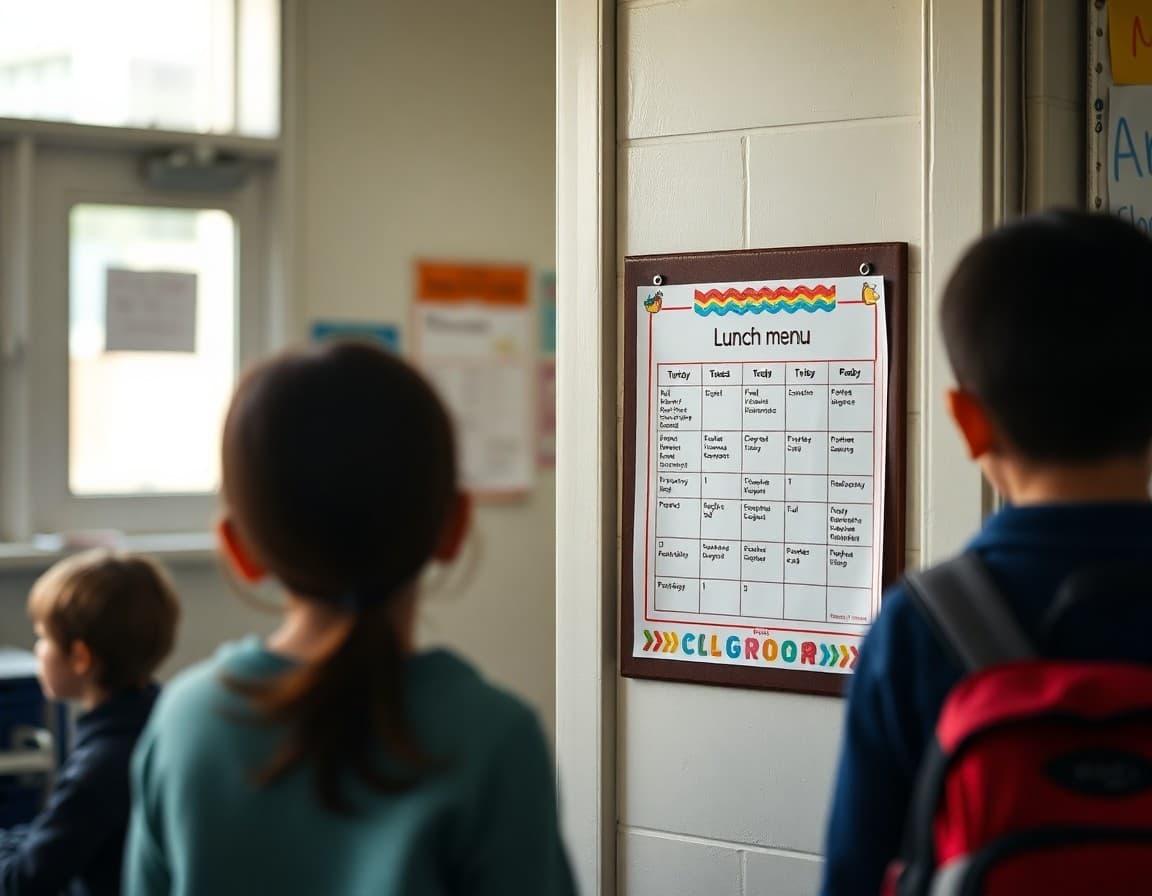
Lunch logistics seem minor until they are not. A student who shows up expecting hot lunch on a day the cafeteria is closed, or a family that discovers their lunch account is empty on picture day, creates a disruption that starts in the morning and follows the student into the classroom. Including brief, targeted lunch reminders in your newsletter is a small effort with a meaningful payoff.
Link to the monthly menu rather than repeating it
Include a standing link in your newsletter footer to the school's lunch calendar. "The monthly lunch menu is available at [URL]." This gives families who want to see the full calendar a path to it without requiring you to copy and paste it into every newsletter. Keep the link in the same place every week so families know where to find it.
Call out special menu days by name
The days that generate the most family questions are the ones that differ from the normal routine. International food day, the Thanksgiving feast, spirit week hot dog day, or a fundraiser lunch deserve a specific mention. "This Thursday is the annual chili cook-off lunch. The cafeteria will be serving the top three student-submitted recipes. It is a good day to skip the packed lunch." One sentence is enough to flag it.
Note days when the cafeteria is closed or serving cold meals
School holidays, catering days, and schedule interruptions sometimes result in cold lunch options or no hot meal service. A brief notice in the newsletter prevents morning frustration. "Reminder: no hot lunch on Wednesday due to the half-day schedule. Students who normally buy lunch should bring a packed meal or a snack." Specific and early is always better than a last-minute reminder.
Include a lunch account reminder once a month
For schools with prepaid lunch accounts, a monthly balance reminder saves families from the embarrassment of a declined account at the register. "If your student uses a school lunch account, this is a good time to check the balance and add funds if needed. You can do that at [URL]." Once a month, in the logistics section, is appropriate. More than that feels like nagging.
Address allergies directly when they apply
If a special lunch day involves common allergens, address it directly. "This Friday's fundraiser lunch includes items with tree nuts. If your student has a nut allergy, please send a packed lunch." Families of children with allergies pay close attention to these notices and appreciate the specific information.
Keep lunch content in the logistics section
Lunch reminders belong in the logistics or reminders section of your newsletter, not in the opening. Families who read for learning content should find that first. Families who need the logistics will find them in the section designed for them. A newsletter with good organization serves both kinds of readers.
Daystage supports multi-section newsletter layouts that separate classroom learning updates from daily logistics like lunch menus and schedule reminders. Both types of content reach families in the same send.
Get one newsletter idea every week.
Free. For teachers. No spam.
Frequently asked questions
Should I include the full weekly lunch menu in every newsletter?
No. Including the full menu in every newsletter inflates length and crowds out learning content. Instead, link to the school lunch calendar and note any important items: pizza Fridays, holiday meals, days when the menu changes. Families who want the full menu can find it at the link.
How do I handle lunch reminders for students with food allergies?
If a special meal day involves allergens relevant to your class, note it directly in the newsletter. 'This Friday is the peanut butter bar fundraiser lunch. Families of students with nut allergies should send a packed lunch.' Direct, specific, and actionable is more useful than a generic allergy disclaimer.
Where should lunch reminders go in the newsletter layout?
At the end, in a logistics section. Lunch reminders are useful but not the primary content of a classroom newsletter. Families who need the information will scroll to find it. Families who read for the classroom content will not be deterred by a brief mention at the bottom.
What is the best way to remind families about prepaid lunch accounts running low?
Include a link to the lunch payment portal and a brief note once a month. 'If your student uses a school lunch account, now is a good time to check the balance. You can add funds at [URL].' Monthly is enough. More frequent reminders start to feel like requests for money rather than helpful service.
Can Daystage handle a newsletter with both classroom content and lunch logistics?
Yes. Daystage supports multi-section newsletters that separate learning updates from logistics. You can format the lunch reminder as a brief section at the end without it competing visually with the classroom content.

Adi Ackerman
Author
Adi Ackerman is a former classroom teacher and curriculum writer with 8 years in K-8 schools. She writes about school communication, parent engagement, and what actually works in real classrooms.
More for Classroom Teachers
How to Write a Weekly Recap Newsletter That Families Look Forward To
Classroom Teachers · 6 min read
Bus Schedule Updates in the Teacher Newsletter: What Families Need to Know
Classroom Teachers · 6 min read
How to Communicate Schedule Changes to Families in Your Newsletter
Classroom Teachers · 6 min read
Ready to send your first newsletter?
3 newsletters free. No credit card. First one ready in under 5 minutes.
Get started free