Teacher Newsletter for Hybrid Learning: Communicating Two Environments
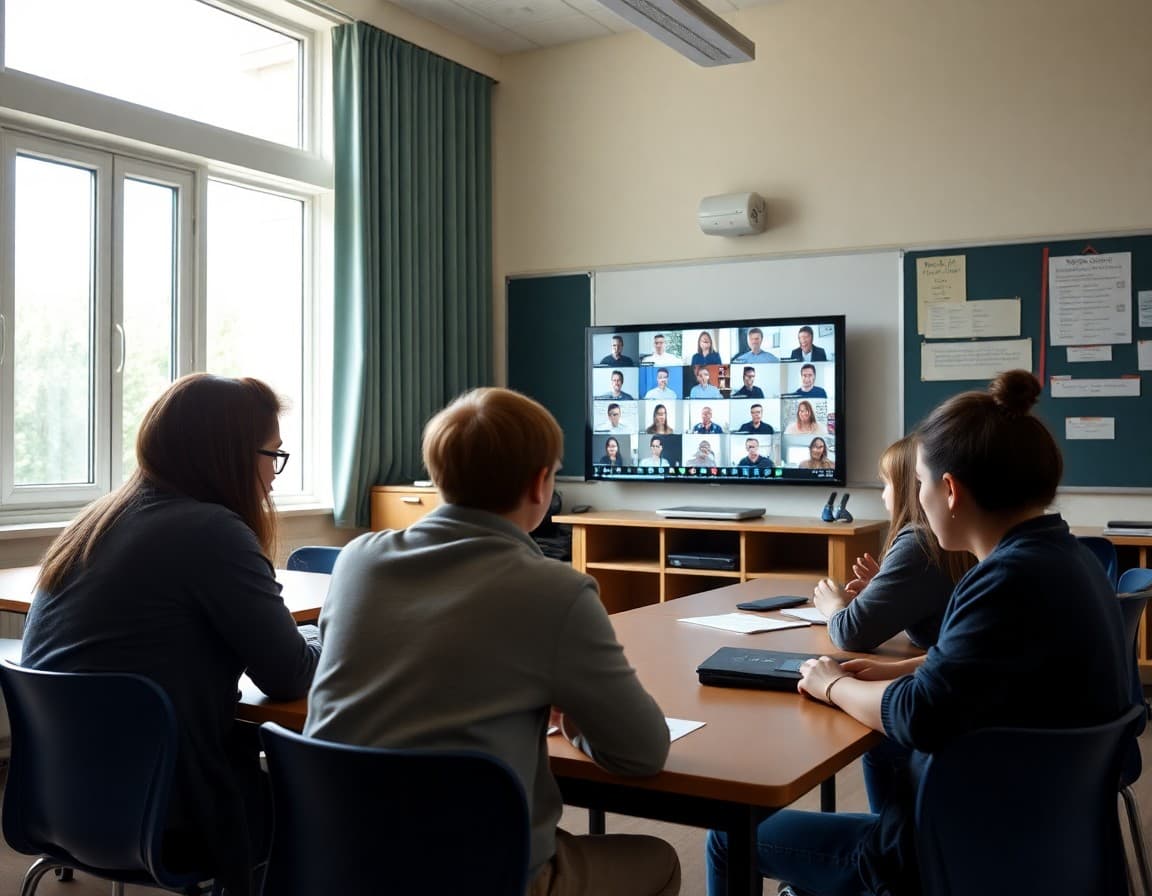
Hybrid learning creates a communication challenge that standard newsletter formats were not built for. You have students in two environments, sometimes on different days, sometimes with different assignments, always with different needs. A newsletter that acknowledges both groups clearly, without making either feel like an afterthought, is the foundation of hybrid communication that works.
Lead With the Week's Schedule
Every hybrid learning newsletter should start with the week's schedule laid out clearly. Who is in person on which days, what the remote schedule looks like, and any deviations from the pattern families have come to expect. A simple table or list format works better here than a paragraph. "Group A: in-person Monday and Wednesday. Remote Tuesday and Thursday. Group B: in-person Tuesday and Thursday. Remote Monday and Wednesday. All students: Friday is remote." No ambiguity. Families can plan their week in thirty seconds.
Address Both Groups Directly
Your newsletter should make both in-person and remote families feel like they are being spoken to, not just the group that is currently more visible. A newsletter section titled "In-Person Days" and another titled "Remote Days" solves this. Each section addresses the relevant expectations, materials, and timing for that mode. Families read their section and understand exactly what their child's day involves.
Make Remote Days Feel Real, Not Like a Day Off
One of the persistent problems with hybrid learning is that families and students treat remote days as less serious than in-person days. Your newsletter can push back on that. "Remote days have a structured schedule. Students should be at their workspace during scheduled sessions and should complete independent work during designated work blocks. Remote days are not free periods." Saying it plainly sets the expectation before the week starts.
Clarify Assignment Submission for Both Modes
When students submit work depends on when they are in which mode. Make this explicit. "All students submit written work through Google Classroom regardless of whether they are in person or remote that day. In-person lab work gets submitted in class. Remote students complete the corresponding observation worksheet and submit digitally." One clear statement per assignment type prevents the confusion that leads to late work and frustrated families.
Technology Expectations for Remote Days
Include a brief tech checklist for remote days as part of your standard hybrid newsletter. Camera on or off? Microphone muted unless speaking? Chat enabled? Dress code for video? These seem obvious but families need the written standard. "During live sessions, cameras on, microphones muted until called on, chat enabled for questions" is a clear, repeatable standard.
Keep Grading and Assessment Communication Clear
Families want to know whether their child is being assessed the same way regardless of mode. Address this directly. "Assessment is consistent regardless of whether your child is in person or remote that day. If a scheduled quiz falls on a student's remote day, they will take it remotely during our live session." That kind of explicit statement prevents the perception that remote students are getting an easier or harder academic experience.
Be Honest About the Challenges
Hybrid teaching is hard. Acknowledging that occasionally in your newsletter builds trust. "Teaching in hybrid mode is genuinely more complex than full in-person or full remote. I appreciate your patience as I work to make both experiences strong." Families who know you are working hard give more grace when things get bumpy.
Get one newsletter idea every week.
Free. For teachers. No spam.
Frequently asked questions
What makes hybrid learning newsletters different from regular newsletters?
You are communicating with two groups who have different experiences: families with students in school some days and at home others. Your newsletter needs to address both schedules, both sets of expectations, and any differences in how assignments or participation work depending on which day a student is which mode.
How do I keep remote day families from feeling second-class during hybrid learning?
Be explicit about what remote days include and what support is available. 'Remote days are not independent study days. Here is what the schedule looks like and what I am available for.' Make the remote experience feel intentional, not like a fallback.
Should I have separate newsletters for in-person and remote families?
Not necessarily, but you can segment specific sections. A single newsletter with clearly labeled sections like 'In-Person Days' and 'Remote Days' lets all families read the full picture while having their specific situation addressed directly.
How do I handle assignments that are different for in-person vs remote days?
State it clearly and without ambiguity. 'On in-person days, students work on their lab activity during class. On remote days, students complete the pre-lab reading and question sheet independently before our synchronous session.' Clarity prevents confusion and the flood of catch-up emails.
Does Daystage help teachers communicate complex hybrid learning schedules?
Yes. Daystage lets you create structured newsletters with separate schedule blocks for different student groups, so your hybrid learning newsletter is readable and organized rather than a confusing wall of text.

Adi Ackerman
Author
Adi Ackerman is a former classroom teacher and curriculum writer with 8 years in K-8 schools. She writes about school communication, parent engagement, and what actually works in real classrooms.
More for Classroom Teachers
Ready to send your first newsletter?
3 newsletters free. No credit card. First one ready in under 5 minutes.
Get started free