

First Grade Digital Citizenship Newsletter: Screen Safety for 6-Year-Olds
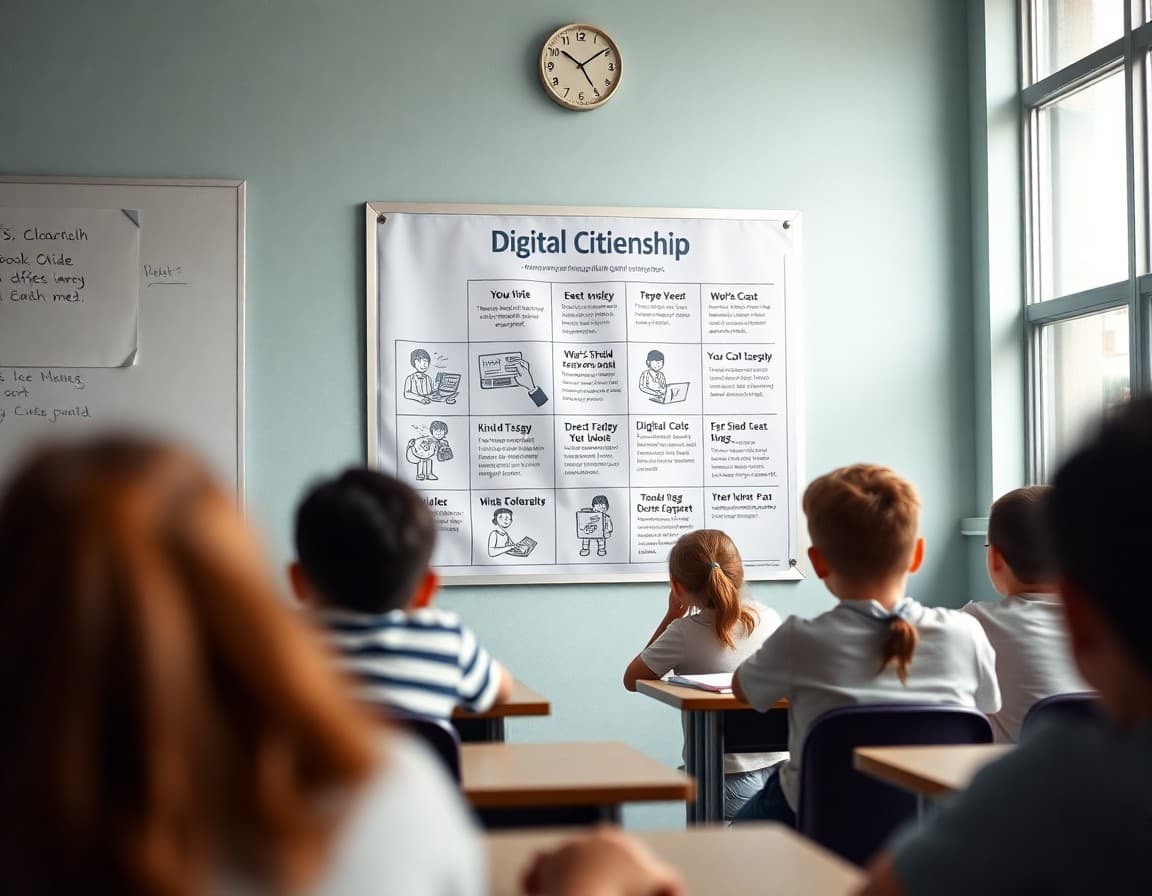
First graders are using school devices, family tablets, and streaming platforms regularly. The digital citizenship habits they build now will shape how they behave online for years. Your newsletter connects classroom lessons to home conversations so the message is consistent.
Why First Grade Is the Right Time
Waiting until middle school to have digital citizenship conversations is like waiting until high school to talk about road safety. First graders are already navigating apps, games with social features, and family devices. The concepts are simple enough for this age, and the habits are easier to build now than to correct later.
The Core Rules for This Age Group
Four rules cover most situations a first grader will encounter online. Summarize them in the newsletter in language a 6-year-old can understand:
1. Real people with real feelings are on the other side of the screen.
2. Be kind online the same way you would be in person.
3. Your private information stays private.
4. Ask a grown-up when something feels weird, scary, or confusing.
The Private Information Rule in Practice
Make the private information concept concrete with examples. "If a game asks for your real name, use a made-up username instead. If someone online asks where you go to school, say 'I can't share that' and tell a grown-up. If a website asks for your address to send you a free prize, close it and tell a grown-up."
These specific scenarios help children recognize the situation when it happens rather than just remembering an abstract rule.
What We Are Learning in Class
Describe the digital citizenship curriculum you are covering. If you are using Common Sense Media, iKeepSafe, or your district's own curriculum, name it. Tell families the specific lesson you are on: "This week we discussed what private information is and practiced deciding whether different types of information are private or okay to share." This connection to classroom content makes the newsletter relevant, not generic.
Screen Time Guidelines to Share
Give families the current AAP guidance in two sentences: consistent daily limits for children 6 and older, with an emphasis on quality over quantity. Co-viewing and conversation about what they are watching is more important than exact minute counts. For most families, "after homework, one hour of screen time" is a workable guideline.
How to React When Your Child Tells You About Something Online
This is the most practical section of the newsletter. Coach parents explicitly: "If your child comes to you and says they saw something uncomfortable online, your first response should be 'thank you for telling me.' Not 'why were you on that site?' Thank them first. Then investigate calmly. If they feel safe coming to you, they will keep coming to you."
Resources for Families
Point families to Common Sense Media (commonsensemedia.org) for app reviews rated by age, family conversation guides, and screen time tools. It is free and the most comprehensive resource available for parents navigating technology with young children. Include the URL directly in the newsletter.
Get one newsletter idea every week.
Free. For teachers. No spam.
Frequently asked questions
What digital citizenship concepts are appropriate for first graders?
First graders can understand four core concepts: the internet connects real people and real feelings, being kind online follows the same rules as being kind in person, some information stays private, and you ask a trusted adult when something feels wrong or confusing. These four ideas cover virtually every situation a 6-year-old encounters online.
How much screen time do children at this age typically have?
The American Academy of Pediatrics recommends consistent limits on screen time for children ages 6 and older, with an emphasis on content quality and co-viewing. Most first graders get 1-2 hours of recreational screen time per day at home. Educational screen use at school is purposeful and limited. The most important factor is not the exact minutes but whether screen time is supervised, intentional, and includes conversation.
What should first graders know about keeping information private?
The private information rule for first graders: your full name, your home address, your school name, your phone number, and your parents' names are private. You never share these with someone you do not know in real life, even if they seem friendly online. Frame this as a safety rule, the same category as looking both ways before crossing the street.
What do I do if a first grader sees something inappropriate online?
The most important thing is that the child tells a trusted adult without fear of punishment. In your newsletter, coach parents: 'If your child tells you they saw something online, thank them for telling you before asking what it was. Your first reaction determines whether they come to you next time.' Create safety, not interrogation. Then address the content separately.
Can Daystage include digital citizenship resources and videos in the newsletter?
Yes. Daystage supports embedded links and video previews. For a digital citizenship newsletter, you can link directly to Common Sense Media resources, a short explainer video appropriate for first graders, and a printable family screen time agreement. Families get everything in one place without searching through multiple websites.

Adi Ackerman
Author
Adi Ackerman is a former classroom teacher and curriculum writer with 8 years in K-8 schools. She writes about school communication, parent engagement, and what actually works in real classrooms.
More for Classroom Teachers
Ready to send your first newsletter?
3 newsletters free. No credit card. First one ready in under 5 minutes.
Get started free