
Classroom Newsletter Scheduling: Automate Your Sends
Newsletter consistency is what separates communication that families rely on from communication they ignore. A newsletter that arrives every Monday builds the same expectation as a local newspaper: families start to look for it, and when it does not arrive, they notice. The challenge is that consistent newsletters require consistent effort, which runs out. The solution is scheduling: write in batches, automate delivery, and let the system handle consistency while you focus on teaching.
Why Scheduling Changes the Game
A newsletter written and sent manually every week depends on your energy at the end of a full teaching week. That energy is unreliable. Some weeks it is fine. After a parent-teacher conference marathon or a challenging behavior week, it is gone. A scheduled newsletter was written when you had energy and goes out whether you have it or not. The families receive a consistent experience regardless of what your week was like. That consistency is what builds readership.
The Best Time to Send: What Data Shows
Open rates for classroom newsletters are consistently highest on Sunday evenings between 6 and 9 PM and on Monday mornings between 7 and 9 AM. Families are mentally preparing for the school week during both windows and are more receptive to school-related communications. Newsletters sent on Friday afternoon compete with weekend plans. Newsletters sent mid-week get lost in the noise of the workday. Pick one of these two windows and be consistent.
Building a Bank of Pre-Written Newsletters
The best use of your August planning days is writing newsletters, not just curriculum maps. Identify the newsletters you send every year: back to school, classroom procedures, curriculum overview, Halloween logistics, Thanksgiving break, winter break, standardized testing reminder, spring break, and end of year. Write them once. Schedule them. You will need to make small updates each year, but the structure and most of the content are already done. That bank of pre-written newsletters is one of the highest-value things you can build during your planning time.
The Weekly Newsletter Workflow That Works
Thursday afternoon is the optimal time for the remaining newsletters, the ones that cover that specific week's content. Keep a running notes document open throughout the week where you capture: curriculum topics covered, upcoming dates, anything worth sharing with families, and any student-community news appropriate for a newsletter. On Thursday at 3:30, open the notes, open the newsletter template, fill in the variable sections, and schedule it for Monday morning. Total time: 20 minutes. Do not open the newsletter on Sunday night. That is for recovery, not work.
Template-Based Writing Cuts Time in Half
A newsletter template with a consistent structure does most of the writing for you. Your template has section headers: This Week in Class, Coming Up, Important Dates, Reminders. Each week, you fill in those sections. You never write a newsletter from scratch. You update a template. The structural thinking is done once. The content thinking happens as part of your teaching week, not as a separate writing task. The difference in time is significant: a template-based newsletter takes 15 to 20 minutes. A from-scratch newsletter takes 45 to 60 minutes.
Scheduling Ahead for High-Pressure Periods
Testing season, report card week, and the week before major breaks are exactly when you least want to write newsletters and exactly when families most need them. Write and schedule these newsletters during the calm periods that precede them. The testing-week newsletter written and scheduled during a slow week in February goes out automatically in March whether you are in the middle of test administration or not. That reliability is what separates communication that families count on from communication that is inconsistent and therefore ignored.
Using Daystage to Automate Delivery
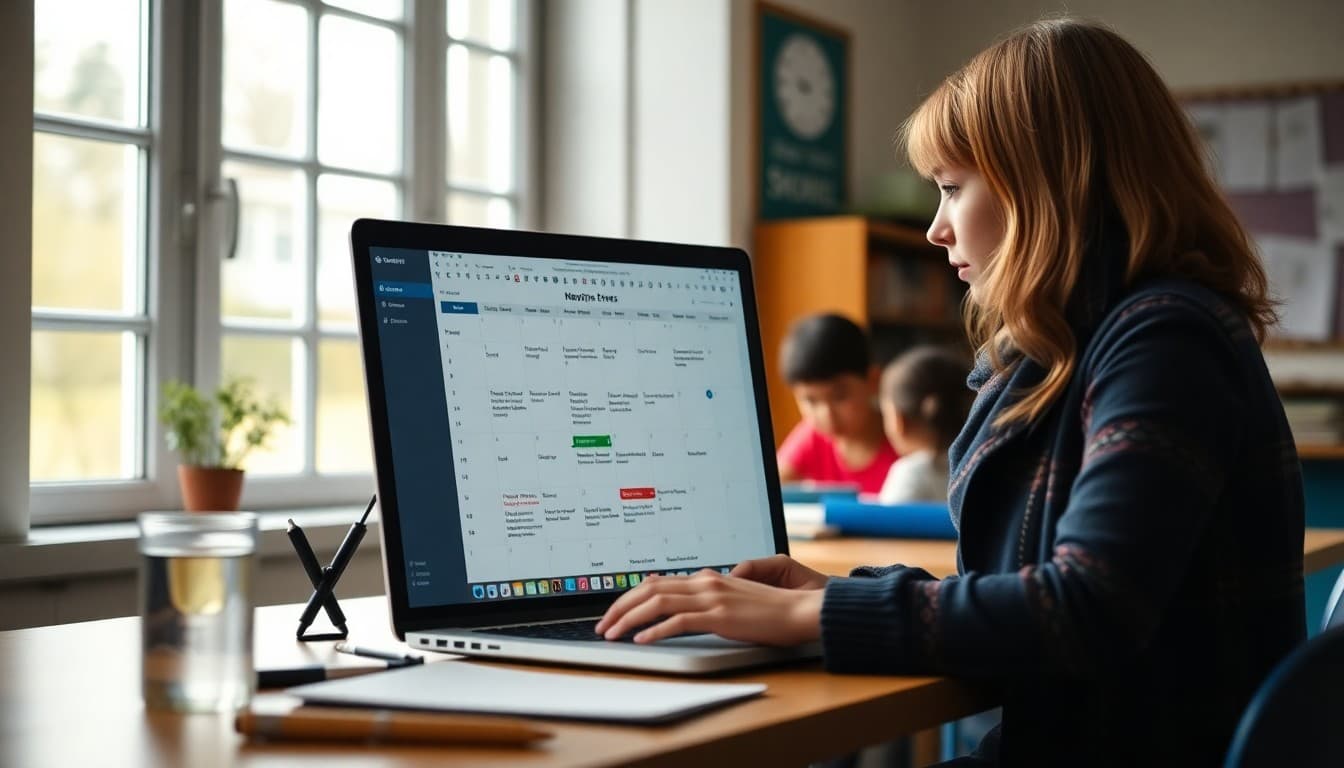
Daystage is built for exactly this workflow. Write your newsletter, set a future date and time, and it goes out without any further action from you. You can schedule multiple newsletters at once, see the send queue, and make edits up until the send time. For teachers who want to build a semester's worth of newsletters in August, Daystage makes that workflow practical rather than theoretical. Set it up once, and your Monday morning newsletters arrive on time every week whether you remembered or not.
Get one newsletter idea every week.
Free. For teachers. No spam.
Frequently asked questions
What is the best day and time to send a classroom newsletter?
Sunday evening (6 to 8 PM) and Monday morning (7 to 9 AM) are consistently the highest open-rate windows for classroom newsletters. Families are mentally transitioning into the school week and are more likely to read school communications. Thursday and Friday sends work for end-of-week summaries. Avoid weekends (outside Sunday evening) and holiday periods.
How do I build a newsletter writing habit that does not consume my planning time?
Block 20 minutes on Thursday afternoon to write the next week's newsletter. Keep a running notes document throughout the week where you jot curriculum updates, upcoming dates, and anything worth sharing. When Thursday arrives, the newsletter writes itself from the notes. Do not write newsletters at 10 PM Sunday. That pattern is unsustainable.
Can I write newsletters in advance and schedule them for later?
Yes, and this is one of the highest-leverage time management moves a teacher can make. For predictable communications like back-to-school, holiday updates, and testing season reminders, write them before the year starts and schedule them to go out at the right time automatically. With a newsletter tool that supports scheduling, you can write 8 newsletters in August and not think about them again until they are needed.
What newsletter content can be written in advance?
Back-to-school introduction, classroom procedures overview, curriculum calendar for each quarter, standardized testing reminders, holiday break information, end-of-year reflection, and any seasonal content that does not depend on specific events. Evergreen content that benefits from structure can be written months in advance without losing accuracy.
Does Daystage support scheduled newsletter delivery?
Yes. Daystage has built-in scheduling so you can write a newsletter today and set it to go out on any future date and time. You can schedule recurring newsletters, set up automated reminders, and build an entire semester of newsletters at the start of the year. Many teachers use this to write their full September-October newsletter schedule during their August planning days.

Adi Ackerman
Author
Adi Ackerman is a former classroom teacher and curriculum writer with 8 years in K-8 schools. She writes about school communication, parent engagement, and what actually works in real classrooms.
More for Classroom Teachers
Ready to send your first newsletter?
3 newsletters free. No credit card. First one ready in under 5 minutes.
Get started free