
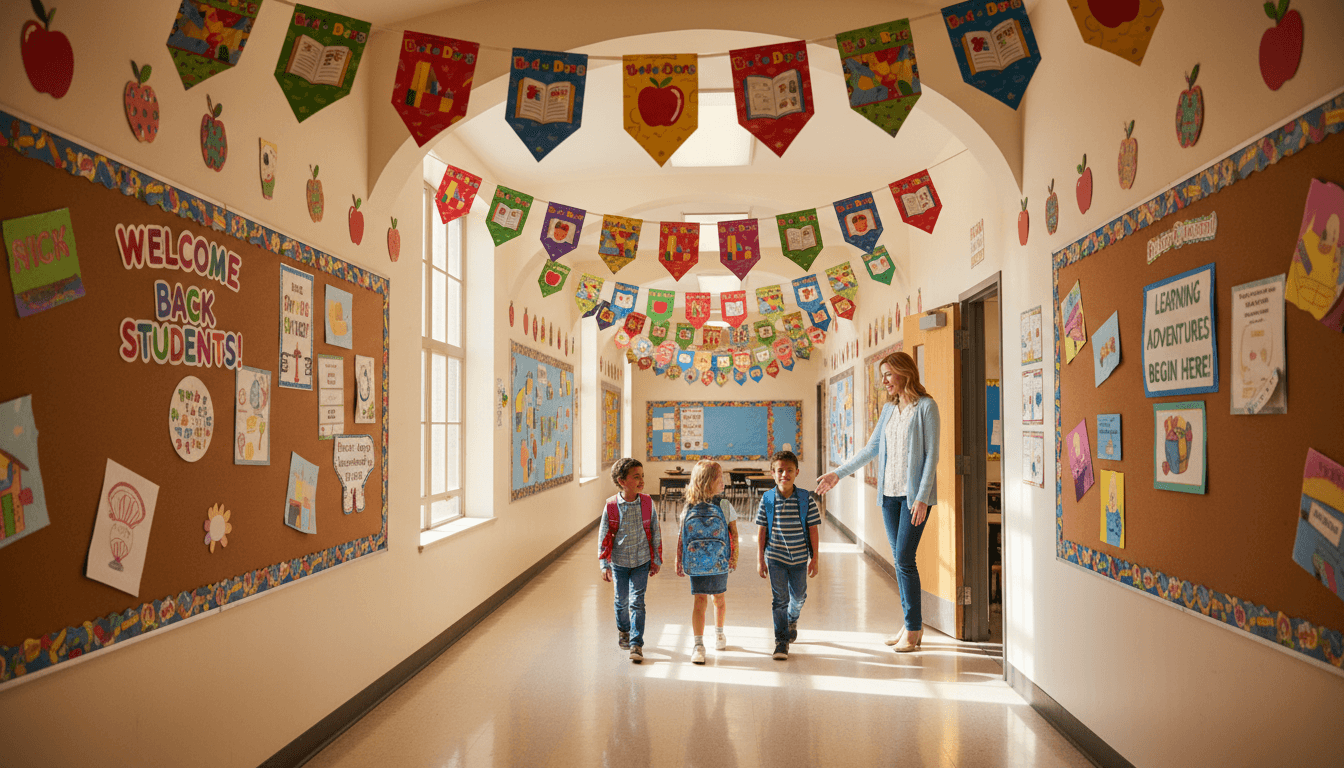
Back-to-School Technology Policies Newsletter for Families
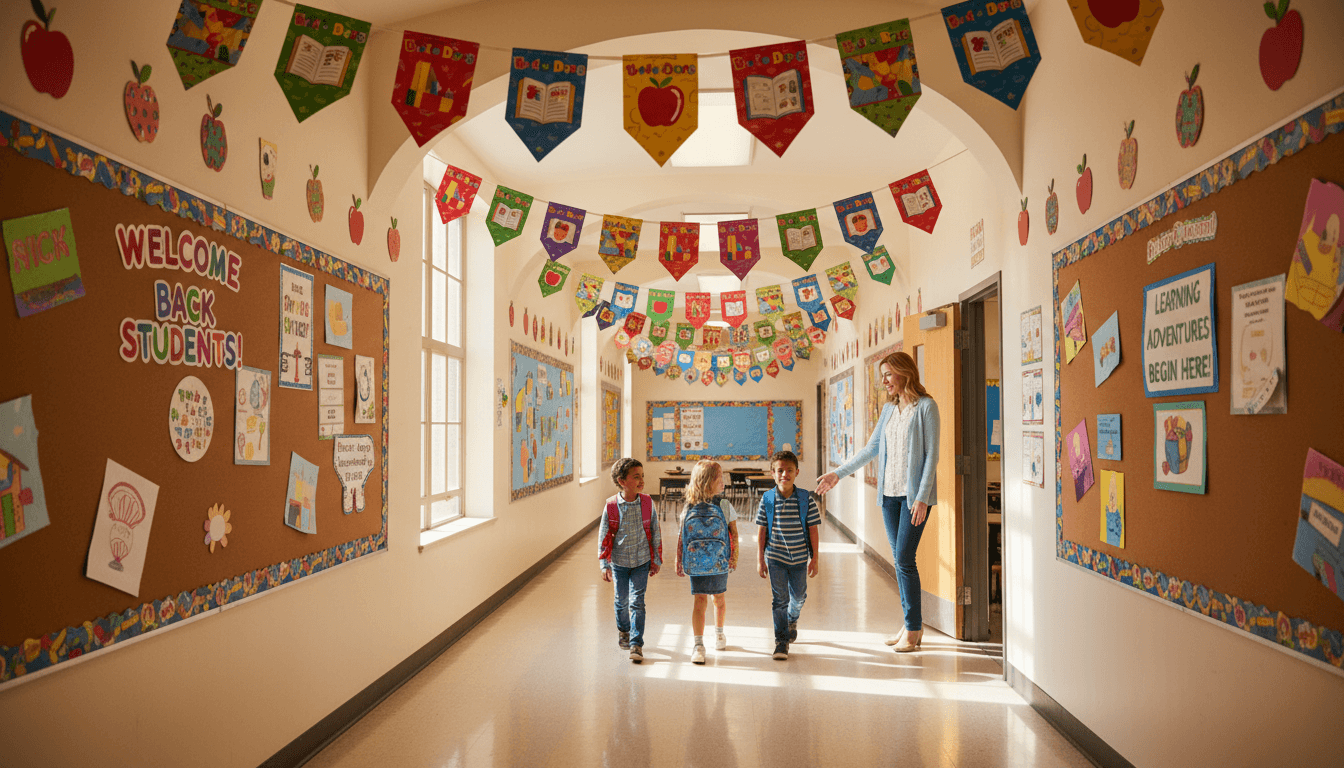
Technology policy is one of the most-asked-about back-to-school topics by families. Phones, Chromebooks, screen time, apps, and acceptable use agreements all generate questions, and most of those questions come up because families did not receive clear communication before school started. A dedicated technology policy newsletter prevents most of them.
Lead with what is changing this year
Many schools have updated their phone policies, device programs, or digital platform requirements since last year. Lead with changes. "This year we are moving to a phone-free school day using a pouch system in all classrooms" is the sentence families most need to see first if that is the policy. Do not bury it at the bottom.
Explain the device situation clearly
If the school issues devices, explain when students receive them, what they are responsible for, and what happens if a device is damaged or lost. If the school uses a bring-your-own-device model, specify which devices are compatible and any software that needs to be installed before the first day.
For schools with mixed policies by grade level, be specific about which rules apply to which grades. A middle school that allows devices in the library but not in classrooms creates confusion if the policy is stated in general terms.
Walk families through the acceptable use agreement
Most families sign an acceptable use agreement annually without reading it. Use the newsletter to highlight the three or four points that most affect daily school life. Prohibited apps. Rules about sharing login information. Consequences for violations. A brief summary tells families what they are signing and reduces the chance a student is surprised by a consequence they did not know was coming.
Address phones specifically
Whatever the school's phone policy is, explain it in plain language. When phones must be turned off or stored. What happens if a phone is out during class. How families can reach their child during the school day if needed. Families are most anxious about the last question, so answer it directly.
List the digital platforms families should know about
If students use Google Classroom, Canvas, Seesaw, or any other platform that families can also access, list each one with a brief description. Include any setup steps families need to take before the first week. "Your child's reading log is on Seesaw. You can download the family app and follow your child's account using the code in their planner."
Get one newsletter idea every week.
Free. For teachers. No spam.
Frequently asked questions
What technology policies must a back-to-school newsletter address?
Device assignment or bring-your-own-device rules, acceptable use policy requirements, phone policies during school hours, and any digital platform logins families need to set up at home. Cover what changes from last year if anything does.
Should the acceptable use policy be summarized or sent in full?
Summarized in the newsletter, with a link to the full document. Families who need to sign the acceptable use agreement should know that, but embedding twenty pages of policy in a newsletter guarantees nobody reads it.
How should schools handle phone policies in the back-to-school newsletter?
State the policy clearly and early. Whether it is full confiscation, a pouch system, or permitted use in defined windows, ambiguity creates the most conflict. Families who know the policy before day one can discuss it with their child in advance.
Should technology newsletters address home internet access?
Yes, briefly. Note whether the school has a hotspot lending program or other support for families without reliable home internet. Families who need that support will not ask for it if they do not know it exists.
How does Daystage support technology policy communication?
Daystage allows schools to include links, attachments, and sign-off forms directly in newsletters so families can acknowledge technology policies without separate paperwork.

Adi Ackerman
Author
Adi Ackerman is a former classroom teacher and curriculum writer with 8 years in K-8 schools. She writes about school communication, parent engagement, and what actually works in real classrooms.
More for Back to School
Ready to send your first newsletter?
3 newsletters free. No credit card. First one ready in under 5 minutes.
Get started free