
Back to School Remote Learning Newsletter: Virtual Preparation
Remote learning works well when families know exactly what to expect before the first day. Confusion about schedules, platforms, or participation expectations tends to surface at 8:00 AM on day one, when there is no time to sort it out. A clear pre-start newsletter prevents most of that friction.
Confirm Device and Internet Requirements
State the minimum device specifications needed to run the virtual classroom platform without issues: operating system version, available RAM, camera and microphone requirements, and browser type. Include a bandwidth recommendation (typically at least 5 Mbps download for video calls). If the school provides devices or hotspots, describe the distribution process, pickup location, and return expectations at the end of the year.
Walk Through Platform Setup Before Day One
Name every platform the student will use: the video conferencing tool (Zoom, Google Meet, Microsoft Teams), the learning management system (Google Classroom, Canvas, Schoology), and any supplemental apps. Provide direct links to each platform's student login page and a step-by-step guide for the first login. Note whether accounts have been pre-created or whether students need to register independently.
Publish the Daily Schedule With Live Session Times
List each subject, the time of any live (synchronous) session, and whether attendance at that session is required or optional. Include asynchronous work windows where students complete assignments on their own schedule. Families with multiple children in remote learning or parents working from home need to see the schedule in advance to plan their household logistics. A visual schedule they can print and post is especially useful for elementary students.
Explain Attendance and Participation Policies
Remote attendance policies vary widely across districts. State your school's specific rules: is a student present when they log in at the start of a live session, or when they complete a daily check-in form? Is camera-on required? What counts as a class period versus an office hours drop-in? What is the consequence for three consecutive unexcused absences? Answering these questions in writing prevents the frustration families feel when they discover the rules only after a grade is already affected.
Template Excerpt: Remote Classroom Behavior Expectations
Here is a paragraph you can adapt:
"During live Zoom sessions, students are expected to log in two minutes early, keep their camera on unless you have a documented reason for turning it off, mute their microphone when not speaking, and use the chat for questions rather than side conversations. Background noise disrupts the class for everyone. A quiet study space with minimal distractions makes a real difference in your student's ability to participate and learn."
Cover Assignment Submission and Grading
Explain how students submit work: through the LMS, via email, or through a specific app. State the late work policy and whether there is a grace period for technical issues that prevent on-time submission. Include instructions for submitting work from a mobile device if some families primarily access school materials from a phone. Tell families where grades are posted and how often they are updated.
Address the Home Learning Environment
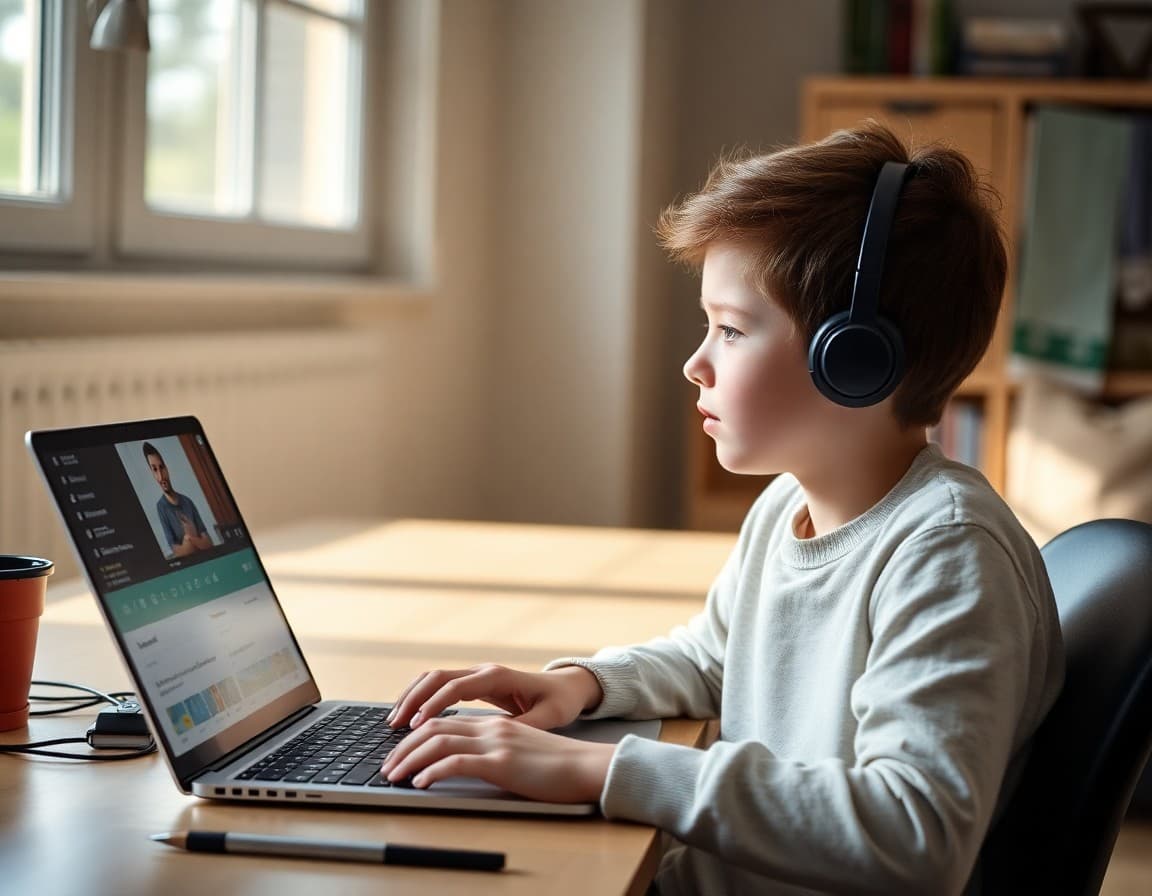
A short section on setting up an effective home study space goes a long way. Recommend: a consistent location away from high-traffic areas, a chair and desk rather than a bed, headphones if there are other people in the household, and a charger nearby. Acknowledge that not every home has ideal conditions and remind families that the school is not evaluating home environments but wants to give every student the best chance to focus.
Close With Support Resources and Check-In Options
End with the tech support contact, the counselor's virtual office hours link, and the teacher's contact for academic questions. Note whether teachers hold virtual office hours and give the link students can use to join. A remote student who knows there is a person available and a specific way to reach them is less likely to disengage when something feels hard.
Get one newsletter idea every week.
Free. For teachers. No spam.
Frequently asked questions
What does a back to school remote learning newsletter need to cover?
Cover device and internet requirements, how to access the virtual classroom platform, the daily schedule with live session times, attendance and participation expectations, how to submit assignments, the process for technical problems, and how families can support their student at home. Every family's living situation is different, so address common challenges like shared devices and inconsistent internet directly rather than assuming all students have the same access.
How do I communicate attendance expectations for remote learning?
Be explicit: state whether logging in counts as attendance, whether cameras must be on during live sessions, and what happens if a student misses a synchronous class. Specify the window for marking a student present versus absent for asynchronous work. Include the process for reporting an illness or planned absence. Vague attendance expectations create disputes later in the semester.
How should teachers set expectations for student participation online?
Name the specific behaviors expected: camera on during direct instruction, microphone muted unless called on, participation in chat prompts, and completion of asynchronous tasks by the posted deadline. Explain the consequences for repeated non-participation. Students and families need to understand from day one that virtual attendance is not passive viewing.
What should the newsletter say about tech support for remote families?
Include the IT help desk number and hours, the email address for tech support requests, and the loaner device or hotspot program if one exists. Note the expected response time for different types of issues. Families dealing with a technical problem at 7:45 AM need to know who to call and whether their student will be marked absent if the issue takes more than 20 minutes to resolve.
Can Daystage help schools communicate with remote learning families?
Yes. Daystage lets you send a formatted remote learning newsletter with embedded links to the virtual classroom, the school calendar, tech support, and assignment submission portals all in one message. You can schedule weekly updates throughout the semester so remote families stay as connected as in-person families.

Adi Ackerman
Author
Adi Ackerman is a former classroom teacher and curriculum writer with 8 years in K-8 schools. She writes about school communication, parent engagement, and what actually works in real classrooms.
More for Back to School
Ready to send your first newsletter?
3 newsletters free. No credit card. First one ready in under 5 minutes.
Get started free