
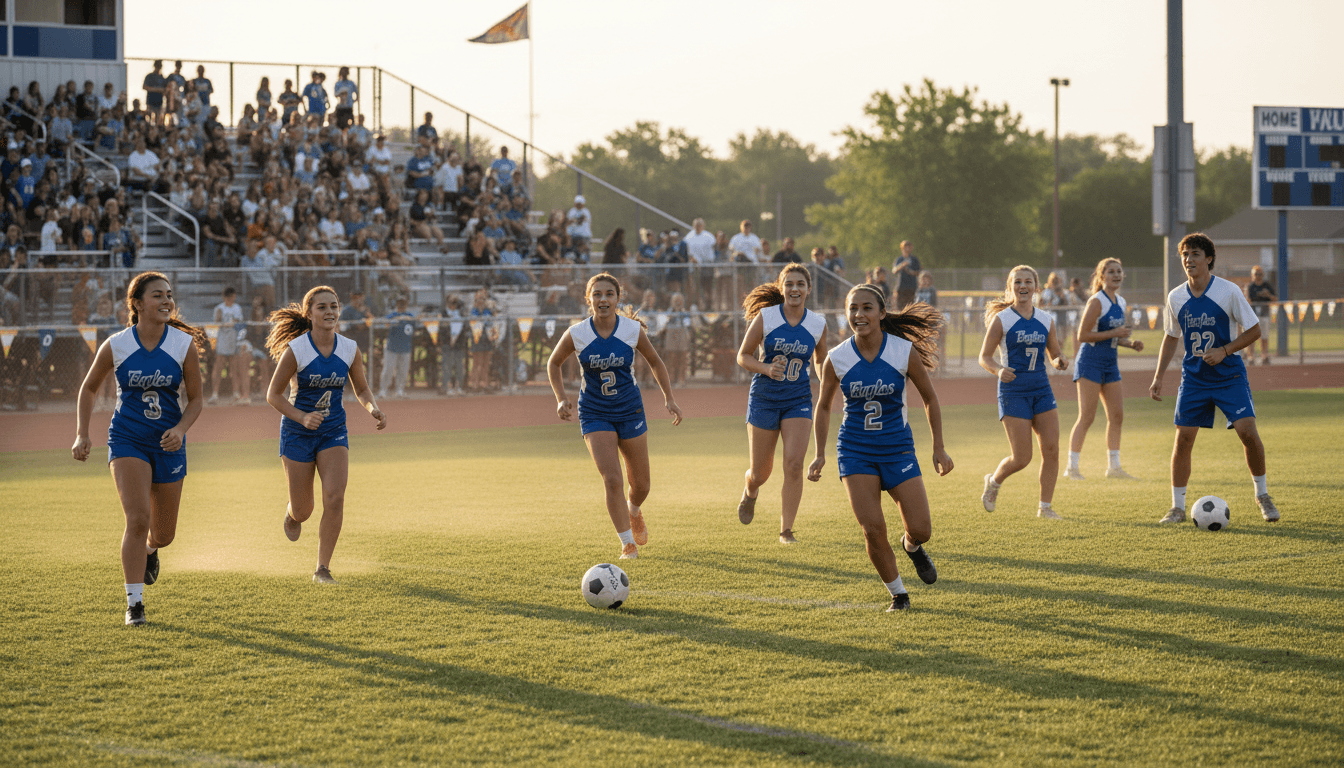
School Sports Schedule Newsletter: How to Communicate Game Days, Travel, and Cancellations
Nothing frustrates sports families more than showing up to the wrong field, missing a game because the time changed, or finding out about a cancellation thirty minutes after they left the house. Schedule communication failures are not minor inconveniences. They erode trust in the program and generate the kind of parent complaints that coaches remember for the rest of the season.
A well-built sports schedule newsletter prevents most of these problems before they happen. Here is the system that works.
The season schedule distribution
The full season schedule should reach families before the first practice, not the first game. Families need time to request work schedule changes, arrange childcare for siblings, coordinate transportation, and plan attendance at events that matter most to them.
Distribute the season schedule in multiple formats. A newsletter that includes the full schedule as readable text is the primary vehicle. Supplement it with a downloadable version families can print, and a link to an online calendar families can add to their device. Parents who are juggling multiple children's activities often manage their schedules digitally. Making it easy to add your schedule to their existing calendar removes one barrier to staying informed.
Flag any tentative dates clearly. Playoff schedules, rescheduled games, and weather makeup dates are often not known at the start of the season. Let families know which dates are confirmed and which may change. The distinction matters, especially for families who need to arrange travel or time off work.
Home game vs. away game logistics
Home games require minimal logistics communication. Away games require considerably more. The away game section of your schedule newsletter should include the full address of the competing school or venue, not just the school name. Many parents will navigate with GPS. A school name alone is not enough.
Cover transportation clearly. If the school provides a bus and students are expected to ride it, say so. If students may drive separately or ride with parents, say that too. Specify whether athletes return to school after away games or are dismissed at the away venue. This detail trips up families regularly. A parent driving to pick up a student at school after an away game, only to find out the student was dropped at the away venue, is an avoidable problem.
Include the estimated return time for away events. Families planning pick-up, dinner, or bedtime for younger siblings need this information. If the return time is uncertain, give a range and include contact information for the coach or athletic department so families can check in during the event.
Weather cancellation protocol
Weather cancellations in outdoor sports are common enough to deserve their own communication protocol. The pre-season newsletter should explain how cancellation decisions are made, who makes them, when they are made, and how families will be notified.
Specificity matters here. "We will notify you of cancellations by 3 PM for weekday games and by 7 AM for Saturday games" is a commitment families can rely on. "We will let you know as soon as possible" is not. Families making driving decisions, childcare arrangements, or work schedule adjustments need to know when to check for a cancellation decision.
Identify the primary cancellation notification channel and stick to it. If the cancellation goes to the school email list and a text message system simultaneously, say so. If you use a school app, the athletic department website, or a specific phone number that families can call, name these explicitly in the pre-season newsletter and repeat the protocol in the schedule newsletter.
Last-minute change communication
Not every change is weather-related. Field conflicts, facility problems, referee shortages, and competing school schedule changes can alter game times, locations, and dates with little notice. The question is not whether this will happen during a season. It is how quickly and clearly the program responds when it does.
Athletic departments should have a clear chain for last-minute change communication: who is authorized to announce a schedule change, which channels get the notification, and in what order. A coach who announces a time change on their personal social media account without going through the official channel creates confusion. Parents who follow the coach see one thing. Parents who follow the school's official account see another.
Establish the official channel and communicate it to families in the pre-season newsletter. When a last-minute change occurs, use that channel first, consistently, every time.
In-season schedule updates
The schedule changes over the course of a season. Playoff berths shift game dates. Makeup games get added. The tournament bracket is not known until the regular season ends. The in-season newsletter is the right place to update the full schedule whenever something changes.
Rather than sending a standalone change notification that families might miss, integrate schedule updates into the regular biweekly newsletter. Include a "schedule update" section that highlights any changes since the last issue and republishes the upcoming two to four weeks of games in full. Families who missed the original schedule update will catch it in the recurring newsletter.
Tournament and championship schedule communication
Late-season tournament and championship schedules often generate the most parent questions because the stakes are highest and the schedule is least certain. Send a dedicated tournament newsletter as soon as bracket information is confirmed. Include game times, venue information, ticket purchasing instructions if applicable, and any special logistics like parent sections or parking.
Championship events often bring in families who have not been attending regular-season games. Assume less existing knowledge in your championship communication. Explain venue details that regular attendees already know. The family who makes it to the championship for the first time should not feel lost because the newsletter assumed everyone knew where to park.
Building the schedule newsletter once, updating it all season
Athletic directors and coaches who use a tool like Daystage can build the season schedule newsletter as a reusable template with consistent sections for home games, away games, and schedule changes. Each issue updates the dates and adds any new logistics. The template handles the formatting so the person updating it spends time on content, not design.
Consistent schedule communication throughout the season is one of the highest-return investments an athletic department can make in parent relations. Families who always know what is happening and where to look for updates trust the program. That trust carries through difficult situations that no amount of schedule communication could prevent.
Get one newsletter idea every week.
Free. For teachers. No spam.
Frequently asked questions
When should athletic programs distribute the school sports schedule to parents?
Distribute the full season schedule before the first practice, not the first game. Families need time to request work schedule changes, arrange childcare, and plan attendance. Flag tentative playoff and makeup dates clearly so families know which dates are confirmed.
What should a school sports schedule newsletter include?
Include the full season schedule with dates, start times, venue addresses (not just school names), home and away designations, and whether school transportation is provided. For away games, add estimated return times and whether athletes are dismissed at the venue or return to school. A downloadable or calendar-link version supplements the newsletter text.
How should coaches communicate weather cancellations to sports parents?
Establish and announce a specific cancellation decision time in the pre-season newsletter, such as by 3 PM for weekday games or by 7 AM for Saturday games. Name the official notification channel and stick to it every time. Families who know when and where to check make better plans than families waiting on vague promises.
What are common mistakes in sports schedule communication?
Providing only a school name for away venues without a full address is a frequent error that sends families to the wrong location. A second common mistake is not specifying whether athletes return to school after away games or are dismissed at the venue, which strands parents in the wrong parking lot.
How does Daystage simplify athletic schedule newsletter production?
Coaches using Daystage can build a season schedule template with consistent sections for home games, away games, and changes, then update dates and logistics each issue without reformatting. The template handles design so the person updating it focuses on content.

Adi Ackerman
Author
Adi Ackerman is a former classroom teacher and curriculum writer with 8 years in K-8 schools. She writes about school communication, parent engagement, and what actually works in real classrooms.
More for Athletics
School Sports Equipment Newsletter: Communicating Gear Requirements, Uniform Policies, and Equipment Distributions
Athletics · 5 min read
School Tennis Program Newsletter: Communicating with Families Through the Match Schedule
Athletics · 5 min read
School Athlete of the Month Newsletter: How Recognition Programs Build Athletic Community
Athletics · 5 min read
Ready to send your first newsletter?
3 newsletters free. No credit card. First one ready in under 5 minutes.
Get started free